Every chat hides a sale Copilot helps you close.
Knowledge, customer context, and account insights one click away — that's real-time agent assist.
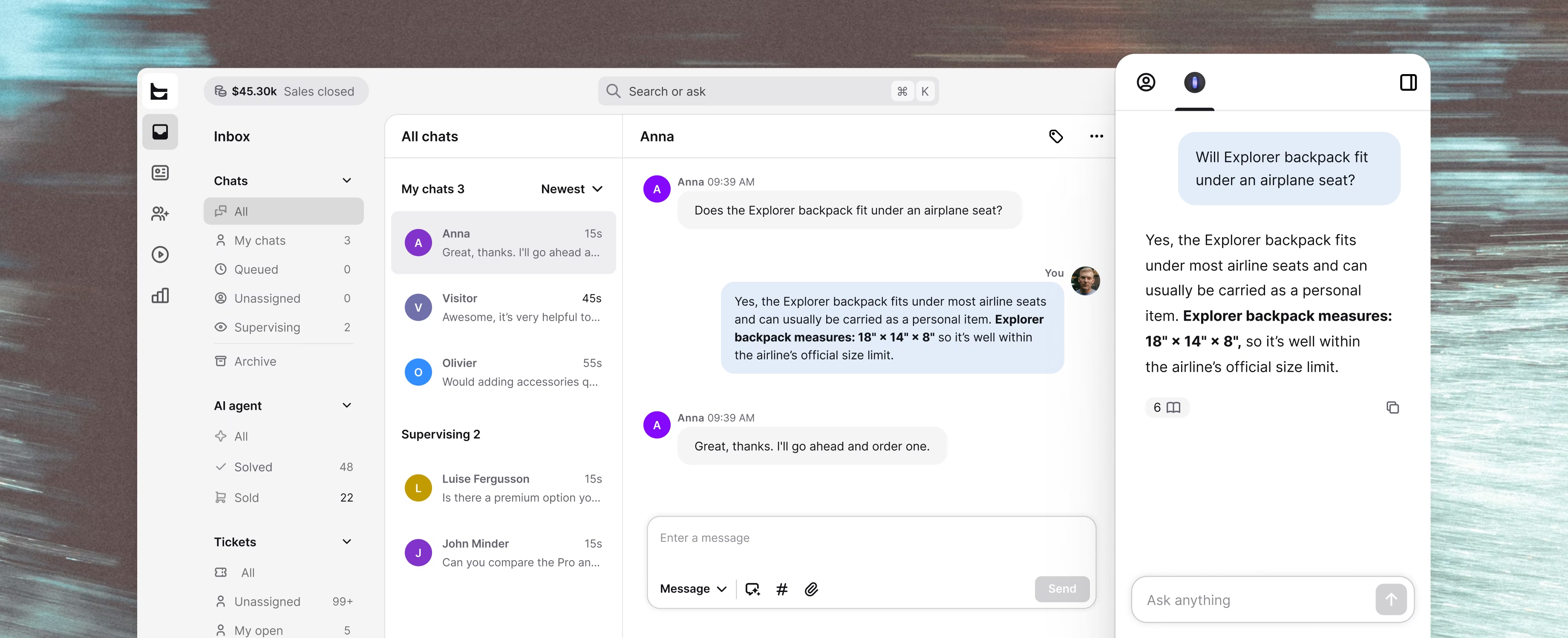
30,000+ teams already turning conversations into revenue








































Your agent leads the conversation. Copilot backs every reply.
What if your newest hire answered like your best agent? With Copilot, your AI agent assist, they do.
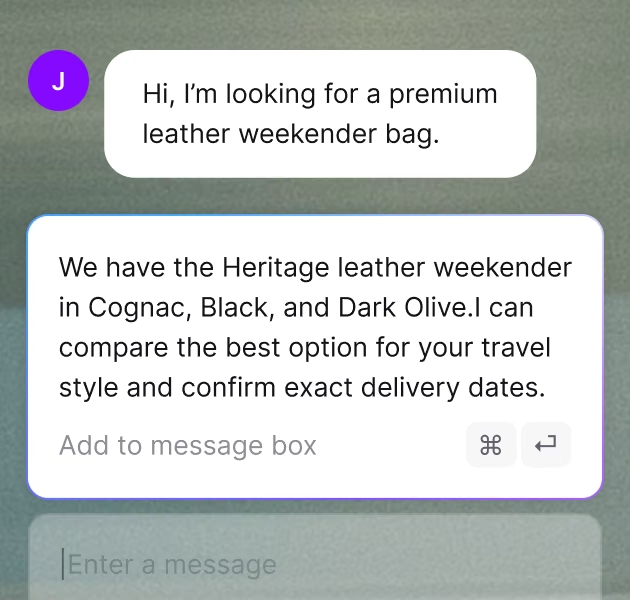
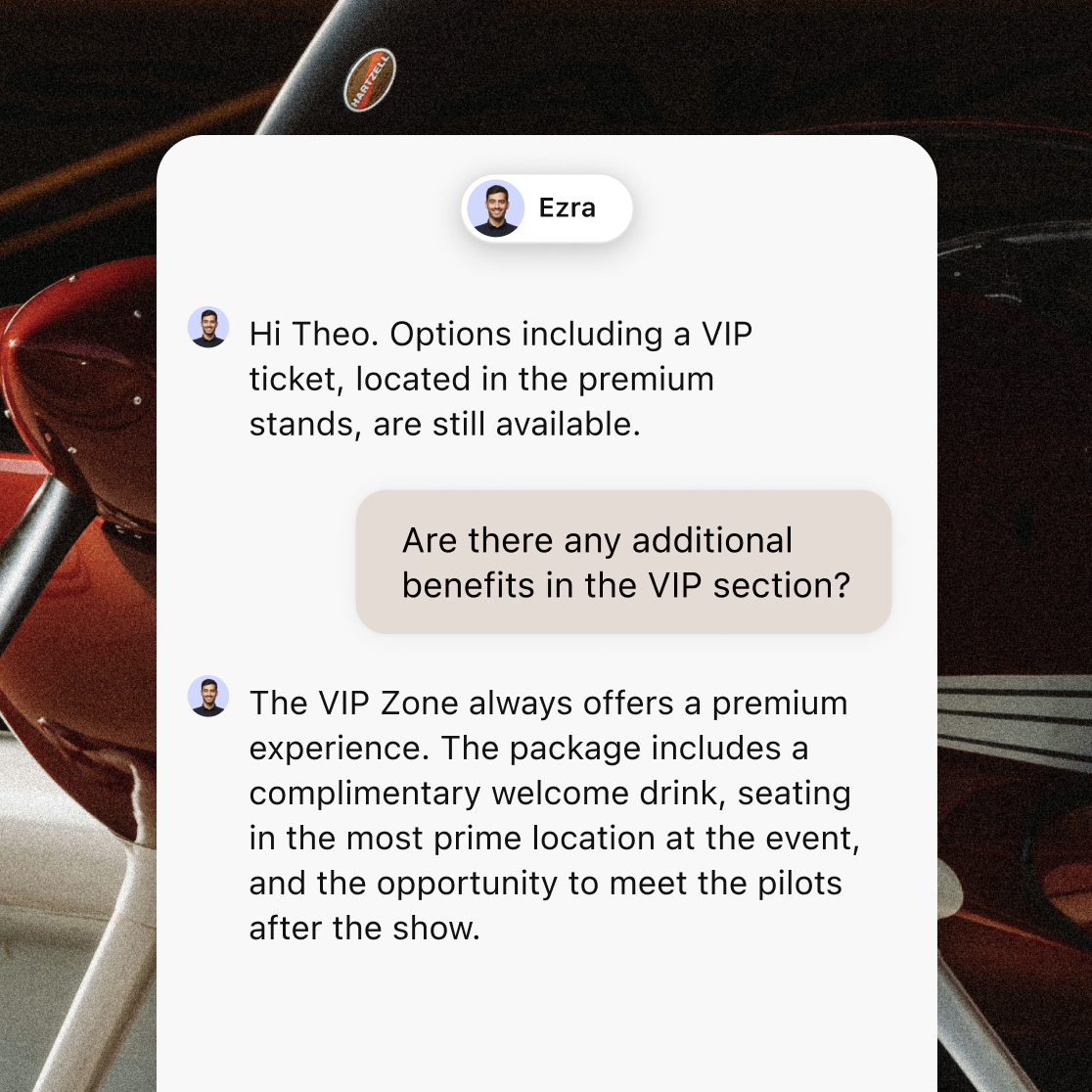
Suggested replies
Copilot drafts a response from your product catalog and help center. Your agent tweaks it and sends — while the customer is still in buying mode.
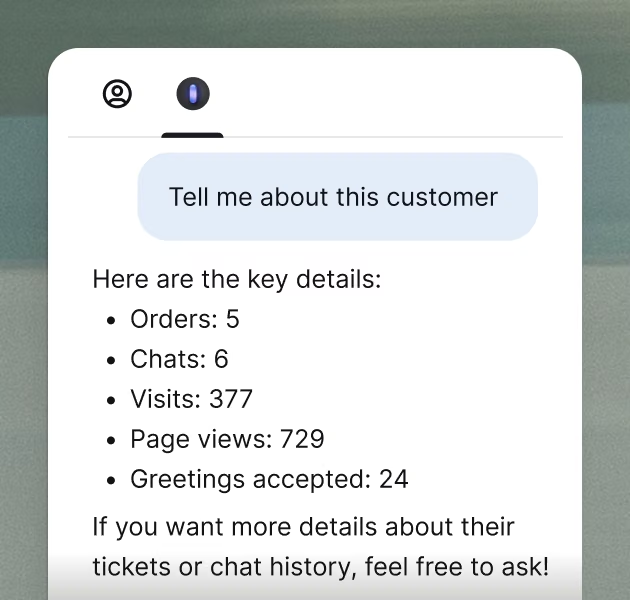
Customer insights
Order history, spend, browsing activity, past conversations — surfaced alongside Copilot's suggestions. Your agent sees the full picture before they type a word.
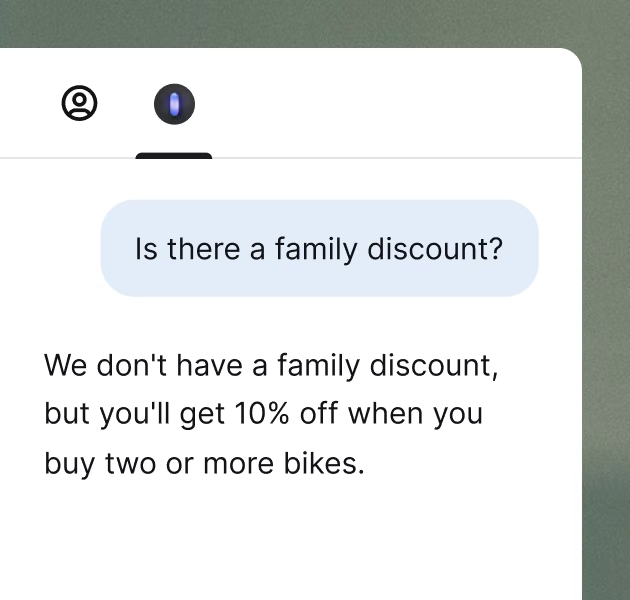
Onboarding while you work
New hire doesn't know the volume pricing policy? They ask Copilot and get the answer on the spot. Onboarding inside real sales, not training docs.
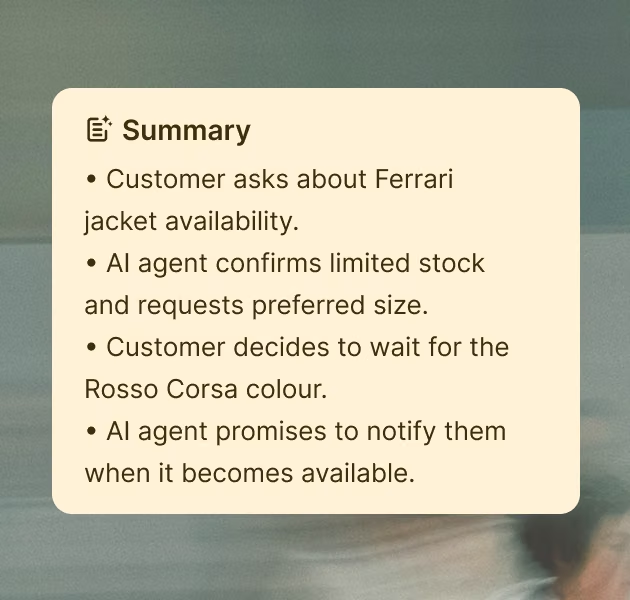
Conversation summaries
Chat transferred mid-sale? Copilot summarizes products discussed, preferences shared, and decisions made. Your agent picks up without starting over.
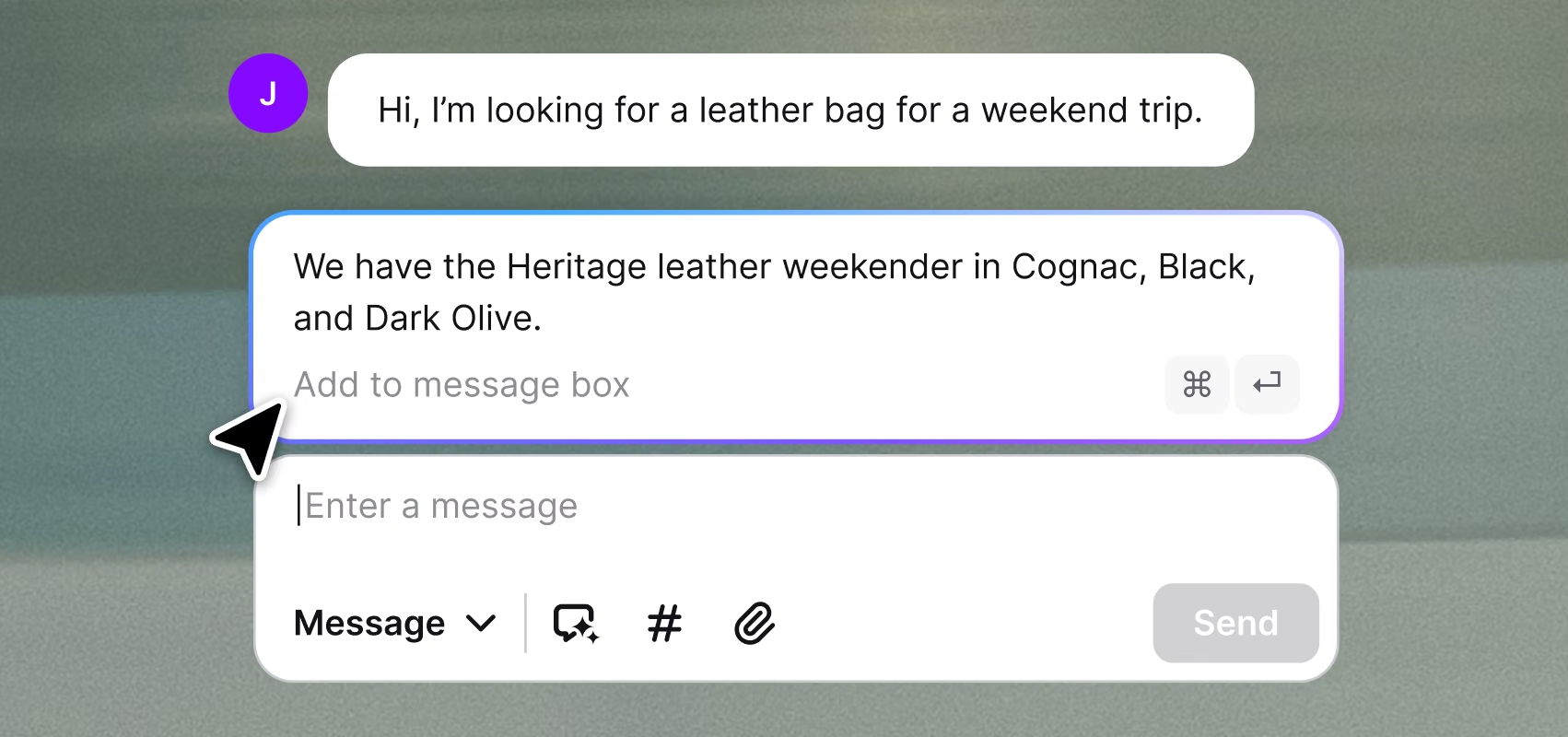
Suggested replies
Copilot drafts a response from your product catalog and help center. Your agent tweaks it and sends — while the customer is still in buying mode.
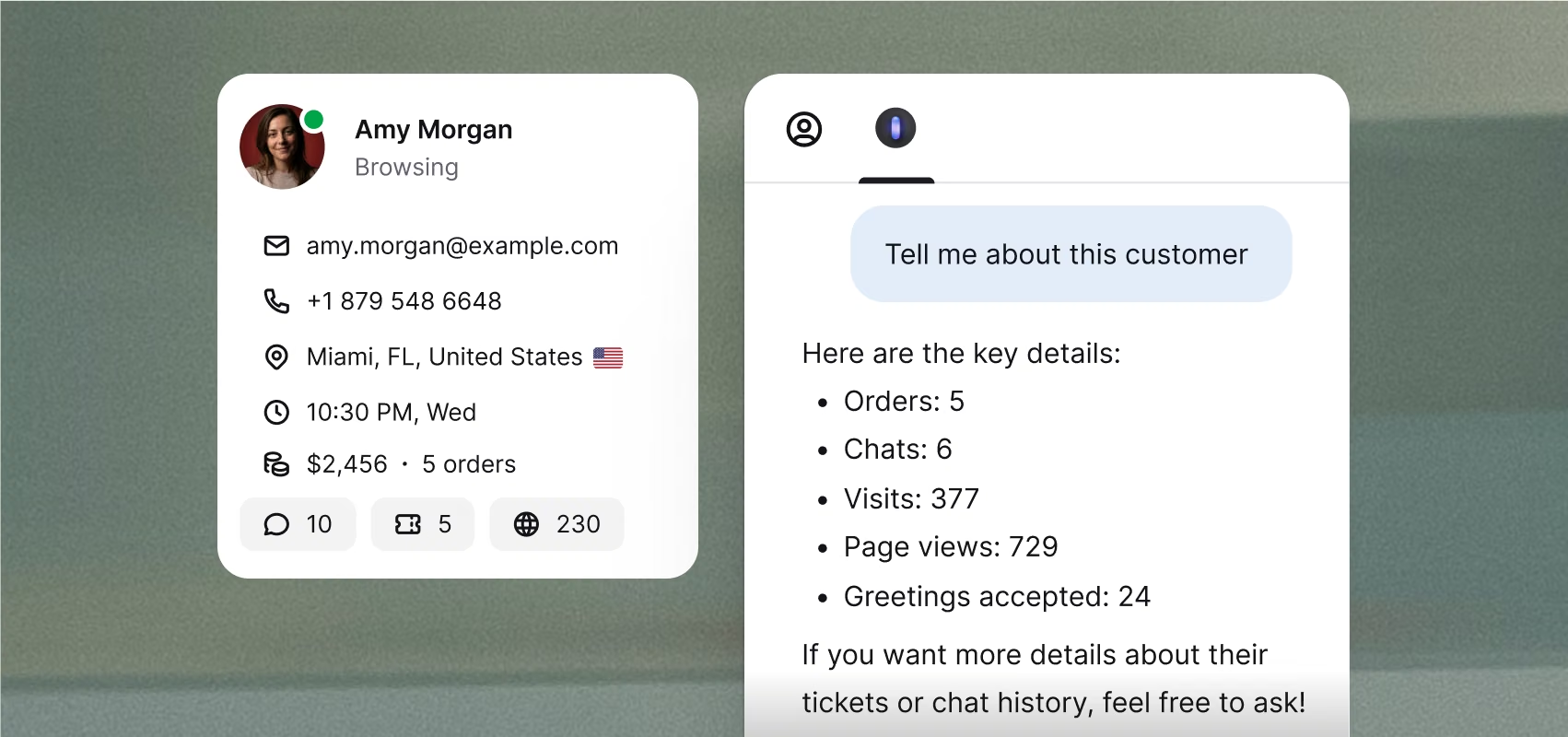
Customer insights
Order history, spend, browsing activity, past conversations — surfaced alongside Copilot's suggestions. Your agent sees the full picture before they type a word.
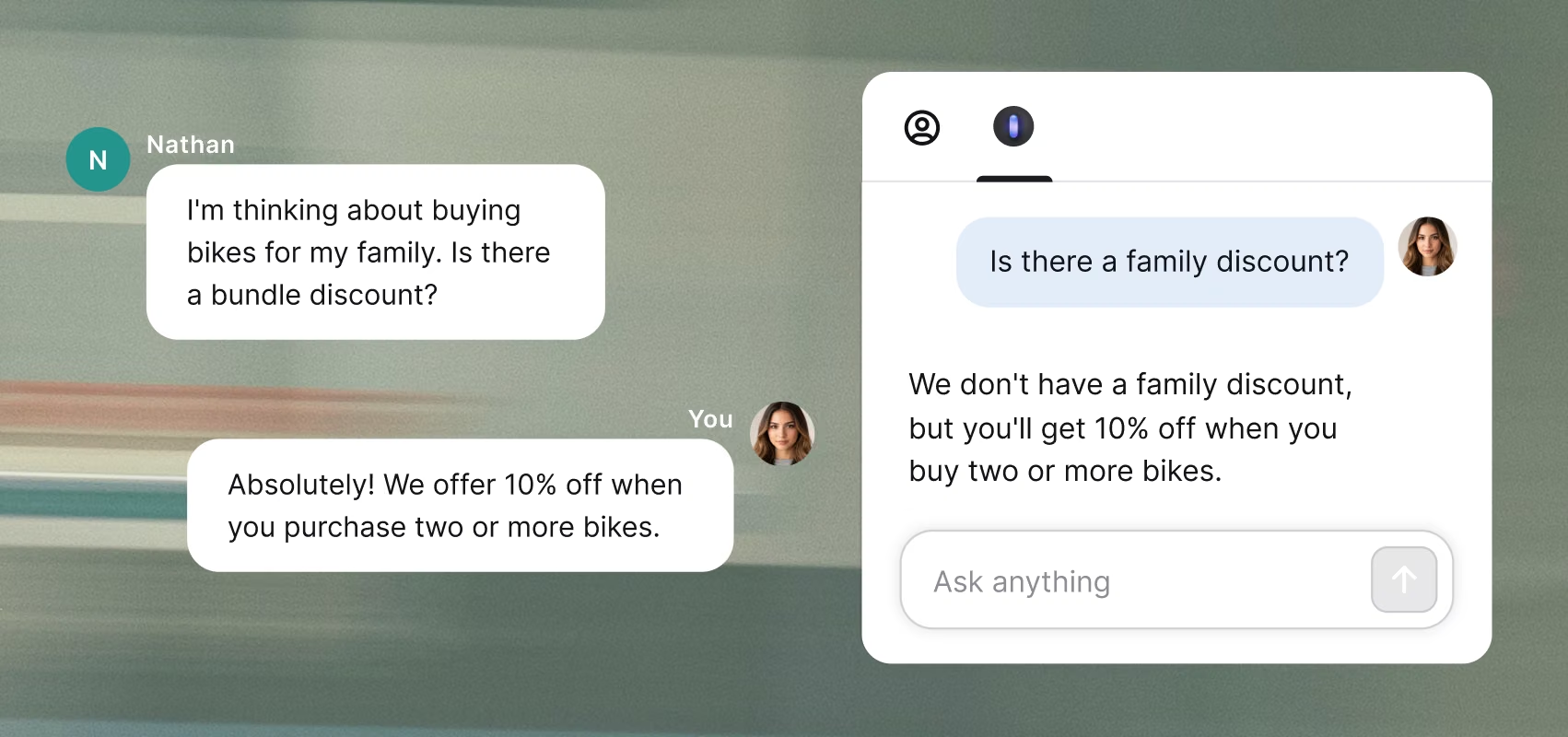
Onboarding while you work
New hire doesn't know the volume pricing policy? They ask Copilot and get the answer on the spot. Onboarding inside real sales, not training docs.
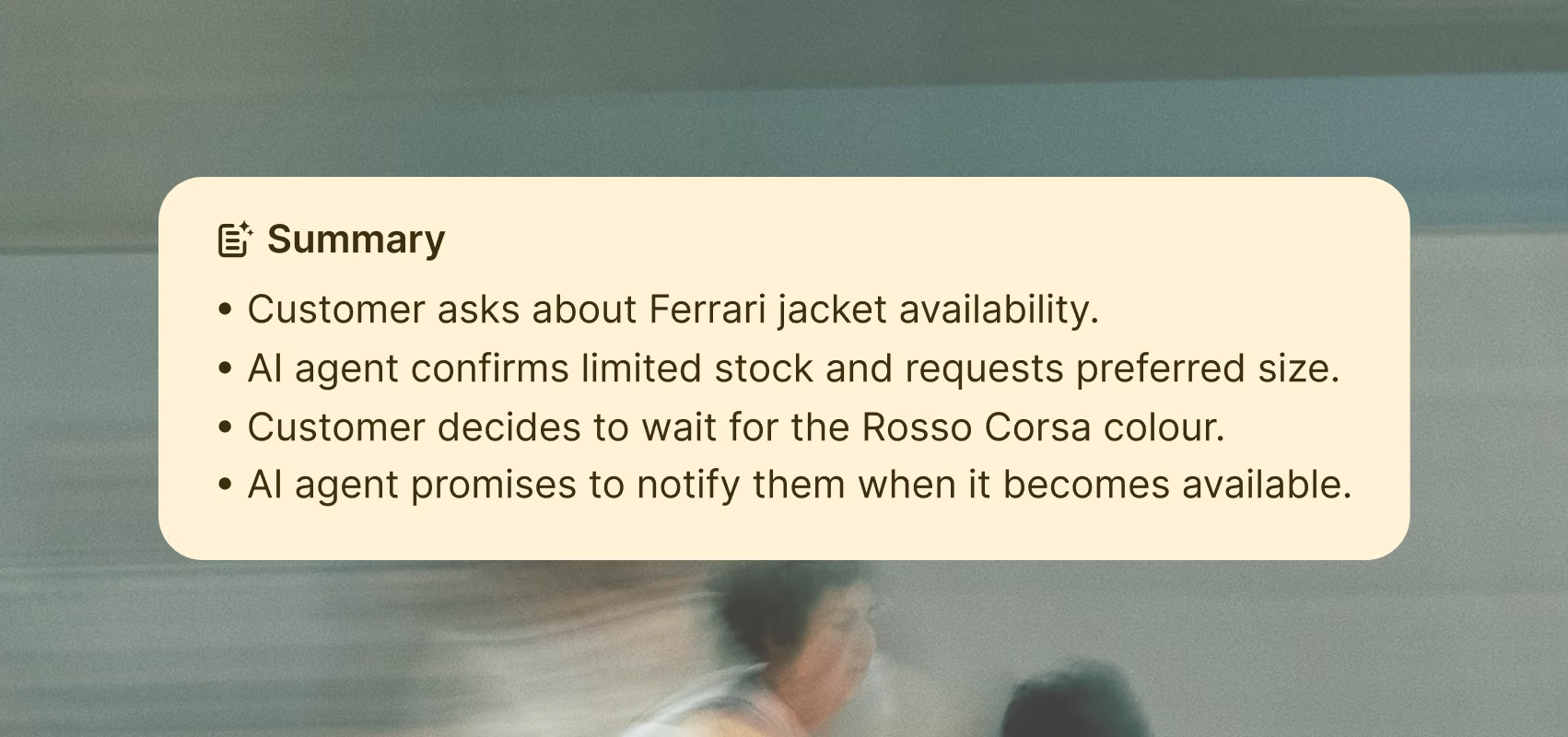
Conversation summaries
Chat transferred mid-sale? Copilot summarizes products discussed, preferences shared, and decisions made. Your agent picks up without starting over.

We added over $1.5M in revenue in the first eight months. All from sales that started in the chat.
2335%
ROI
$1.5M
Added revenue
8K
Inquiries resolved daily
Start free for 14 days.
Continue with transparent pricing.
Behind every reply, a full toolkit ready to back it up.
AI Agent
AI AgentLive chat
Live chatHelp desk
Help deskInbox
InboxTicketing system
Ticketing systemChat widget
Chat widgetCustomer list
Customer listKnowledge base
Knowledge baseService desk
Service deskCustomer analytics
Customer analyticsMCP
MCPCustomer service management
Customer service management
AI Agent
AI Agent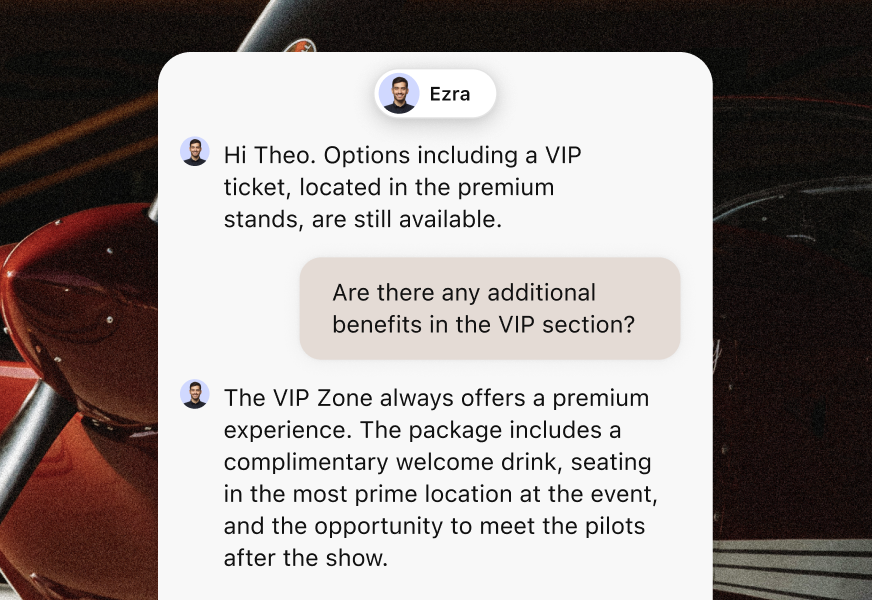
Live chat
Live chat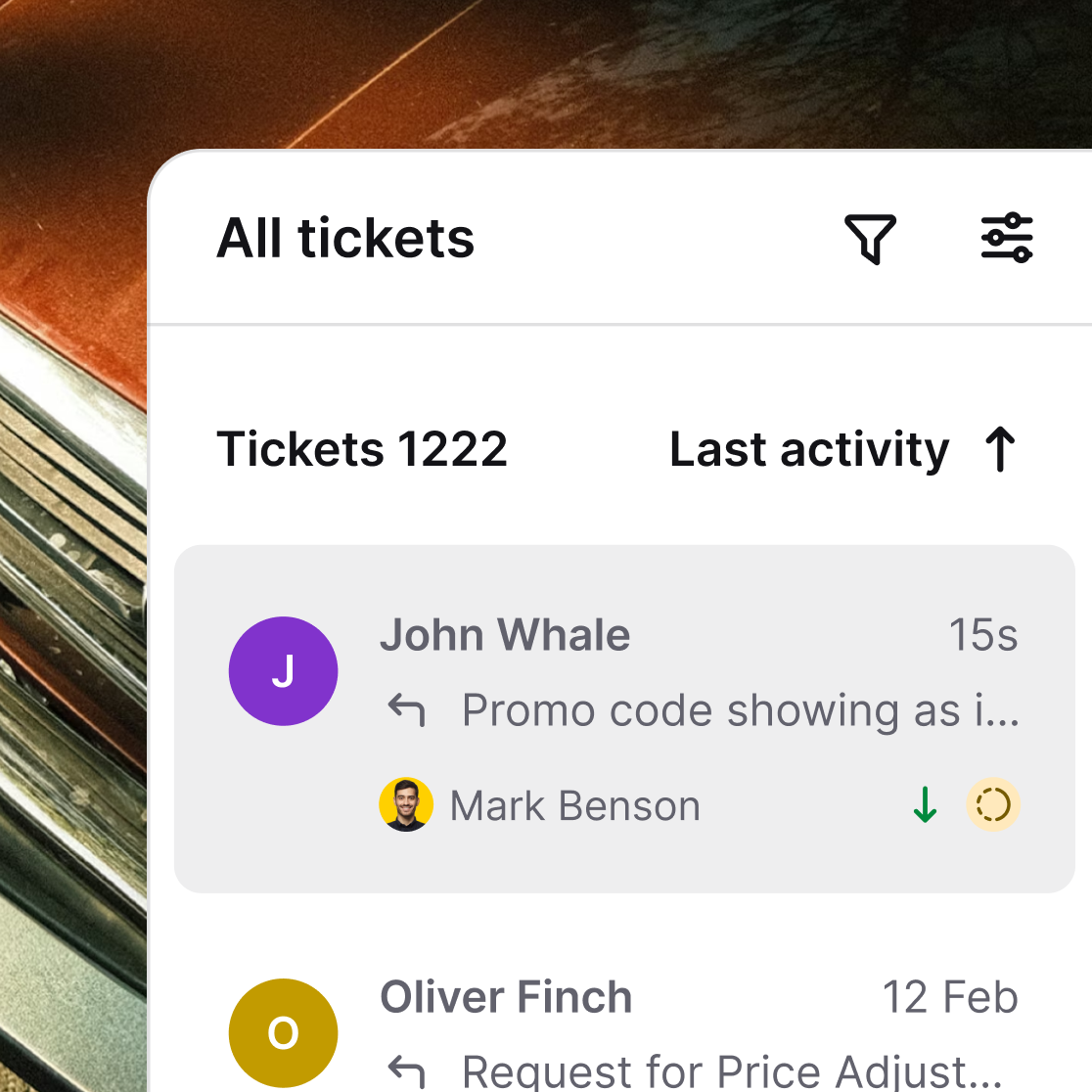
Help desk
Help desk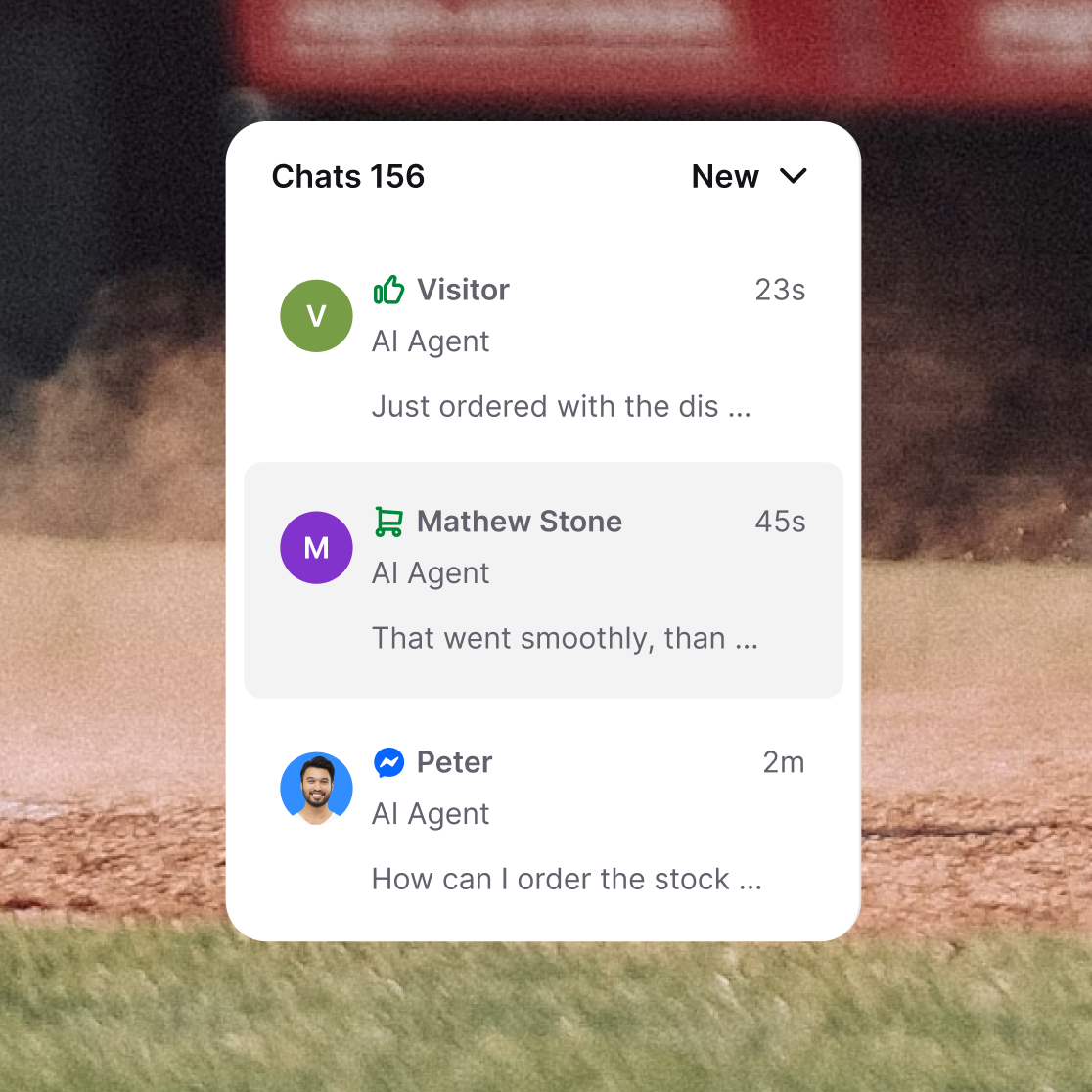
Inbox
Inbox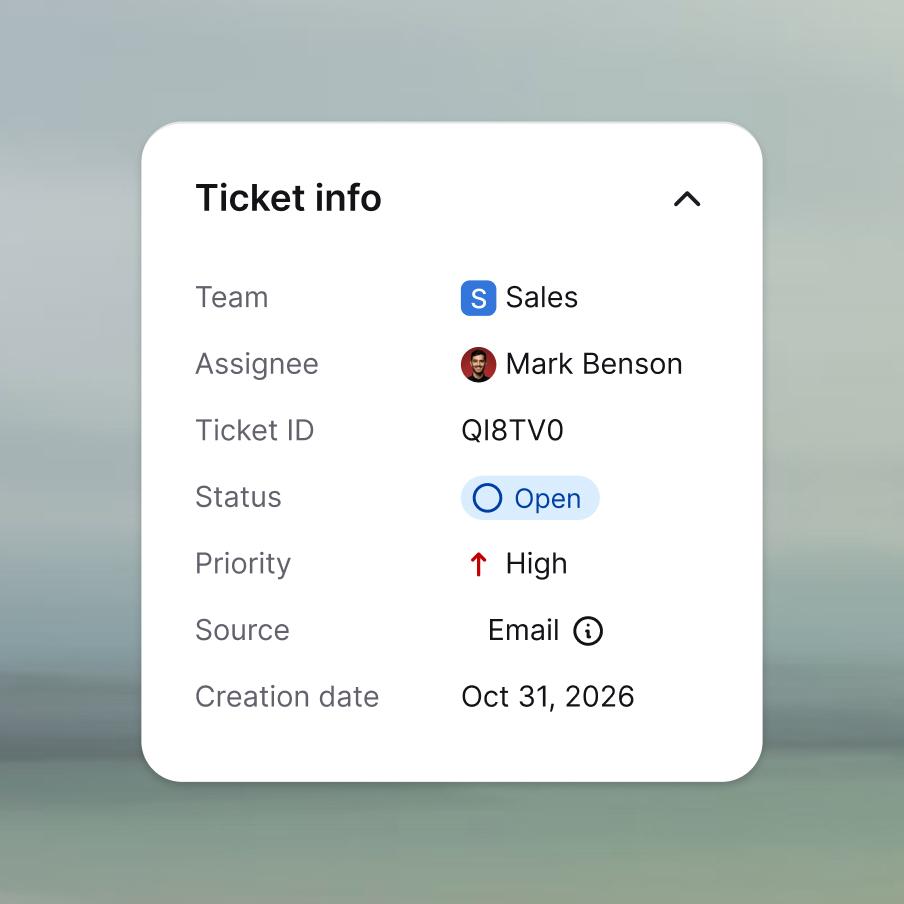
Ticketing system
Ticketing system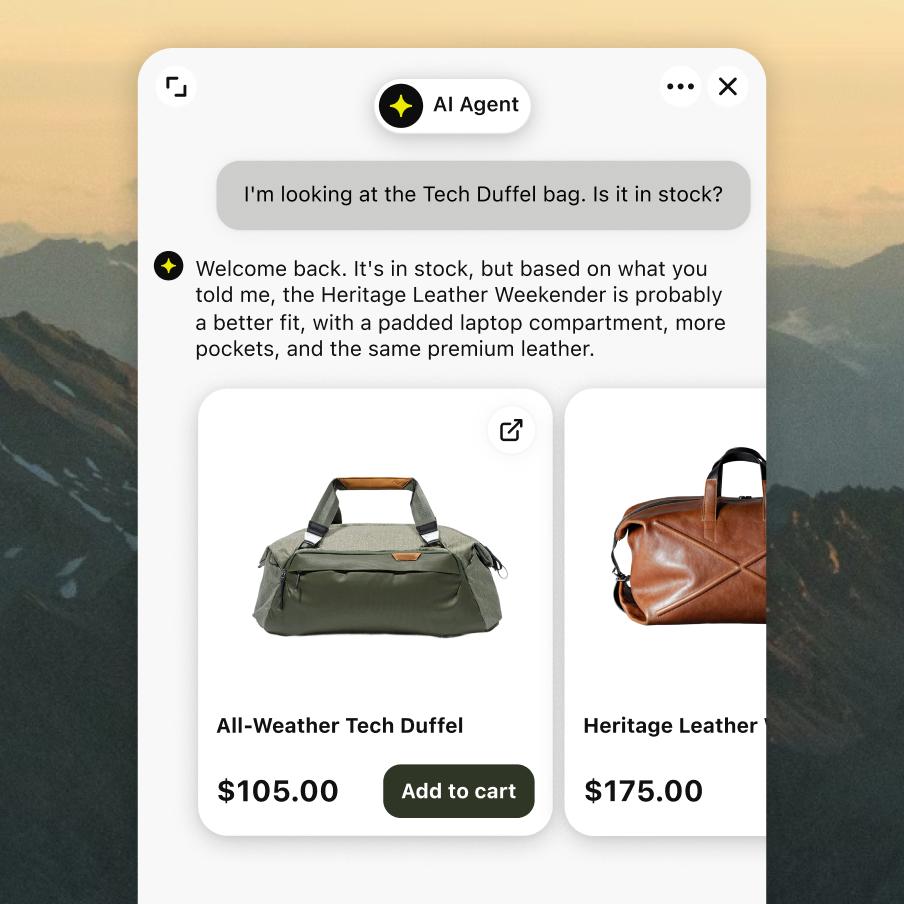
Chat widget
Chat widget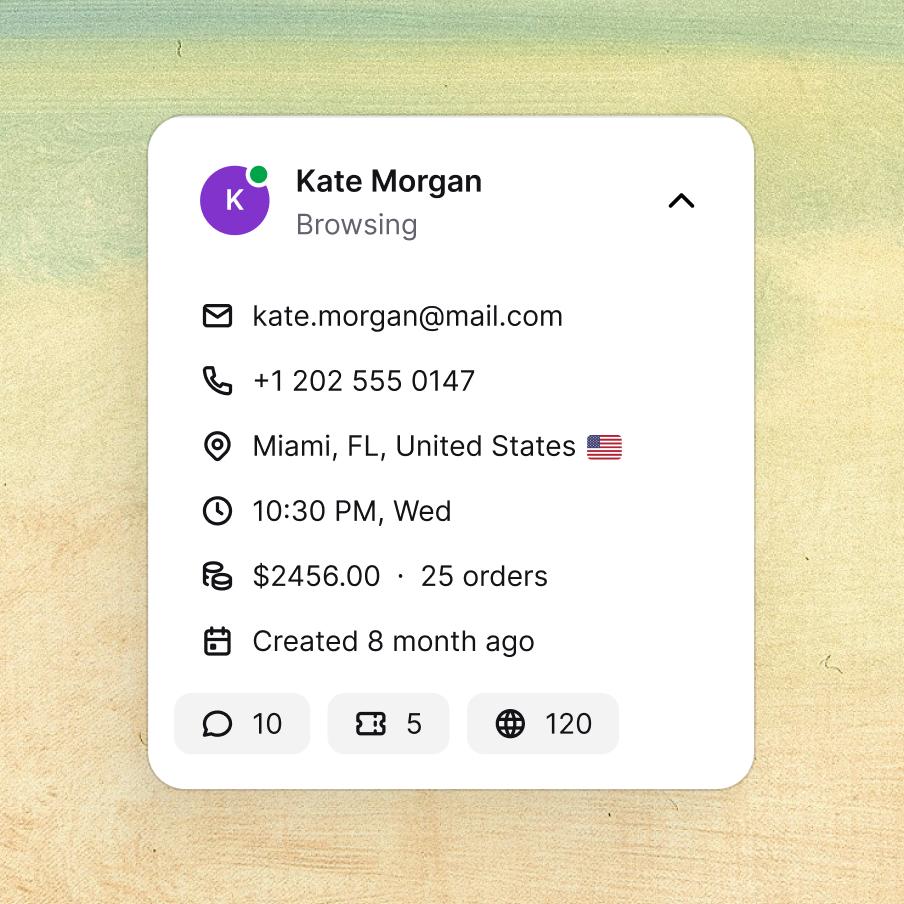
Customer list
Customer list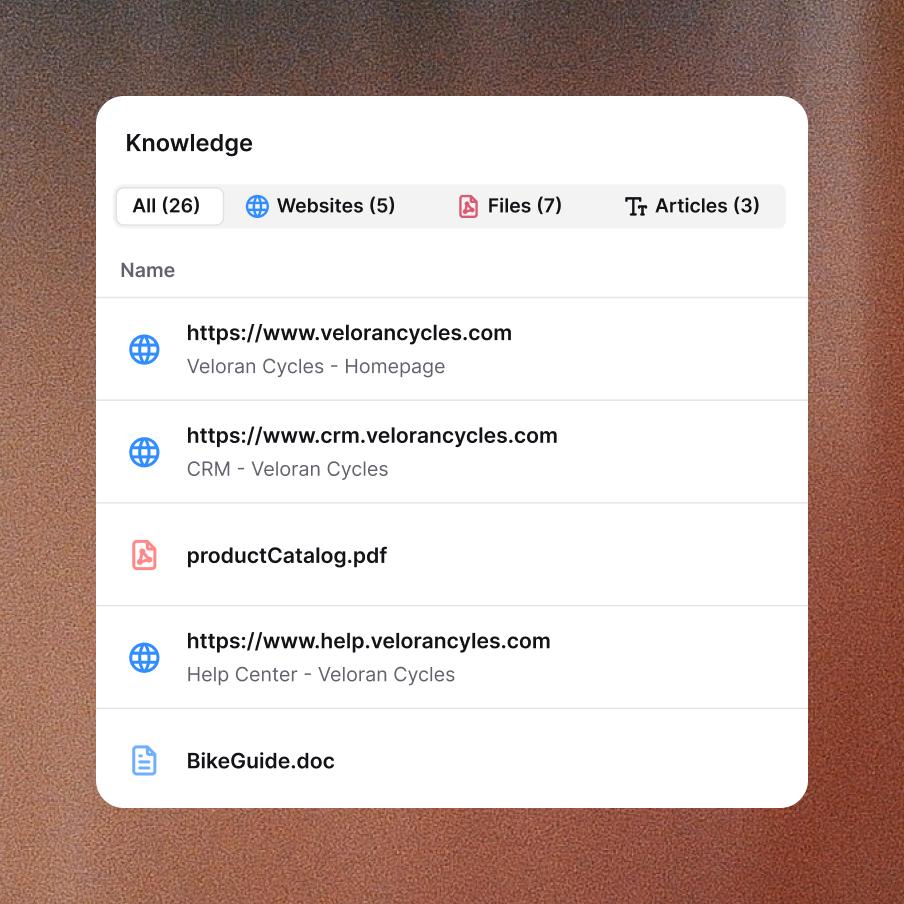
Knowledge base
Knowledge base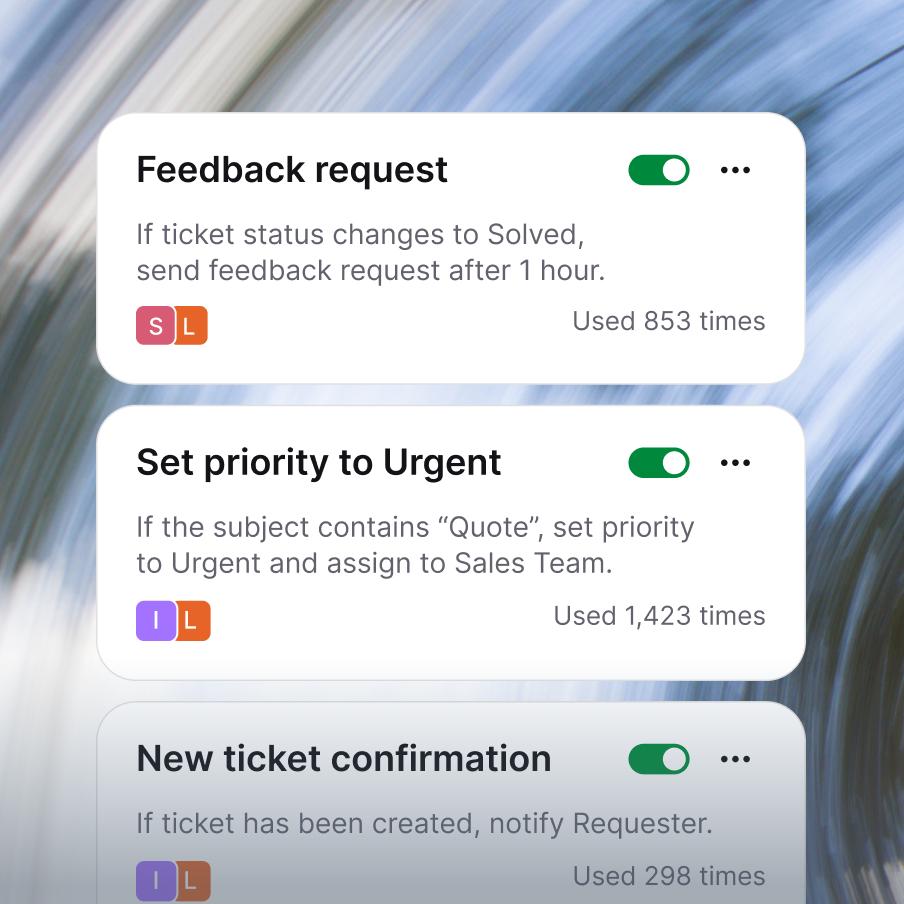
Service desk
Service desk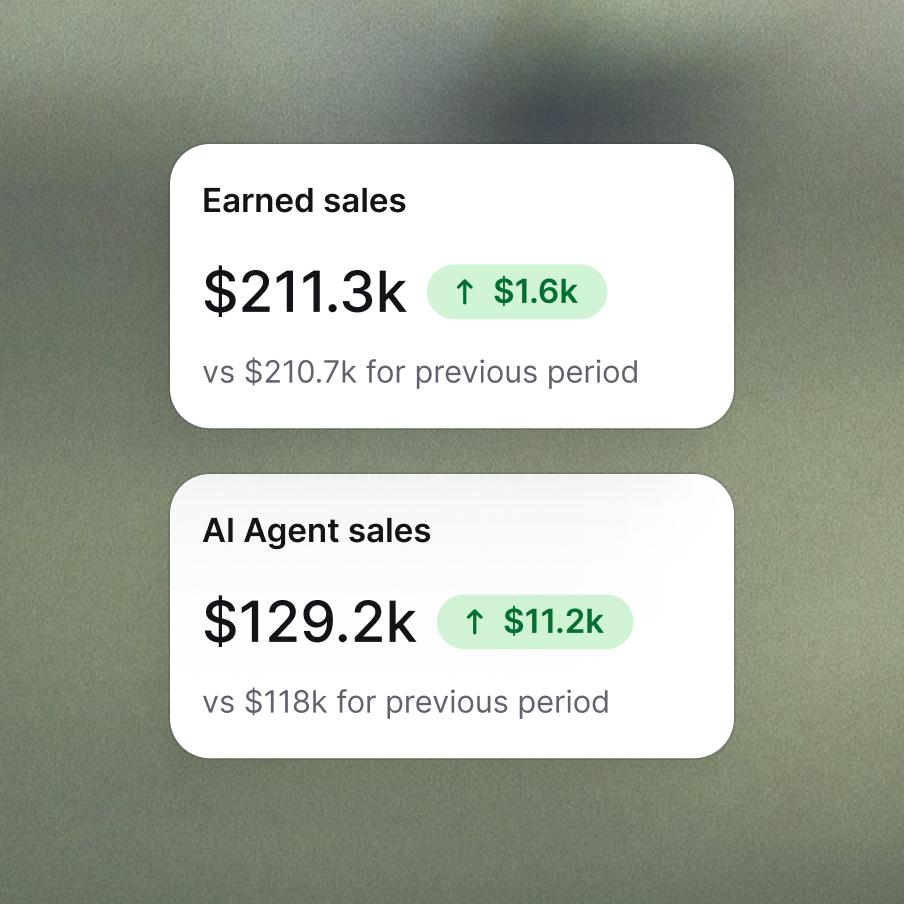
Customer analytics
Customer analytics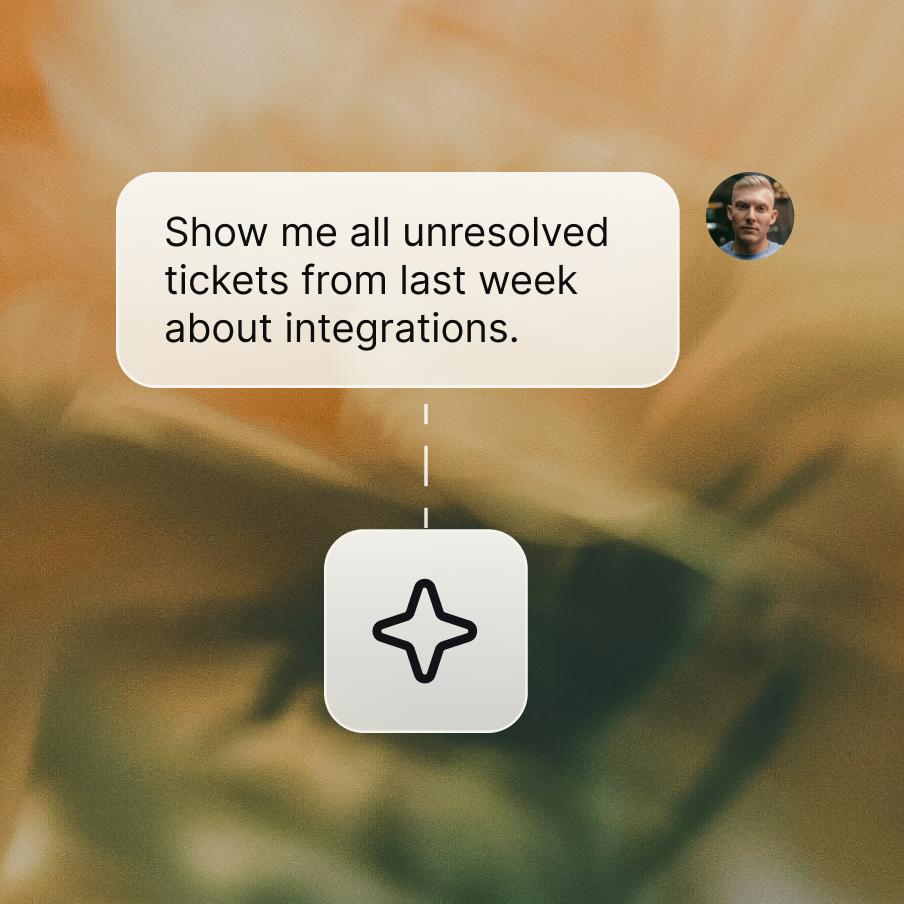
MCP
MCP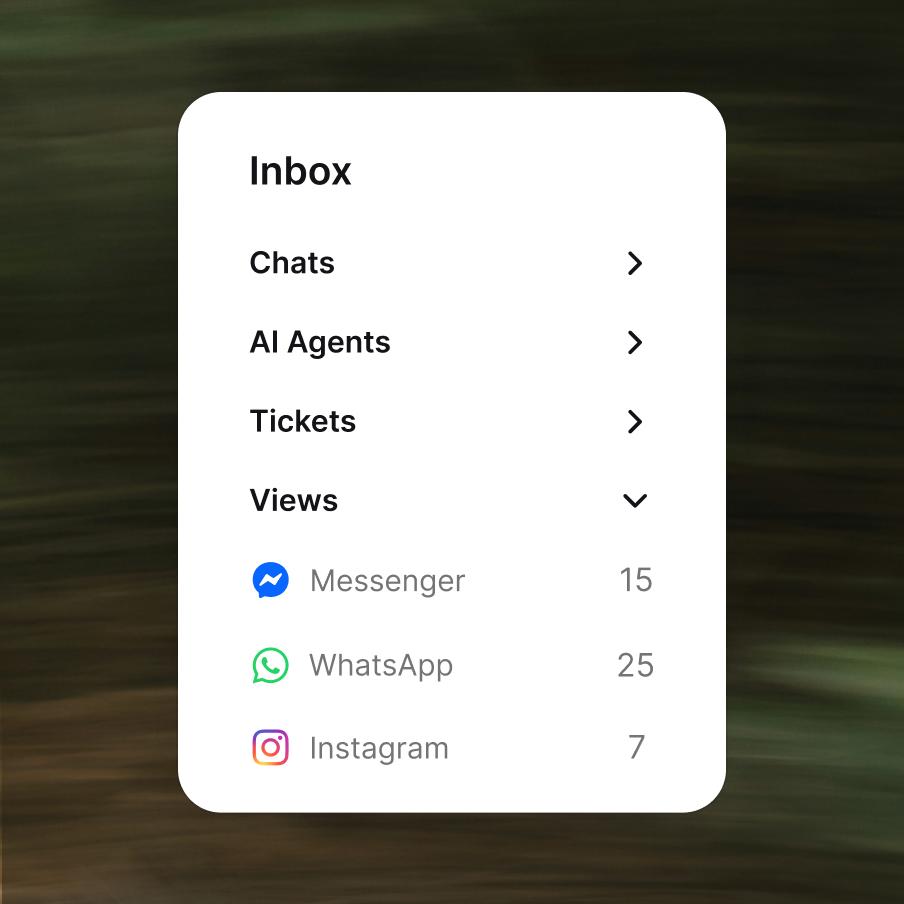
Customer service management
Customer service management
Enterprise-grade security & compliance



Copilot has your back in every chat.
Frequently asked questions
What is agent assist?
Agent assist is AI software that supports human agents during live conversations — surfacing customer context, suggesting responses, and pulling answers from internal knowledge sources instead of making the agent search manually. The agent stays in control and makes the final call; the AI just works alongside them.
Older agent assist tools relied on rigid scripts and decision trees. AI agent assist is the modern version: it uses large language models to actually understand the conversation in front of the agent and suggest responses grounded in real business context, not just pattern-matched templates. That's an important distinction — AI that just guesses at a response can produce text that sounds plausible but has nothing to do with your actual products, policies, or this customer's history. Real agent assist software pulls from your knowledge base, the customer's profile, and the live chat itself, so what the agent sees is relevant to this exact conversation, right now.
Text's version of this is called Copilot — an AI assistant built into the workspace that reads conversation context, pulls from your knowledge sources, and helps your team resolve cases faster, without ever taking the human out of the loop.
What is Text's Copilot?
Text's AI agent Copilot is a built-in assistant inside every chat and ticket workspace, helping human agents work faster and more confidently. You open Copilot from the icon at the top of the Customer Details tab, and it immediately has the context of the conversation you're in.
From there it can:
- Suggest replies based on the live conversation and your knowledge sources.
- Answer business-specific questions ("what's our refund policy for orders over 90 days?").
- Help agents navigate the app — find settings, reports, and data without manual searching.
- Generate metrics and summaries about your Text account on request.
- Support onboarding — new agents get an always-available coach.
Copilot is built specifically for customer service teams — it's a customer service copilot, not a general-purpose assistant.
How is Copilot different from AI Agent?
Two AI tools. Two different jobs:
- AI Agent is autonomous — it talks to customers directly inside AI Live Chat and AI Help Desk, resolves entire ticket categories end-to-end, and only escalates to humans when needed.
- Copilot is supervised — it works alongside a human agent during conversations, suggesting replies and surfacing context, but never sends anything without the agent's approval.
The mental model: AI Agent handles the conversation for the customer; Copilot helps the human agent handle the conversation better. Most teams run both — AI Agent deflects the simple, predictable categories; Copilot makes human agents faster on everything that does need a human.
How does real-time agent assist work?
Real-time agent assist works alongside the live conversation, in the same workspace where the agent is already typing. Each time the customer sends a message, the system reads the context — the live message, the conversation so far, the customer's profile, and connected knowledge sources — then suggests a response or surfaces relevant information for the agent.
In Text, real-time agent assist is what Copilot does inside every chat and ticket. The agent sees Copilot in the Customer Details tab; one click sends a suggested reply, or the agent edits it first. Because Copilot pulls from the live conversation context — not just generic LLM output — its suggestions are grounded in this specific customer, this specific business, this specific knowledge base.
What can Copilot actually do during a conversation?
Concrete things Copilot does in a live chat or ticket:
- Reply suggestions — proposes responses grounded in your knowledge sources and the conversation context, ready for the agent to send, edit, or ignore.
- Customer context — pulls from the customer's profile (visit history, past chats, past tickets) so agents don't have to dig.
- Knowledge lookup — answers business-specific questions in natural language, pulling from connected websites, articles, PDFs, and internal guides.
- In-app navigation — points agents to the right settings, reports, or data with direct links instead of menu hunting.
- Account insights — generates metrics and summaries on request, useful for managers reviewing performance.
- Onboarding support — guides new agents through features and answers questions as they come up.
The job of an agent assist bot isn't to replace the agent's judgment. It's to handle the lookup, the searching, and the drafting, so the agent can focus on the conversation itself. Whether you find it labeled as an agent assist chatbot or something else, the role is the same.
How is Copilot different from Microsoft Copilot?
Different products built for different jobs. Microsoft Copilot is a general-purpose AI assistant integrated across Microsoft 365 (Word, Excel, Outlook, Teams) — broad reach, broad knowledge, not tuned for any specific function.
Text's Copilot for customer service is support-native — built specifically for the agent workspace and powered by your business context:
- Lives inside the chat and ticket workspace, not in a separate app.
- Reads the live conversation the agent is currently handling.
- Pulls from your knowledge sources — help center, product docs, internal guides, PDFs.
- Knows the customer from past visits, chats, and tickets.
Microsoft Copilot is a general-purpose productivity assistant integrated across Microsoft 365 — Word, Excel, Outlook, Teams. Text's Copilot is a support-native AI assistant built into the agent workspace, grounded in your knowledge sources and the live customer conversation. Two completely different tools that happen to share a name.
Where does Copilot get its knowledge from?
Copilot's answers and reply suggestions come from knowledge sources you connect in Team → AI agents → Copilot. You can add:
- Websites — your help center, public docs site, or any external page.
- Specific pages or articles — narrower scope when you don't want the whole site.
- PDF files — internal guides, policy documents, product specs.
- Knowledge base content — sources you've added to Knowledge hub flow into Copilot.
This is what makes Copilot a support-native AI assistant agent instead of a generic AI response generator: it's grounded in your business, your products, your policies — not just whatever an LLM picked up in pretraining. If your knowledge sources are up to date, Copilot's answers stay up to date too.
Is agent assist software useful in a contact center?
Contact centers are one of the strongest use cases for agent assist software. They handle high volumes of repetitive cases, with new agents constantly onboarding and tenured agents under constant time pressure. Agent assist contact center deployments help in three concrete ways:
- Onboarding speed — new agents become productive faster when Copilot is doing the lookup work for them.
- Consistency — Copilot pulls from the same knowledge sources for everyone, so customers get consistent answers regardless of which agent picked up.
- Handle time — less time spent searching docs and drafting from scratch, more time on the actual customer.
Text's Copilot works in any volume of operation — from a 3-person support team to a multi-site contact center. The deployment is the same either way: connect your knowledge sources, open Copilot in any chat or ticket, and start using it.
Who can use Copilot, and how do I set it up?
All users in your Text account can use Copilot — there's no separate license or role. To get the most out of it:
- Add knowledge sources. Go to Team → AI agents → Copilot and connect the websites, articles, or PDFs you want Copilot to use as sources.
- Open Copilot in a chat or ticket. Click the Copilot icon at the top of the Customer Details tab. Copilot picks up the conversation context automatically.
- Ask, suggest, or summarize. Use natural language — "draft a reply about our refund policy", "where do I change CSAT settings?". Copilot uses the conversation context plus your knowledge sources to answer.
- Always double-check. Copilot can make mistakes — agents should verify suggested replies before sending and verify business-specific answers before acting on them.
The combination of Knowledge Hub → Copilot → human agent is the core loop: well-maintained knowledge in, smart suggestions out, confident agents handling conversations.