The first inbox that keeps your support team focused on revenue.
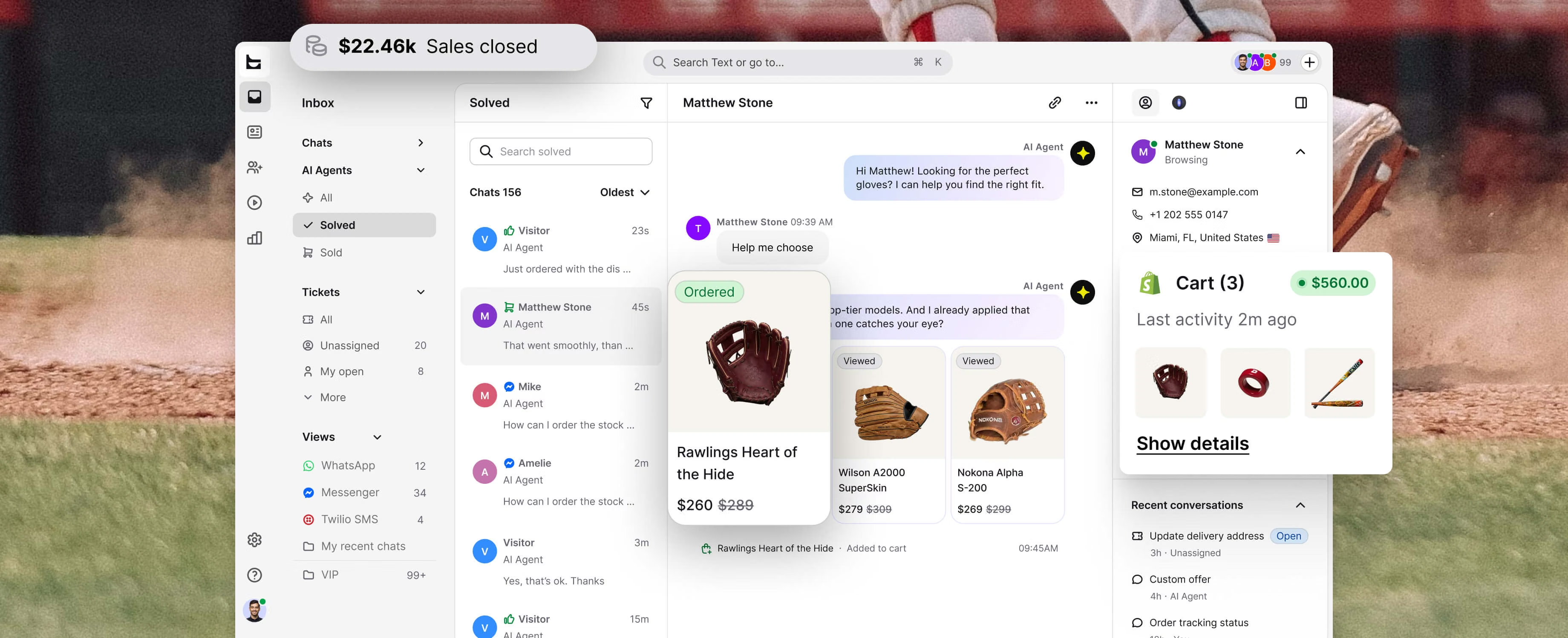
Your support team talks to more customers in a week than your sales team sees in a month. Text Inbox helps them spot the buyers, not just clear the queue.
Battle-tested by teams of 200+ agents

































Not just an inbox. A control tower.
AI handles the routine. Your team sees every signal worth acting on, knows where the buyer's been, when they're close to buying, and how to close the sale.
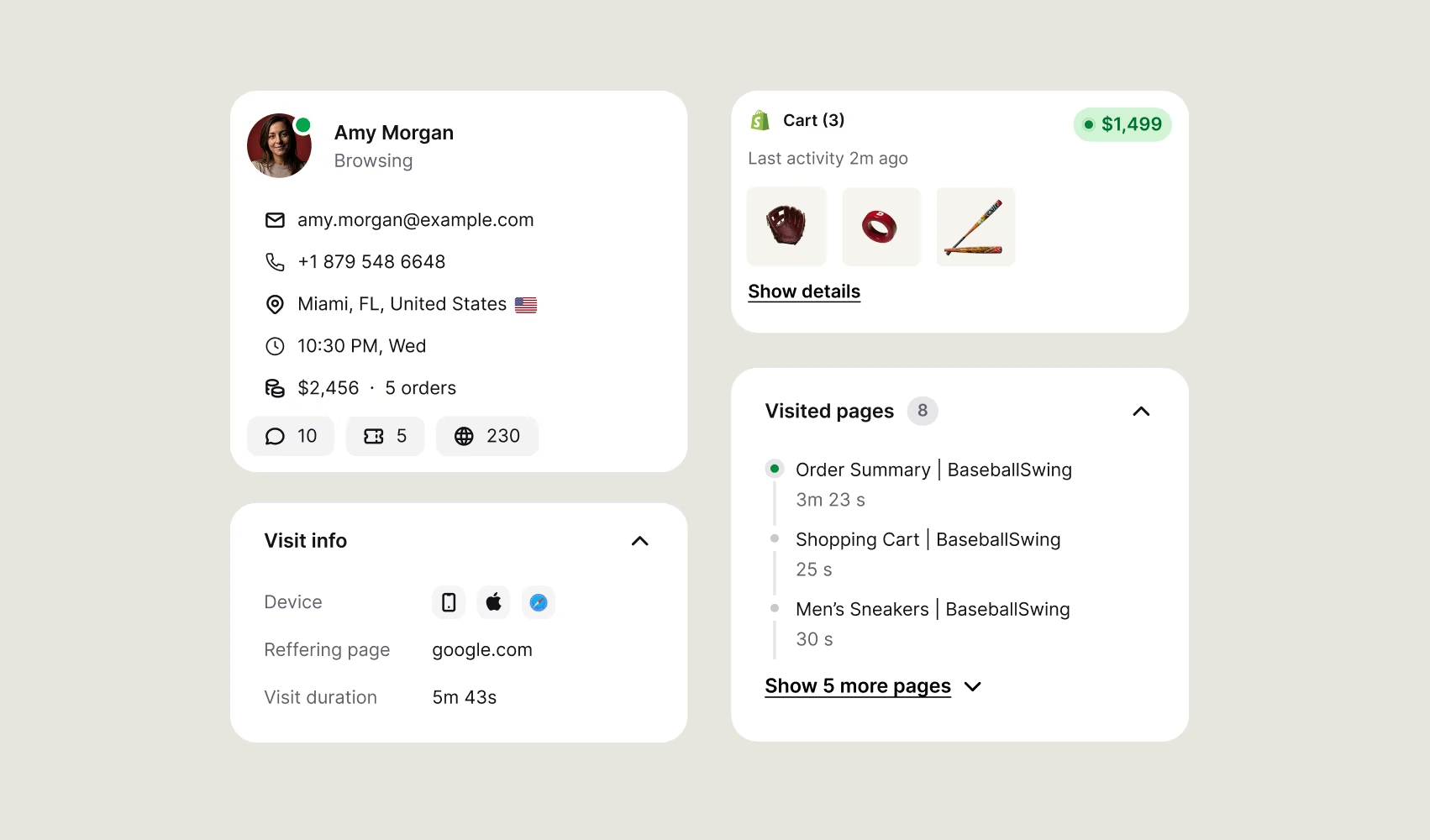
Rich customer profiles
See customer details, browsing history, past conversations, and recent orders before you reply.
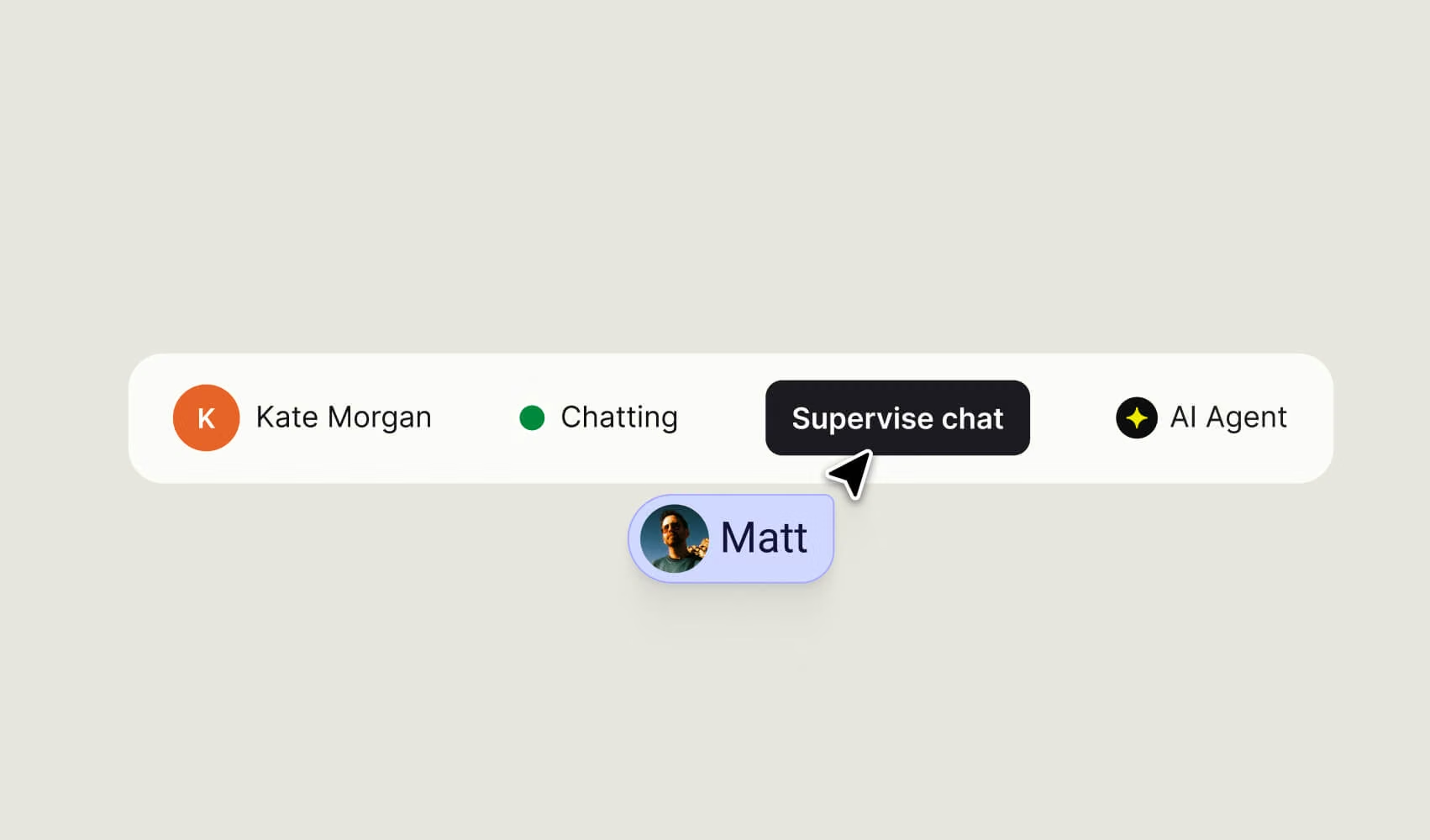
Live supervision of AI Agents
Every conversation comes with the full context, helping agents make better decisions from the start.
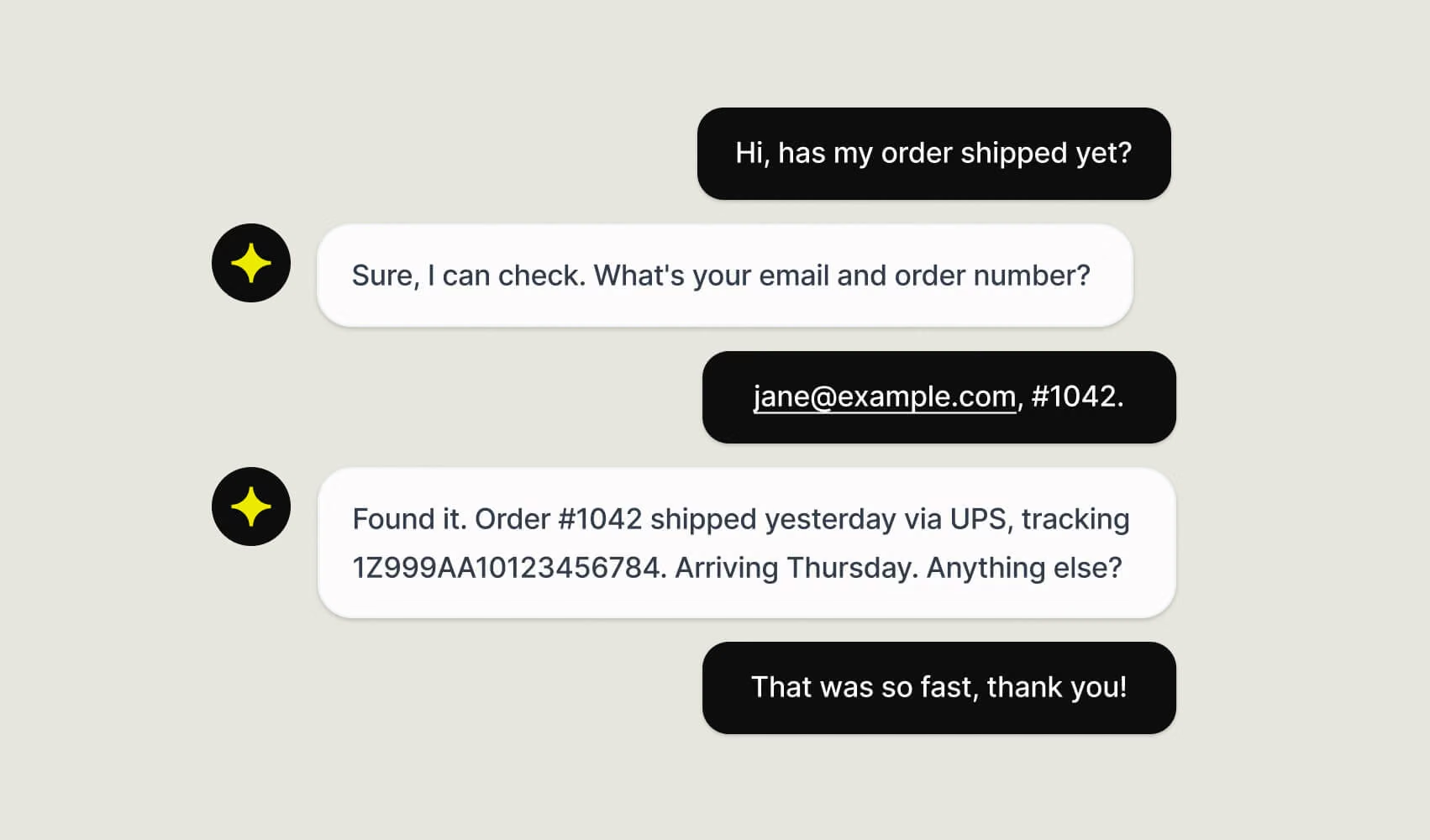
74% of cases resolved instantly
Support questions handled automatically. Your team's attention goes to the conversations that actually need them.
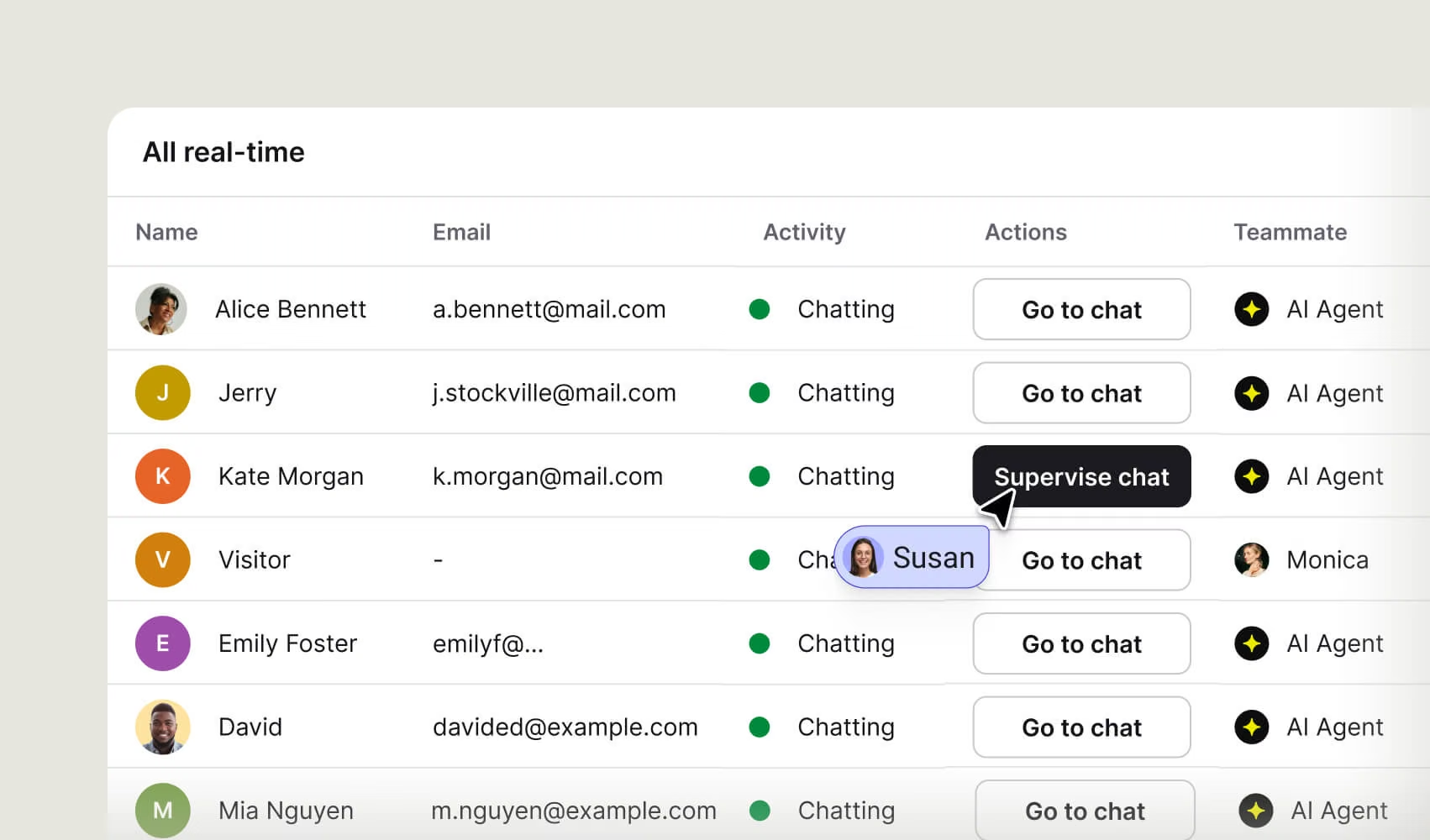
Real-time visitor monitoring
Know who’s on your website, what they’re interested in, and whether they’re talking to AI Agent or a teammate, all in real time.
Resolve up to 90% of customer conversations automatically
Handle more conversations, respond instantly, and stay available around the clock without growing your team.
Up to 266% higher conversion rates
When AI Agent joins the conversation, browsers turn into buyers.
$11,000 in extra monthly revenue
On average, Text drives over $11,000 in additional monthly revenue through AI-powered conversations.
Resolve up to 90% of customer conversationsautomatically
Handle more conversations, respond instantly, and stay
available around the clock without growing your team.
Up to 266% higherconversion rates
When AI Agent joins the conversation,
browsers turn into buyers.
$11,000 in extramonthly revenue
On average, Text drives over $11,000 in additional
monthly revenue through AI-powered conversations.
Less work for your team. More money in the door.
Smart views for daily queues. Channels in one workspace. Workflows around how your team works. AI drafts replies, summarizes handoffs, and answers from your knowledge.
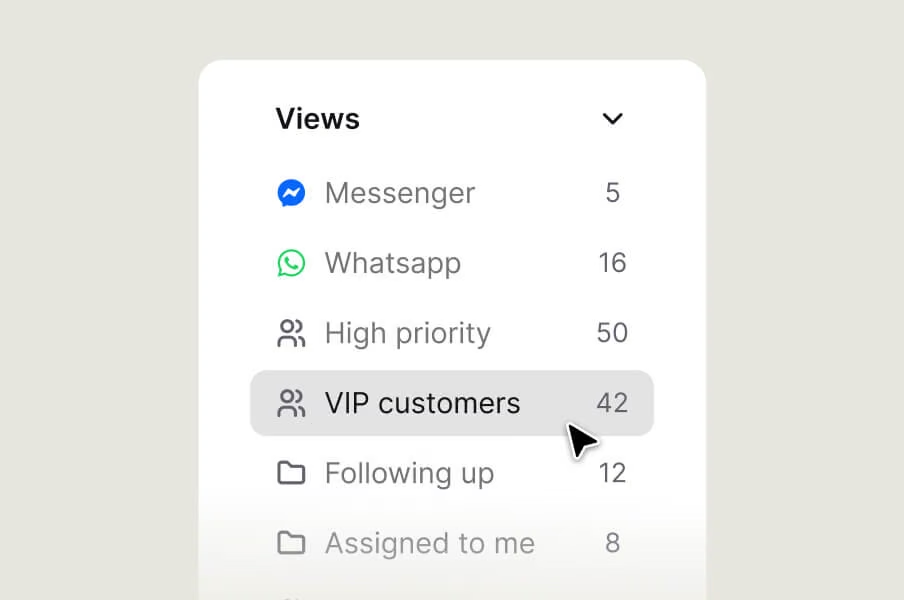
Every agent gets the inbox they need
Save shared views for the whole team or private ones just for you. Tickets, archived chats, daily priorities. Each one a tap away, filtered exactly how you work.
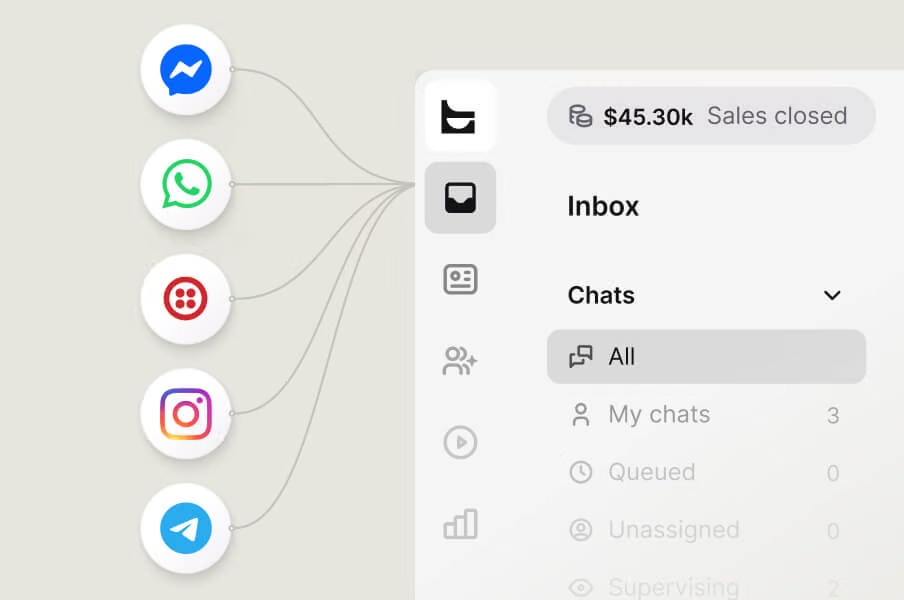
One inbox for the chats off your website
Messenger, SMS, and WhatsApp work in the same workspace as your web chats, with customer details next to every conversation.
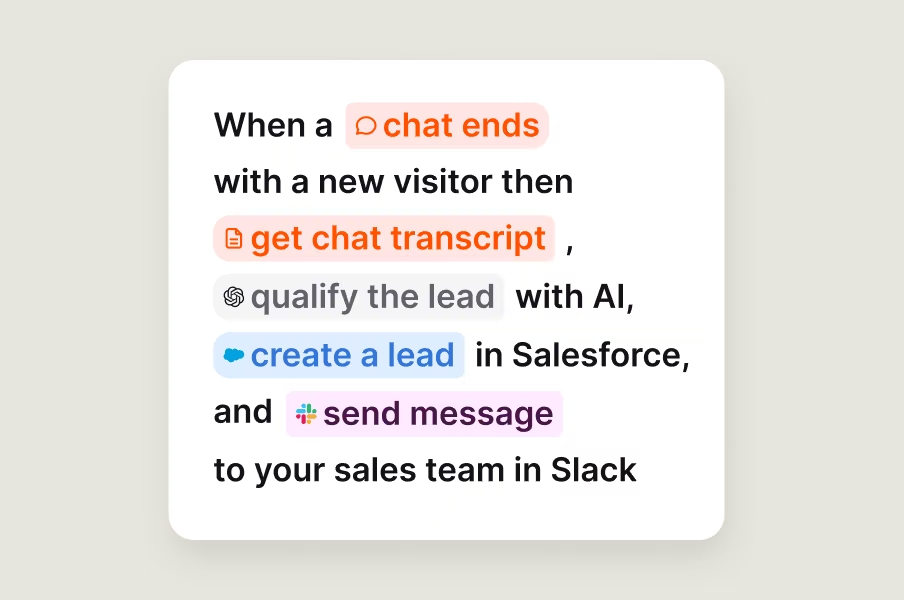
Flexibility to support any workflow
Build automations that fire when something happens in Text and trigger the next step wherever your team works. No code required.
A reply ready before you type
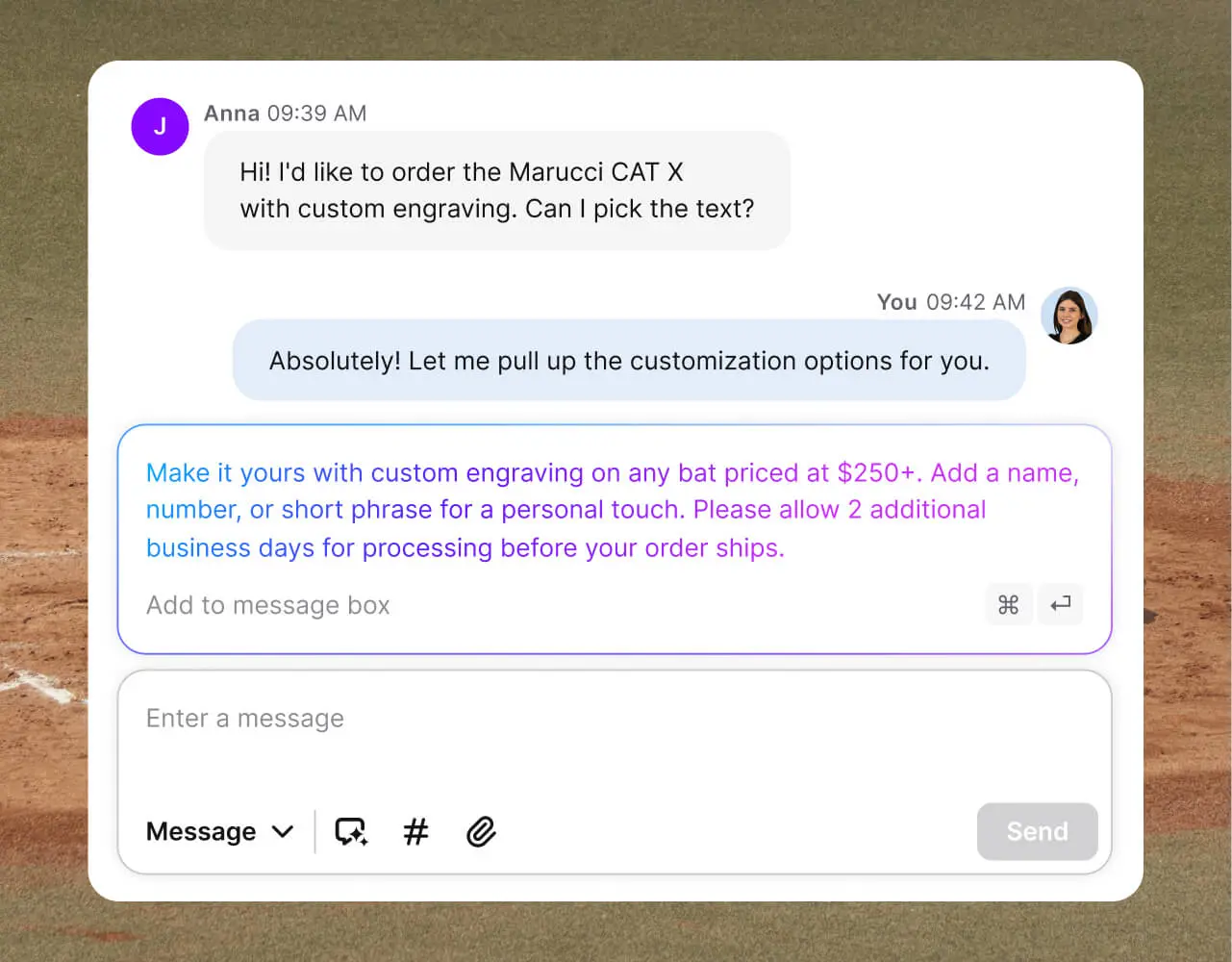
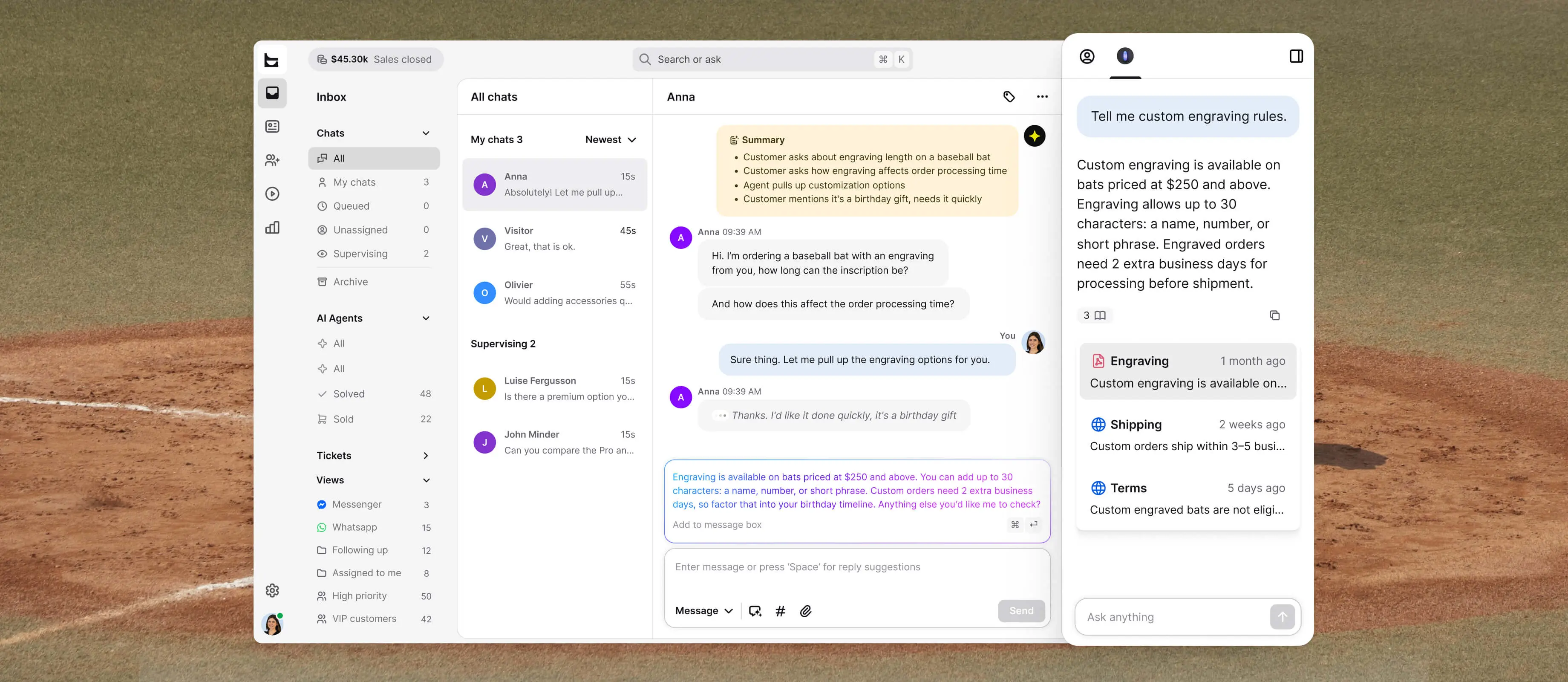
AI drafts replies from your knowledge base and conversation context. Send as is in seconds or adjust as you see fit.
Day one, senior-level
New hire doesn't know the volume pricing policy? They ask AI and get the answer on the spot. Senior-level answers on any chat, no training docs required.
No customer says it twice
Your agent walks into a mid-sale chat with the full summary of products, preferences, and decisions. Your customer never has to retell the story.
A reply ready before you type
AI drafts replies from your knowledge base and conversation context. Send as is in seconds or adjust as you see fit.
Day one, senior-level
New hire doesn't know the volume pricing policy? They ask AI and get the answer on the spot. Senior-level answers on any chat, no training docs required.
No customer says it twice
Your agent walks into a mid-sale chat with the full summary of products, preferences, and decisions. Your customer never has to retell the story.

Extremely well made application for customer service & sales with nice price point.
432%
growth in AI Agent sales
70%
of all chat sales driven through AI Agent
98%
AI Agent resolution rate
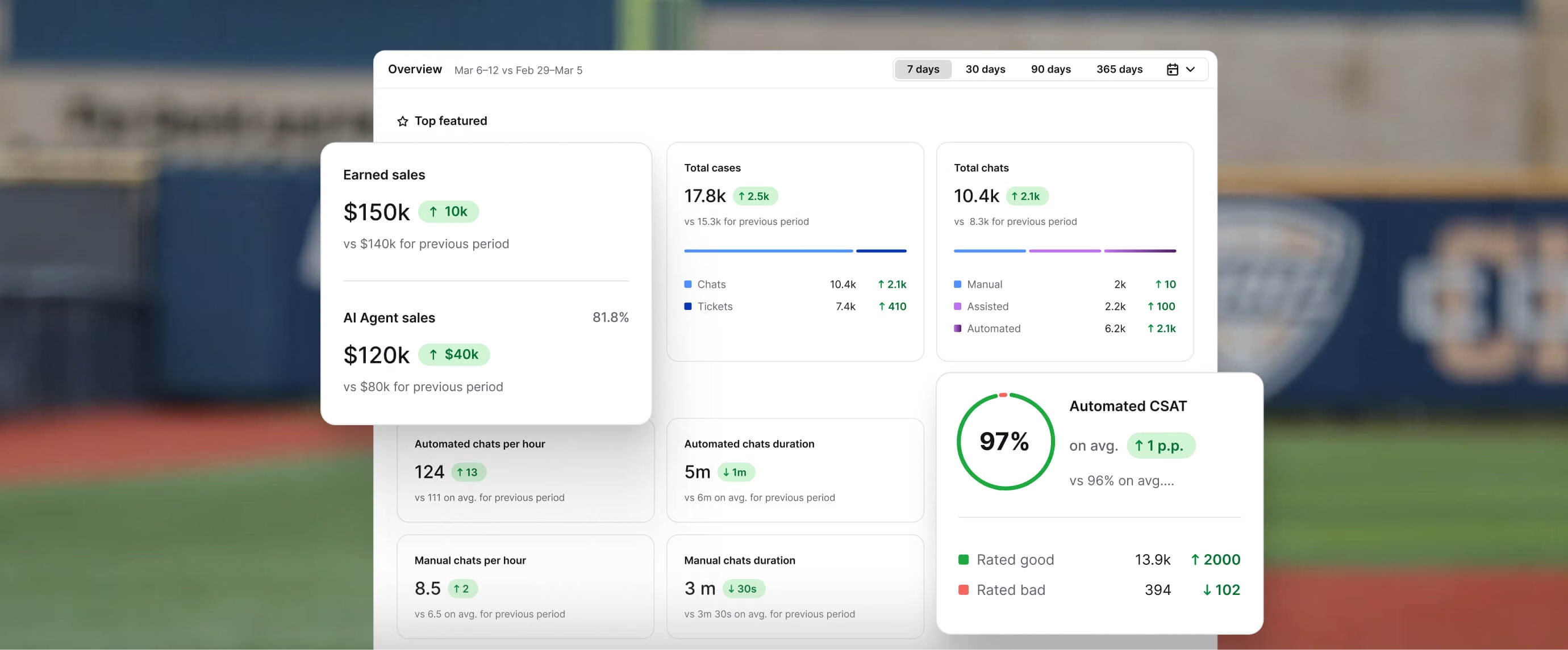
Performance visibility beyond support metrics.
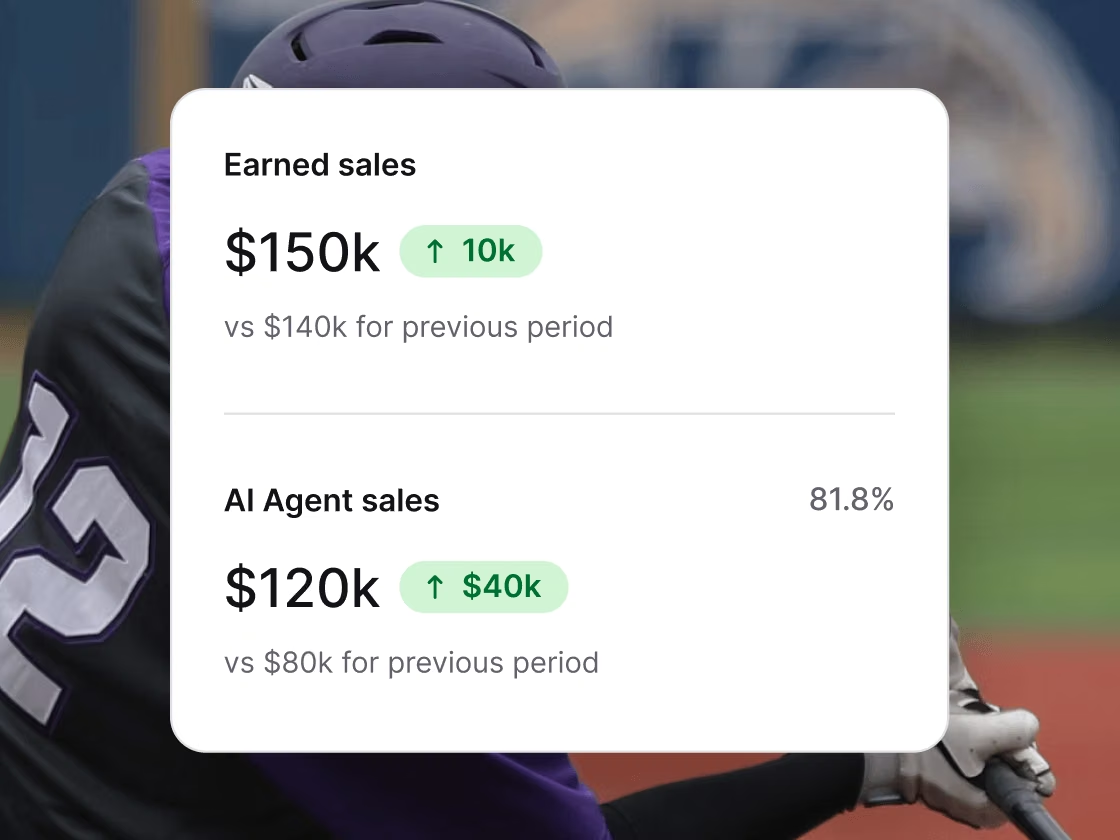
Track customer service performance, operational efficiency, and revenue generated from customer conversations.
See what's working, what's not, and where the biggest opportunities are hiding.
Text is where support teams and AI turn conversations into revenue.
Not just a place to handle tickets. A revenue engine your whole team runs together.Not just a place to handle tickets. A revenue engine your whole team runs together.
AI Agent
AI AgentLive chat
Live chatHelp desk
Help deskCopilot
CopilotTicketing system
Ticketing systemChat widget
Chat widgetCustomer list
Customer listKnowledge base
Knowledge baseService desk
Service deskCustomer analytics
Customer analyticsMCP
MCPCustomer service management
Customer service management
AI Agent
AI Agent
Live chat
Live chat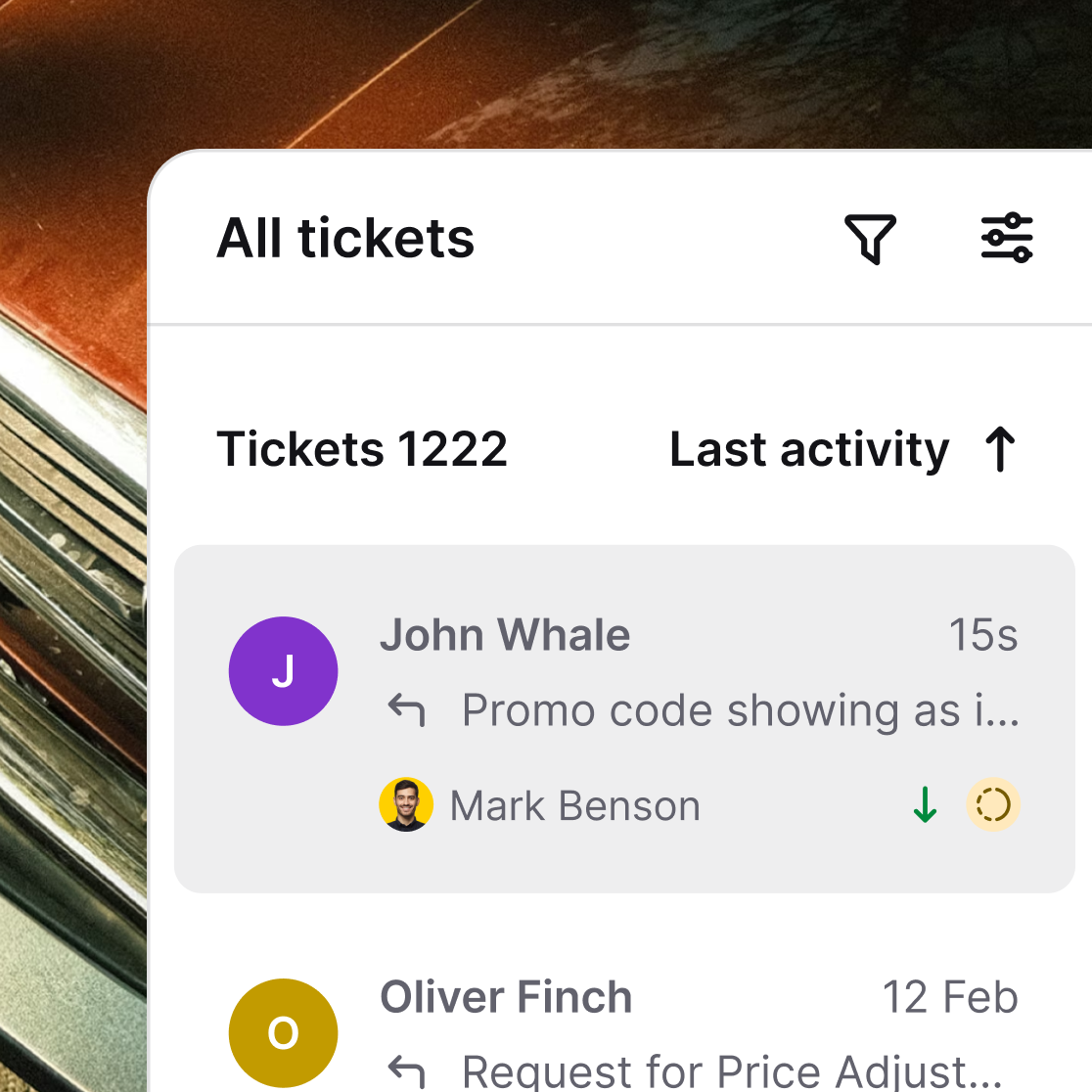
Help desk
Help desk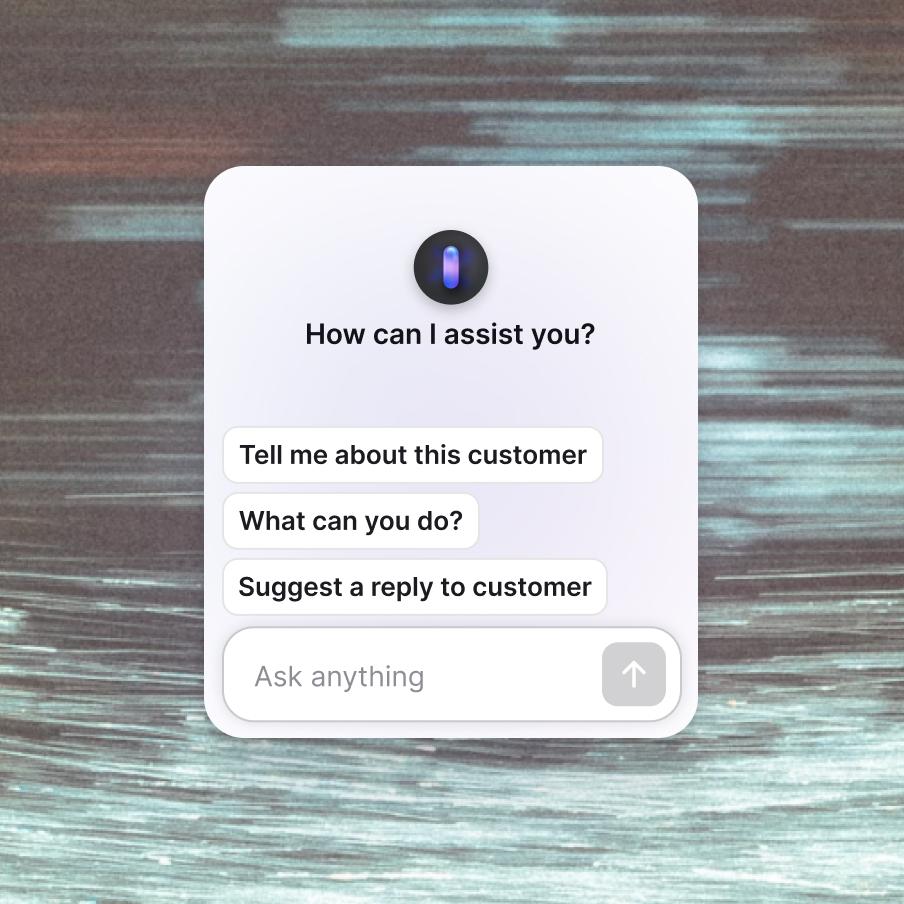
Copilot
Copilot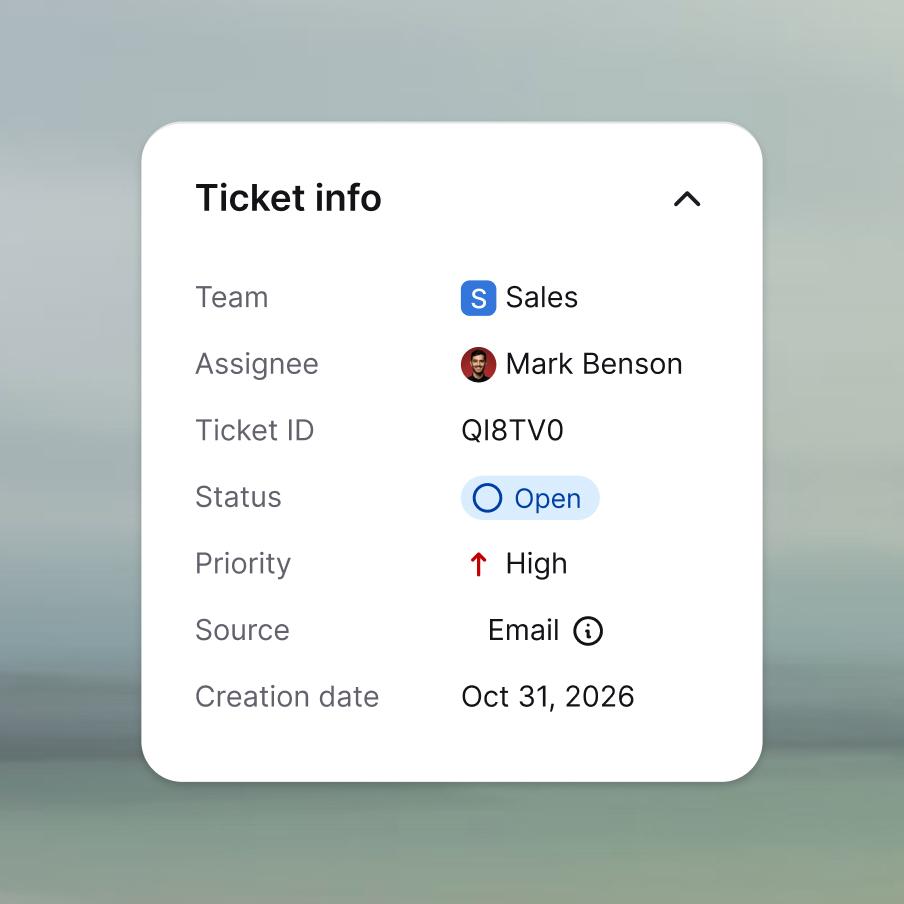
Ticketing system
Ticketing system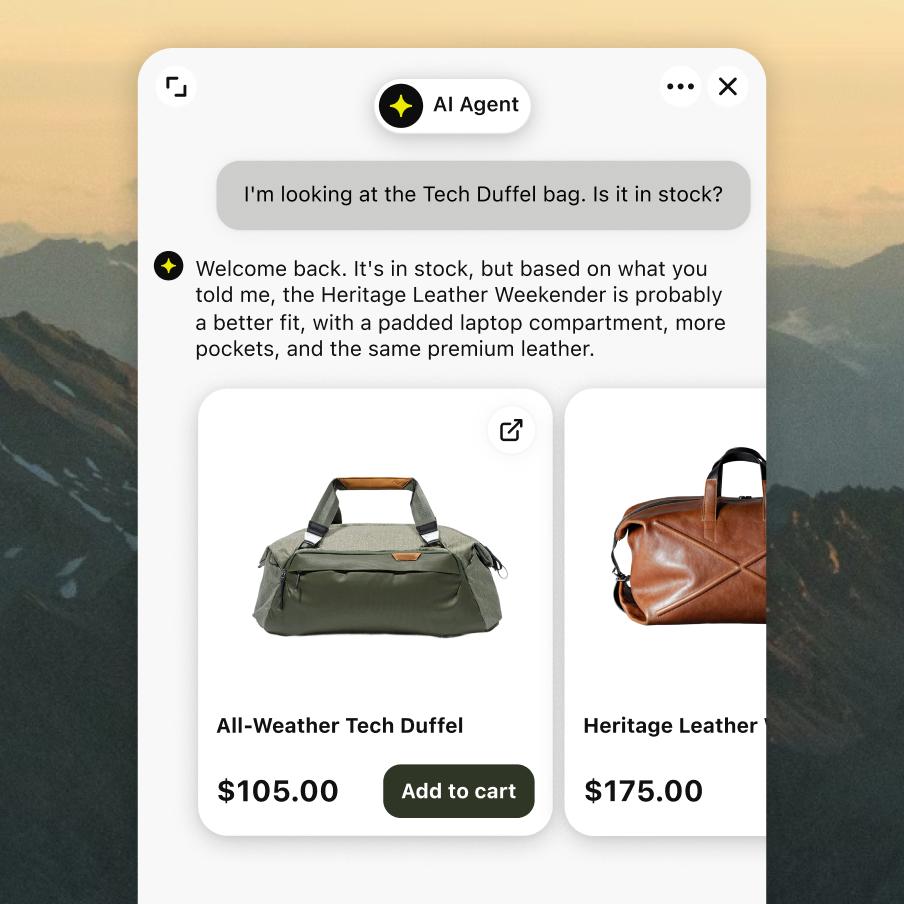
Chat widget
Chat widget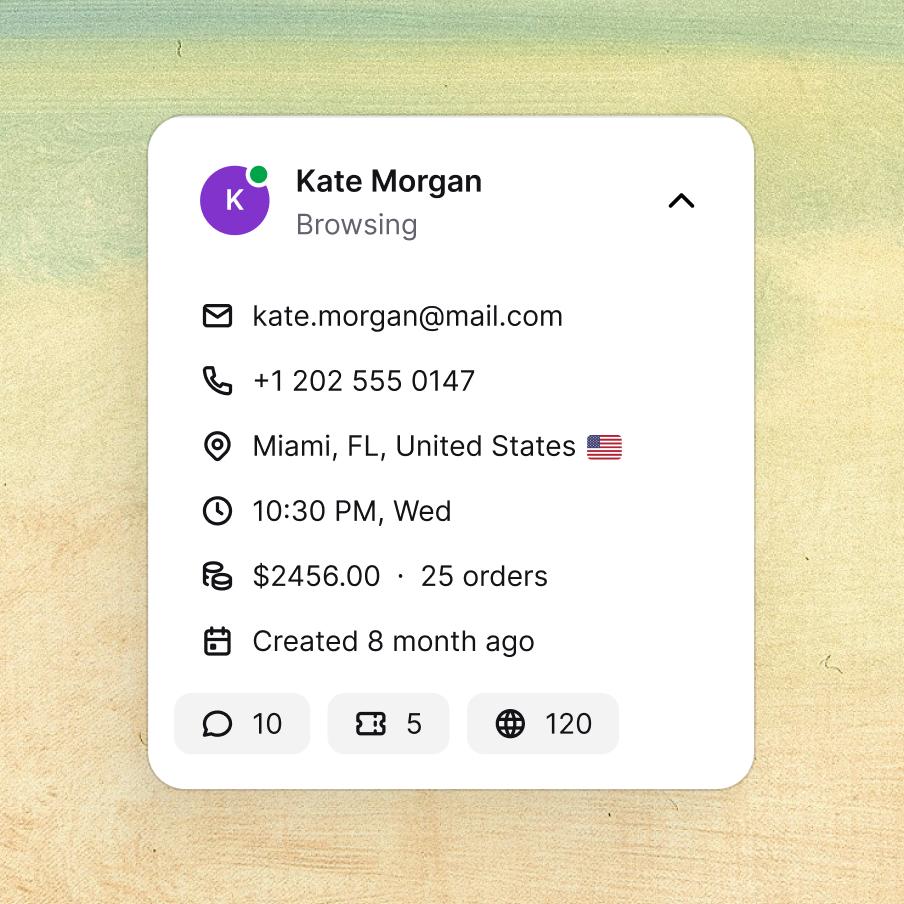
Customer list
Customer list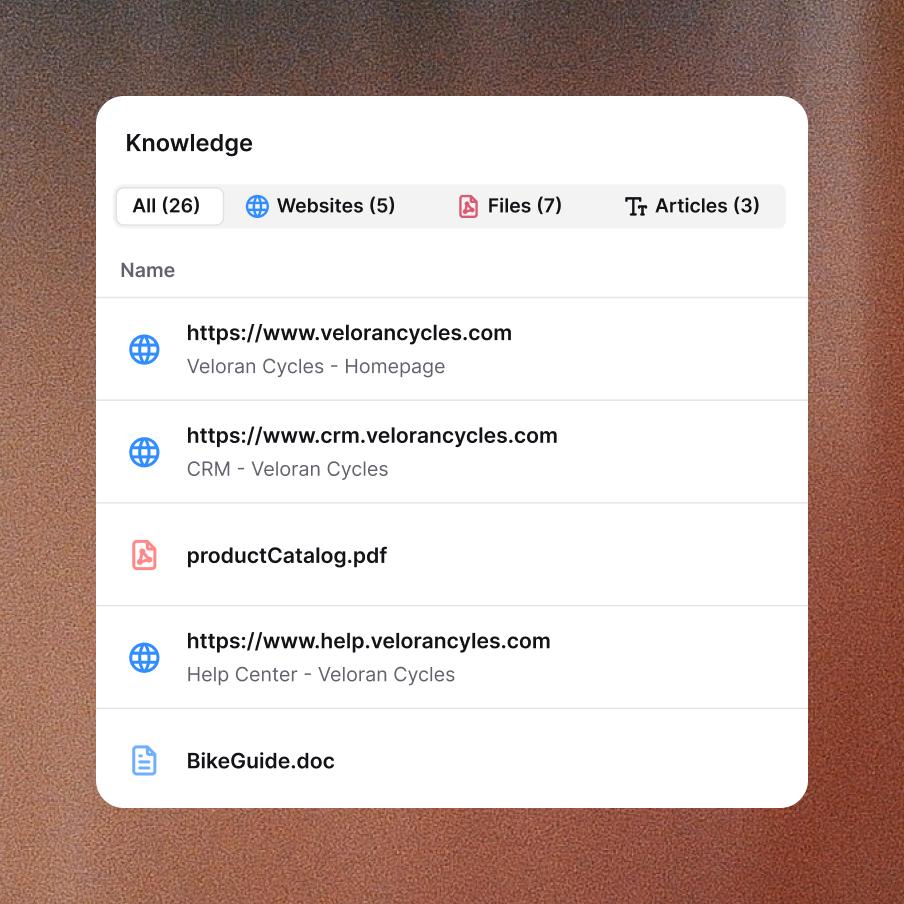
Knowledge base
Knowledge base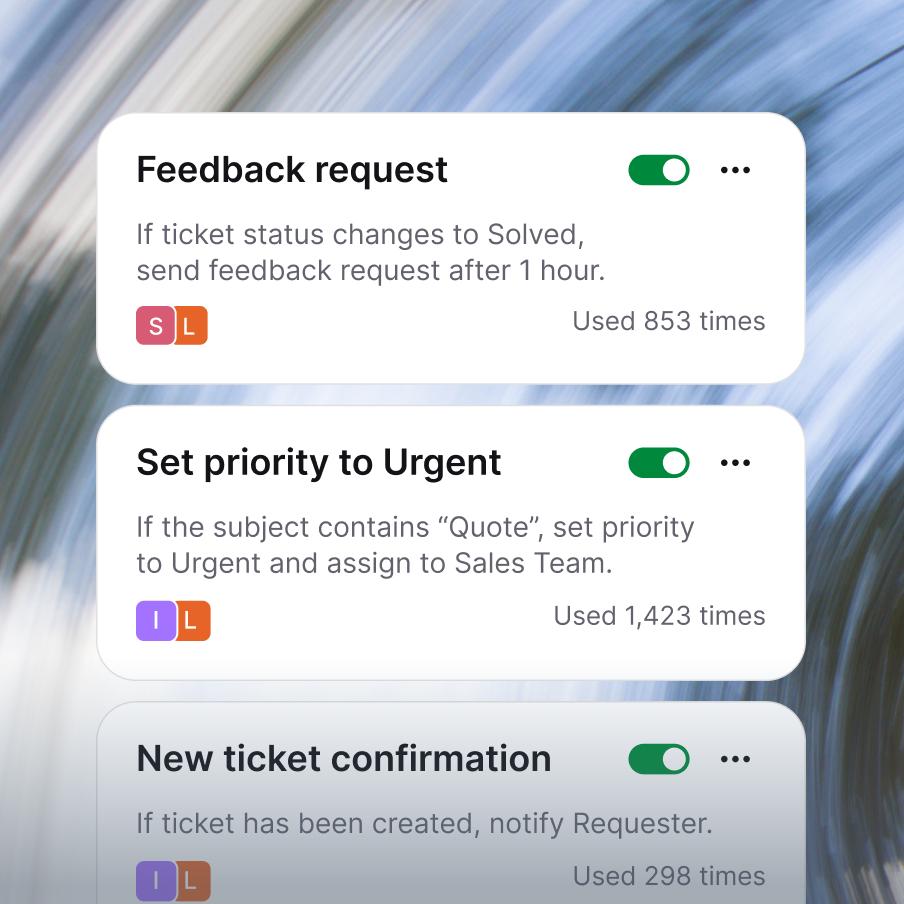
Service desk
Service desk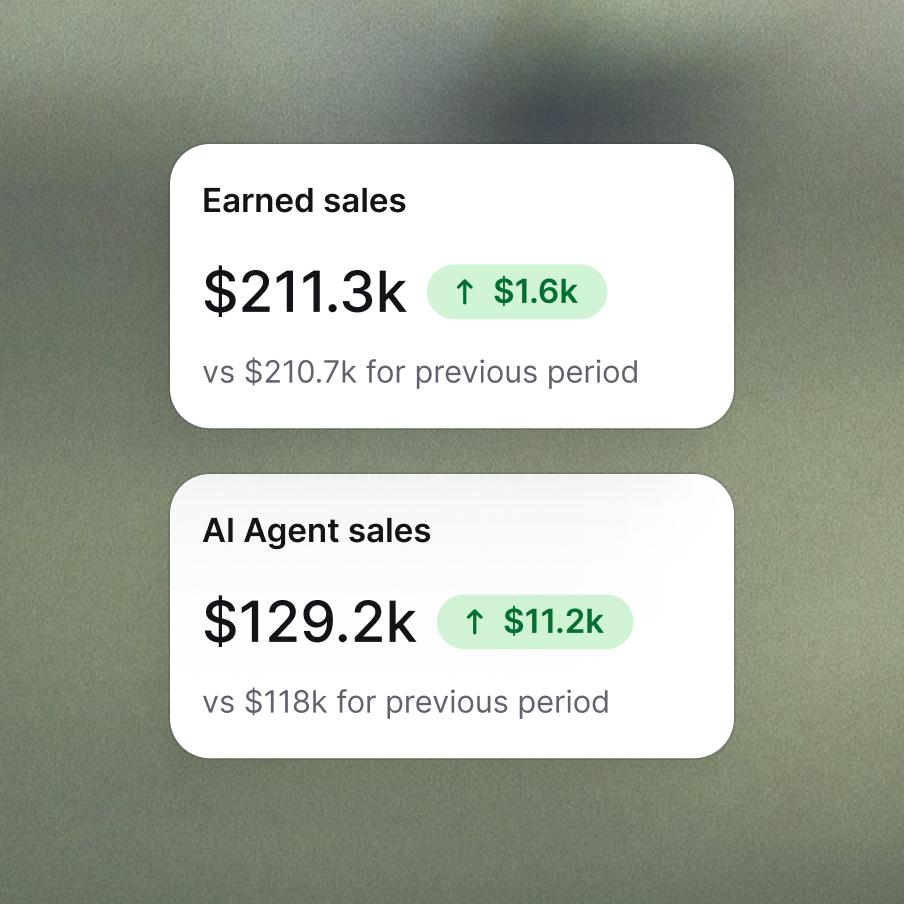
Customer analytics
Customer analytics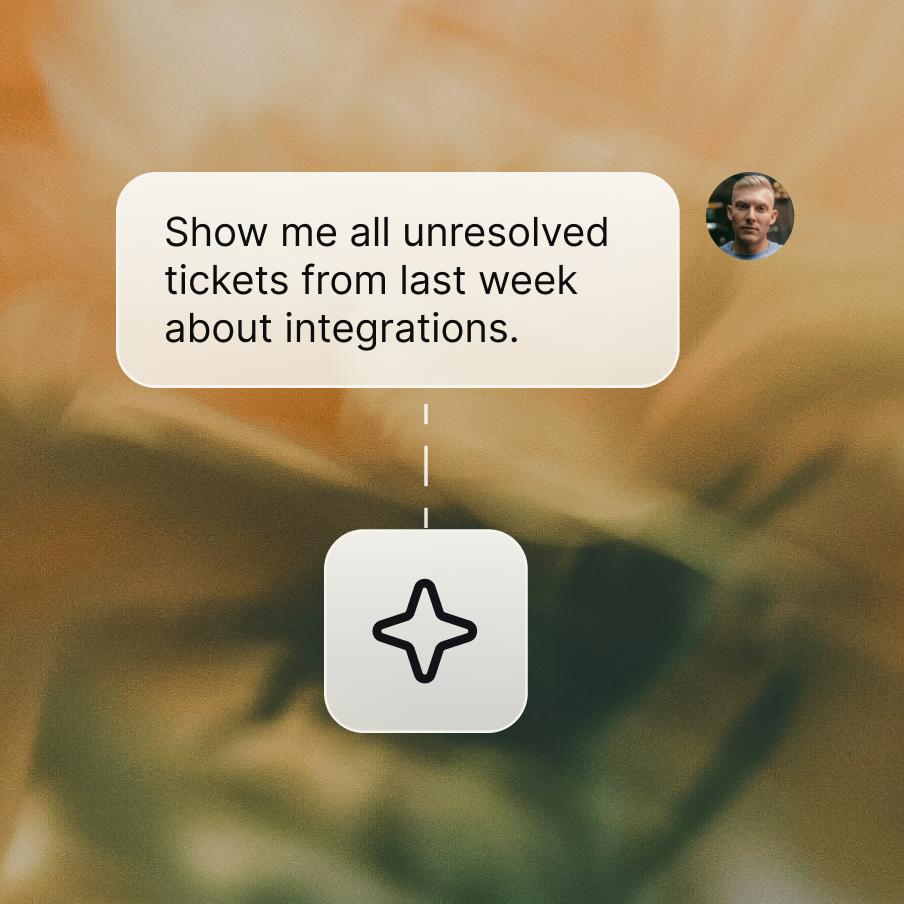
MCP
MCP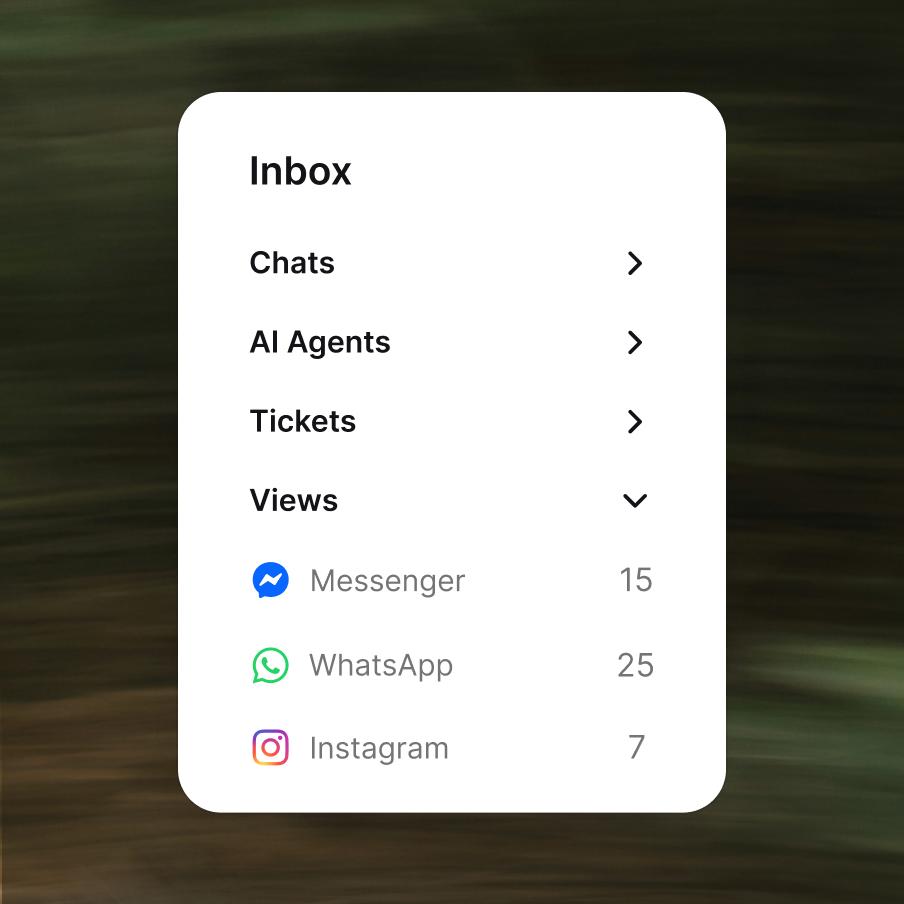
Customer service management
Customer service management- Transparent pricing
Enterprise-grade security & compliance


They've done this before. They'll help get you there faster.




Make every chat a checkout.
Frequently asked questions
What is an omnichannel inbox?
An omnichannel inbox is a single workspace where every customer conversation lands in one place instead of being scattered across separate tools, whether that's email, website chat, social media, or a messaging app. Text Inbox is an omnichannel inbox built for support teams: every message, chat, and ticket flows into the same shared view, so nothing gets handled twice and nothing slips through.
What is omnichannel customer service?
Omnichannel customer service means supporting customers across every channel they use, like chat, email, social, and messaging, while treating it as one continuous conversation rather than separate, disconnected interactions. The difference from basic multichannel support is context: when a customer moves from Instagram to email, their history follows them, so they never have to repeat themselves. Text Inbox delivers omnichannel support by uniting all those channels, plus your AI Agent chats, in a single thread per customer.
Which customer support channels does Text Inbox support?
Text Inbox connects all the customer support channels your customers already use: website chat, email, social media, and messaging apps, plus conversations handled by your AI Agent. Every channel feeds into one clean, shared view, so your team manages multichannel customer support without jumping between tools or losing context.
Does Inbox support real-time customer service?
Yes. Text Inbox is built for real-time customer service. Your team can run live chat with customers, supervise ongoing conversations, and even see what a customer is typing before they hit send, so replies go out faster and no moment to help (or to sell) gets missed.
Can you automatically assign chats and tickets to agents?
Definitely. Inbox can route new requests to the right person automatically, or let agents pick them up manually. You can also transfer ongoing chats seamlessly when a conversation needs another set of hands, with full context attached, so nobody starts from scratch.
Can Inbox automate customer service?
Yes. Customer service automation is one of the biggest reasons teams move to Inbox. Text's AI Agent resolves up to 74% of routine conversations on its own, while automations handle the repetitive work behind the scenes: routing messages, assigning chats, tagging conversations, and turning chats into tickets. As customer service automation software, it frees your team to focus on complex cases and revenue opportunities instead of busywork.
Does Text Inbox include AI for customer service?
Yes. Inbox includes AI for customer service at every step. Text's Copilot drafts replies grounded in your knowledge base, AI tags and summarizes conversations, and one click refines any message for tone or clarity. Every agent gets the speed, accuracy, and consistency of your most experienced team member.
Can you use canned responses in Inbox?
Of course. Save your best replies as canned responses or email templates, then drop them in with a quick shortcut. Canned responses let your team answer common questions instantly and keep every reply consistent, without retyping the same message a dozen times a day.
Can you turn a chat into a ticket?
Yes. In Text, any chat can become a help desk ticket with one click, complete with transcript, tags, and context. That way, follow-ups and after-hours requests never slip through the cracks.
What is a shared inbox?
A shared inbox is a single mailbox or workspace a whole team manages together, instead of conversations sitting in one person's individual inbox. For support teams, shared inbox software means everyone can see who's handling what, pick up where a colleague left off, and avoid two agents replying to the same customer. Text Inbox is shared inbox software built for customer support, with assignment, routing, and full customer context included.
Is live chat secure with Text Inbox?
Security is built in. Every conversation, live chat included, is encrypted in transit and at rest, with strict access controls protecting your data and your customers' privacy. Inbox is also backed by SOC 2, GDPR, CCPA, and PCI DSS compliance, so live chat security meets enterprise standards out of the box. You can review all our certifications and audits in the Text Trust Center.
How much does omnichannel inbox software cost?
Inbox is part of Text, and every plan includes Inbox features. Pricing for the omnichannel inbox software scales with your team size and plan, so you only pay for what you need. You can start for free and upgrade as you grow. See all options on the pricing page.