Your next sale starts in the chat widget.
A website chat widget built to sell — it engages visitors, shows products, and takes them from question to checkout.
30,000+ teams already turning conversations into revenue








































More than a chat widget. A storefront.
Everything a customer needs to buy, right inside the conversation — no new tab, no lost moment.
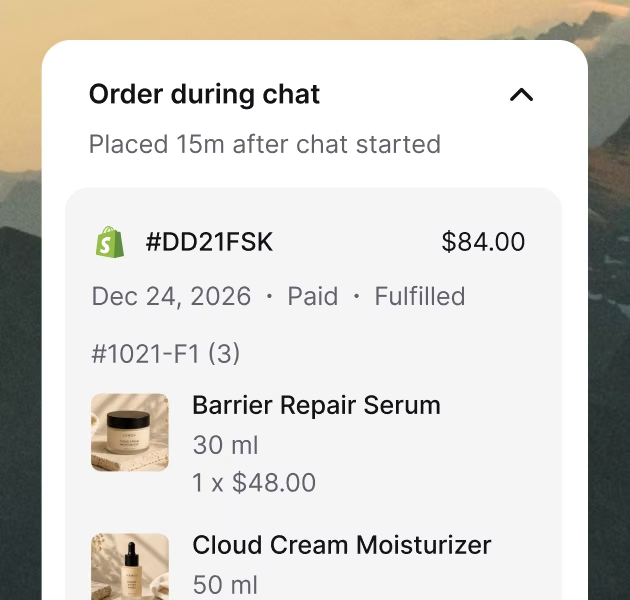
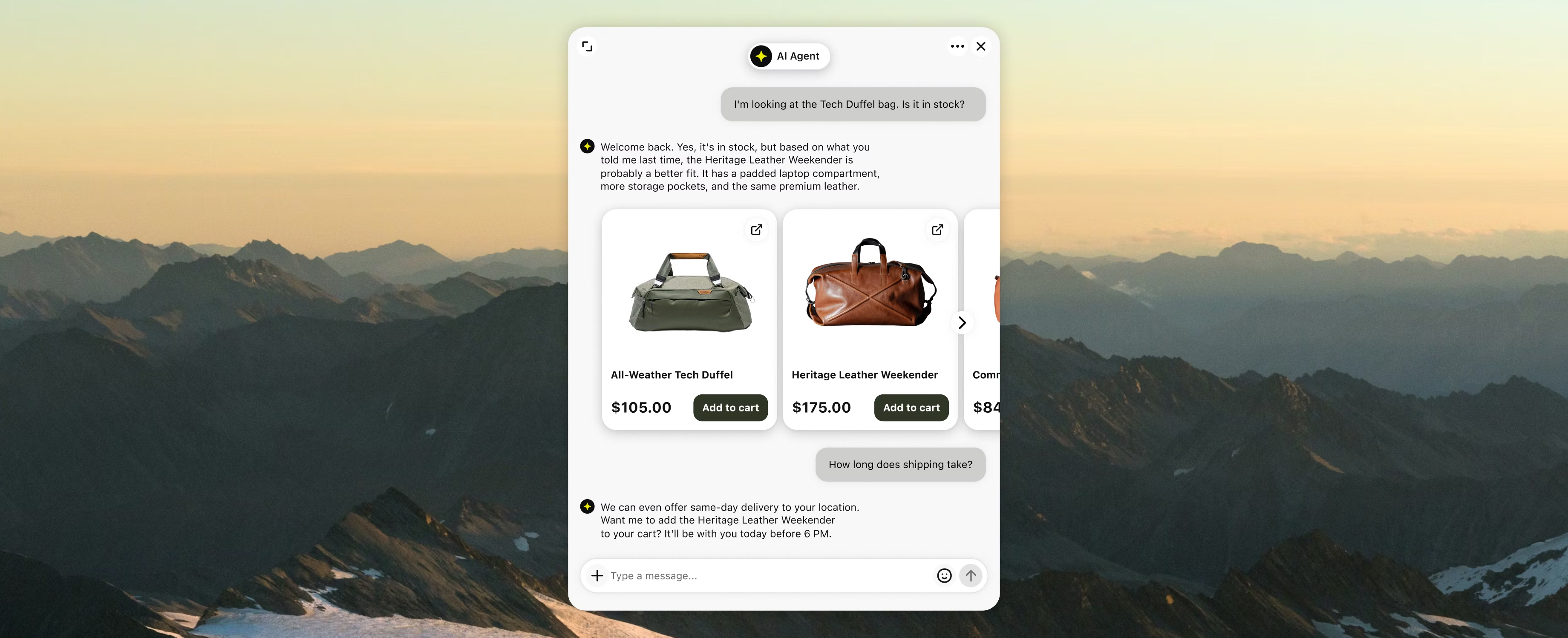
The whole purchase, inside the chat
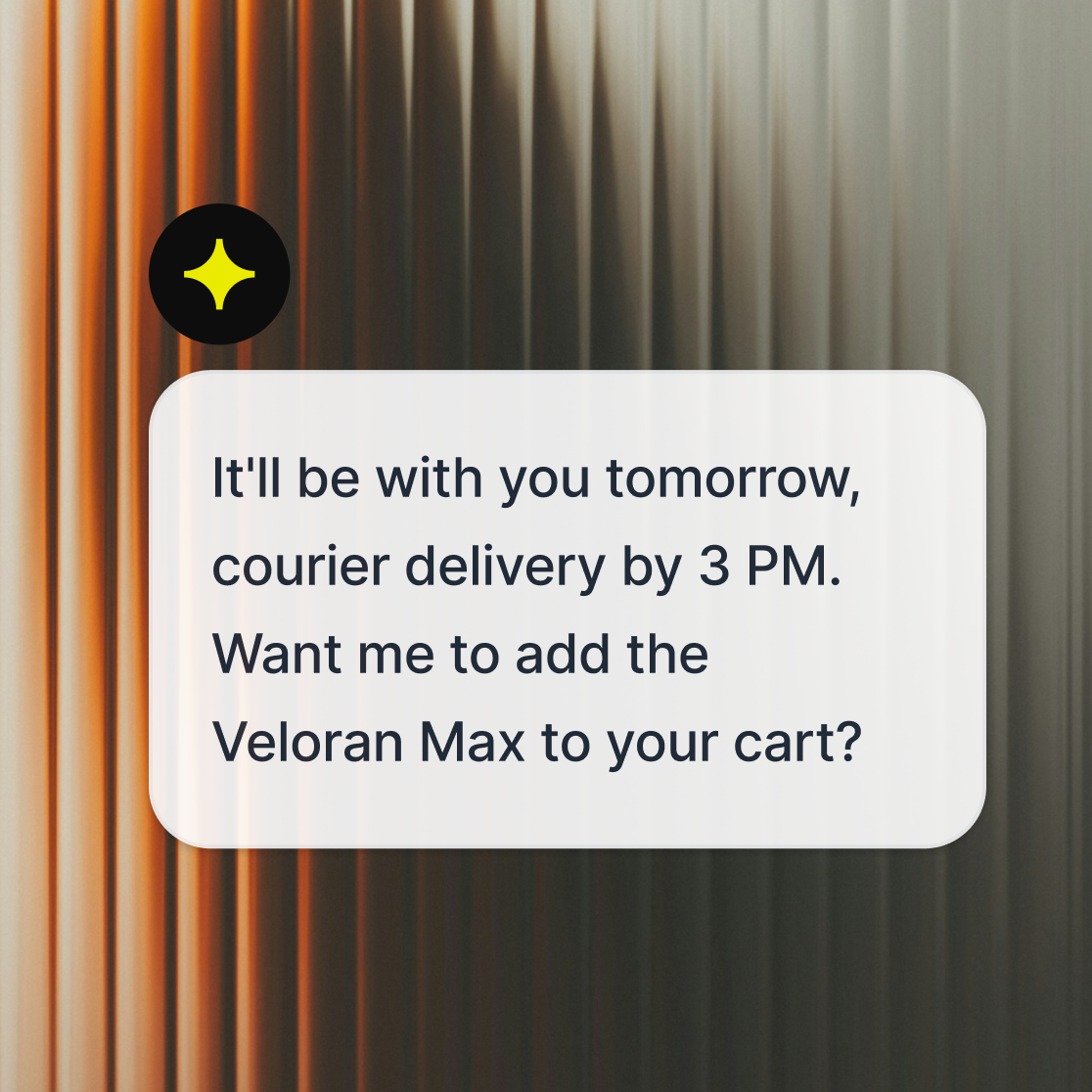
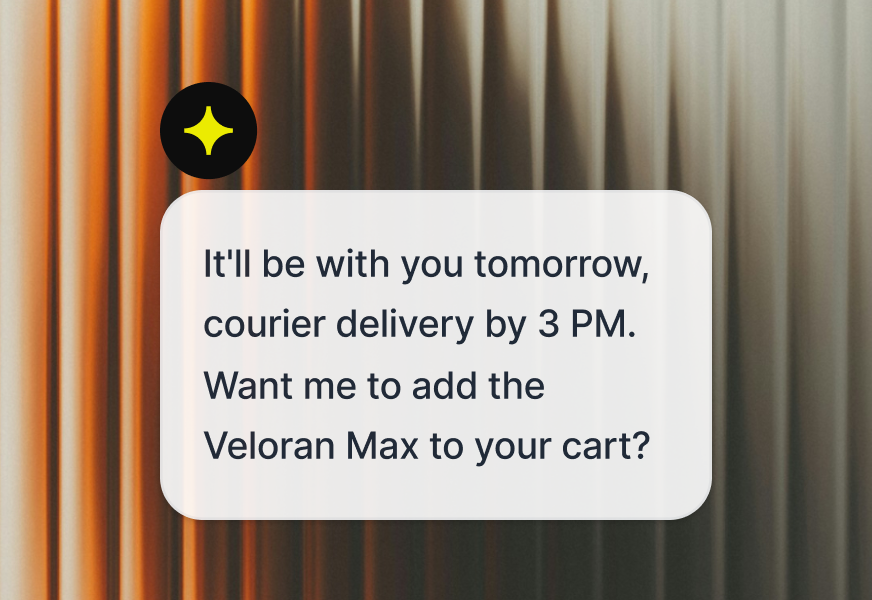
Product cards, prices, and add to cart all inside the conversation. Your chat widget takes the customer from question to checkout without a rep ever stepping in.
An AI Agent that never clocks out
No shifts, no off-hours. It guides buyers, answers their doubts, and closes sales around the clock, stepping aside the moment your team should take over.
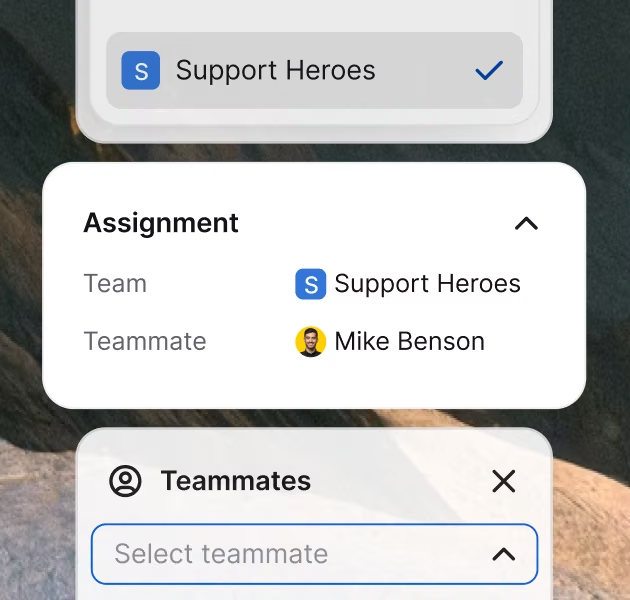
Every chat to the right hands
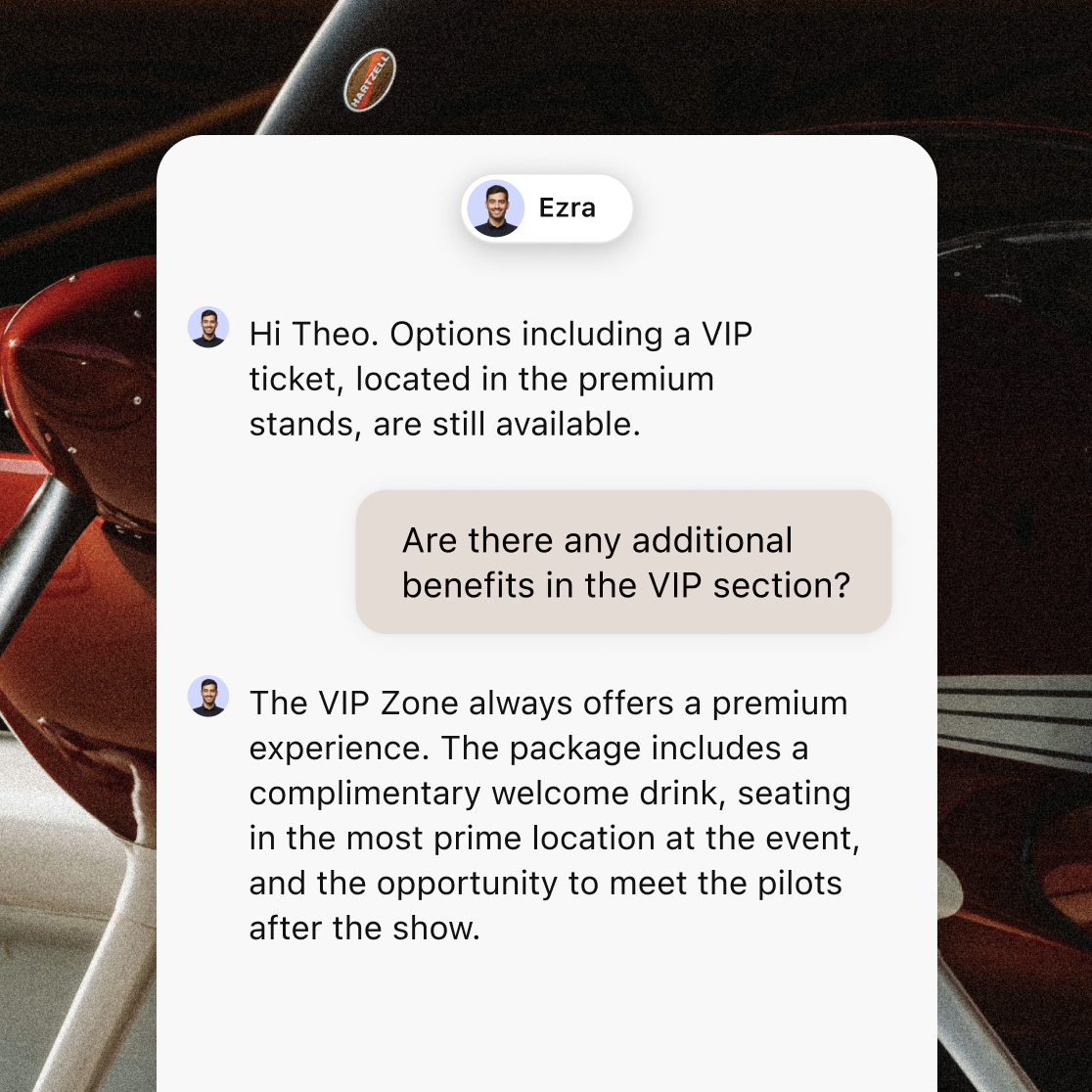
Route by page, team, or language — checkout chats to sales, help pages to support. When a chat needs a person, the right one picks up.
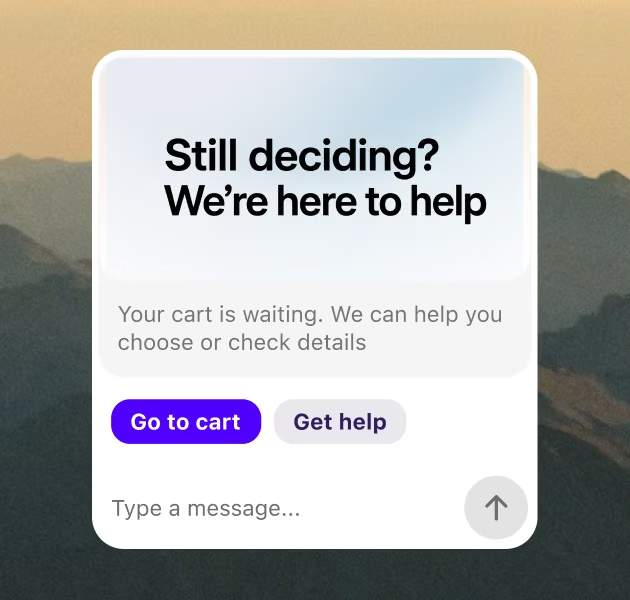
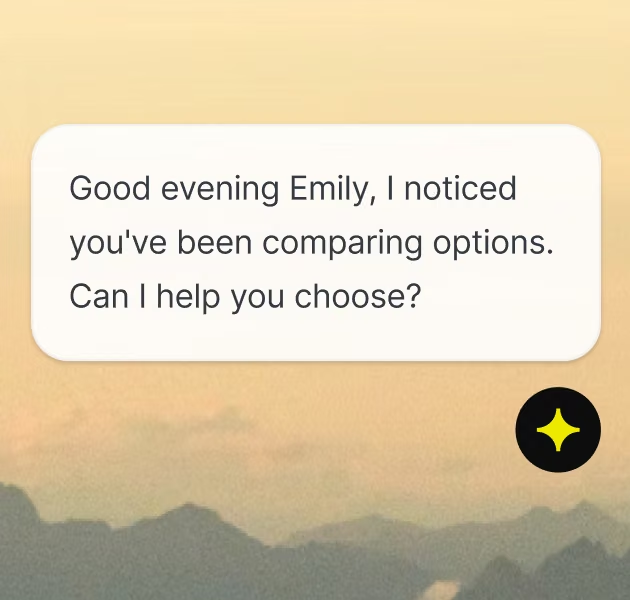
A perfectly-timed nudge before they leave
Trigger a message by page, time, or behavior: hesitation on pricing, a third visit, an abandoned cart. The widget speaks first, so the moment doesn't pass.
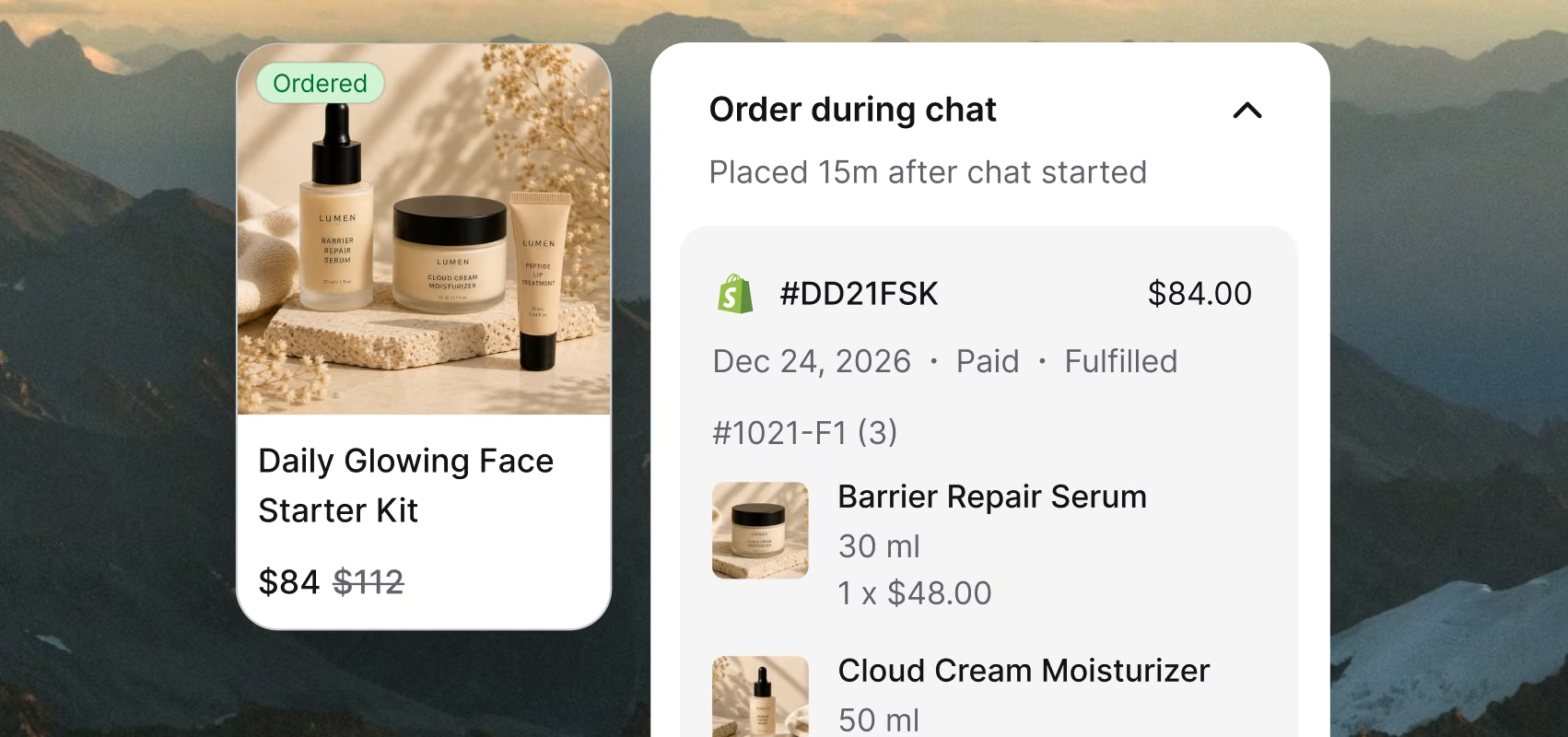
The whole purchase, inside the chat
Product cards, prices, and add to cart all inside the conversation. Your chat widget takes the customer from question to checkout without a rep ever stepping in.
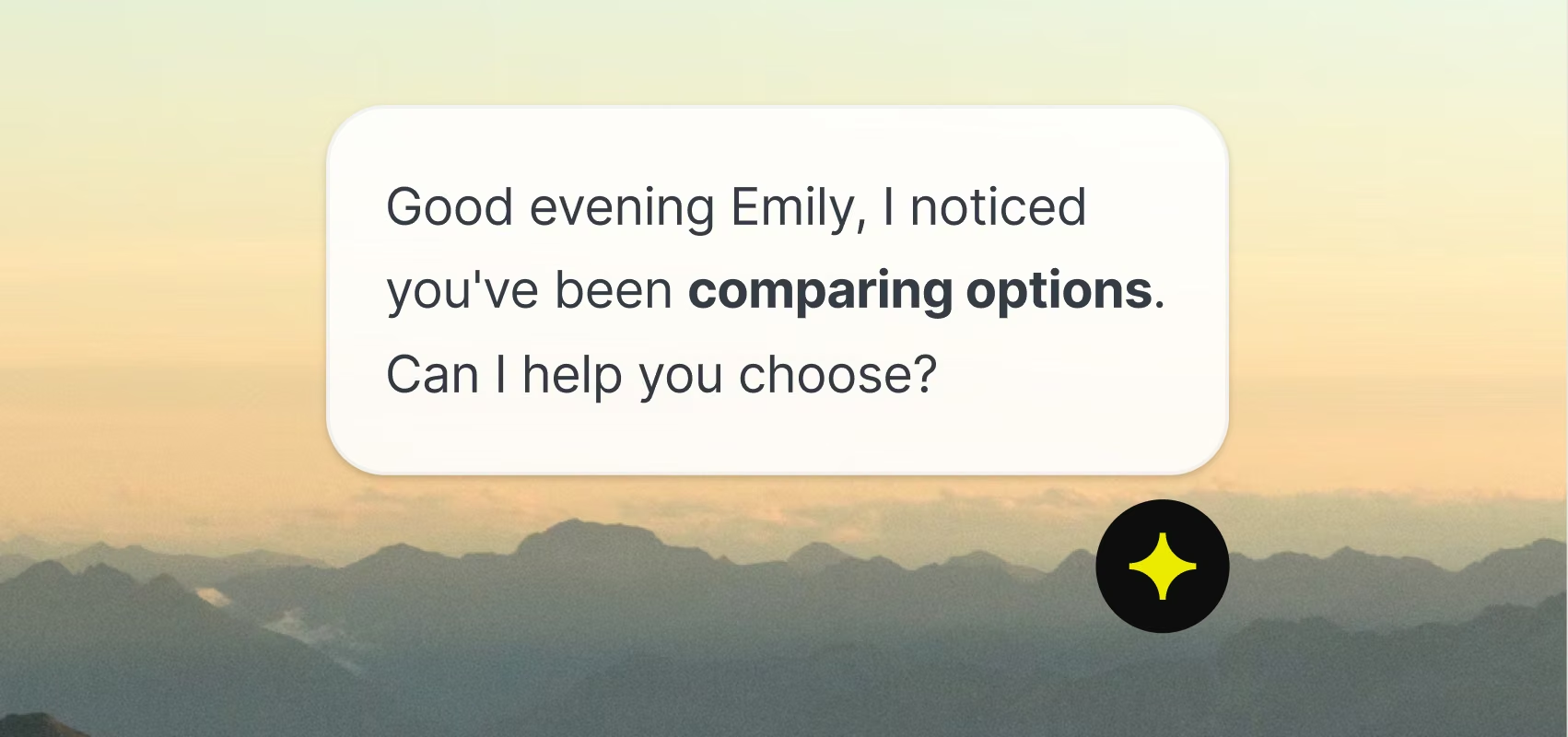
An AI Agent that never clocks out
No shifts, no off-hours. It guides buyers, answers their doubts, and closes sales around the clock, stepping aside the moment your team should take over.
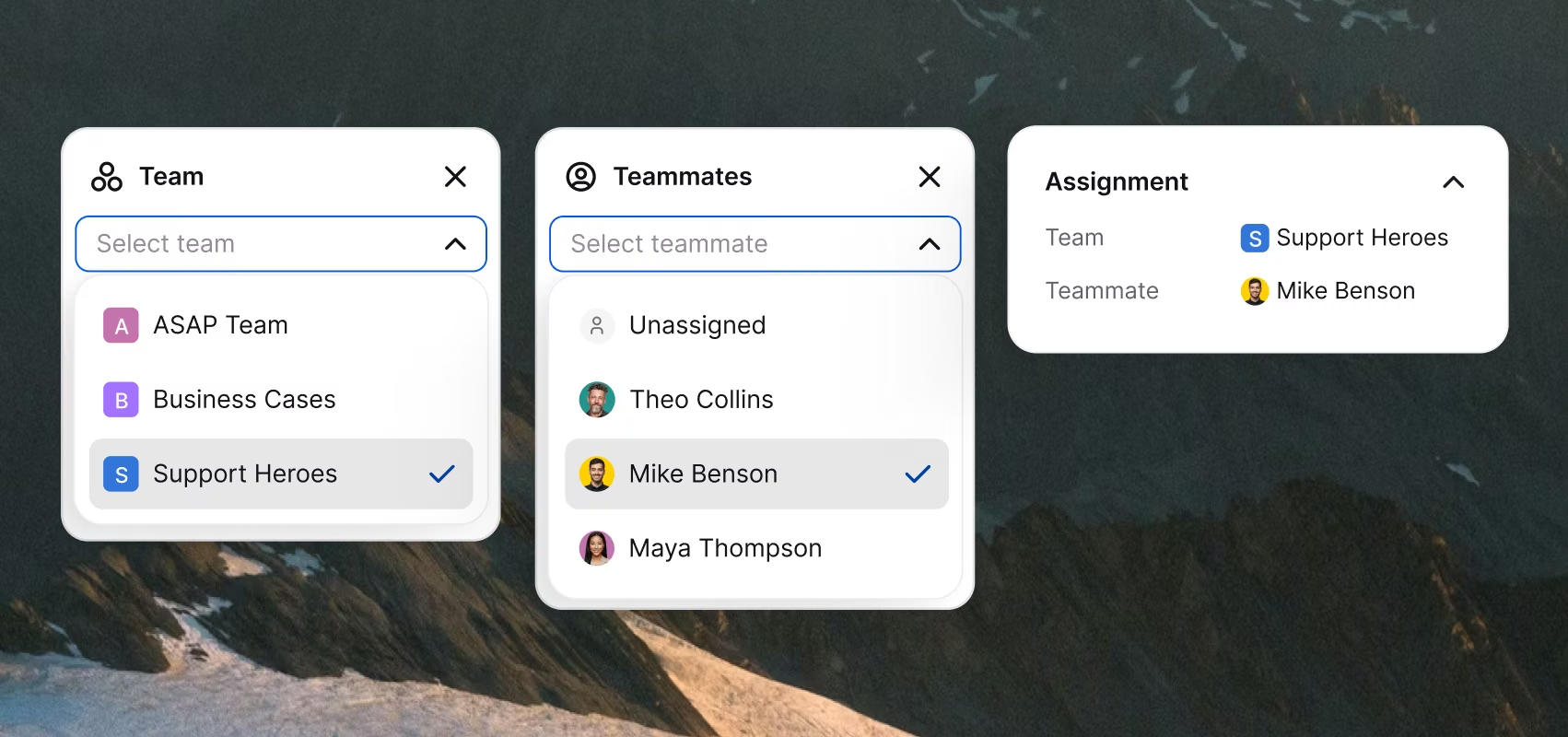
Every chat to the right hands
Route by page, team, or language — checkout chats to sales, help pages to support. When a chat needs a person, the right one picks up.
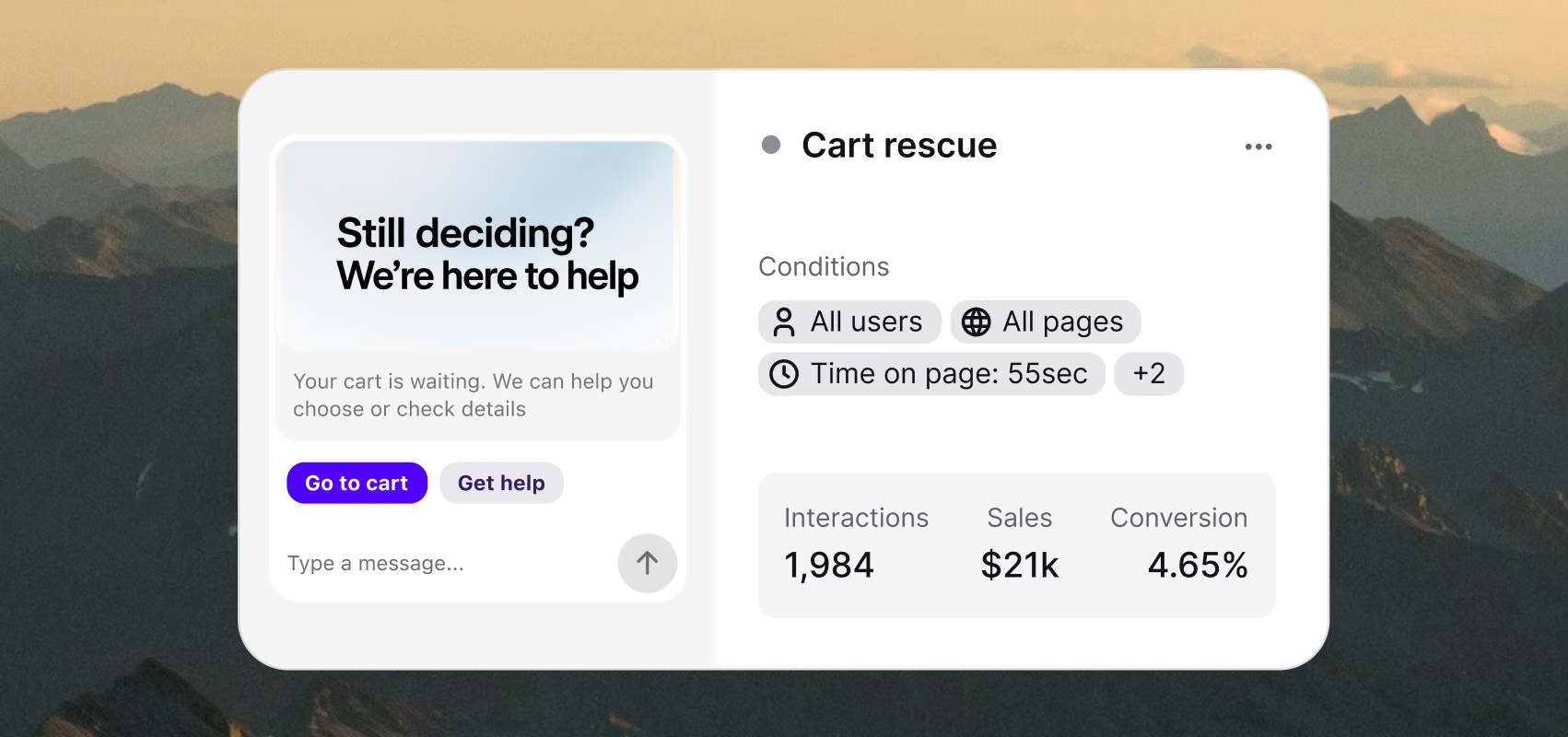
A perfectly-timed nudge before they leave
Trigger a message by page, time, or behavior: hesitation on pricing, a third visit, an abandoned cart. The widget speaks first, so the moment doesn't pass.

We added over $1.5M in revenue in the first eight months. All from sales that started in the chat.
2335%
ROI
$1.5M
Added revenue
8K
Inquiries resolved daily
Always on the same page as your brand.
The chat widget matches your colors, wording, and placement — and switches to each visitor's language on its own. One that belongs to your brand turns browsers into buyers.
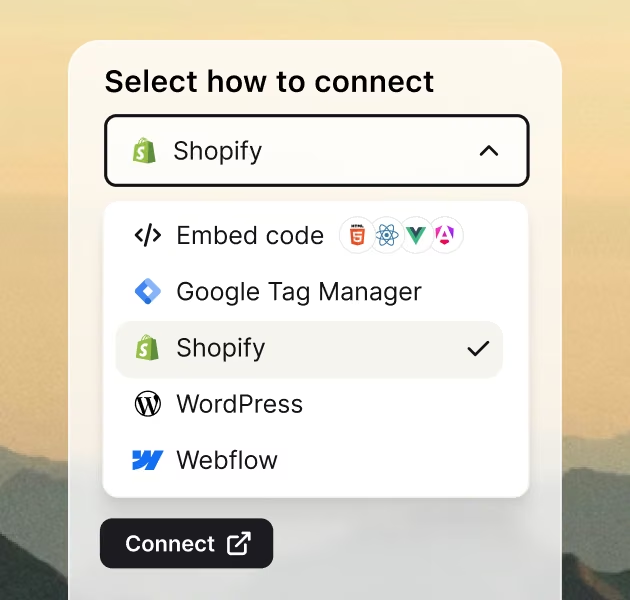
Live on any site, in minutes
Paste one snippet of code or install the WordPress plugin, the Shopify app, or connect via Webflow. The widget goes live on every page. No dev ticket, no production deploy.
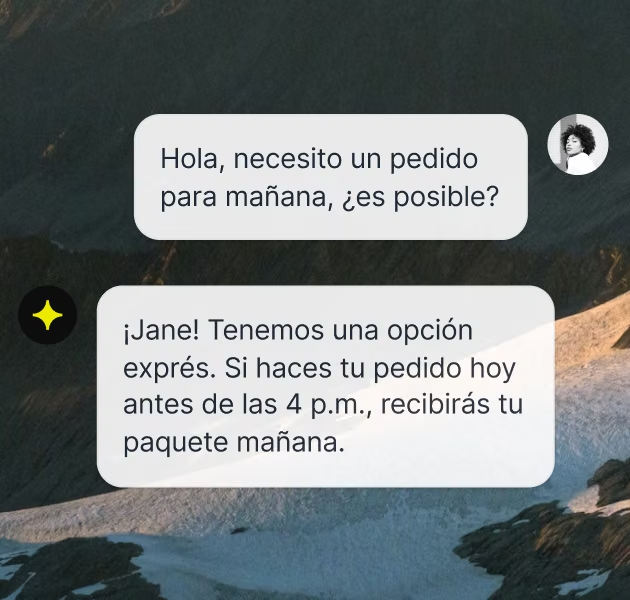
Speaks your customer's language
The widget recognizes each visitor's language and adapts on its own. Set it once — no per-region setup, no revenue lost to a language mismatch.
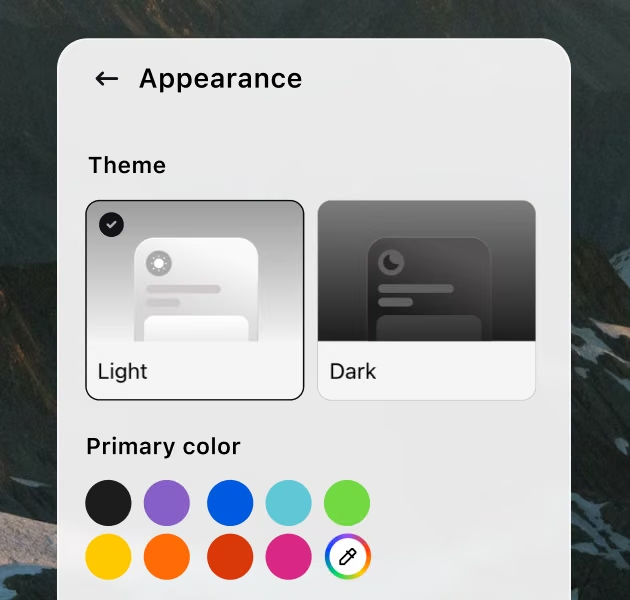
Looks like yours, not ours
Colors, theme, welcome message, button text, the tone of every reply — edit any visible element and see it change on your real site right away.
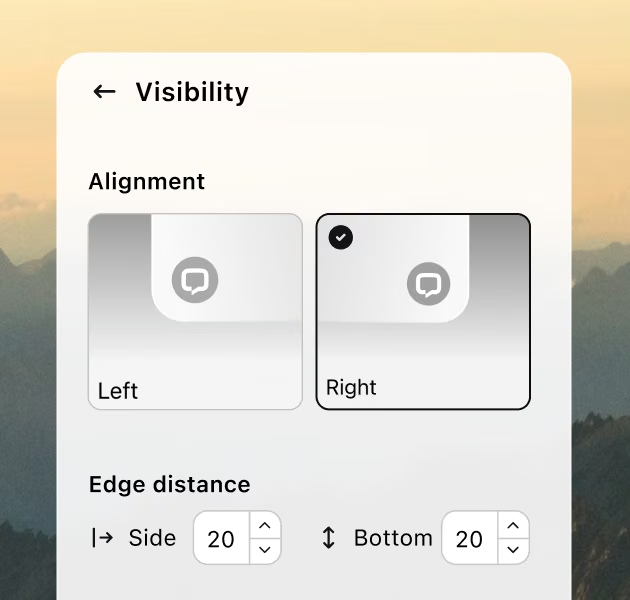
You decide where it sits
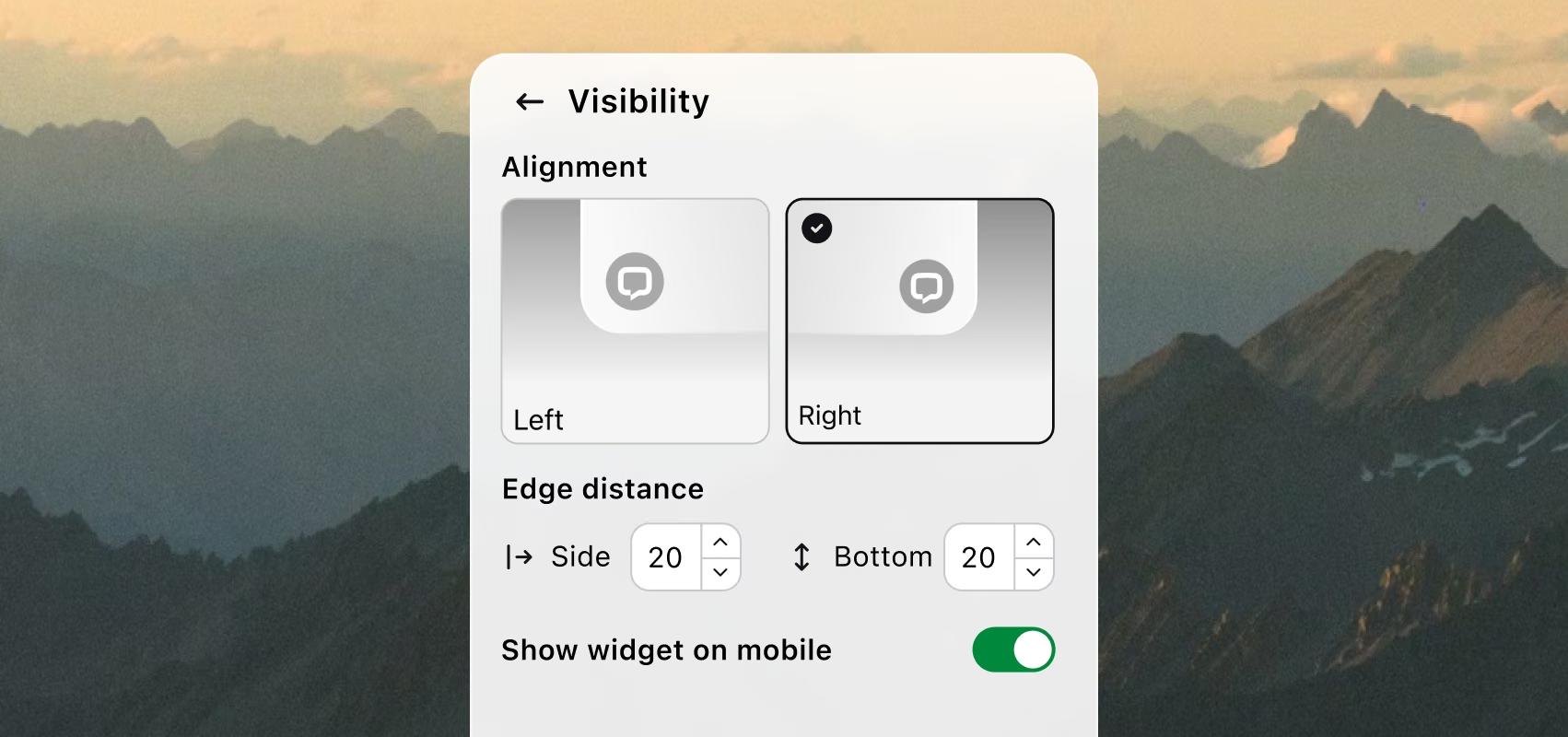
Left or right. Mobile, desktop, or both. Set the edge spacing so the widget never covers a buy button or a floating CTA. A widget that blocks your conversion path costs you money. This one doesn't.
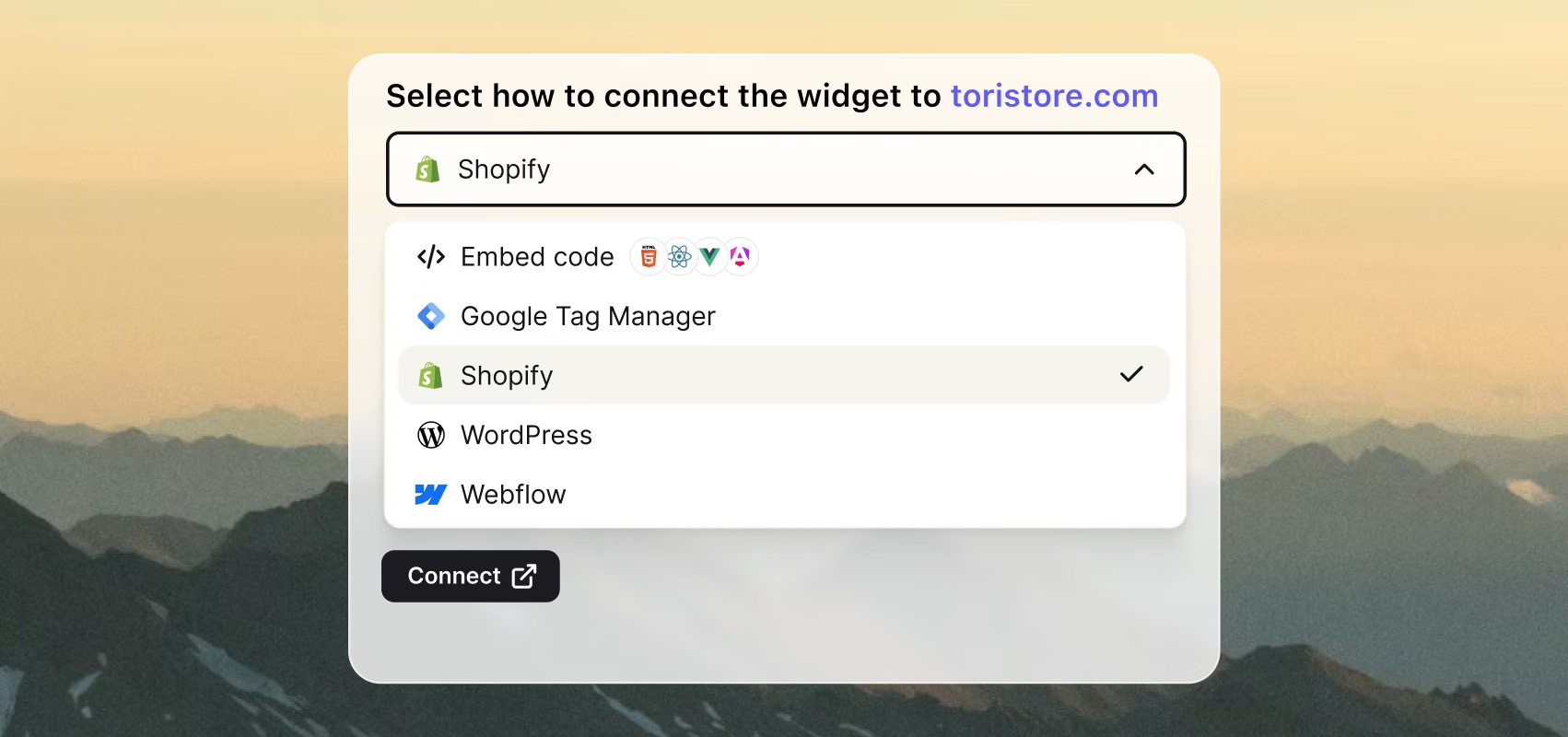
Live on any site, in minutes
Paste one snippet of code or install the WordPress plugin, the Shopify app, or connect via Webflow. The widget goes live on every page. No dev ticket, no production deploy.
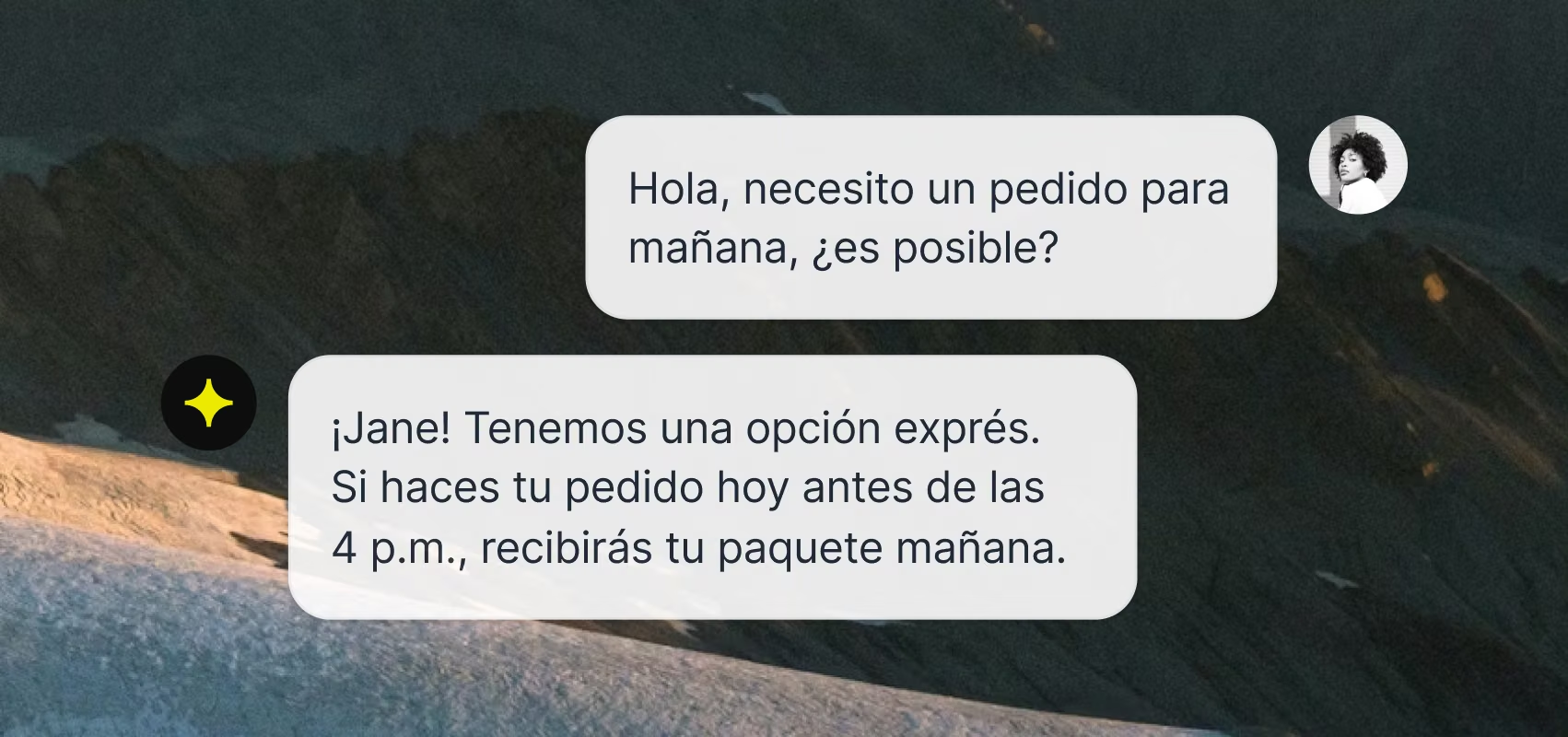
Speaks your customer's language
The widget recognizes each visitor's language and adapts on its own. Set it once — no per-region setup, no revenue lost to a language mismatch.
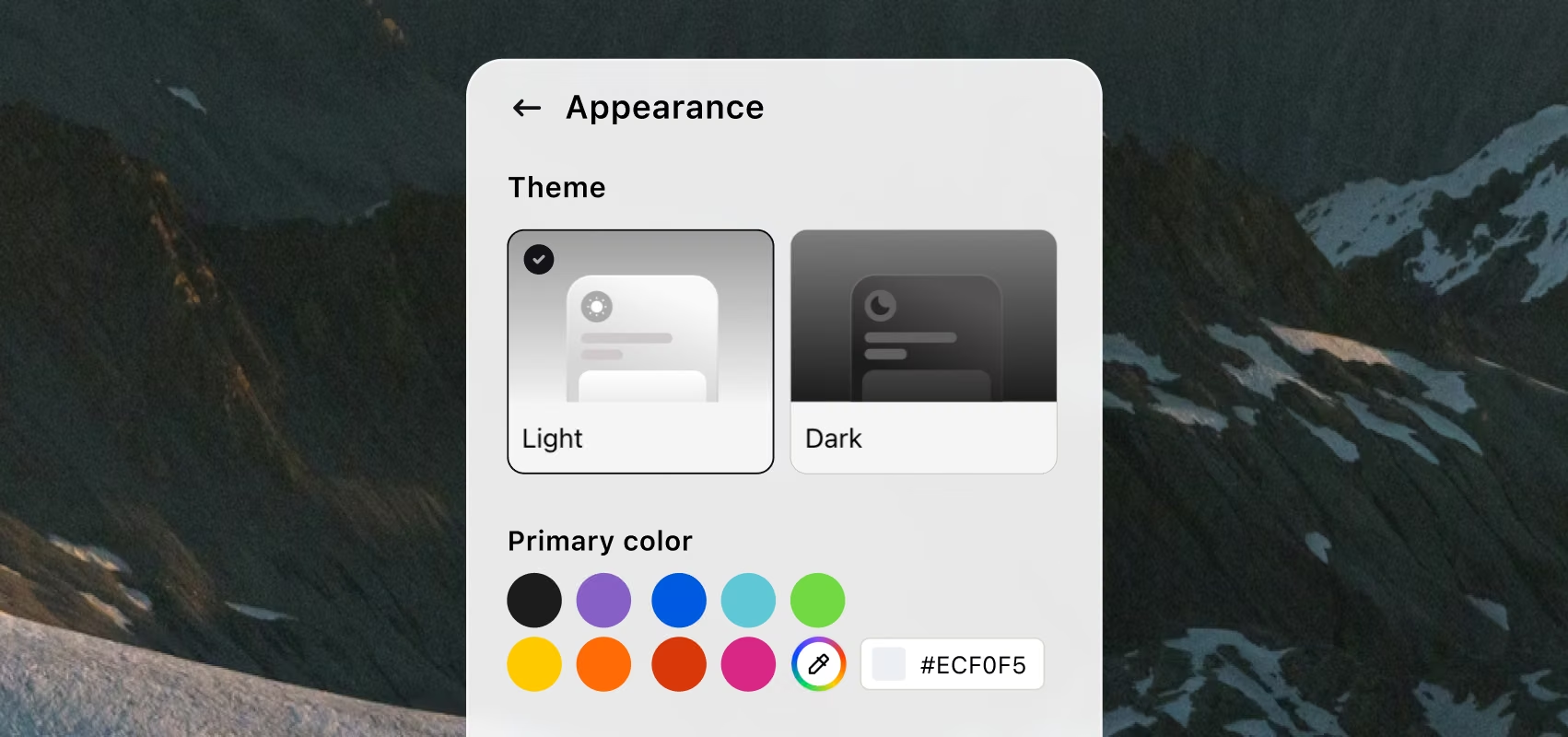
Looks like yours, not ours
Colors, theme, welcome message, button text, the tone of every reply — edit any visible element and see it change on your real site right away.
You decide where it sits
Left or right. Mobile, desktop, or both. Set the edge spacing so the widget never covers a buy button or a floating CTA. A widget that blocks your conversion path costs you money. This one doesn't.
Start free for 14 days. Continue with transparent pricing.
It starts as a chat.
These features close it as a deal.
AI Agent
AI AgentLive chat
Live chatHelp desk
Help deskInbox
InboxCopilot
CopilotTicketing system
Ticketing systemCustomer list
Customer listKnowledge base
Knowledge baseService desk
Service deskCustomer analytics
Customer analyticsMCP
MCPCustomer service management
Customer service management
AI Agent
AI Agent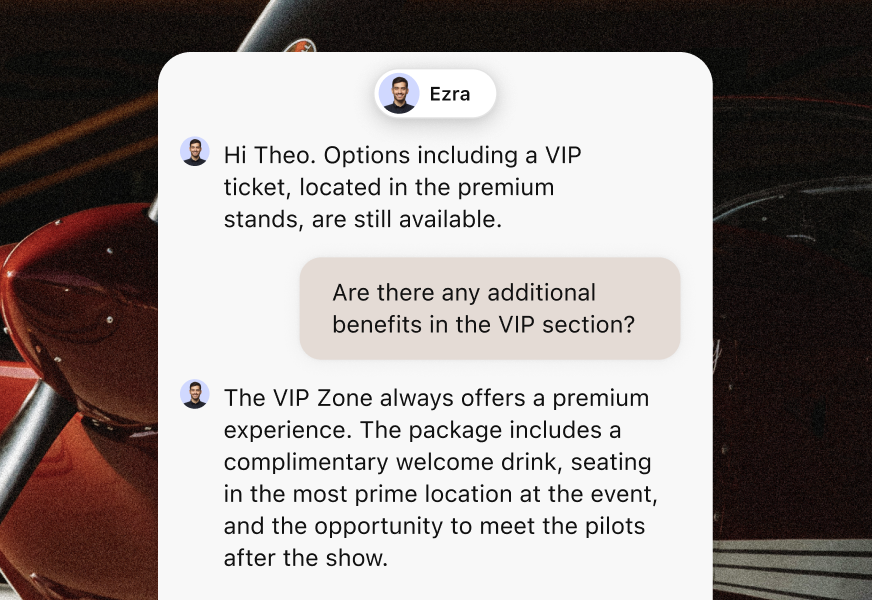
Live chat
Live chat
Help desk
Help desk
Inbox
Inbox
Copilot
Copilot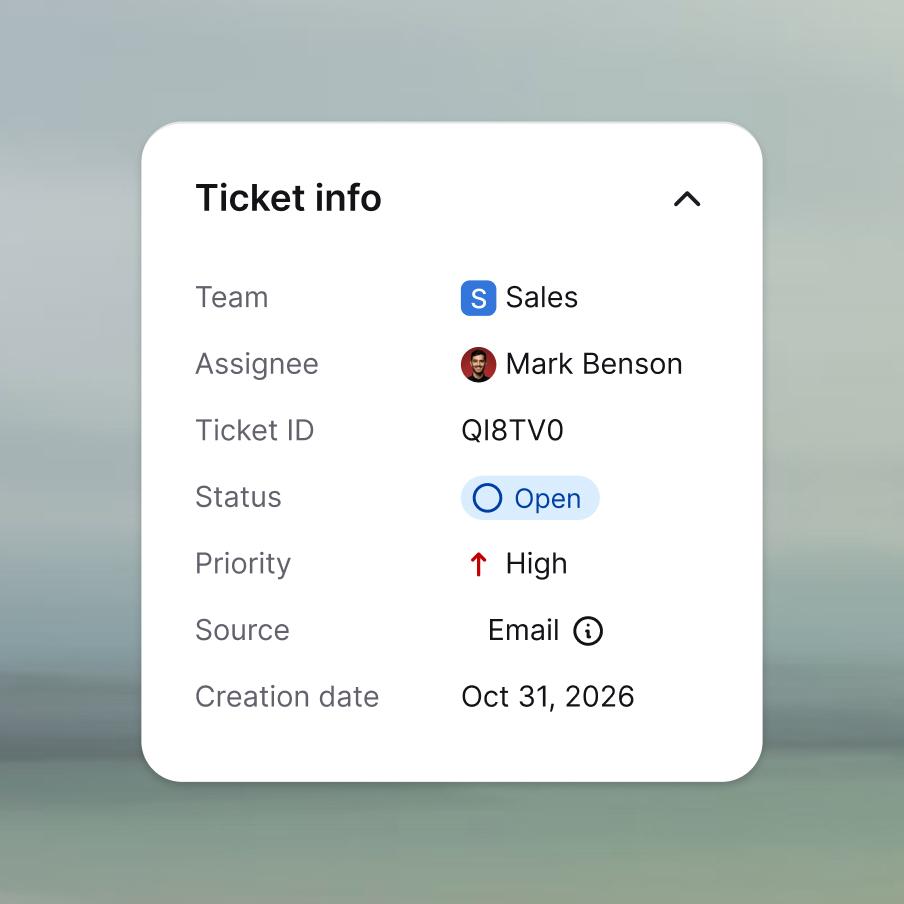
Ticketing system
Ticketing system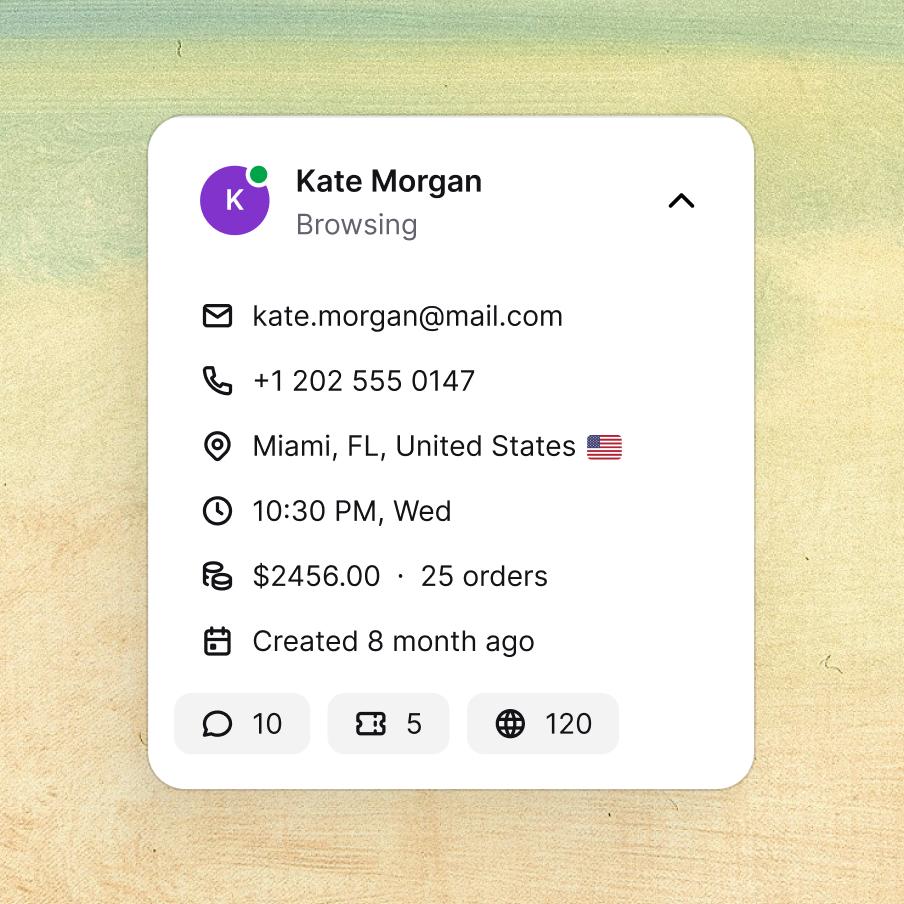
Customer list
Customer list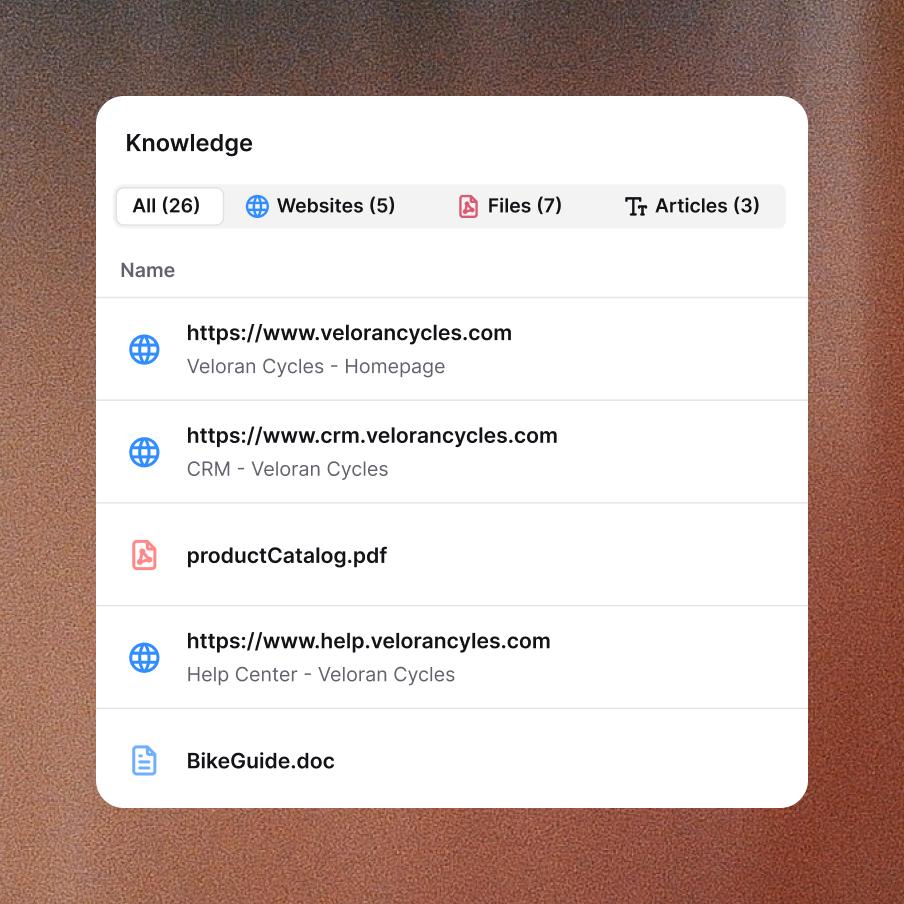
Knowledge base
Knowledge base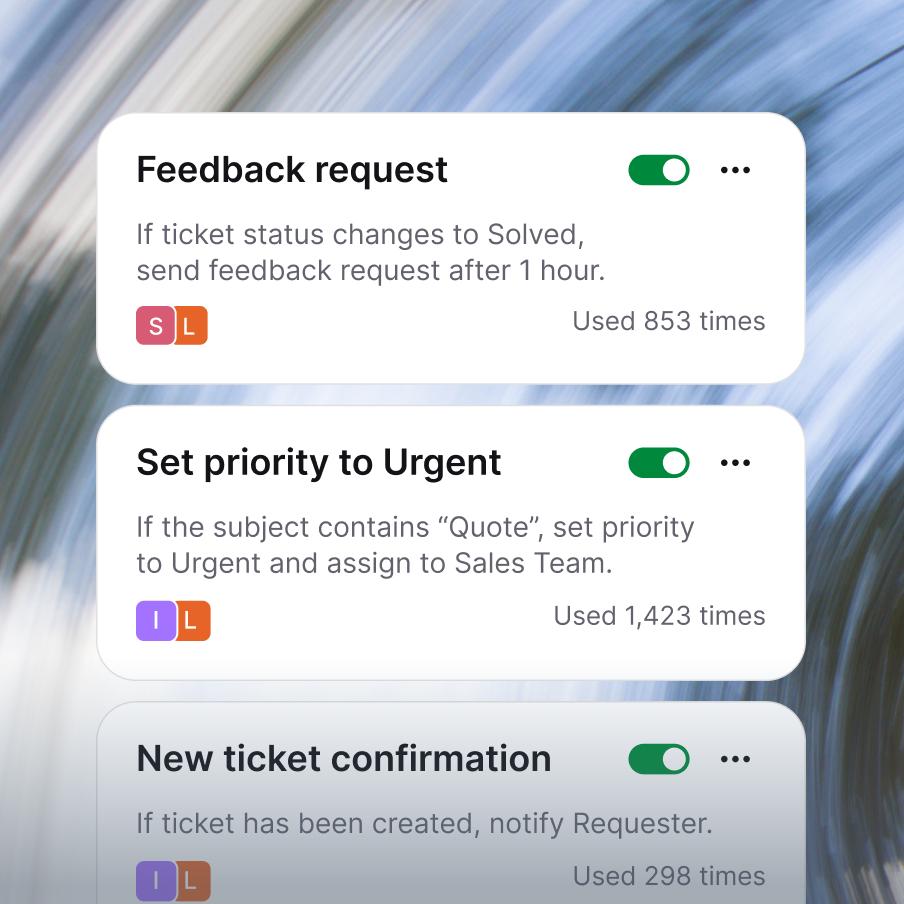
Service desk
Service desk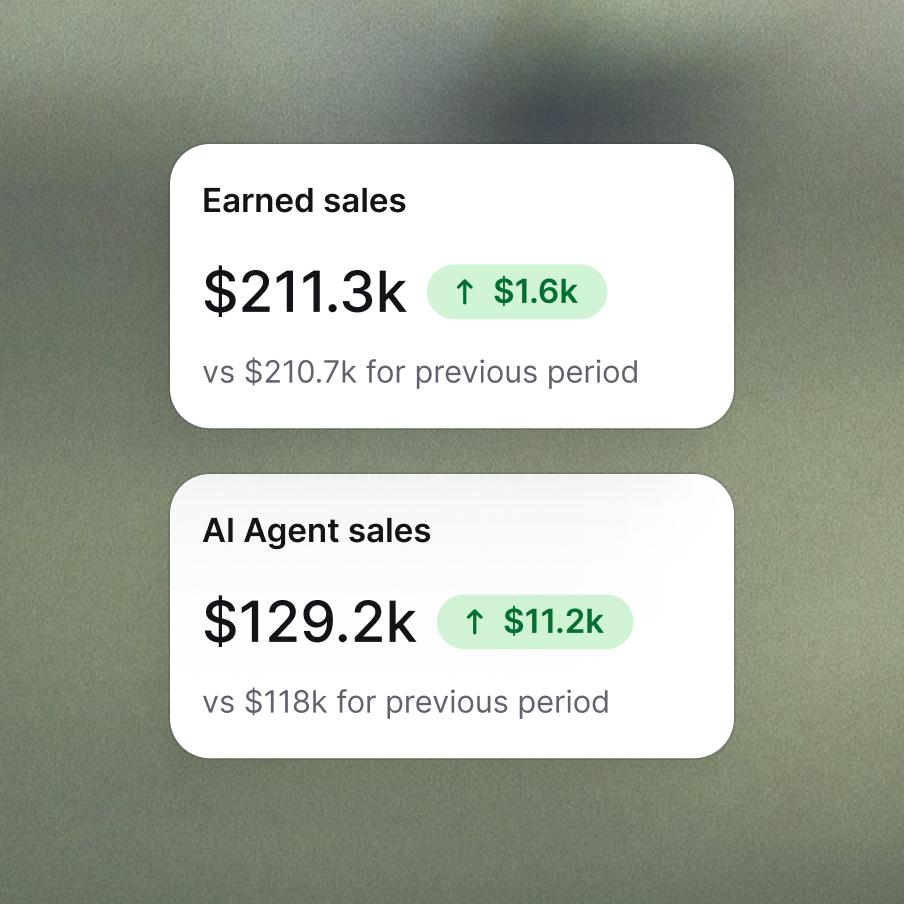
Customer analytics
Customer analytics
MCP
MCP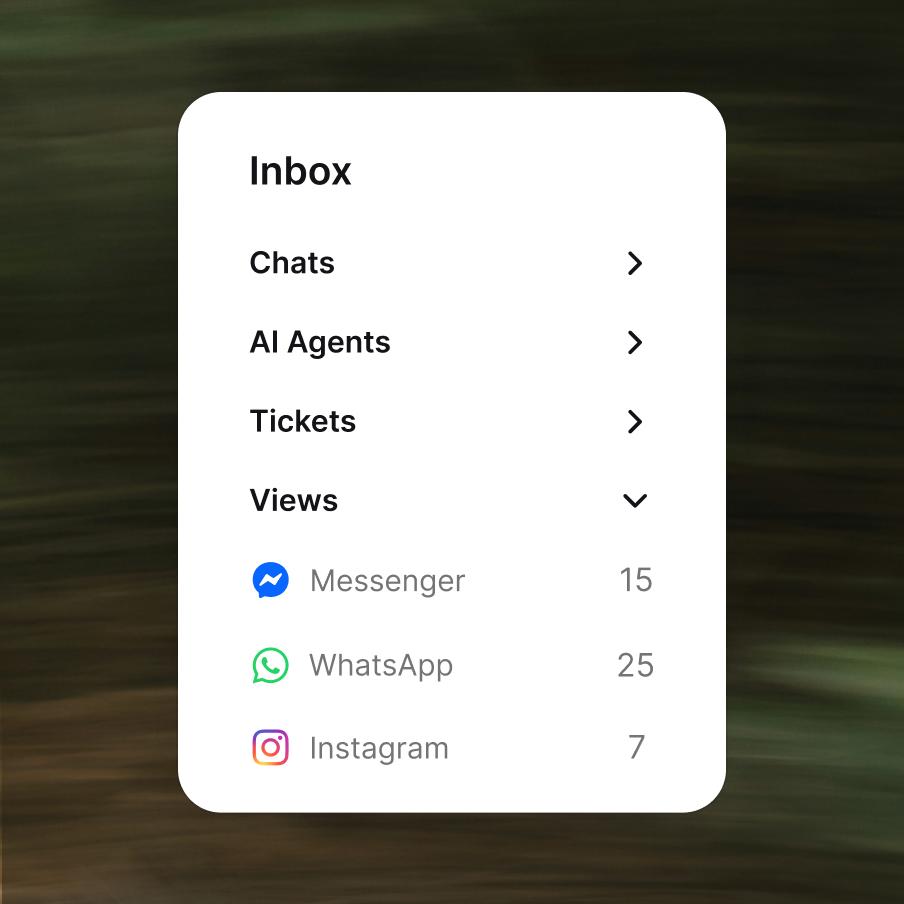
Customer service management
Customer service management
Enterprise-grade security & compliance



The chat is the new checkout.
Frequently asked questions
What is a chat widget?
A chat widget is a small, embeddable interface that sits in the corner of your website and lets visitors start a conversation with your team in real time. It typically appears as a discreet button (often bottom-right) that expands into a chat window when clicked. The website chat widget has become the default way to offer live support online — faster than email, less intrusive than a phone number, and available 24/7 when paired with AI. Text's chat widget is a fully customizable widget for your website that connects every conversation to the same workspace where your team handles tickets, transcripts, and customer history.
How do I add a chat widget to my website?
Adding a chat widget to your website means dropping a small JavaScript snippet into your site's HTML — typically just before the closing </body> tag. With Text, you copy the install code from your account, paste it into your site, and the widget appears on every page within seconds. No coding required beyond that single paste. If you use a tag manager like Google Tag Manager, you can install the chat widget for your website through GTM instead of touching the site code directly — useful when marketing manages the site but engineering controls deploys.
How do I install Text's chat widget on WordPress?
There are two ways to add a WordPress chat widget with Text. The first is the official Text plugin from the WordPress directory — install it, activate it, click "Connect to Text," and sign in or sign up. You're done in under a minute, and updates flow automatically through the WordPress plugin update system. The second is dropping Text's install snippet directly into your theme's header or footer, which works on any WordPress version and any theme. The plugin route is faster; the direct snippet gives you more control over exactly where the chat widget loads. Either way, no developer is required.
What is an AI chat widget?
An AI chat widget is a chat widget where the first responder isn't a human — it's an AI that can answer common questions, qualify leads, and route the conversation to a human agent only when actually needed. An AI chatbot widget can handle the long tail of repetitive questions (pricing, hours, basic product info) instantly, around the clock, in any language — so your human team only sees conversations that actually need human judgment. In Text, the chat widget connects to AI Agent. It handles entire categories of customer questions end-to-end — and when a conversation carries buying intent, AI Agent closes the sale on its own. No human required.
Can I customize the look of my chat widget?
Yes. Text's website chat widget is fully customizable so it matches your brand instead of looking like a generic bolt-on. You can:
- Choose between light or dark theme.
- Set the primary color from presets, pick a custom color, or fine-tune individual areas of the widget.
- Edit the welcome message, default customer name, message placeholder, offline info, and queue info.
- Add a privacy policy consent message for GDPR and similar compliance.
All customization happens in a live on-site configurator under Settings → Channels → Website widgets, so you see exactly how each change looks on your real site before you save.
What languages does the chat widget support?
Text automatically detects the language of every chat, and AI Agent handles replies in 45 languages — so a customer who opens the widget in English, German, or Portuguese gets a coherent reply in their own language, without waiting for a bilingual human agent. For languages outside that set, conversations escalate to humans, and your team can lean on translation tools inside the agent workspace.
The widget interface itself — the labels, placeholders, buttons, and status messages your customers see ("Send," "How can we help?," "Agent is typing") — is available in 48 languages, picked from a dropdown in the customization panel.
How is a chat widget different from a chat plugin?
The terms are often used interchangeably, but there's a subtle distinction:
- A chat widget is the front-end interface itself — the button and chat window your visitors see and interact with on your website.
- A chat plugin typically refers to a platform-specific installer that adds a chat widget to your site (for example, a WordPress chat plugin or a Shopify app). The plugin is the delivery mechanism; the widget is what the visitor actually sees.
In practice, most people say "chat plugin" when they mean "the thing I install on WordPress" and "chat widget" when they mean "the thing visitors see on the website." Text provides both — a chat widget for your website plus dedicated plugins for WordPress, Shopify, Webflow, and other major platforms.
Can I control where the chat widget appears on my site?
Yes. Text's chat widget gives you precise control over placement:
- Alignment — left or right side of the page.
- Edge distance — adjust spacing from the side and bottom edges, so the widget doesn't overlap important content like cookie banners, floating CTAs, or footers.
- Device display — decide whether the widget shows on mobile devices, desktop only, or both.
This matters more than it sounds: a chat widget that covers the "Add to cart" button on mobile is a chat widget that costs you revenue. The placement controls let you tune it to each site context.
Is there a free chat widget I can use?
There are free chat widget options on the market, and Text offers a free trial so you can run the chat widget on your site at no cost while you evaluate it. The honest take: "free chat widget" tools usually fall into one of three categories — limited free tiers from paid platforms (the most common), open-source widgets you self-host (technical setup required), or unmaintained free tools (usually a bad idea for anything customer-facing). For a small site testing the waters, a free tier is reasonable. For a business that actually relies on customer conversations, the cost of a proper paid widget is usually trivial compared to the lift in conversion and resolved tickets.
What platforms does Text's chat widget work with?
Text's chat widget works on essentially any website, with dedicated install paths for the most common platforms:
- WordPress — official Text plugin from the WordPress directory.
- Shopify — Text app in the Shopify App Store.
- Webflow — direct integration via custom code or a guided setup.
- Squarespace — no-code integration, same flow as Webflow.
- Google Tag Manager — install through GTM if your team prefers managing scripts that way.
- Anything else — paste the JavaScript snippet into your site's HTML and the widget appears.
The same widget works the same way across all of them — customization, languages, visibility controls, and AI integration are identical regardless of how you installed it.