Customer service software that helps you grow.
Most service tools manage tickets. Text turns them into revenue. One app, with AI Agent, live chat, and help desk built to close.
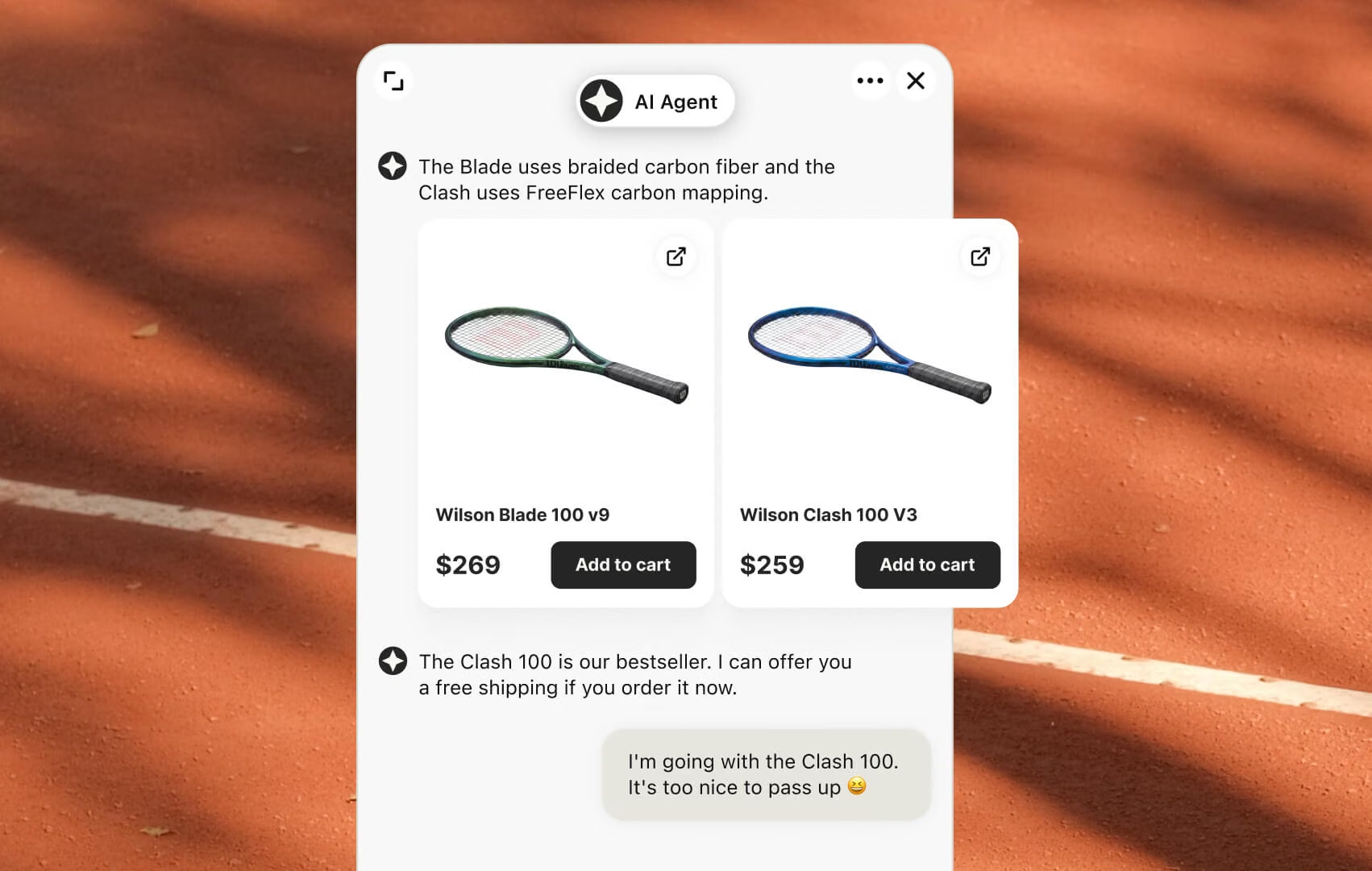
AI Agent
Handles the repetitive conversations so your team focuses on the ones that close. Spots buying signals, recommends products, acts on intent.
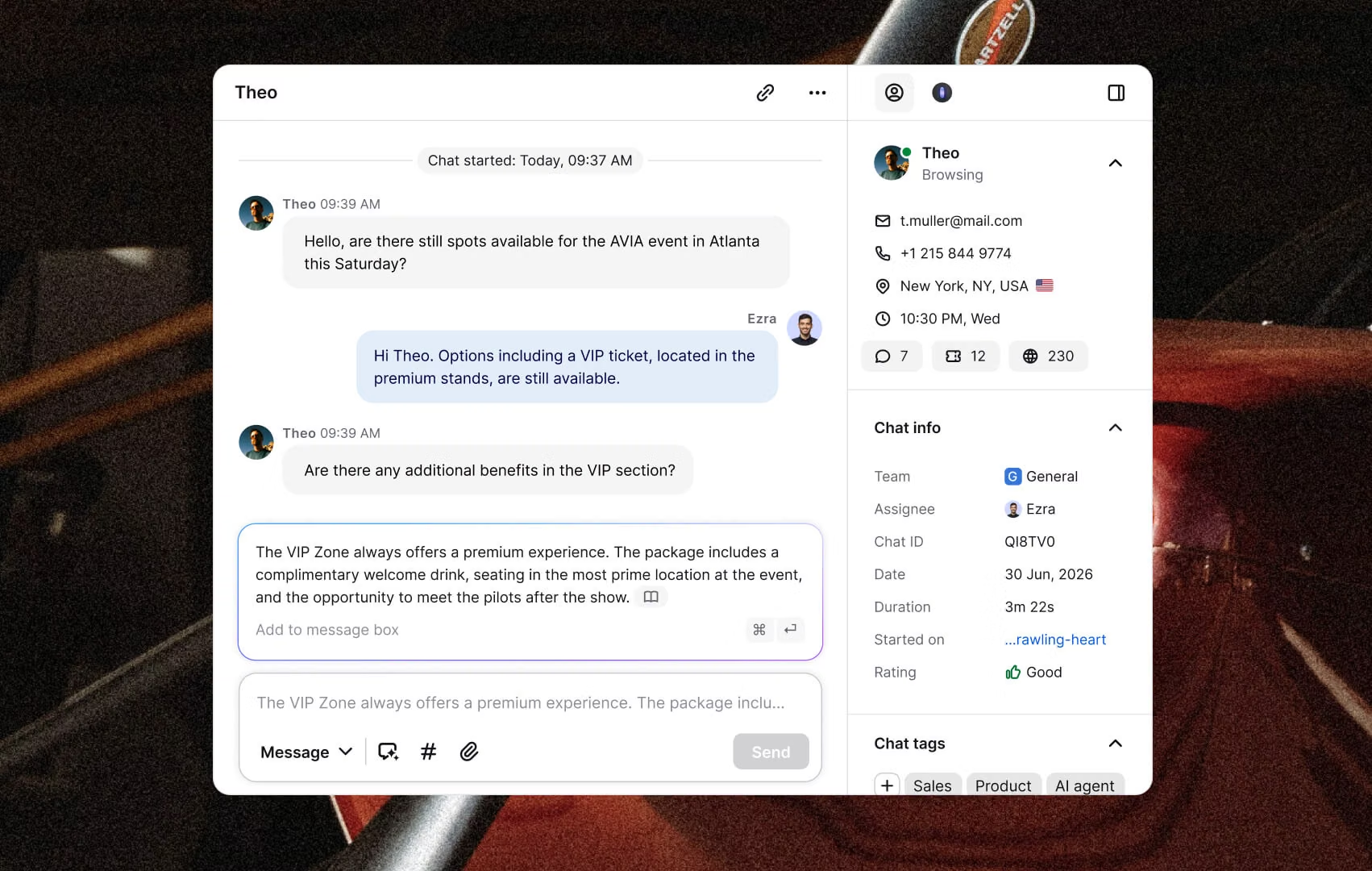
Live chat
The moment a visitor hesitates is the moment a sale is won or lost. Live chat puts your team there in real time.
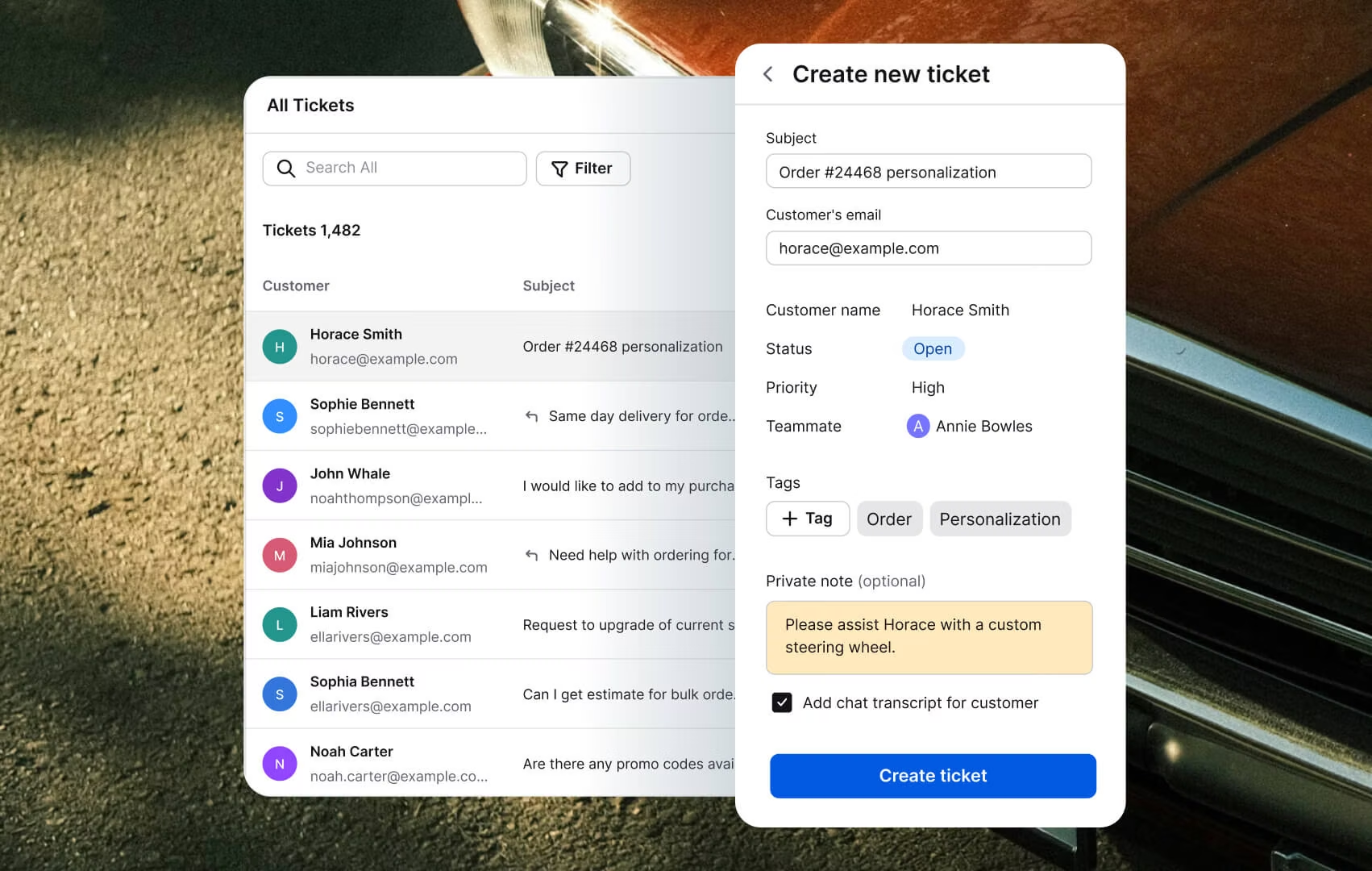
Help desk
Every ticket is a customer making a decision: spend more, or walk away. Help desk hands your team the context to swing it the right way.
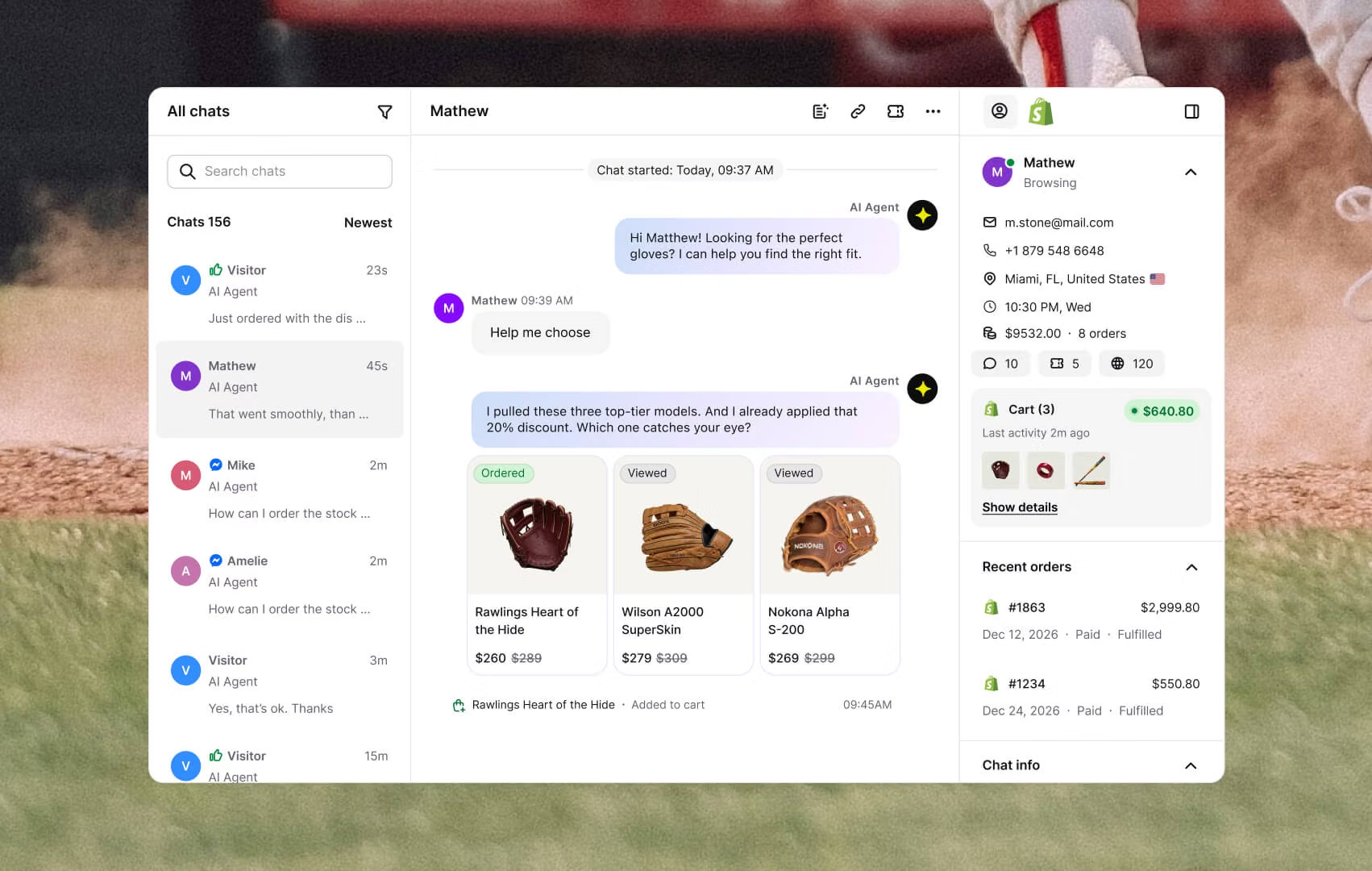
Inbox
Customers can reach out from numerous channels. In Text, it's just one inbox, so your team stays focused on the conversations that drive revenue.
Every chat
is a chance to close.
More features that make support a sales channel.
Copilot
CopilotTicketing system
Ticketing systemChat widget
Chat widgetCustomer list
Customer listKnowledge base
Knowledge baseService desk
Service deskCustomer analytics
Customer analyticsMCP
MCPCustomer service management
Customer service management
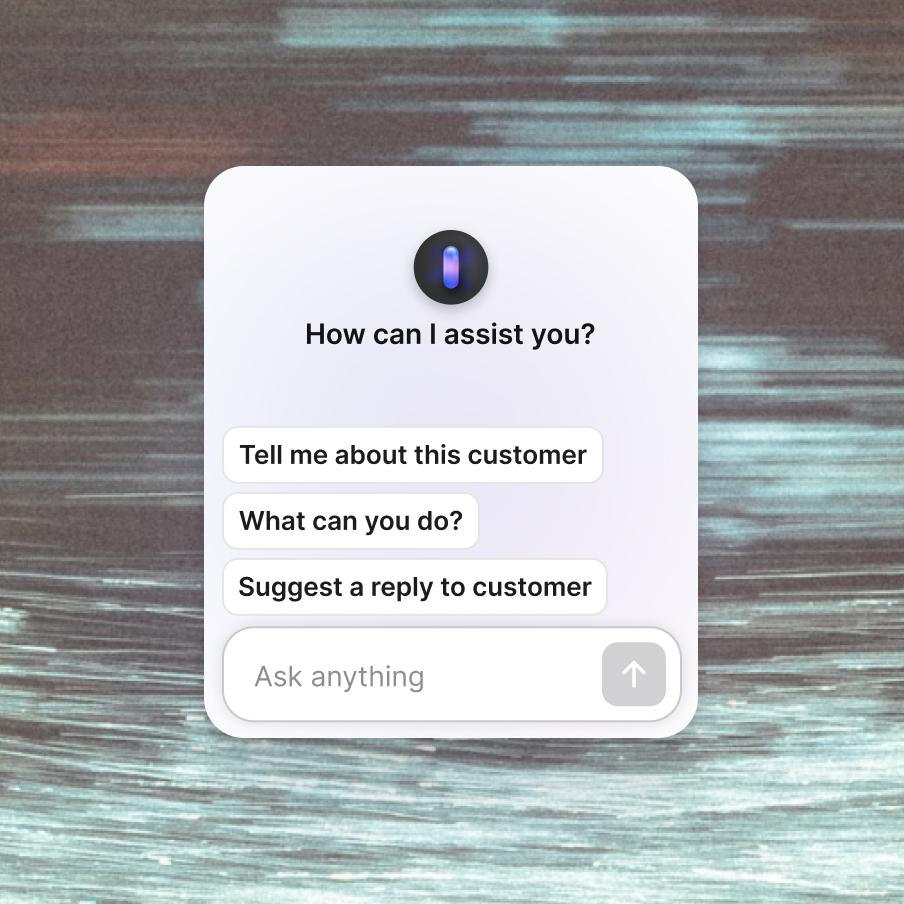
Copilot
Copilot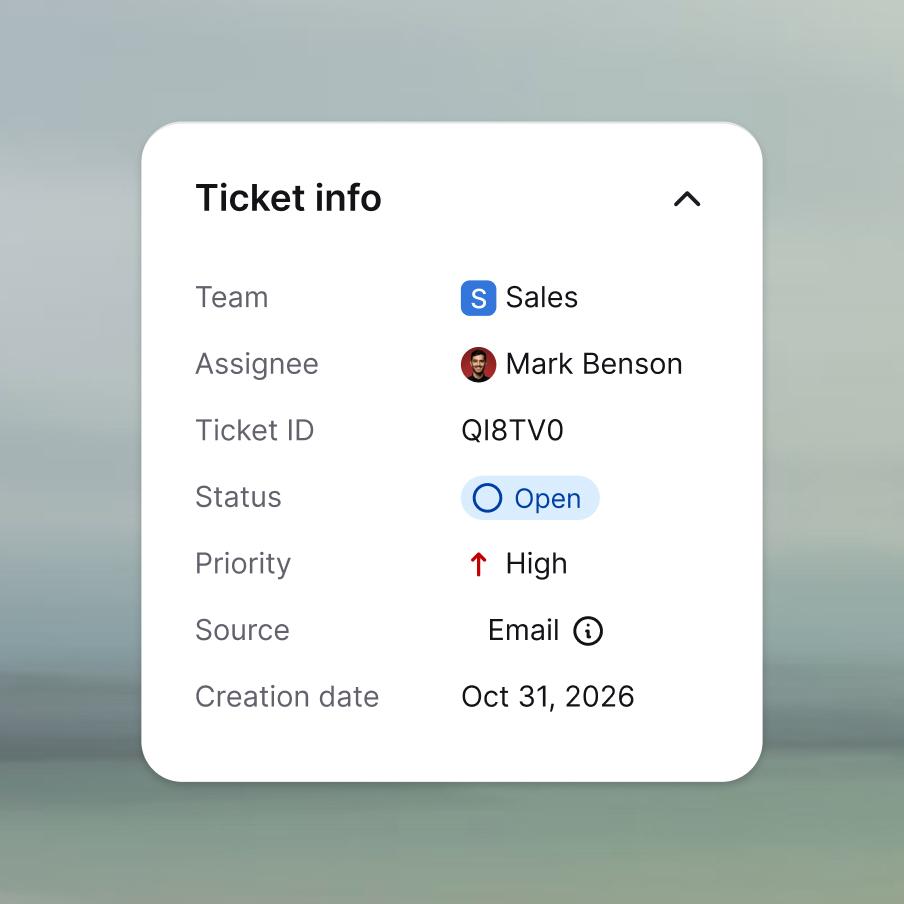
Ticketing system
Ticketing system
Chat widget
Chat widget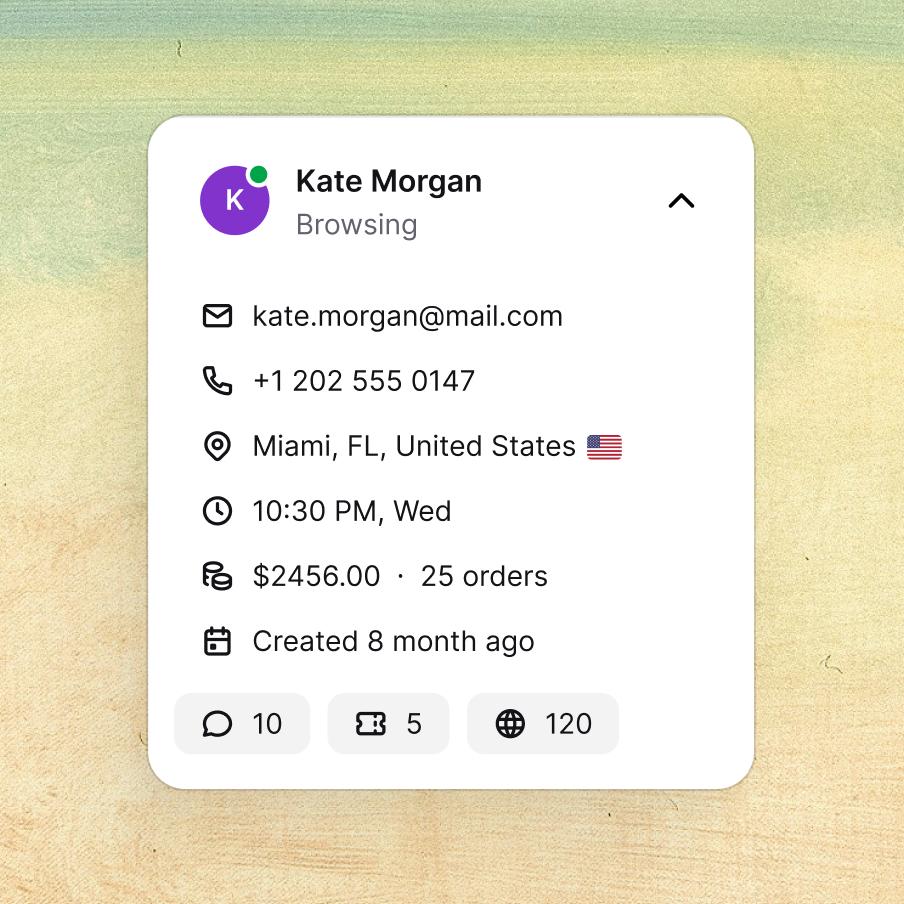
Customer list
Customer list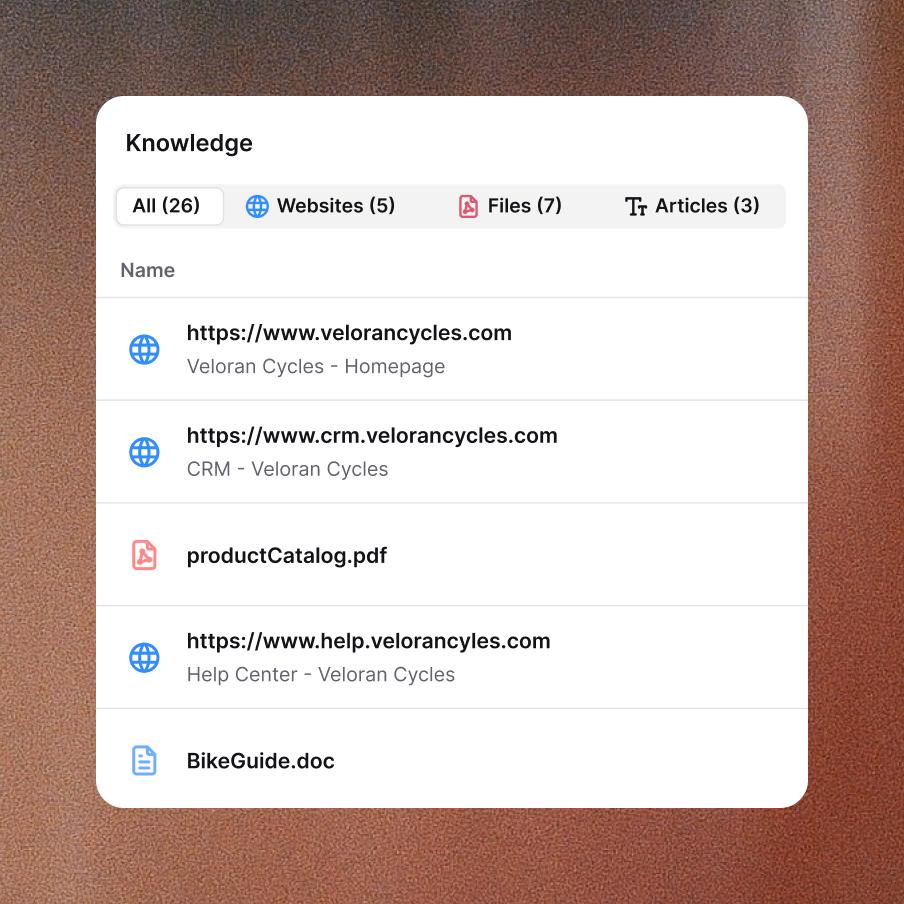
Knowledge base
Knowledge base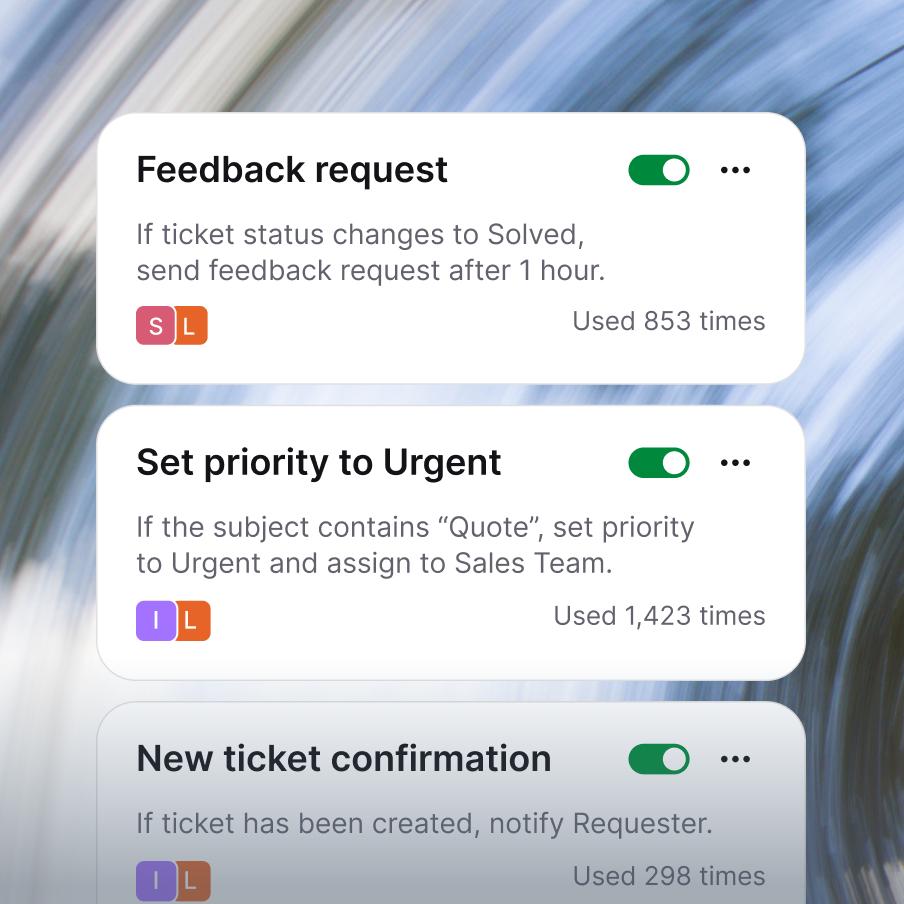
Service desk
Service desk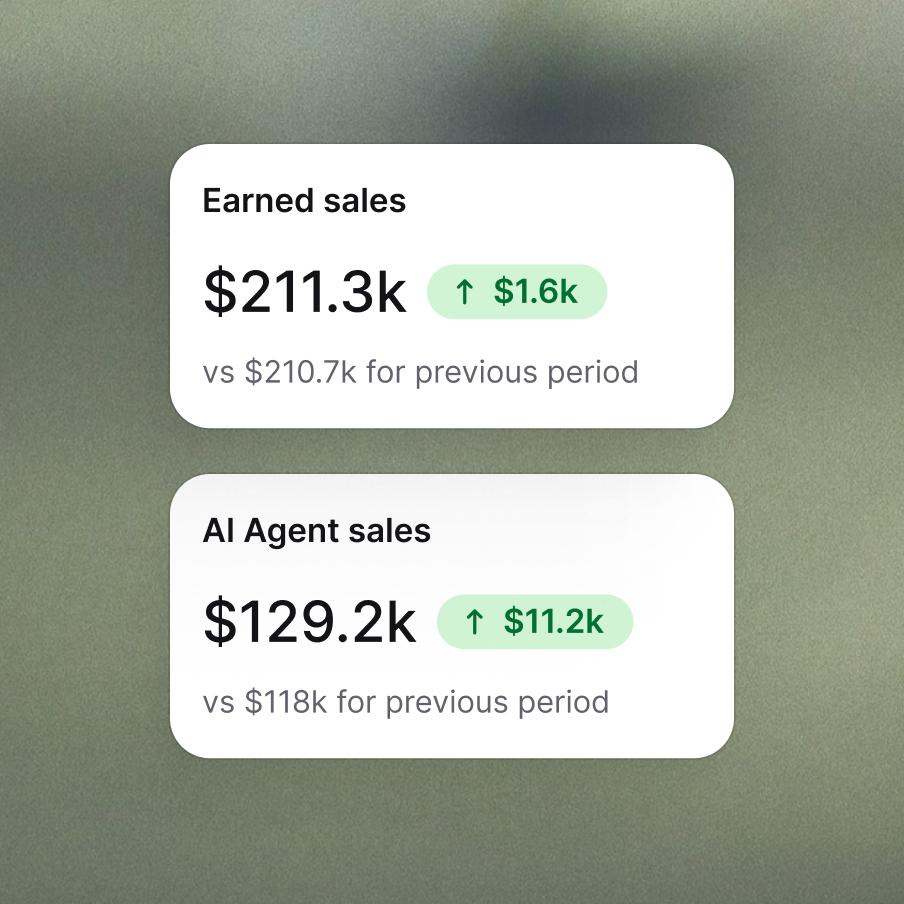
Customer analytics
Customer analytics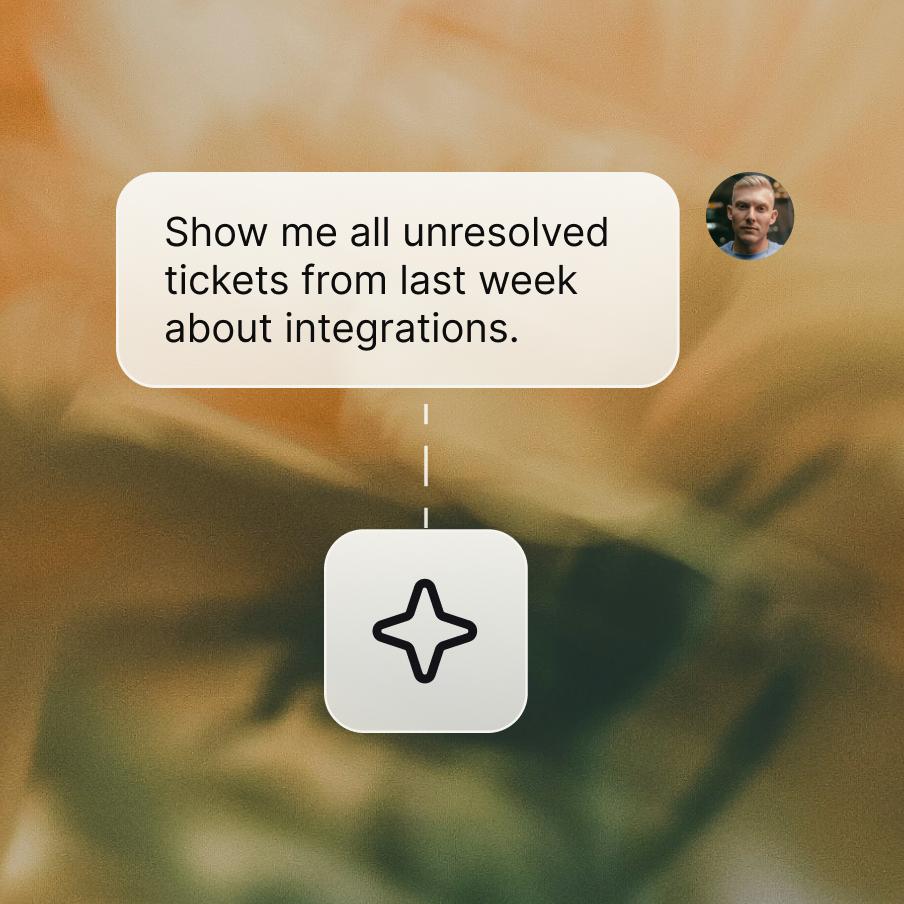
MCP
MCP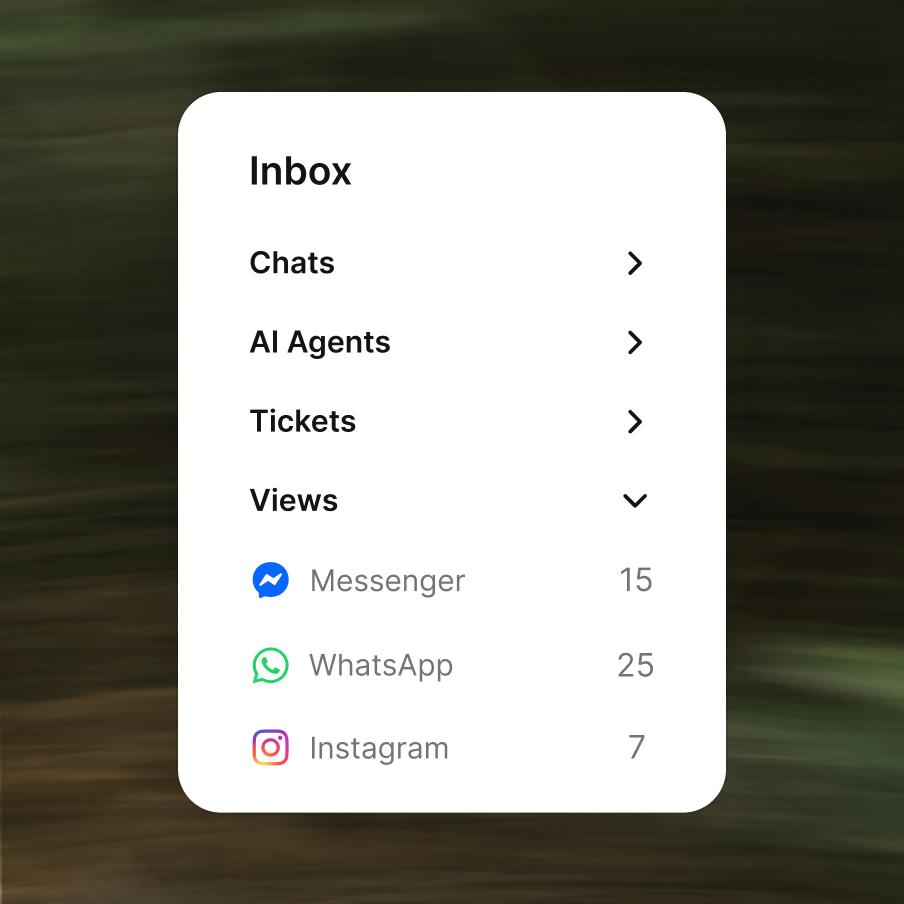
Customer service management
Customer service management
Use Text with the tools
you already run








Extremely well made application for customer service & sales with nice price point.
432%
growth in AI Agent sales
70%
of all chat sales driven through AI Agent
98%
AI Agent resolution rate

Every chat is a checkout
waiting to happen.
Frequently asked questions
What is Text?
Text is customer service software that turns support conversations into revenue. It combines an AI agent that spots buying signals, live chat that closes deals, and a help desk that turns tickets into repeat customers — all in one workspace, built for ecommerce and SaaS teams.What features are included in Text?
Text gives you a full customer service platform in one place, not a pile of add-ons bolted together. Your team gets a shared space for live chat and email, a ticketing system for everything that needs follow-up, and an AI agent that can carry a conversation all the way to a sale on its own. Behind the scenes, Copilot helps your agents draft replies and surface answers fast, while workflows quietly handle the repetitive steps no one wants to do twice. You also get a chat widget for your site, a self-serve knowledge base, customer profiles and analytics, and MCP to connect Text to the AI tools your team already uses. And because every one of these works from the same shared view of the customer, your team is never piecing the story back together from scratch.Do all Text features share the same customer data?
Yes. Every feature in Text works from the same customer data – chats, tickets, orders, history - so your team always sees one customer picture, with no tool-switching and no manual syncing. What you can split is the knowledge each AI runs on: train Copilot on one set to guide your team behind the scenes, and feed the AI agent a separate set for the conversations it runs directly with customers. Same customer record everywhere, two AI brains you shape on your own terms – one source of truth running through your whole customer service platform.What does the AI agent in Text actually do?
The AI agent in Text doesn't just answer questions — it reads a chat and acts on it. It knows your catalog, voice, and rules, so it can recognise a ready-to-buy customer and nudge them toward checkout, win back an abandoned cart, or quietly resolve a support request while you sleep. That's what makes it one of the few ai customer service tools built to close sales, not just deflect tickets. And when a conversation really needs a person, the agent hands it off warm, full context already in hand — so your team never starts cold.Is Text GDPR compliant, and how does it handle data security?
Yes, Text is GDPR compliant and supports CCPA, SOC 2 Type 2, and PCI DSS. Customer data lives in your workspace with role-based access, encryption in transit and at rest, audit logs, and configurable retention. The AI agent only uses your own data — it doesn't train shared models on your conversations.How much does Text cost?
Text pricing starts at $19/user/month (Essential), $79/user/month (Growth), and a custom quote for Enterprise — billed yearly. Annual billing saves up to 24%. Every plan includes the AI agent, live chat, and help desk — higher tiers add more AI resolutions, seats, and enterprise features like SSO and SLAs.What is MCP in Text?
MCP (Model Context Protocol) is a secure way to connect AI assistants like Claude and ChatGPT to your Text data. Point them at your tickets, chats, and transcripts, and ask questions in plain language. Your support history stops being something you dig through and becomes something you can interrogate — right inside the AI tools your team already works in.
Which apps does Text integrate with?
Text integrates with Shopify, Messenger, email, SMS, Salesforce, OpenAI, HubSpot, Slack, Mailchimp, and any website. More integrations are available through the API and MCP, so you can connect Text to the tools your team already uses without custom development.Do I need a developer to set up Text?
No, you don't need a developer to set up Text. The chat widget, knowledge base, and most integrations install without code — usually in under an hour. For deeper customisation, Workflows, MCP, and the API are available when you need them.Does Text offer a free trial?
Yes, Text offers a 14-day free trial with no credit card required. You get full access to a paid plan during the trial, and your data stays in your workspace if you decide to continue. Pricing starts at $19/user/month after the trial ends.Can I migrate from another help desk to Text?
Yes. Through guided migration, your tickets, contacts, tags, and canned responses move over from major help desk software like Zendesk, Intercom, and Freshdesk. Those historical conversations feed the AI agent's context, so it gets sharper the moment your real data lands in the workspace — and you get a working customer service ticketing system without starting from a blank slate.Can I use Text without the AI agent?
Yes, you can use Text without the AI agent. The AI agent and Copilot are optional layers — Text works as a pure human live chat and help desk too. Routing rules let you decide exactly when AI steps in and when every conversation goes straight to a person.How does Text compare to other AI customer service software?
Most AI customer service tools are built to deflect tickets — they answer simple questions and end there. Text treats AI as one feature inside a full customer service platform, so conversations flow from AI agent to live chat to ticketing without losing context, and success is measured in revenue, not just deflection rate.