
Reliable, Intuitive, and Great Value
“Excellent value for money — a robust set of features without breaking the budget. Ticket management keeps everything organized so nothing slips through the cracks.”
C
Claudia C.Customer Experience Manager

The #1 Customer Support Integration for Webflow Sites
Text turns visitors into leads, with AI up front. It answers in the moment, qualifies who's worth your time, and passes you only the ones ready to talk.
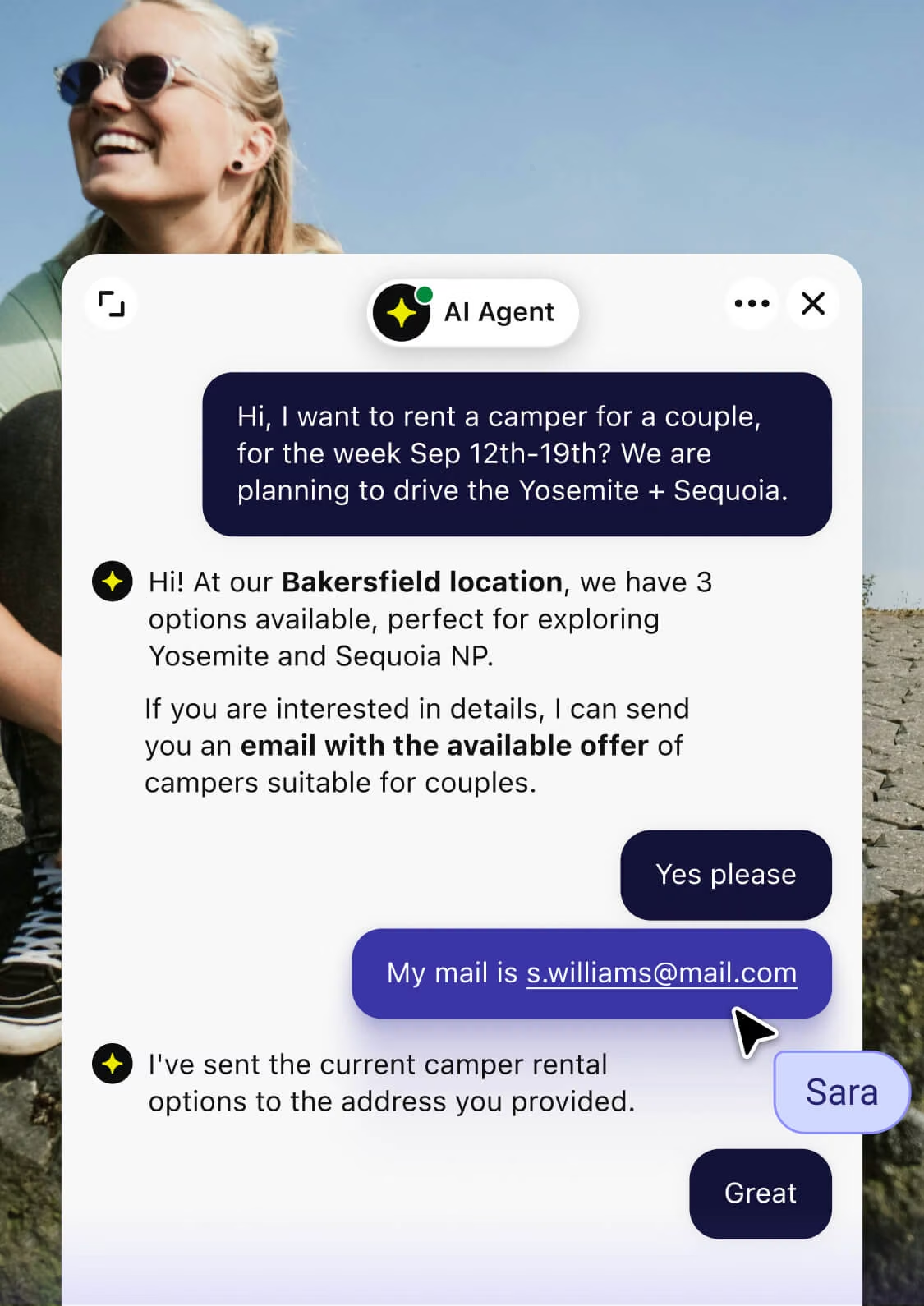

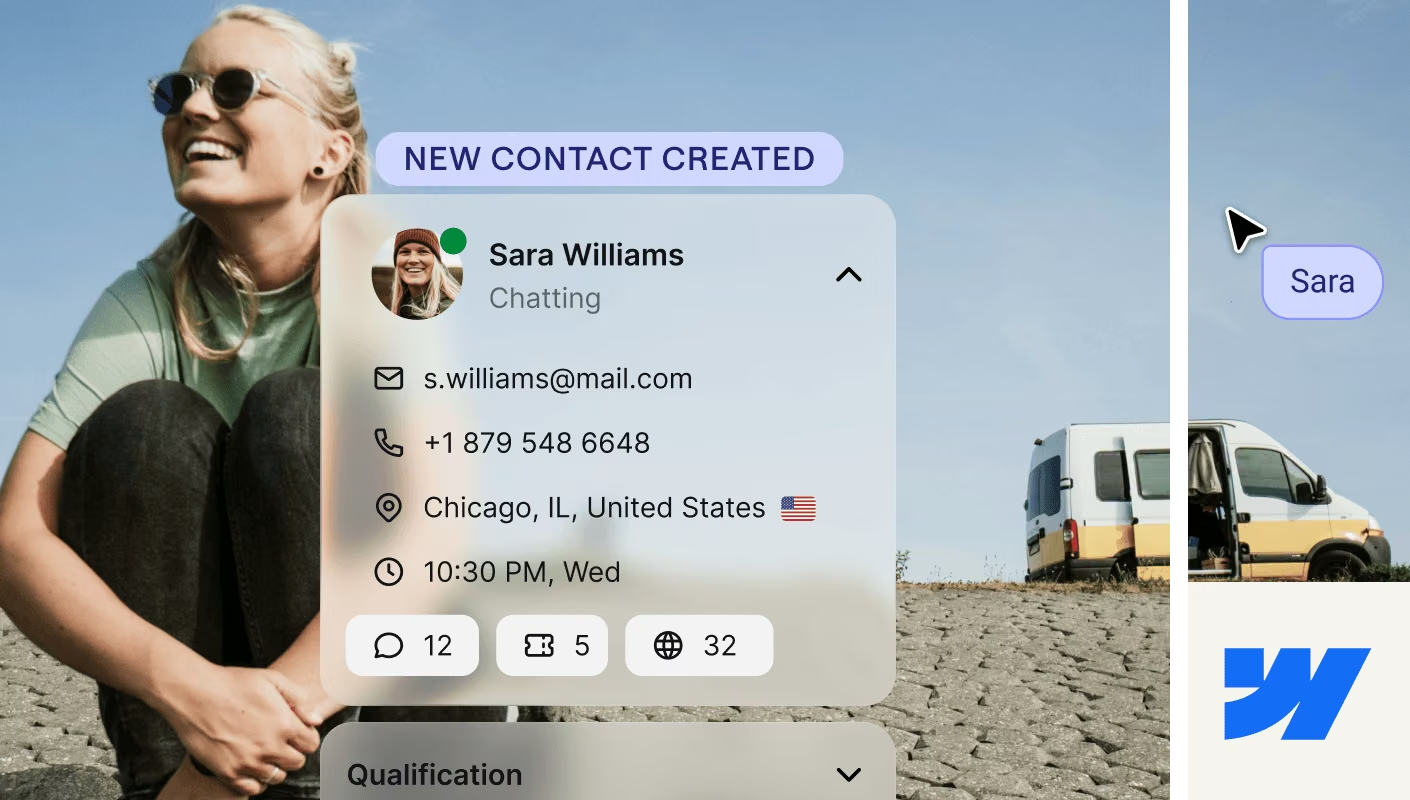
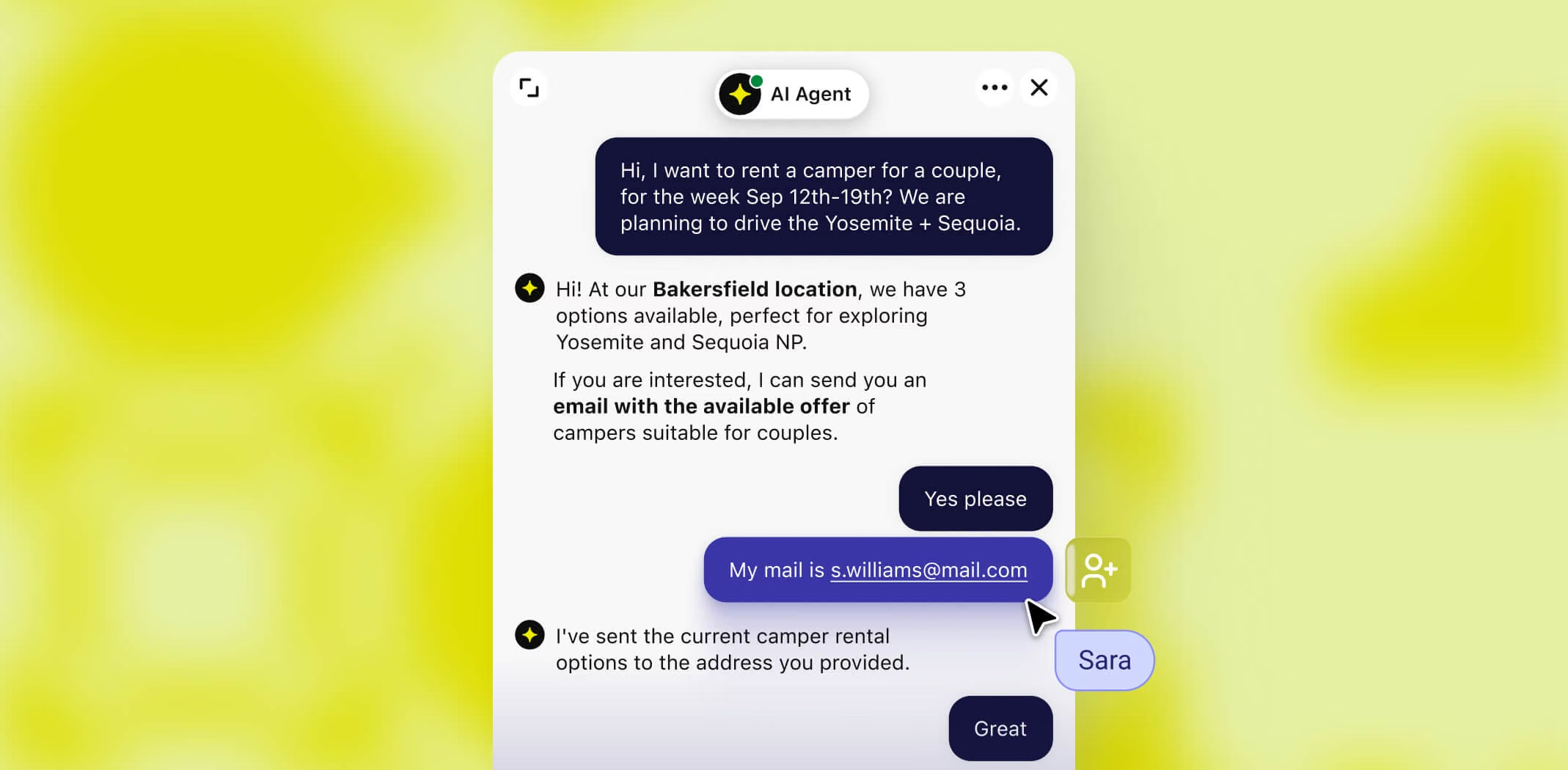
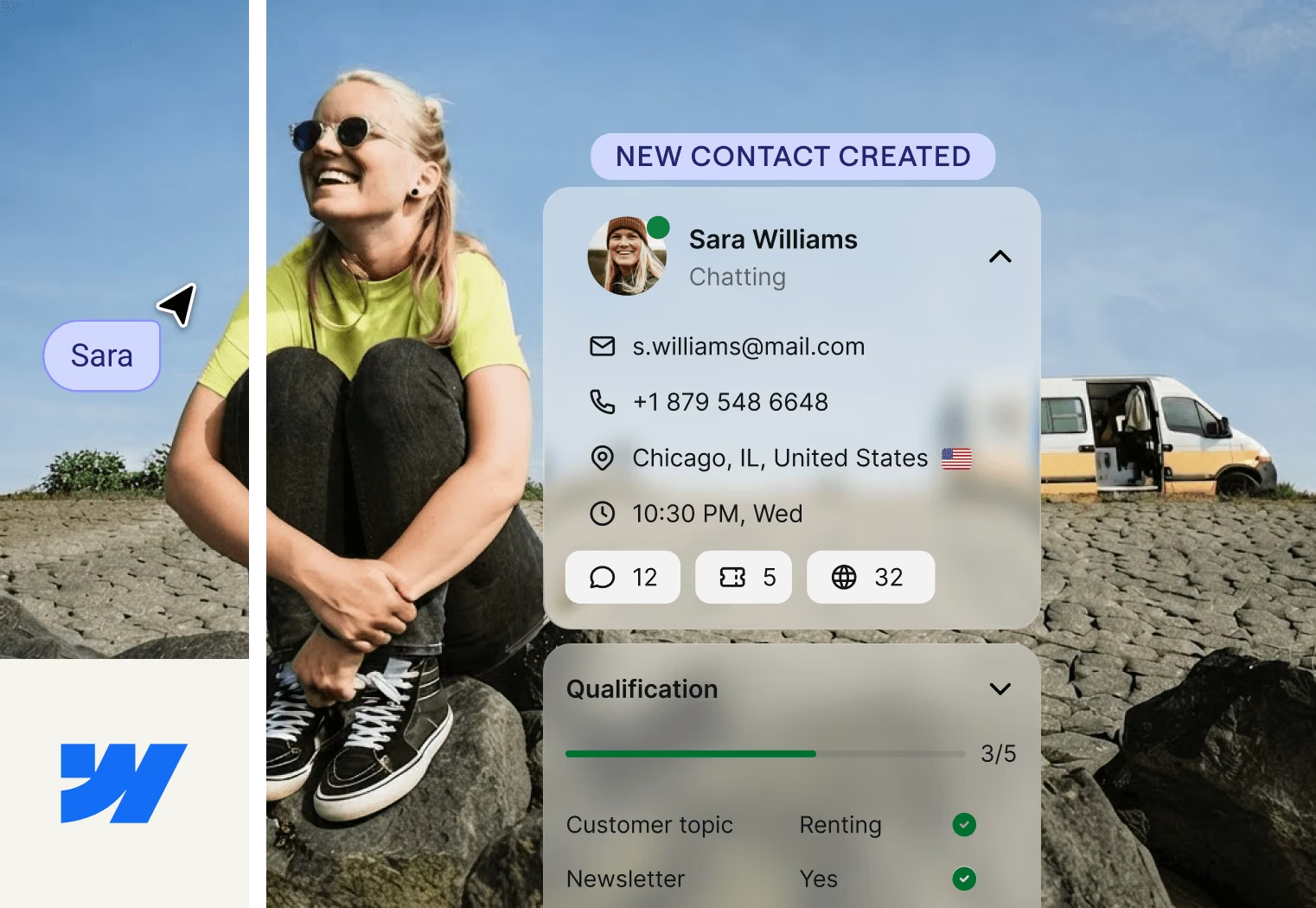
Traffic is the easy part.
This is what happens once it lands.
+30%
conversion boost for Luxury Estates International
$1.5M
in sales in 8 months for Wembley Stadium
100%
growth a year for ForSaleByOwner

Campaigns
A visitor lands on a page, and Text starts the conversation before they lose interest.
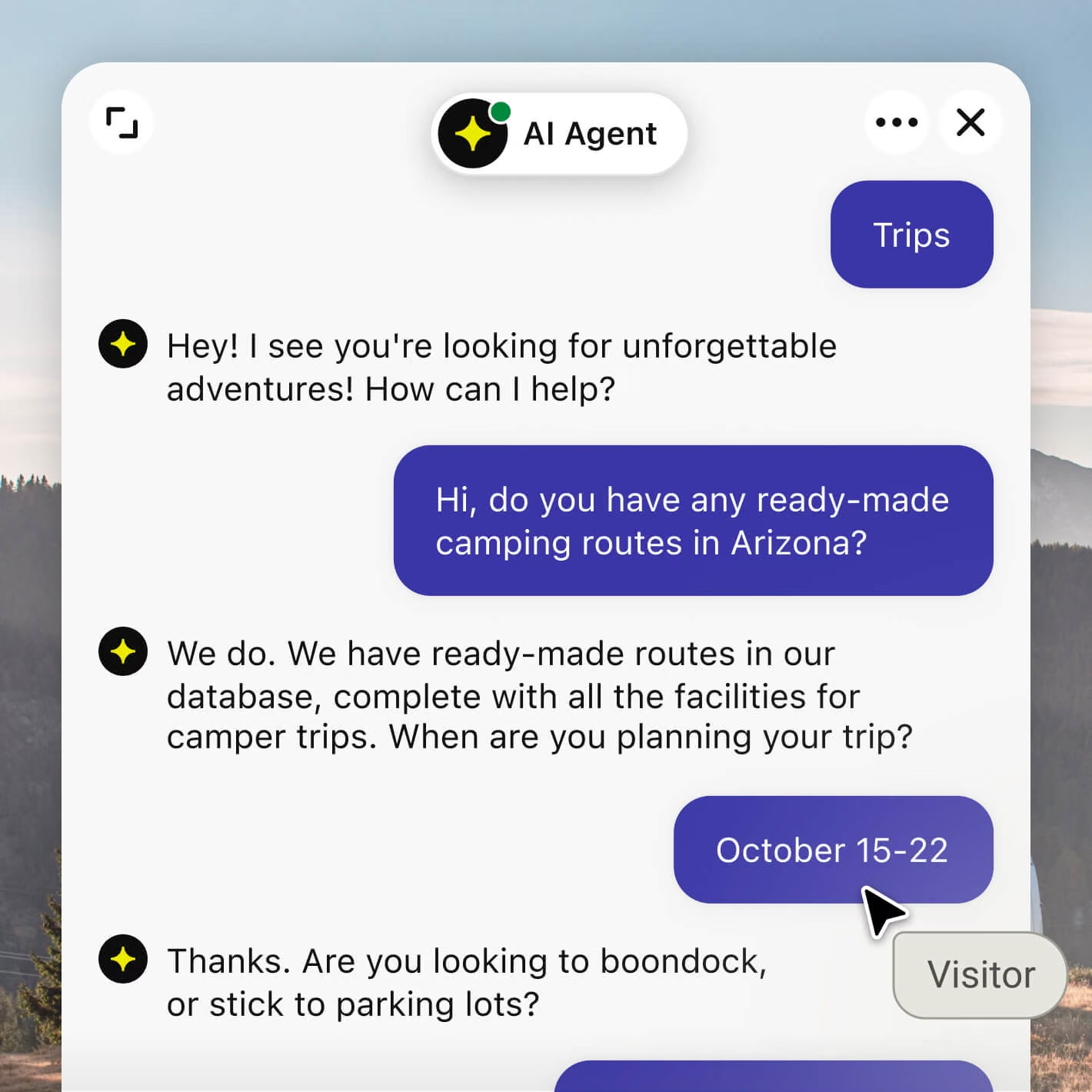
AI agent
A visitor asks what they need, and the AI Agent recommends the right plan or product, straight from your content.
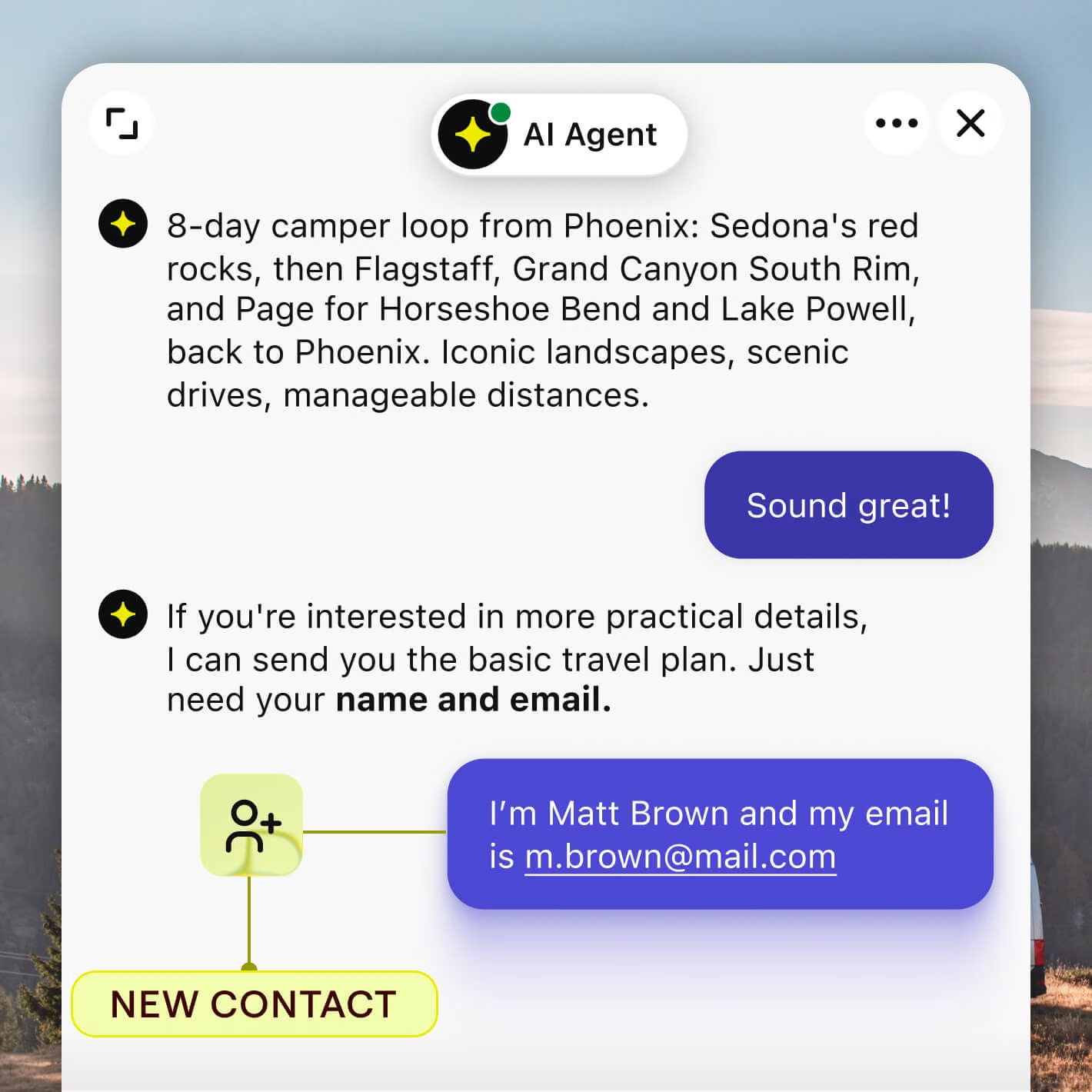
Lead qualification
The AI Agent asks what you'd ask, budget, timeline, team size, so only real leads reach you.
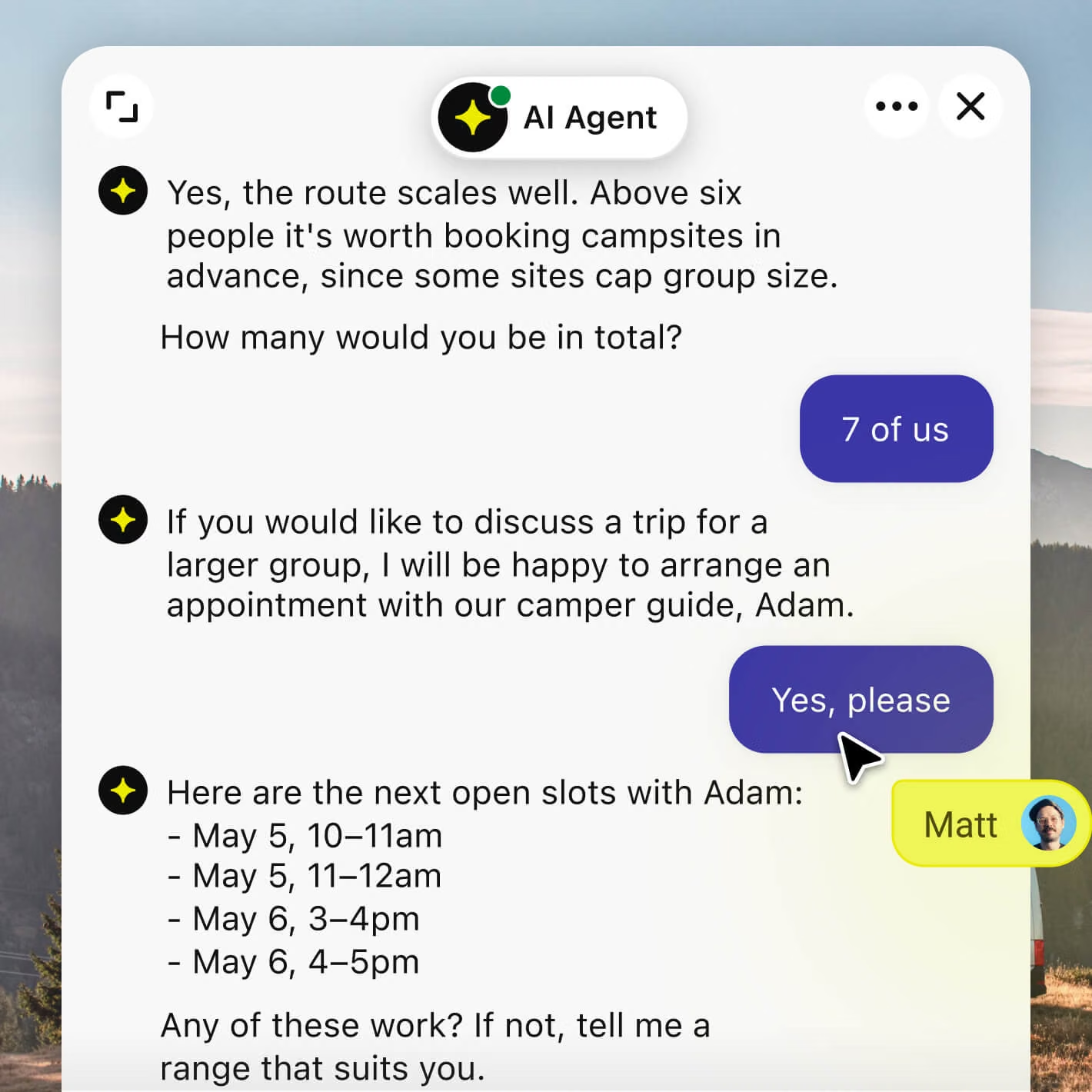
Custom skill
They book a call or leave their details, right there while they're still interested.
The conversion layer your Webflow website was missing.
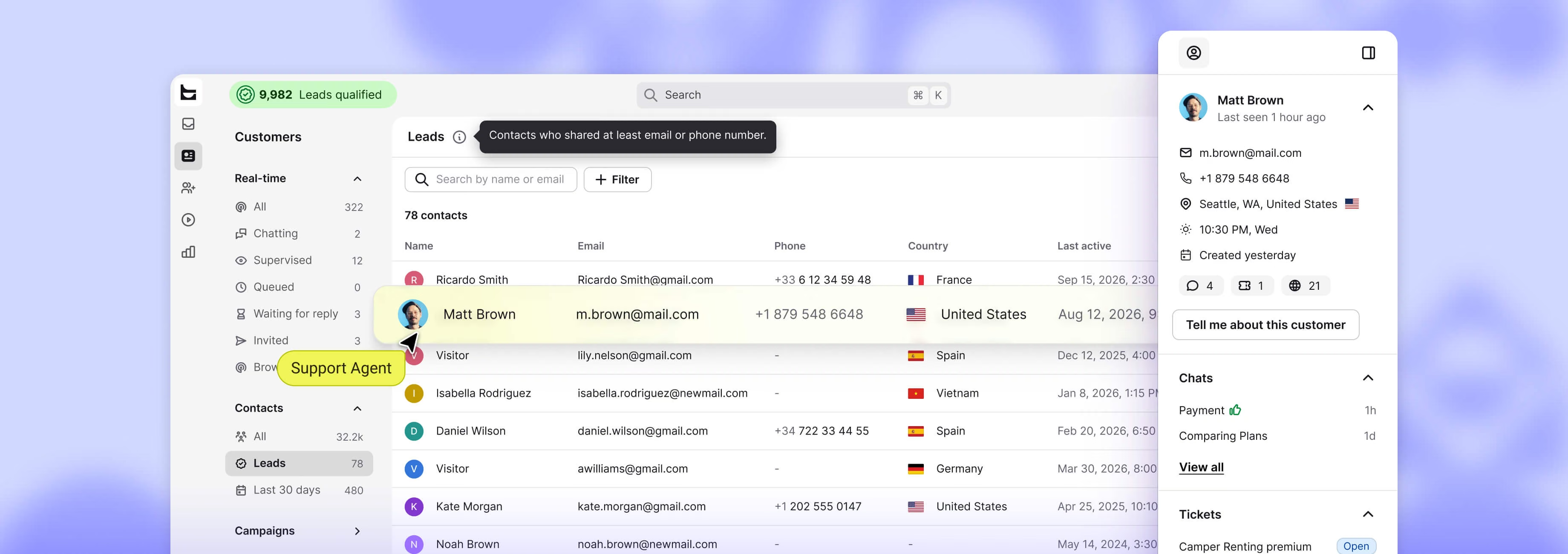
You come back to a sorted lead and the full conversation, ready for your team to pick up.
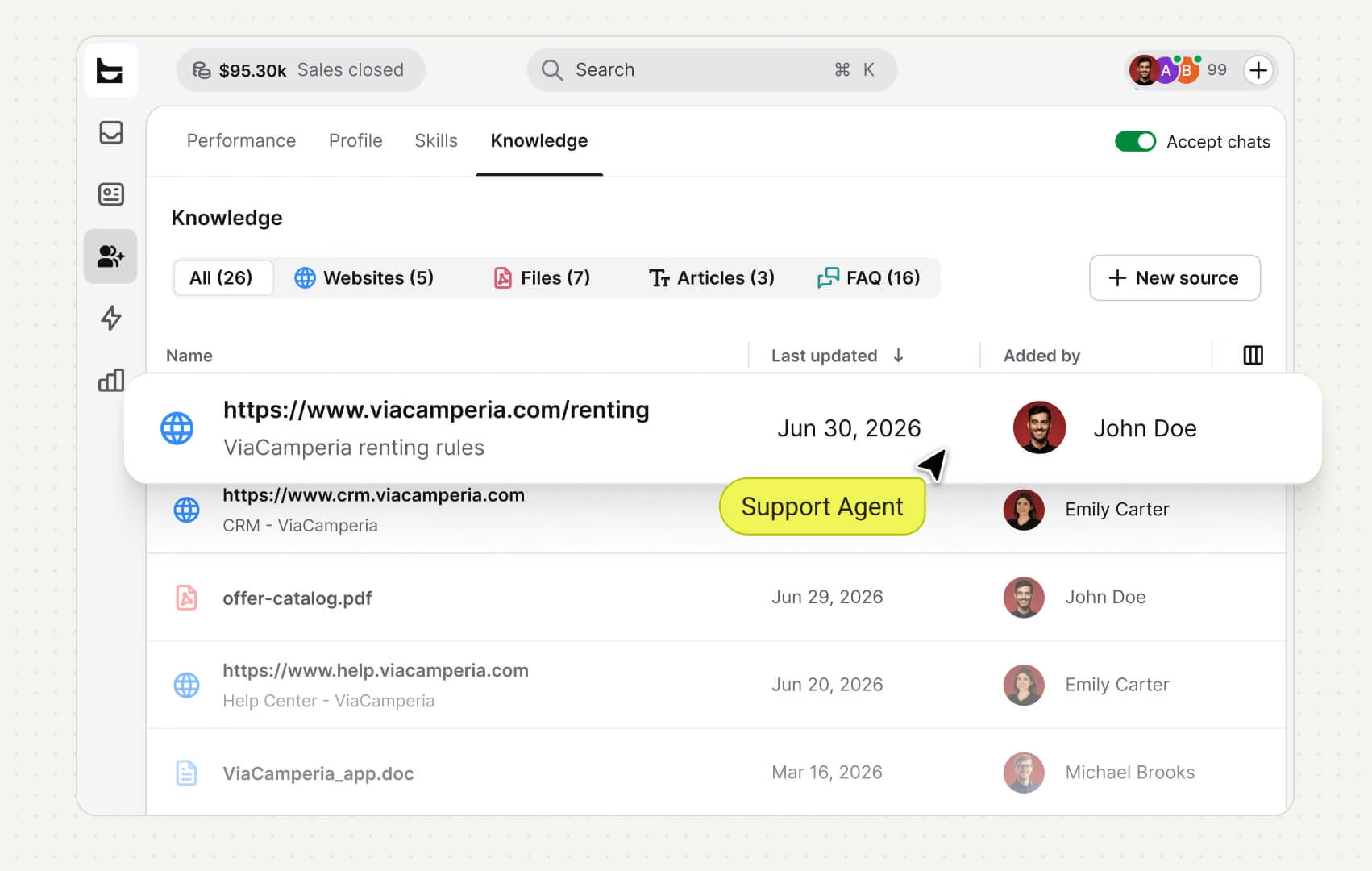
The AI Agent answers from your content and resolves up to 90% of chats alone, so high-intent visitors convert instead of clicking away.
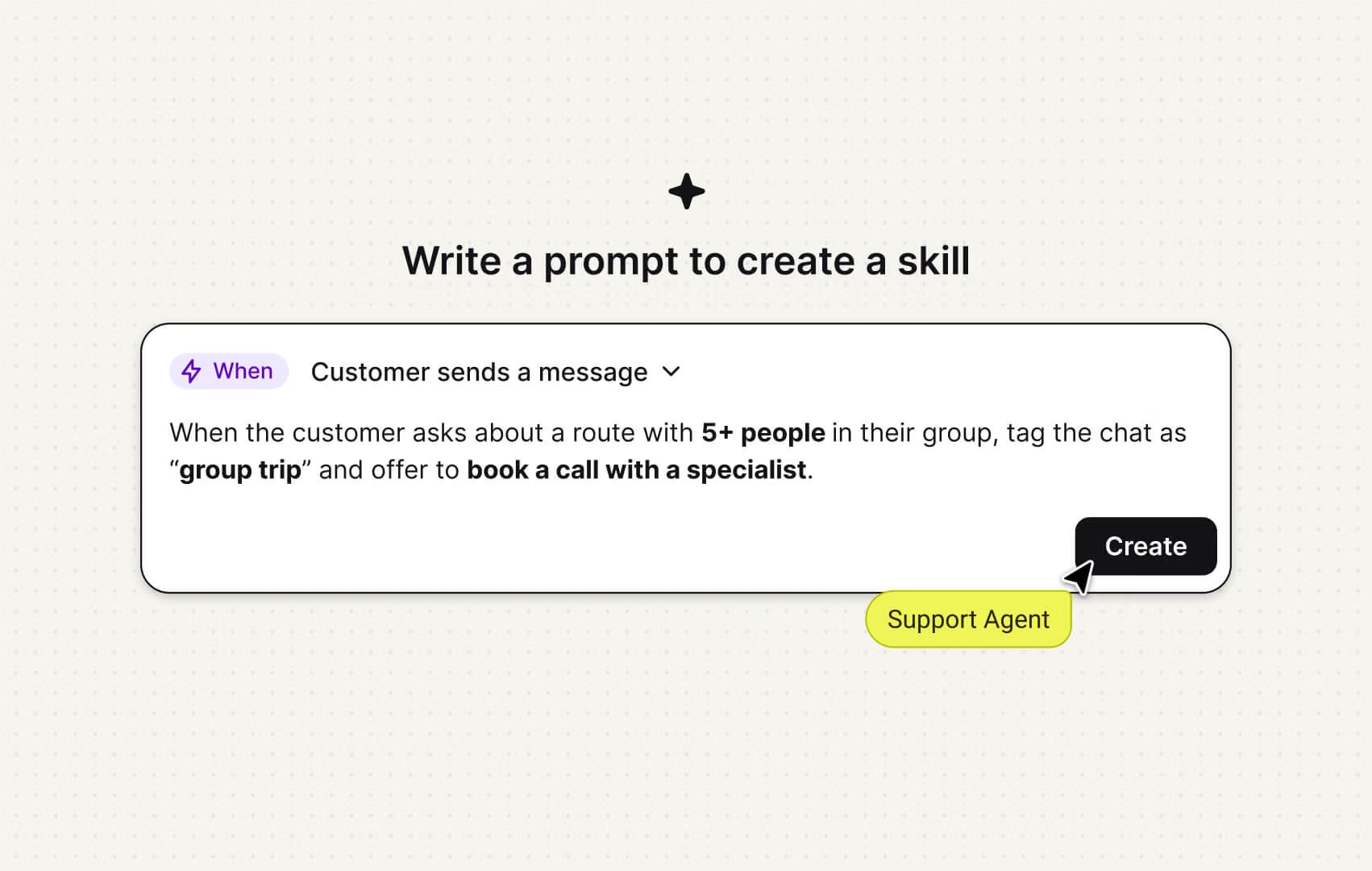
Tell the AI in plain words to qualify a lead, book a demo, or route a VIP, and it runs that job from then on.
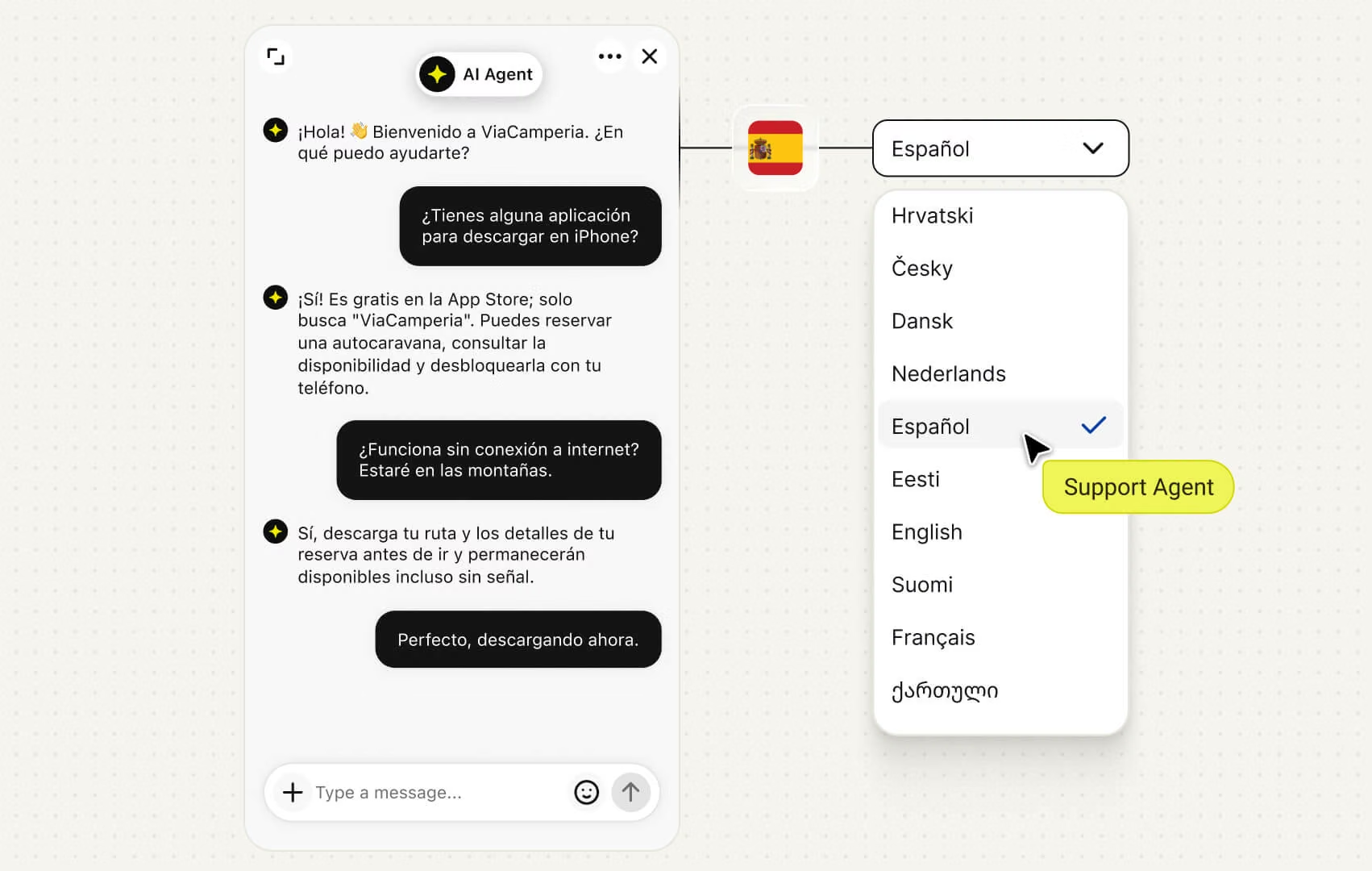
Whoever lands on your site gets answered in their own language, all 46 of them.
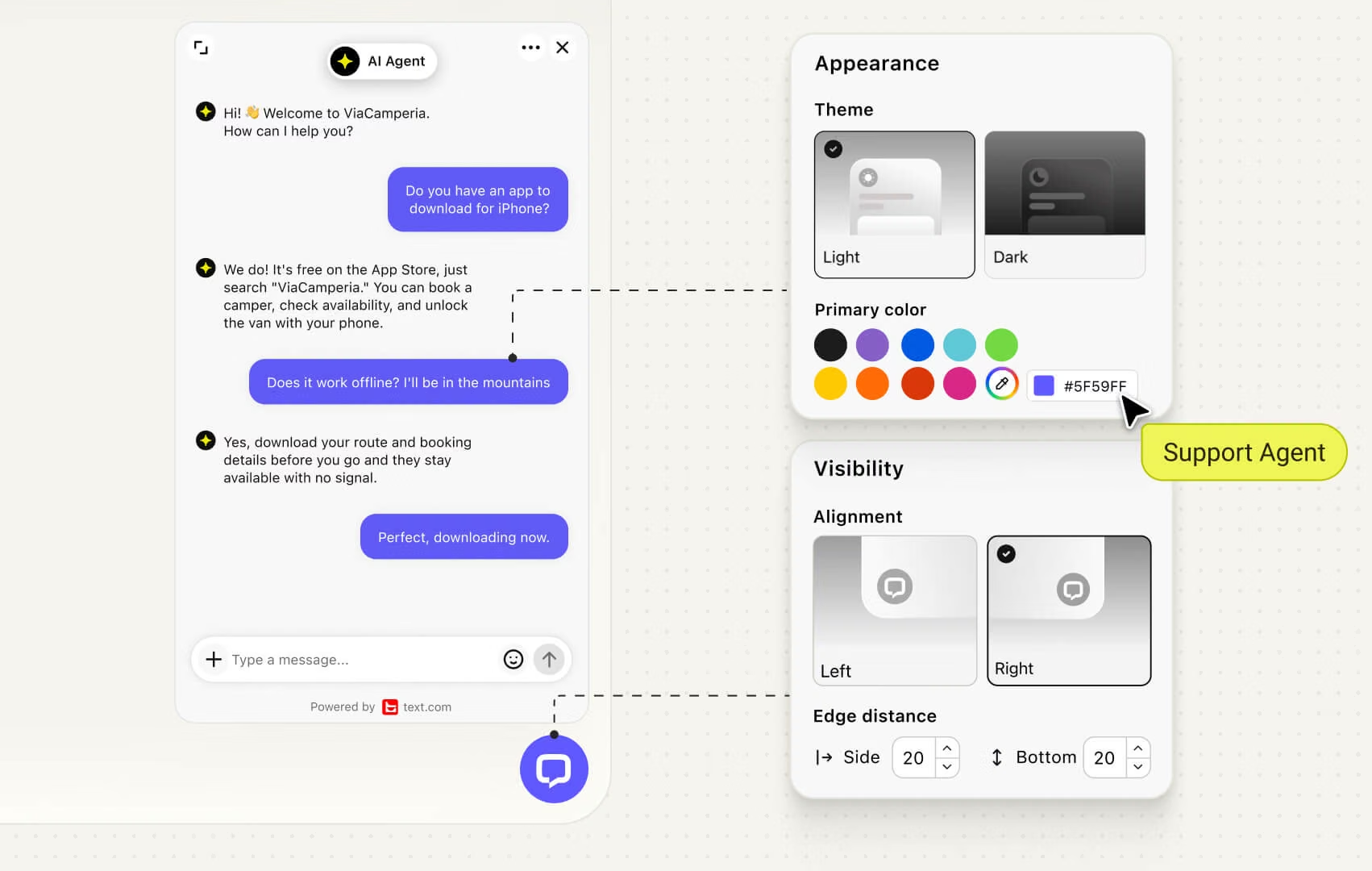
Match it to your brand, colors and placement, so it belongs on the page instead of floating over it.
The AI Agent answers from your content and resolves up to 90% of chats alone, so high-intent visitors convert instead of clicking away.
Tell the AI in plain words to qualify a lead, book a demo, or route a VIP, and it runs that job from then on.
Whoever lands on your site gets answered in their own language, all 46 of them.
Match it to your brand, colors and placement, so it belongs on the page instead of floating over it.

Our expectations were for live chat to help increase our leads by a little and had no idea that would revolutionize the way we capture leads.
Connected end to end, so every conversation turns into something you can act on.
Connected end to end, so every conversation turns into something you can act on.
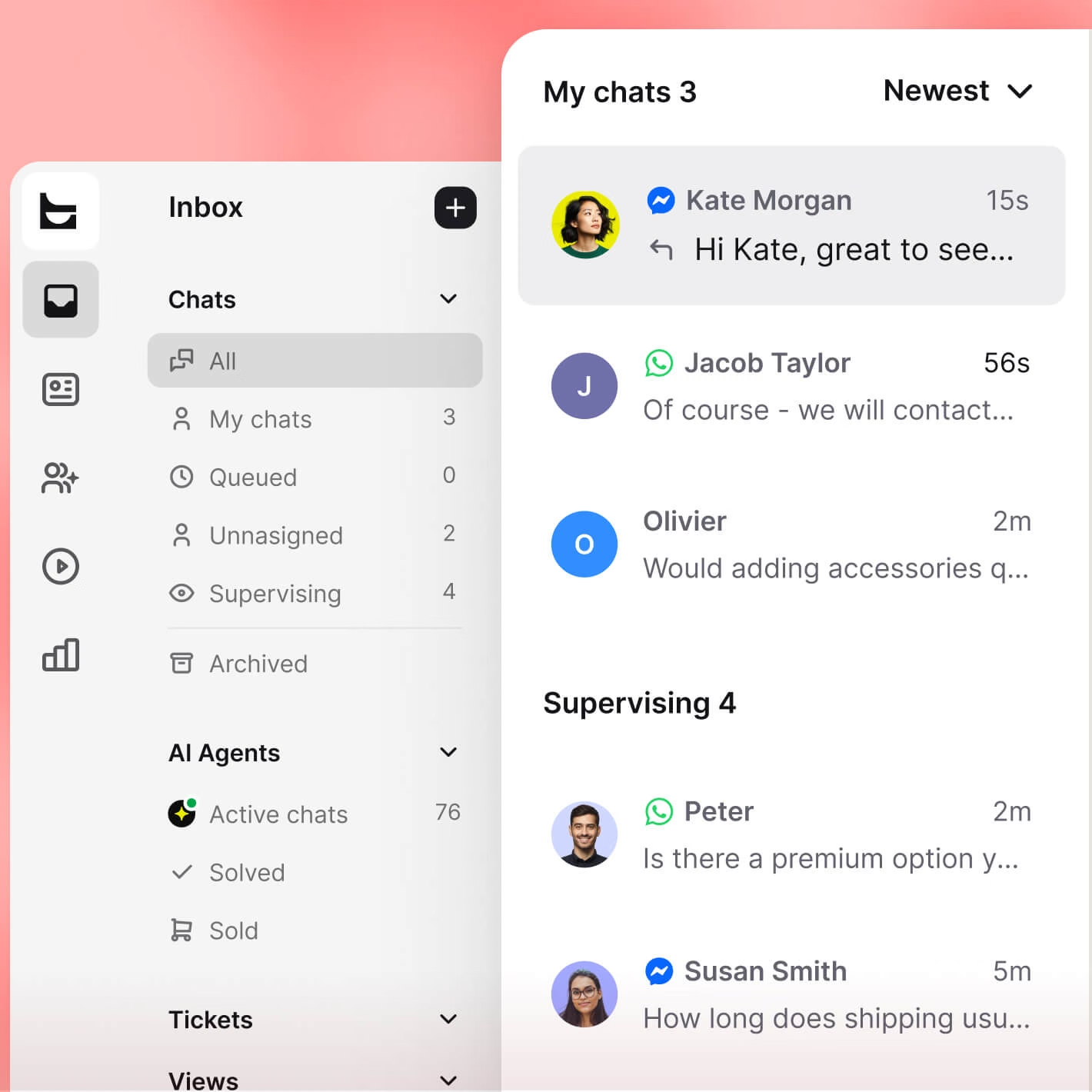
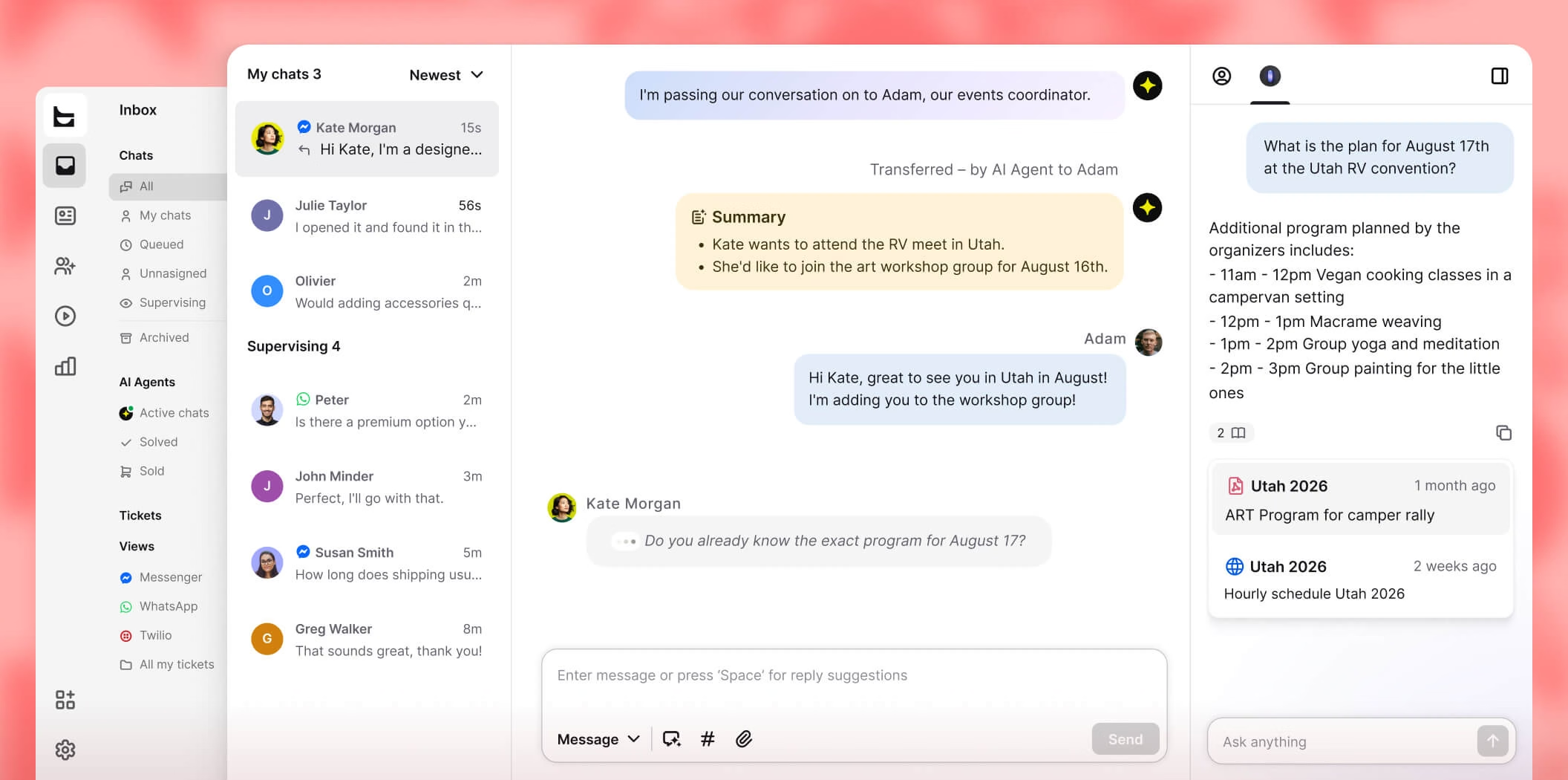
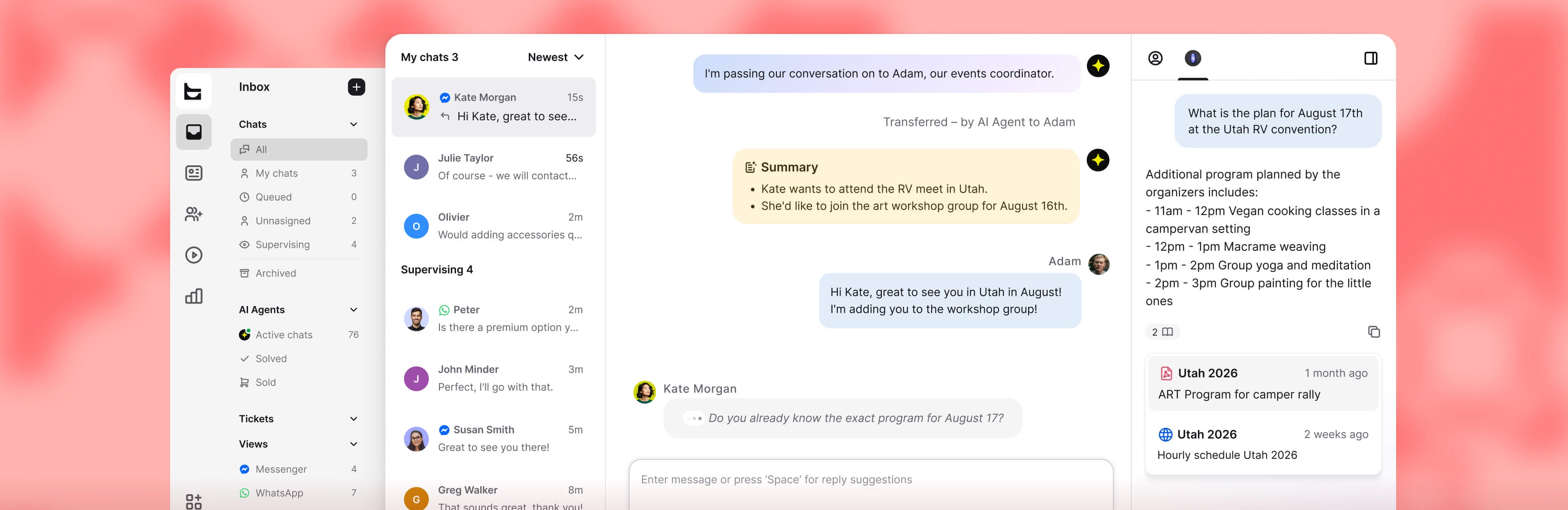
Site chat, email, WhatsApp, Messenger, and SMS flow into one inbox, threaded per contact.
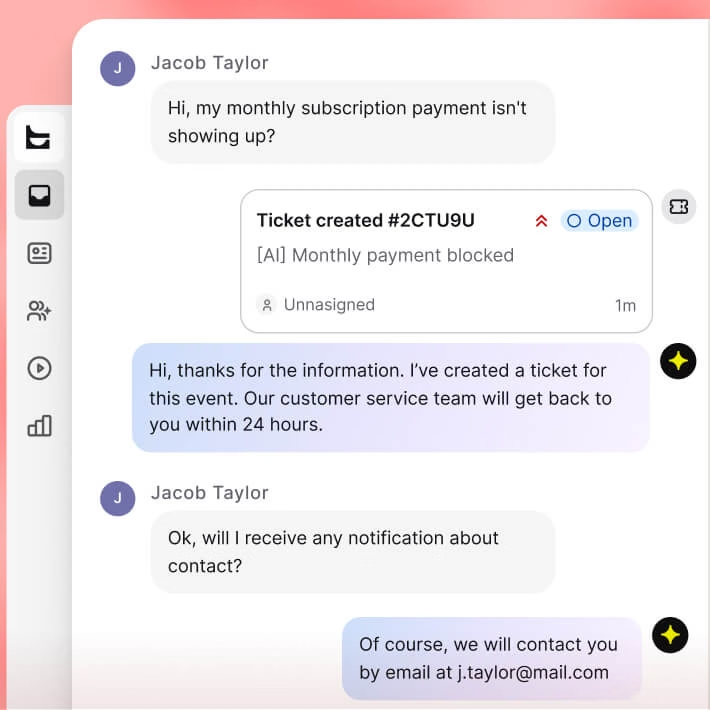
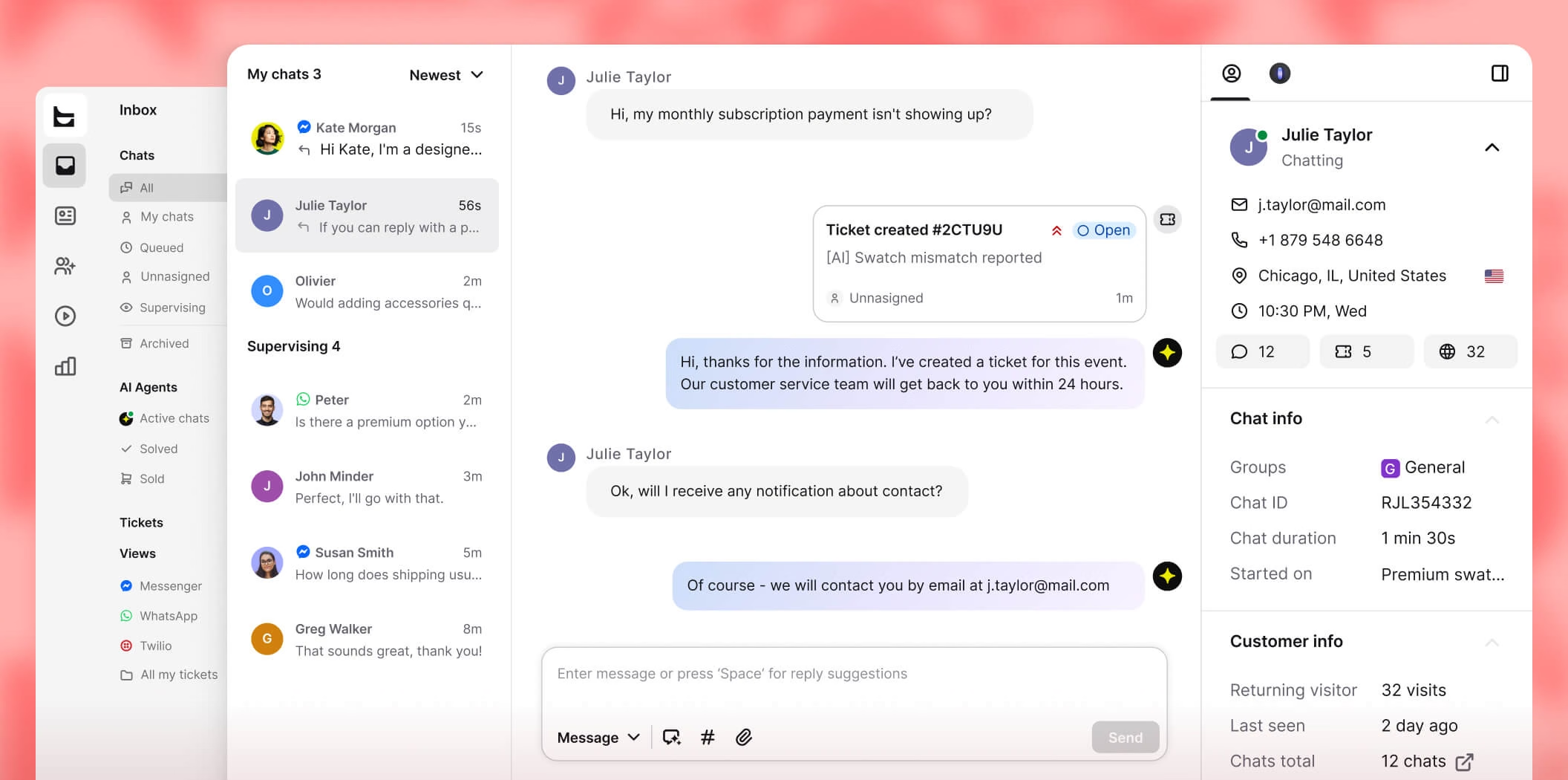
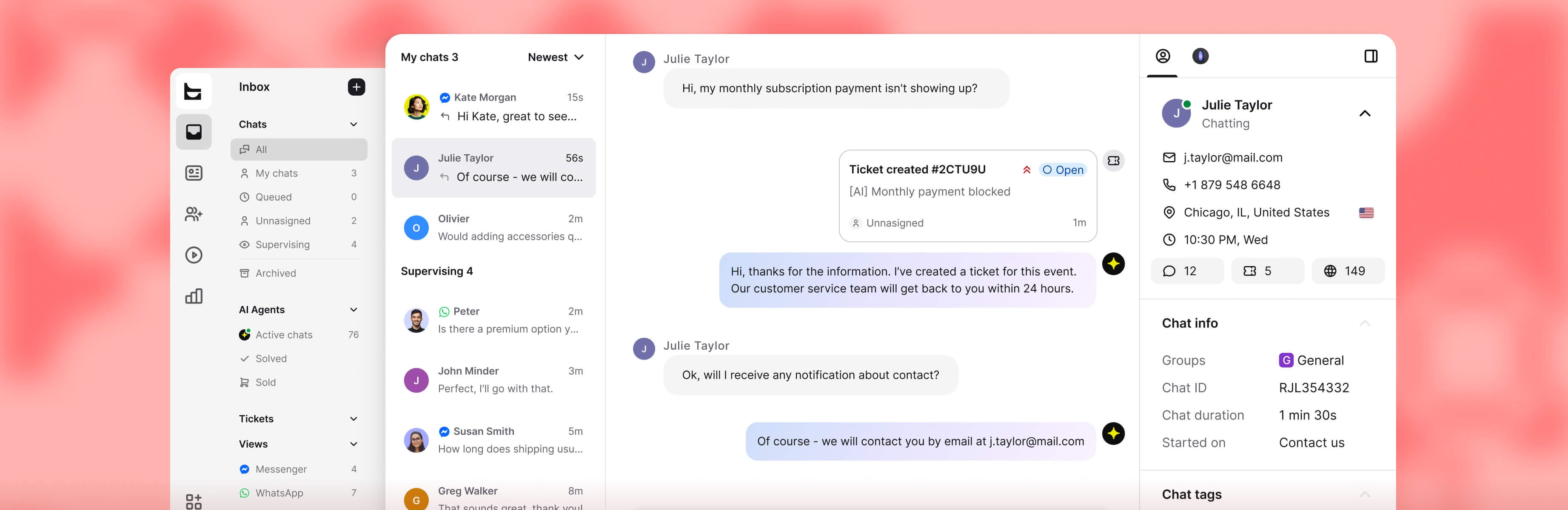
When a chat needs a follow-up, the AI opens a ticket and tracks it until someone closes it out.
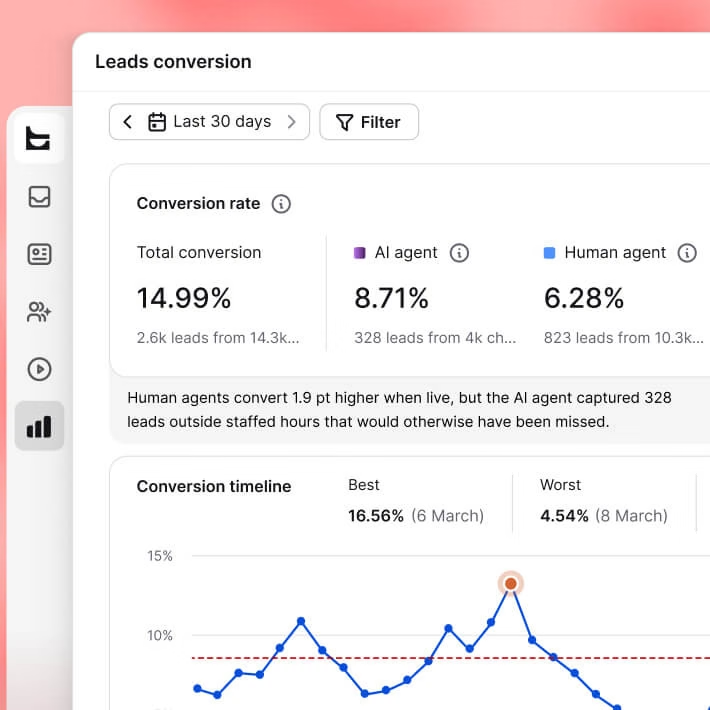
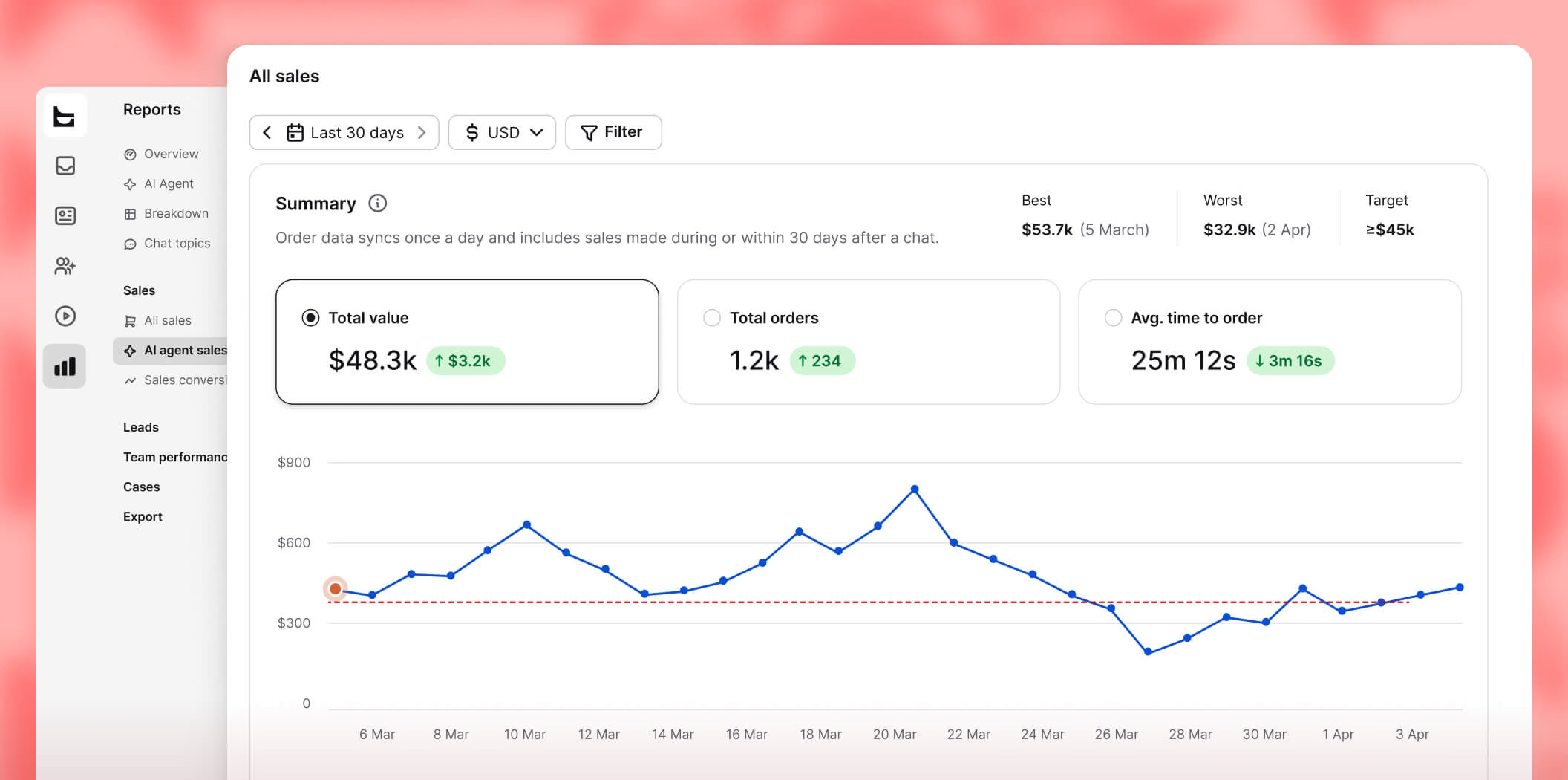
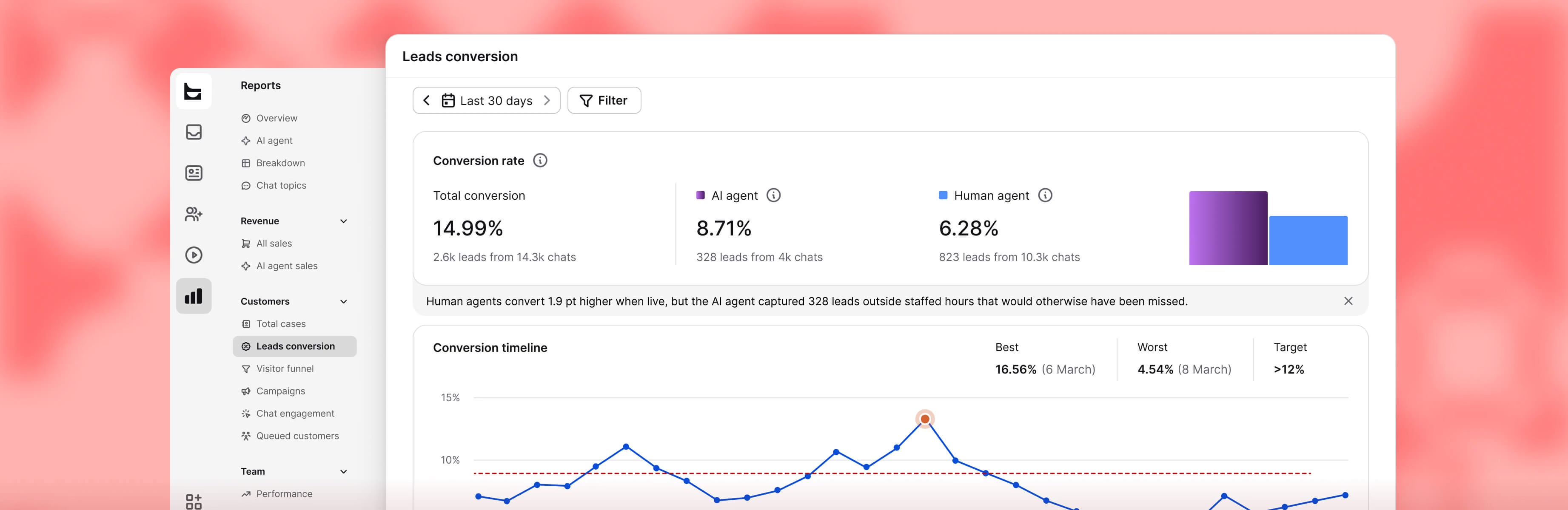
Leads, resolutions, and revenue trace back to the conversations that drove them and converted.
Open your free account
Takes a minute, and you won't need a card to start.
Paste one script into Webflow
Drop it into your custom code settings. A developer isn't required.
Point it at your pages
It reads your content and starts answering that day.
Reliable, Intuitive, and Great Value
“Excellent value for money — a robust set of features without breaking the budget. Ticket management keeps everything organized so nothing slips through the cracks.”
Great solutions with strong potential
“Strong long-term value from Text's AI chatbot tools for ecommerce. You can test your AI bot settings on the fly and tailor it to your site or specific scenarios.”
The Ultimate Engine for High-Volume Client Support
“The message automation feature allowed our team to stay organized and ensure no lead fell through the cracks. It feels purpose-built for high-volume communication.”
Support team now contributes to sales
“Text changed how we think about support. The AI recommends products, spots upsell moments, and converts them without anyone on our team lifting a finger.”
Text App is great!
“You can see what the customer's typing before they hit send, so you can better anticipate what they need and get a solution faster.”
Great experience with Text
“So many apps are available in one place, and it’s so easy to use. When a customer is chatting with us, we can see what they’re typing and start forming a reply before they hit send.”
Start in Text, not Webflow. Go to Settings > Website widgets, enter your site URL, and click Continue. Text shows the Webflow installation method and an Add to Webflow button. Click it, then authorize in Webflow. Back in Text, add the widget, preview it, and publish.
Full walkthrough: how to connect Webflow to Text.
Yes. Text is listed there and marked Approved by Webflow. Either route ends the same way: the app authorized against your site, widget published from Text.
No. No script, no embed block. Once authorized, the app writes the widget in for you.
Running a site outside Webflow? Use the manual widget install instead.
Three, each doing a job. It reads who authorized the app. It reads and writes custom code, which is how the widget lands on your site without you touching anything. It reads and writes site data and publishing, so the widget goes live the moment you publish.
Yes. Nothing shows until you publish. Preview it in Webflow first, then click Publish website. Your status in Text should flip to Connected.
Open your live site and interact with the widget. That activity is what flips the status. Still stuck? Run the setup again.
Which pages they've hit and how long they've stayed. That context sits next to the conversation, so whoever picks it up isn't starting cold.
It can also trigger the first message: a visitor lingers on a page, and Text opens with something built for it.
More on this: contacts and real-time customers.
Yes, in Text, not the Webflow Designer. Set colors, position, greeting, and launcher style. Show it on some pages, hide it on others, schedule when it runs, and set separate mobile behavior.
Details: customizing your website widget.
Your knowledge base and site content. It handles product, shipping, and policy questions on its own, and hands off to a person with full context when it can't close the loop.
Offline, it keeps capturing and qualifying leads, so your team opens a sorted conversation, not a cold lead.
Setup: configuring your Knowledge hub.
Yes, no limit. Run the install again for each one. Every site gets its own widget entry in Text, which makes managing multiple client projects from one account easy.
Every plan includes the widget, the AI Agent, and the omnichannel inbox. Connecting Webflow costs nothing extra.
Plans start at $19/month with a 14-day trial. Full breakdown: pricing.