


Reliable, Intuitive, and Great Value
“Excellent value for money — a robust set of features without breaking the budget. Ticket management keeps everything organized so nothing slips through the cracks.”
C
Claudia C.Customer Experience Manager

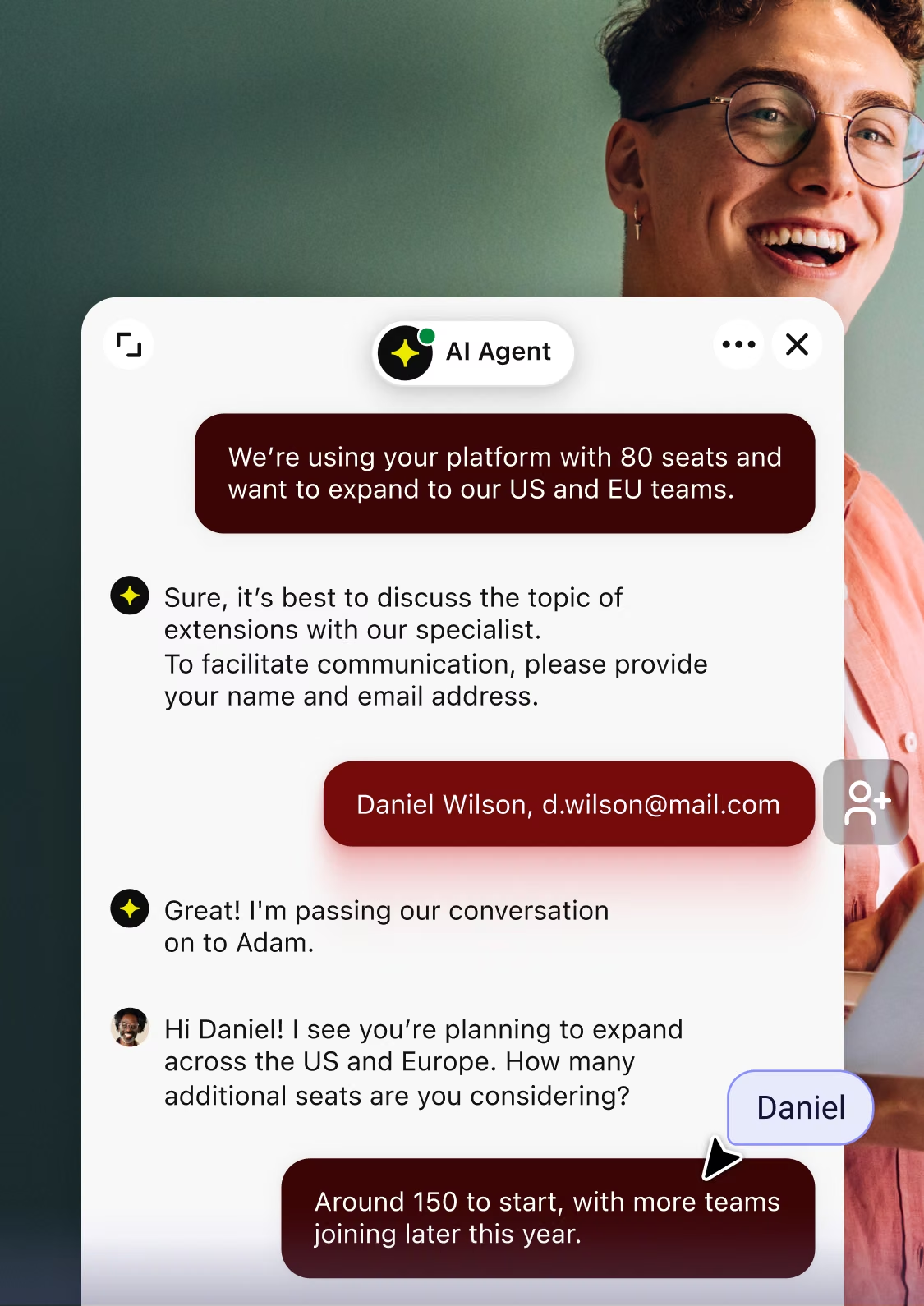
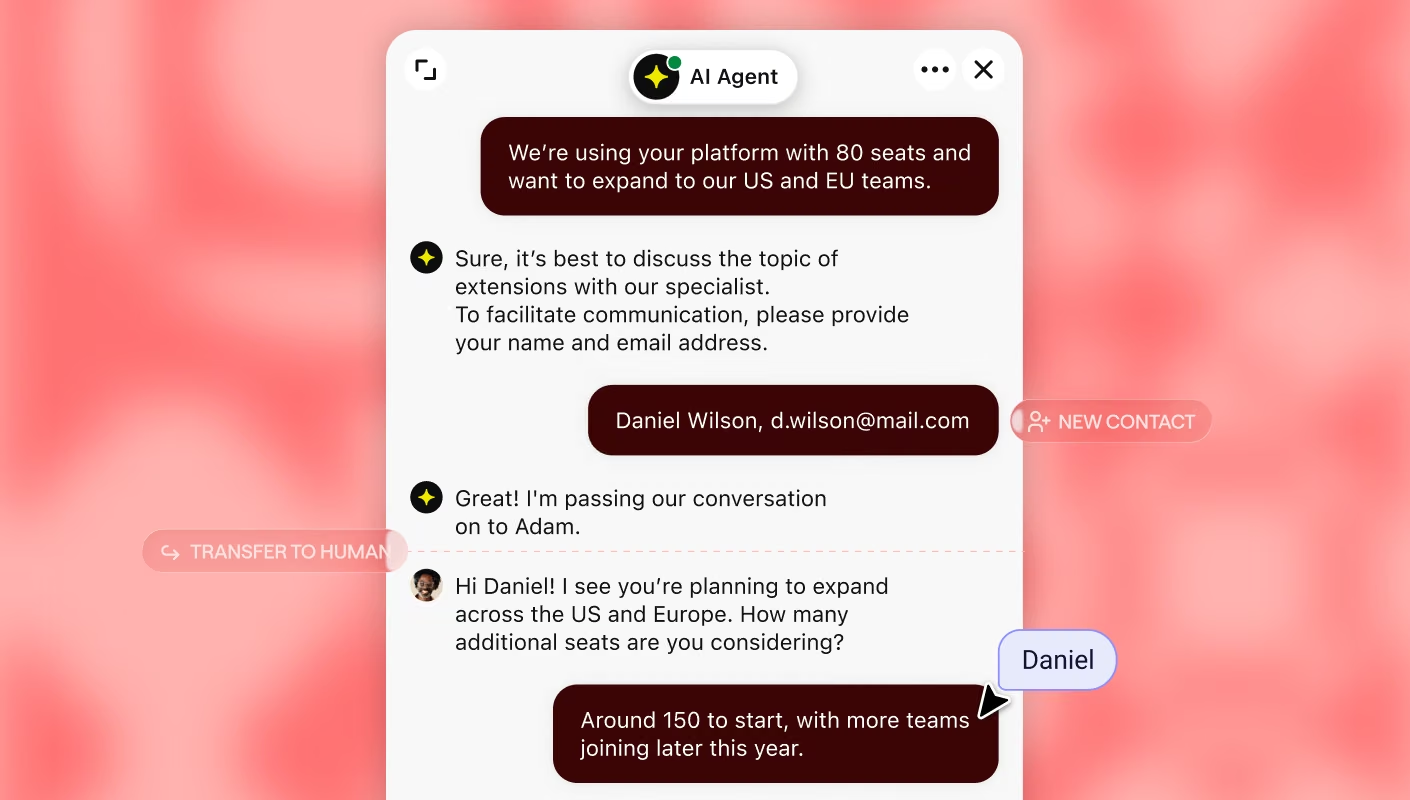
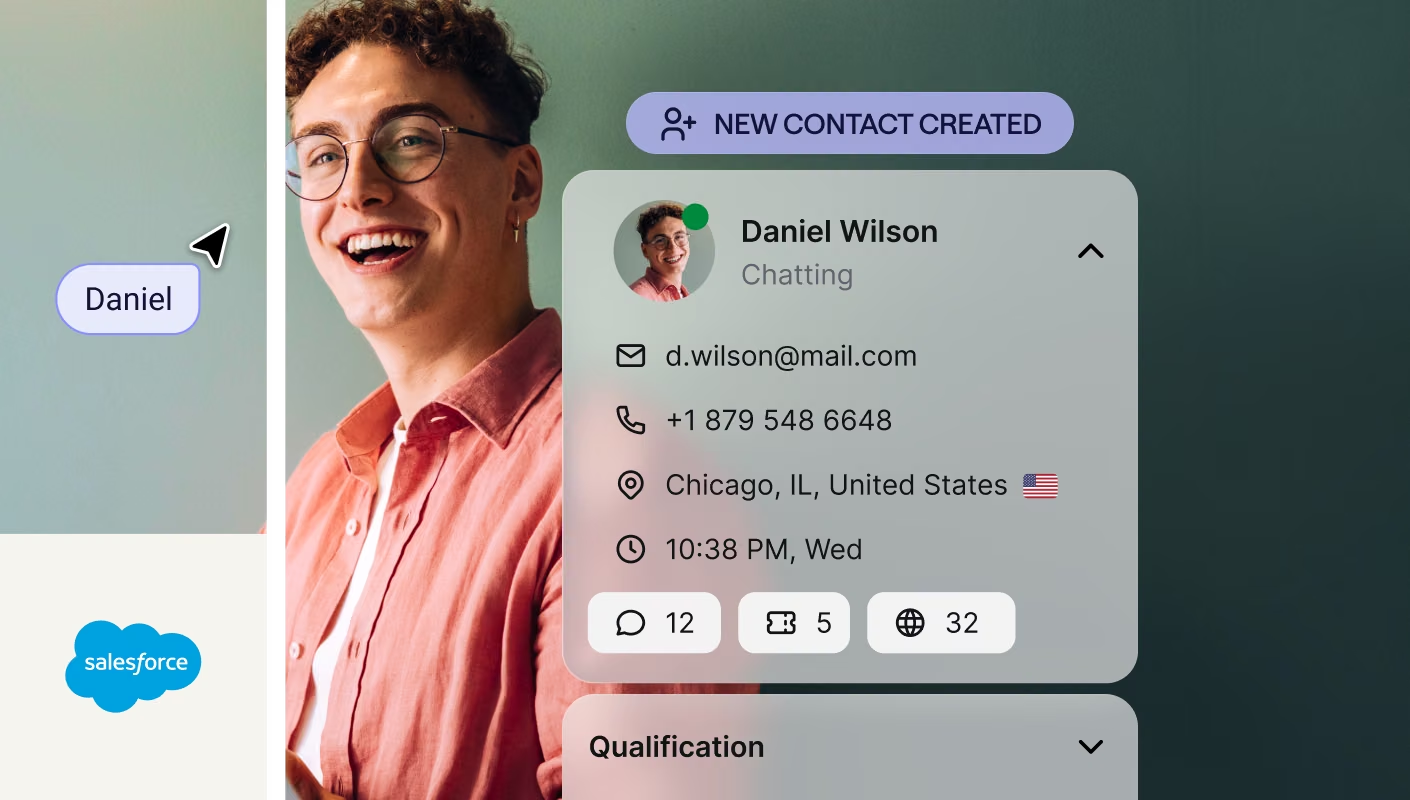
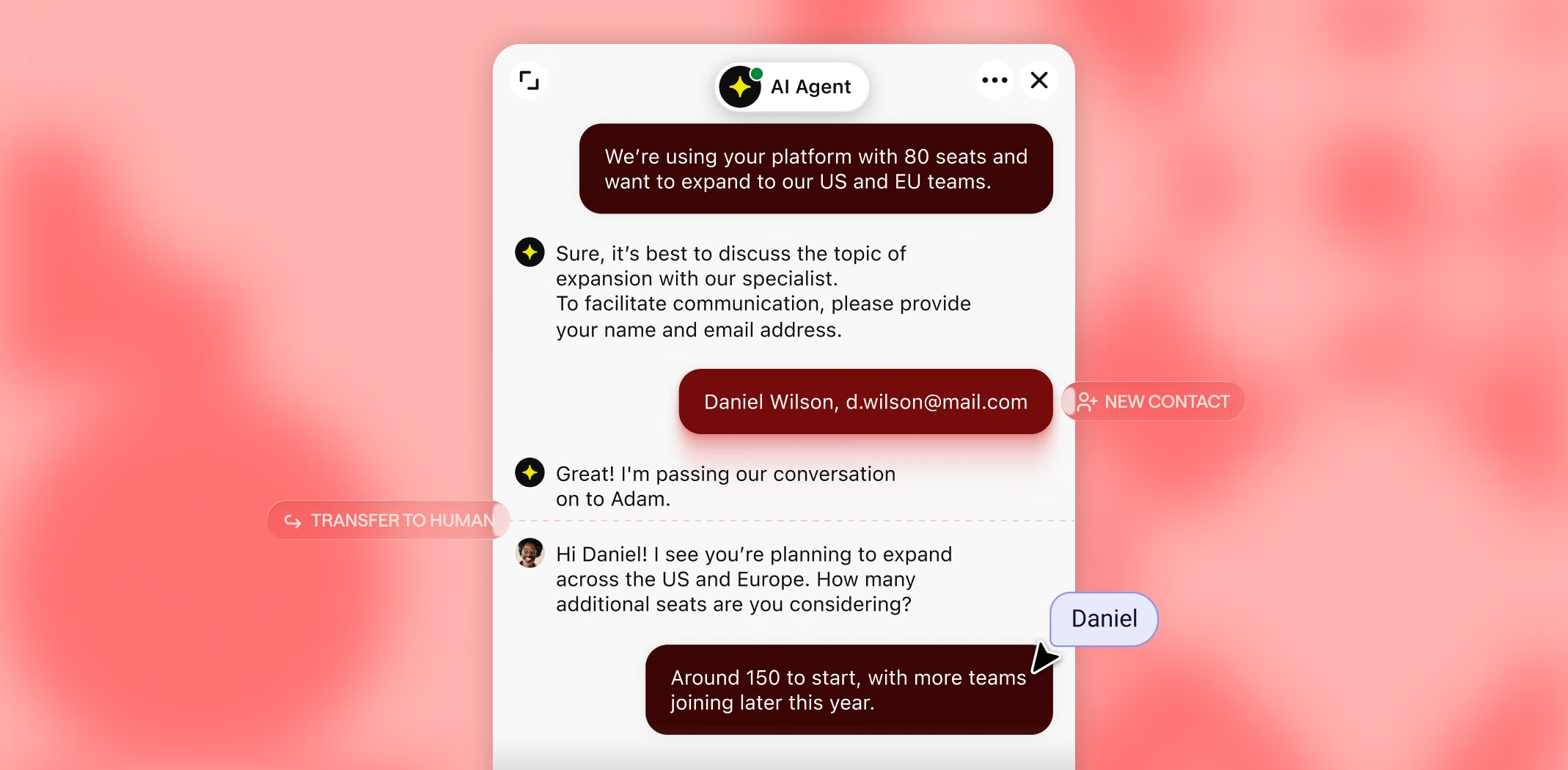
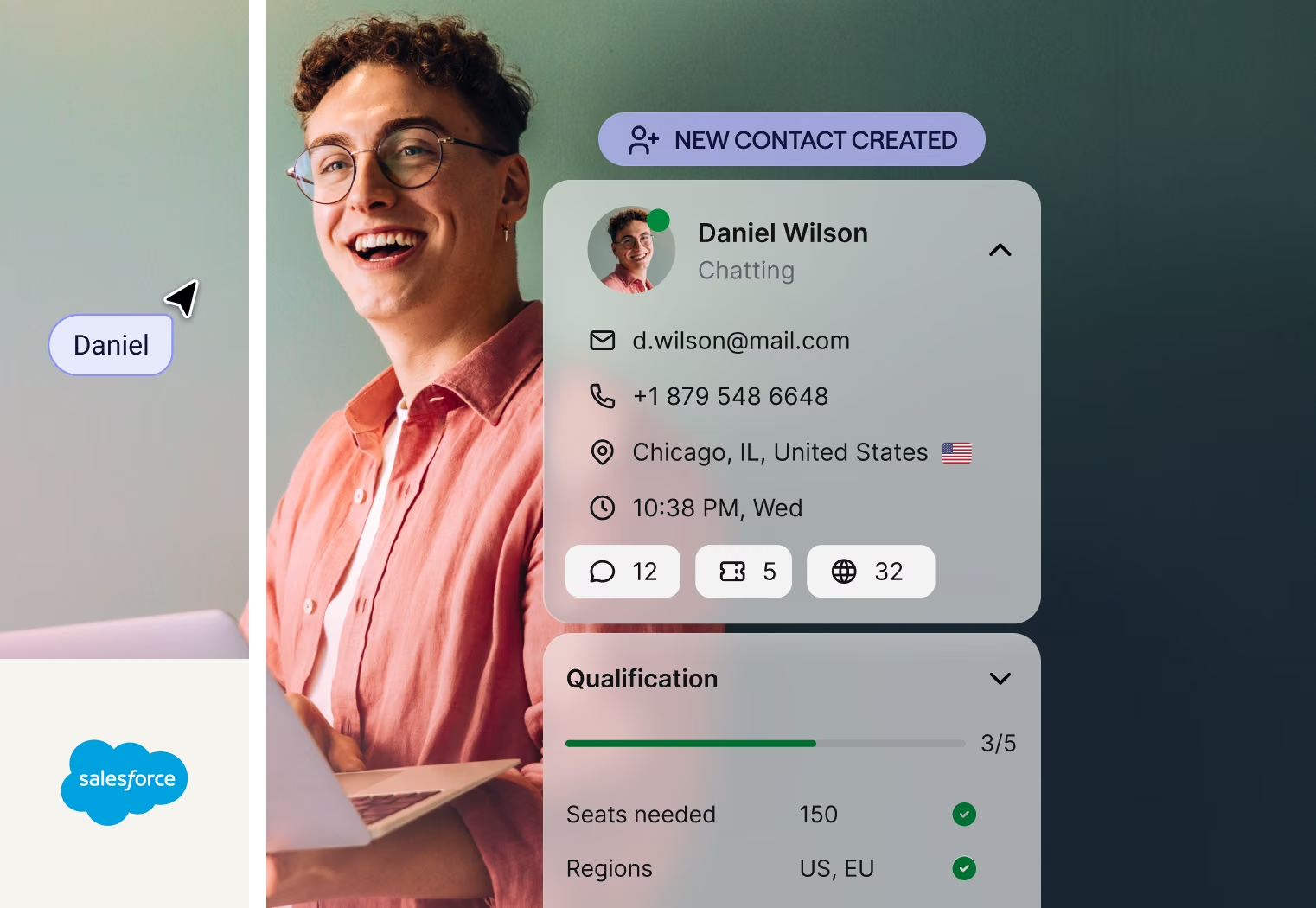
Text runs the conversation, qualifies who's worth following up, and sends the record to Salesforce, so your team spends its time closing deals, not qualifying leads.
Proof, not promises.
150%
more inbound leads for Logical Position
+30%
conversion boost for Luxury Estates International
$1.5M
in sales in 8 months for Wembley Stadium
Campaigns
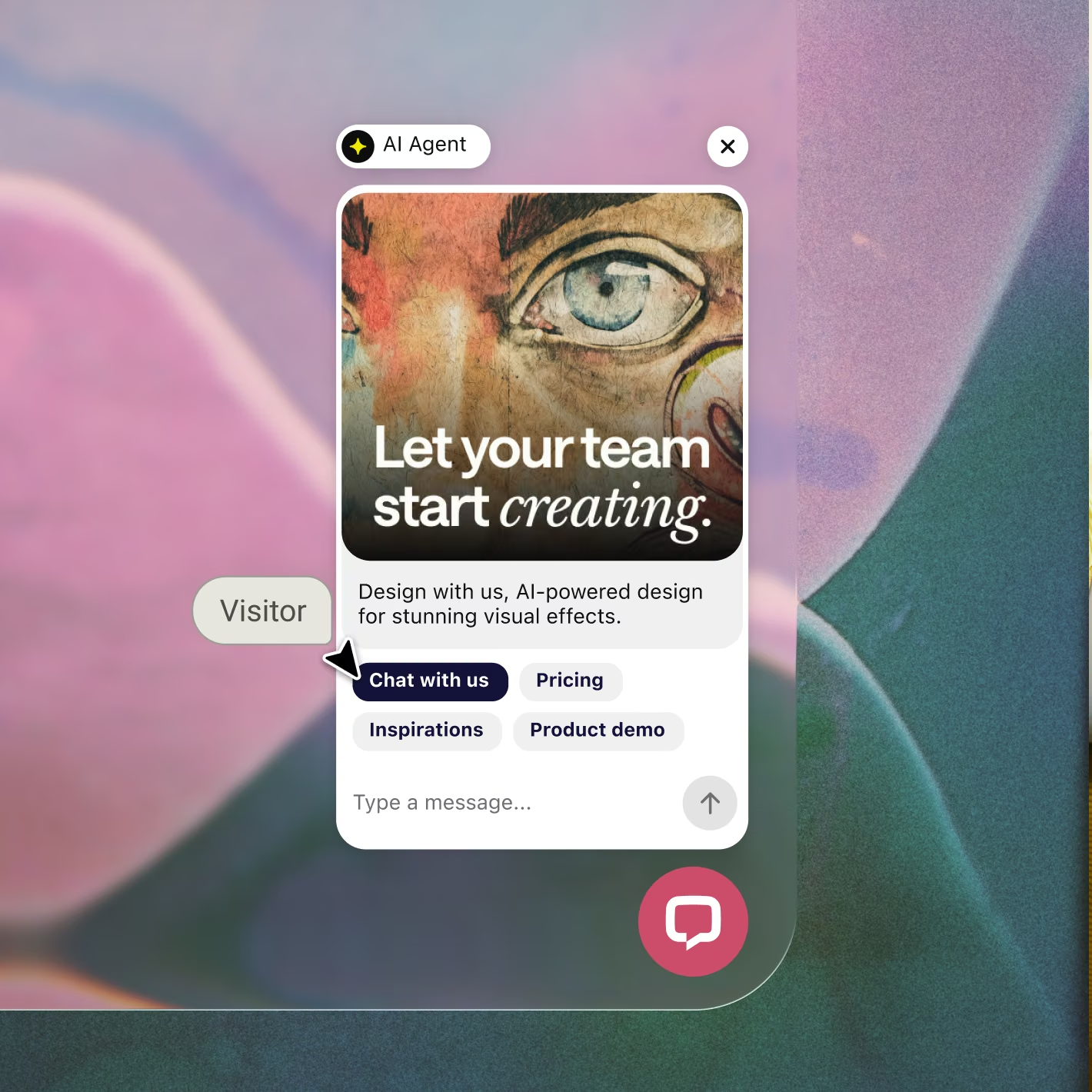
A visitor arrives on your page and starts to hesitate, and Text starts the conversation before the tab closes.
AI agent
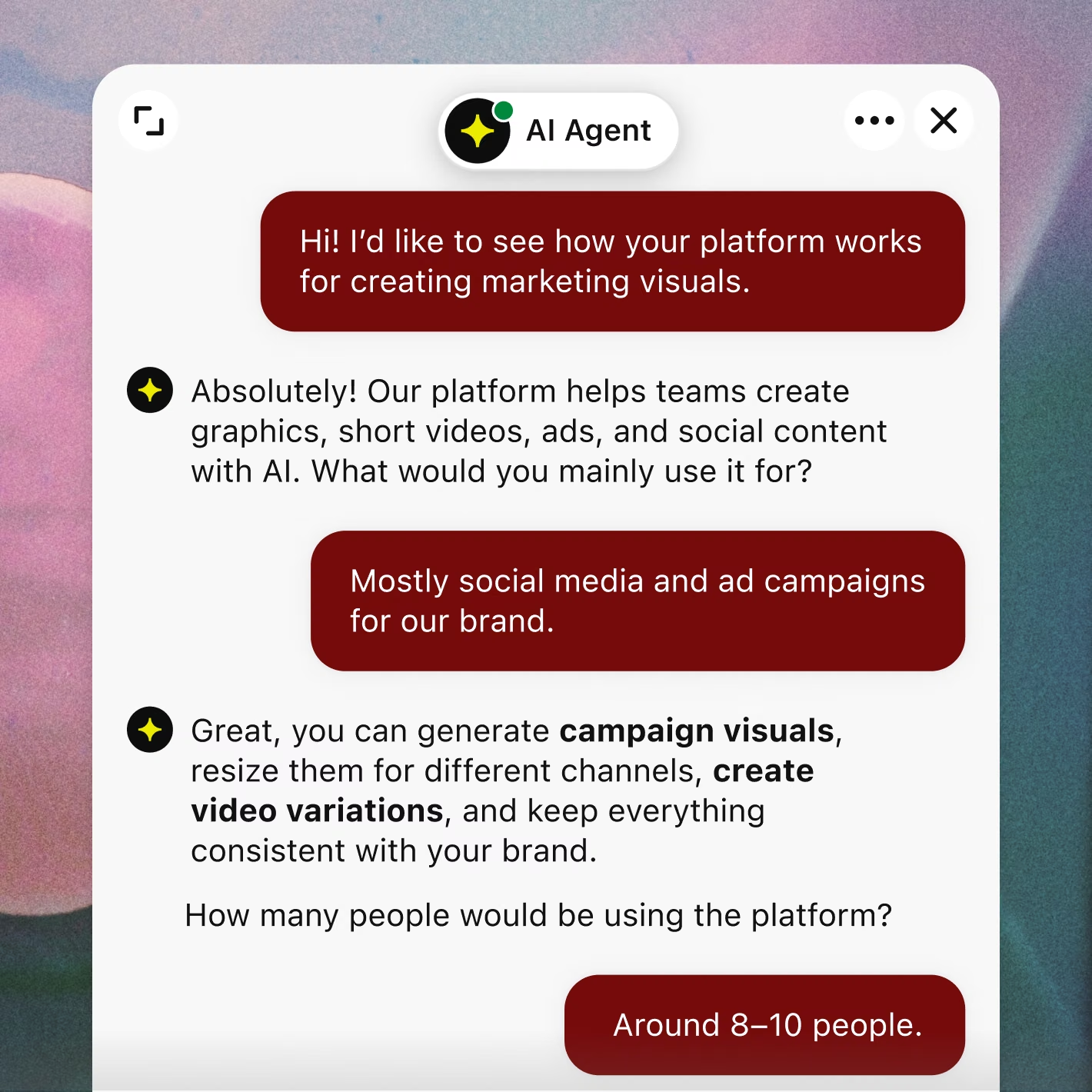
Pricing, setup, whether it fits, the AI Agent answers from your own content, so reps spend that time on people who are ready to buy.
Lead qualification
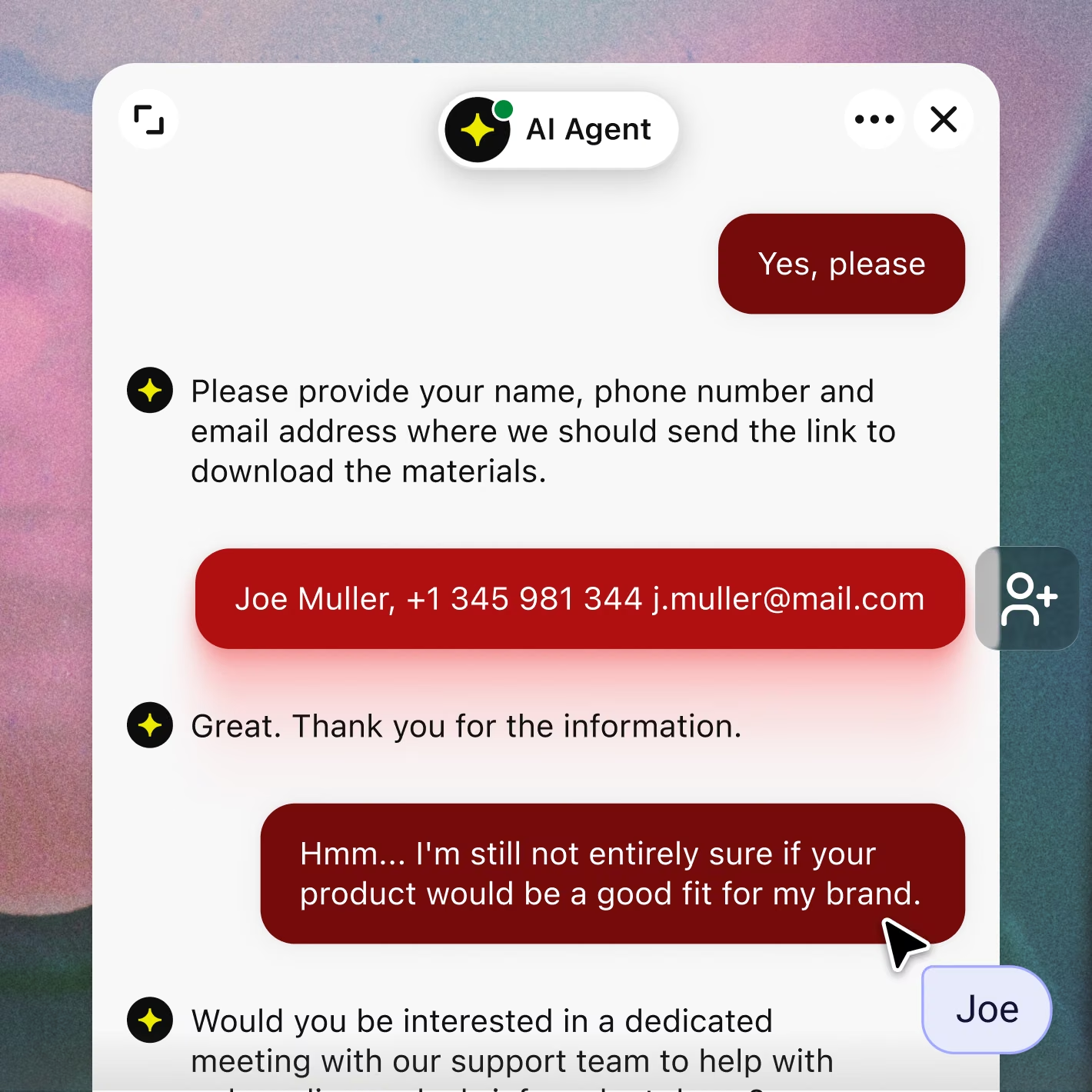
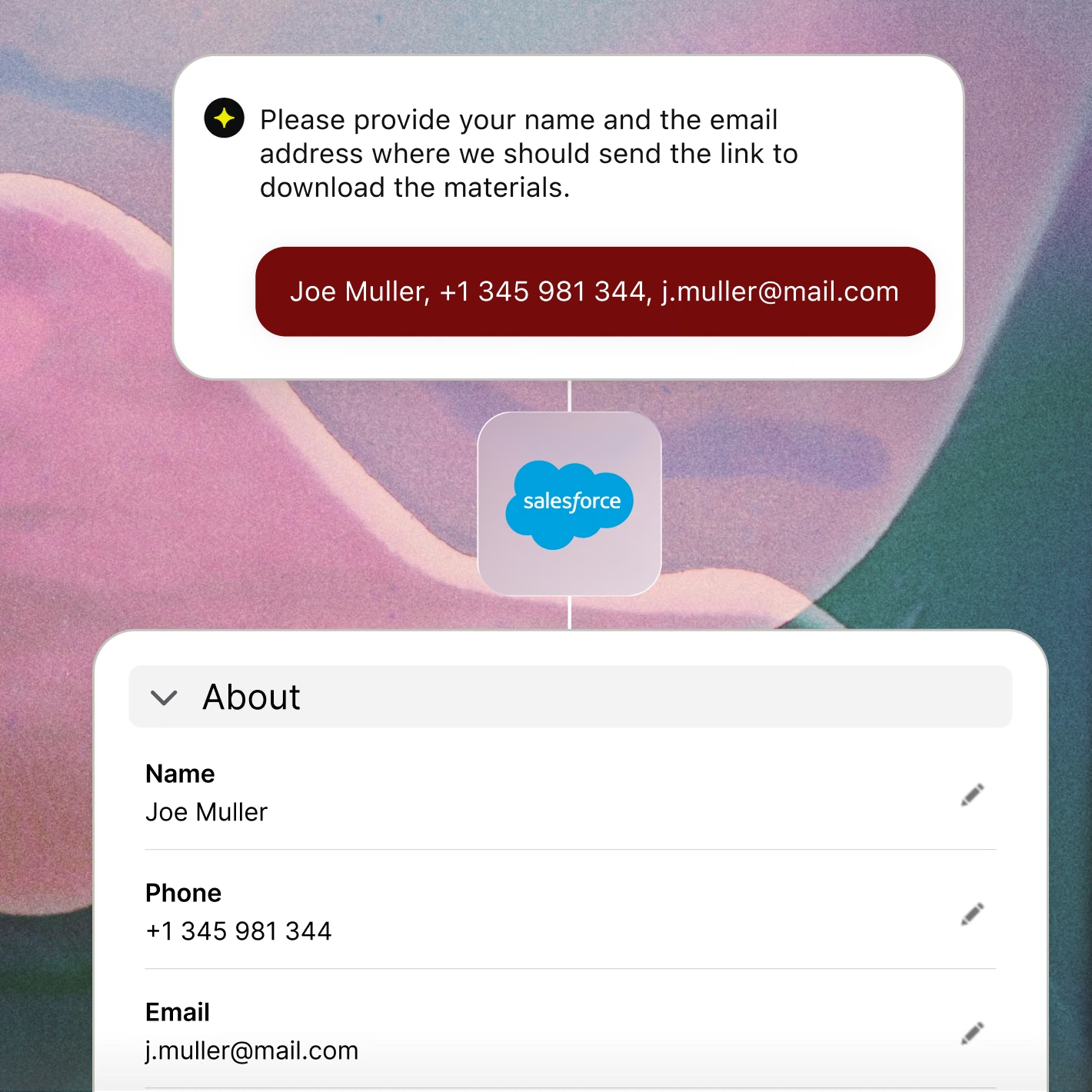
Company size, budget, timeline, the details your reps usually chase down, the AI Agent collects them mid-chat, whenever the visitor happens to show up.
Custom skills
A call gets booked, or details get left behind, and either way, it's sitting in Salesforce as a lead before a rep even opens the tab.
Connect Salesforce to Text, and every conversation fills in the record for you. Sales and support start from pipeline, not from scratch.
Connect Salesforce to Text, and every conversation fills in the record for you. Sales and support start from pipeline, not from scratch.
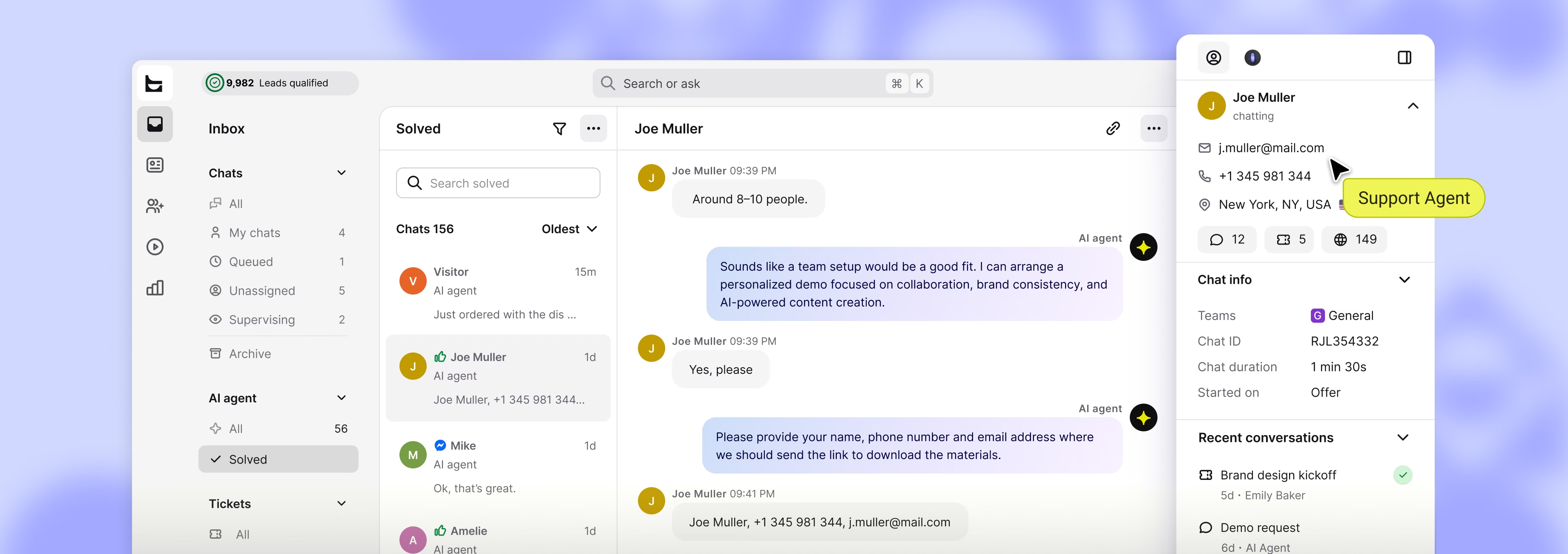
The moment someone starts a conversation, they're already a lead or contact in Salesforce, nothing to copy between tabs.
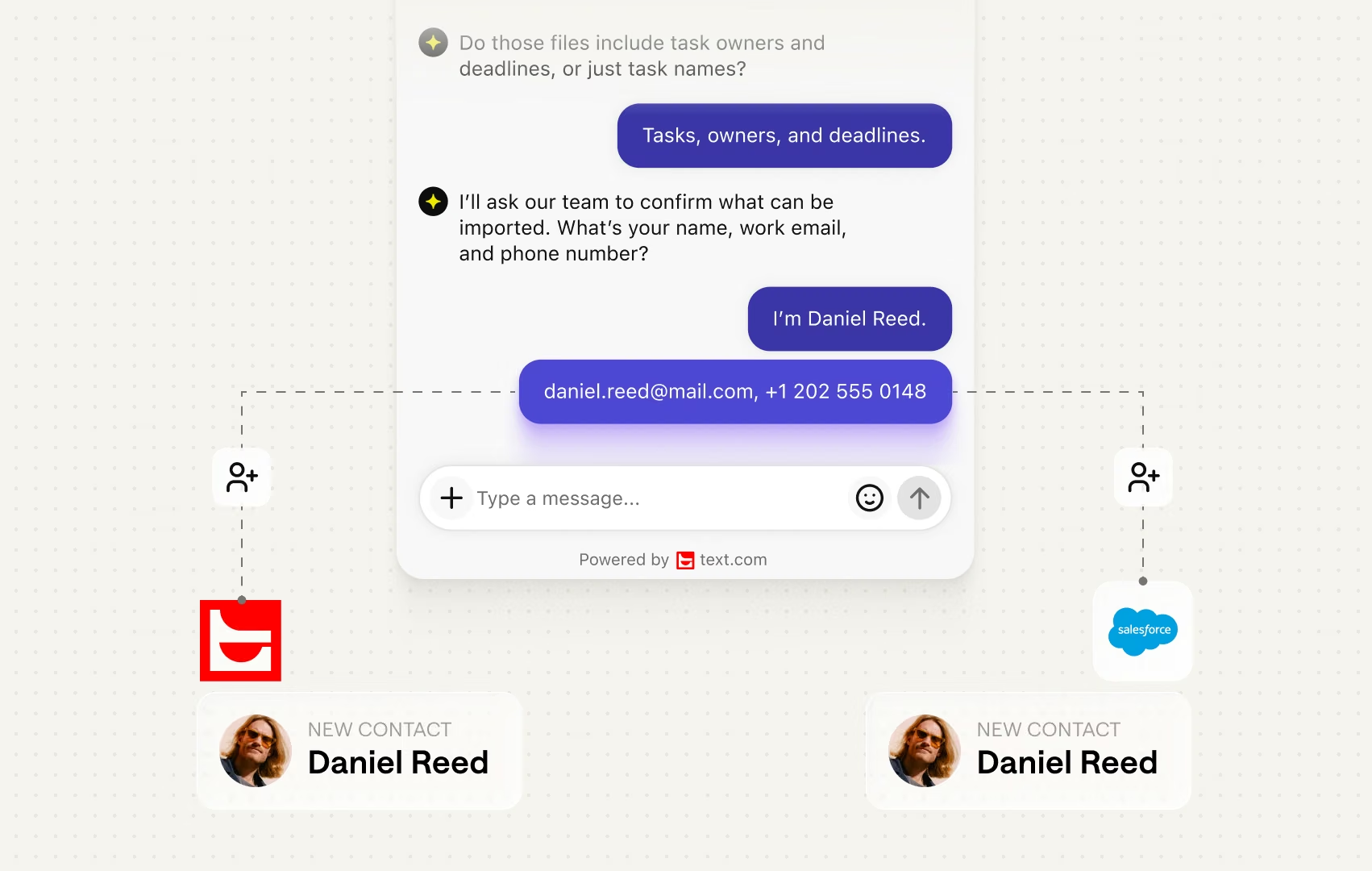
Conversation data reaches Salesforce on its own, updating contacts and cases without a detour through anyone’s inbox.
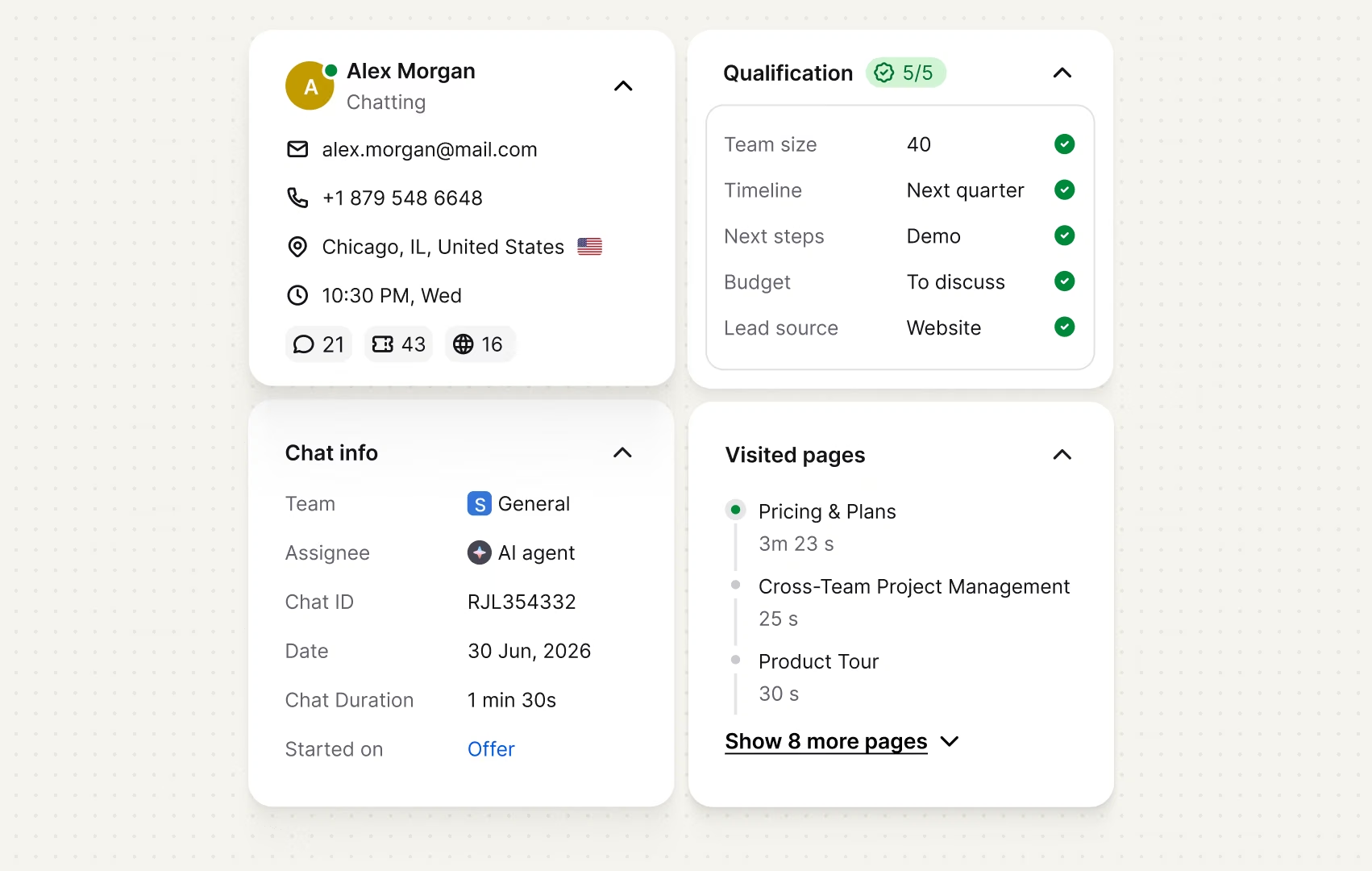
One message in, and Text has matched the visitor to their Salesforce record, so your agent starts the reply already knowing the account.
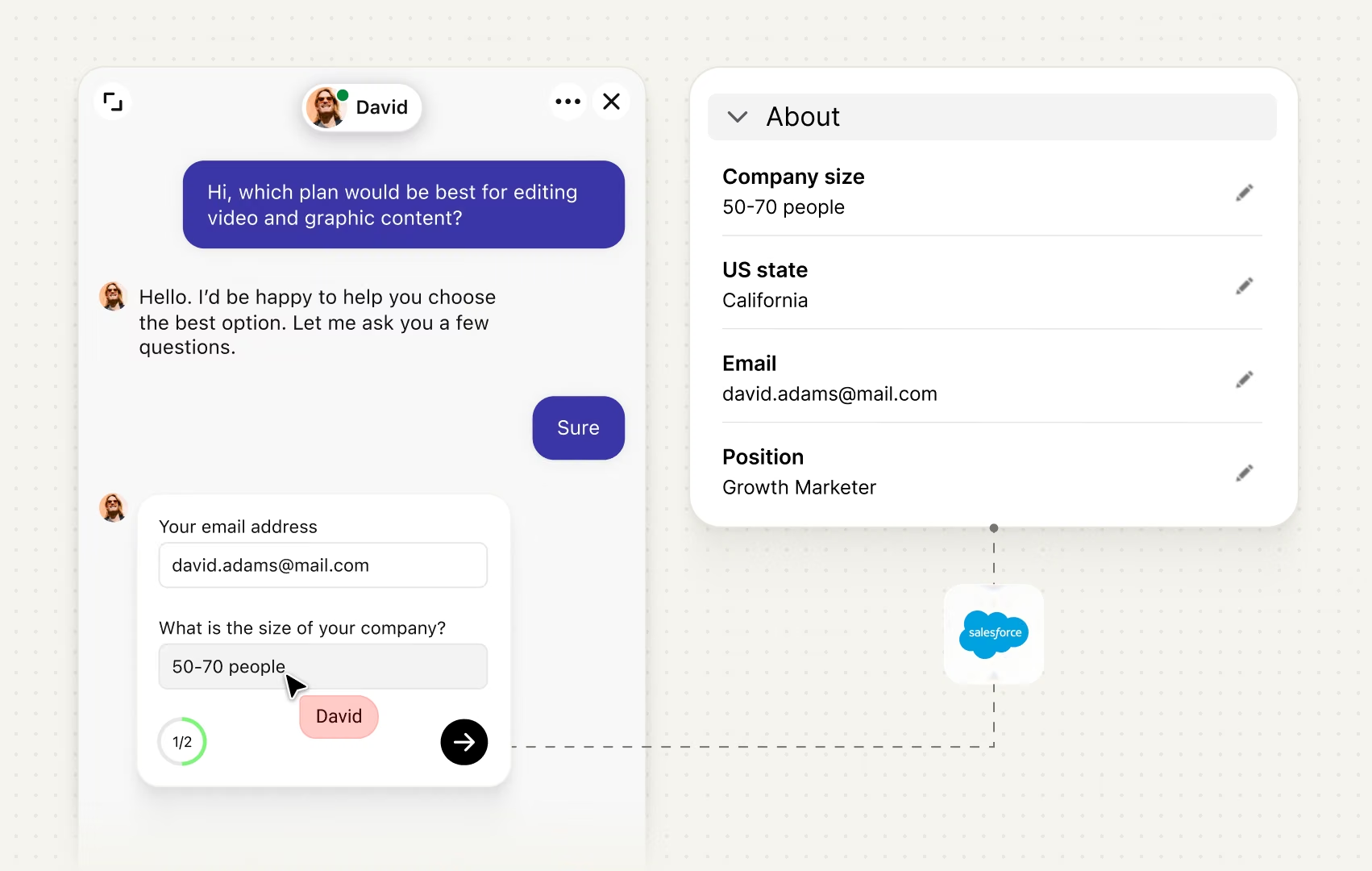
Whatever custom fields you’ve set up in Salesforce, Text already knows how to map them, nothing for you to configure in Salesforce itself.
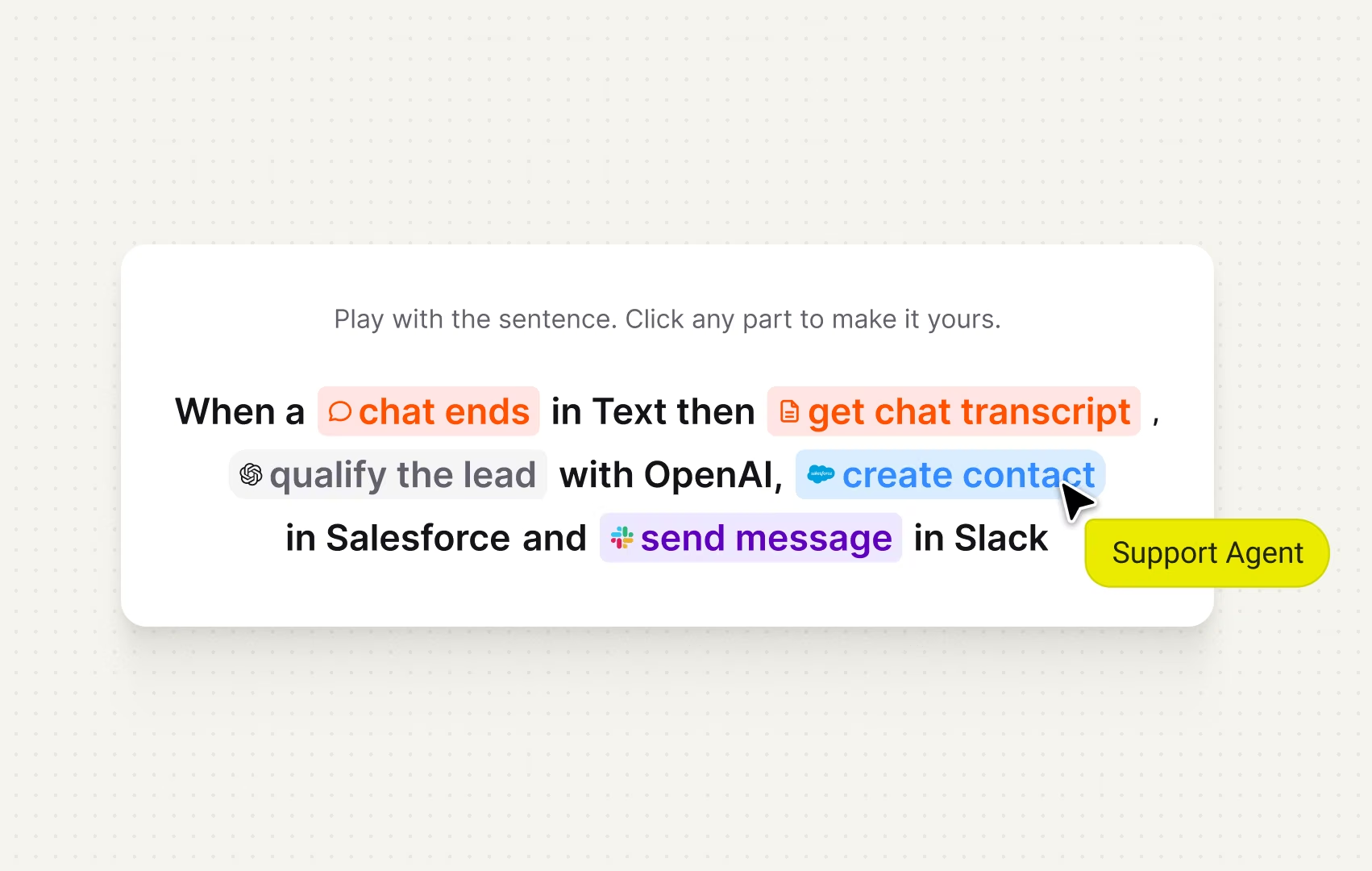
The same moment a Salesforce lead gets created, your sales team can get pinged on Slack, no second automation required.
Conversation data reaches Salesforce on its own, updating contacts and cases without a detour through anyone’s inbox.
One message in, and Text has matched the visitor to their Salesforce record, so your agent starts the reply already knowing the account.
Whatever custom fields you’ve set up in Salesforce, Text already knows how to map them, nothing for you to configure in Salesforce itself.
The same moment a Salesforce lead gets created, your sales team can get pinged on Slack, no second automation required.
Text takes over the work your team used to do by hand. Pick a ready-to-use template or build your own, every action stays editable.
See more templates
The AI Agent reviews the conversation, scores how promising the lead is, and passes the good ones on to your tools automatically.
The moment a chat opens, the agent already has the CRM record pulled up, nothing to search for.
Someone submits their first ticket, and Salesforce already has them as a contact, nobody has to type it in.
A visitor asking to talk to someone gets a time slot locked in immediately, the skill checks the calendar for them.
A ticket closes, and a follow-up opportunity opens right after, while the customer's attention is still there.
A customer starts canceling, and before they can confirm it, a retention offer steps in.

With Text integrated into Salesforce, our chat specialists will have a constant, 360-degree view of our member relationships.
An AI customer service platform that brings channels, tickets, and reports into one shared place.
An AI customer service platform that brings channels, tickets, and reports into one shared place.
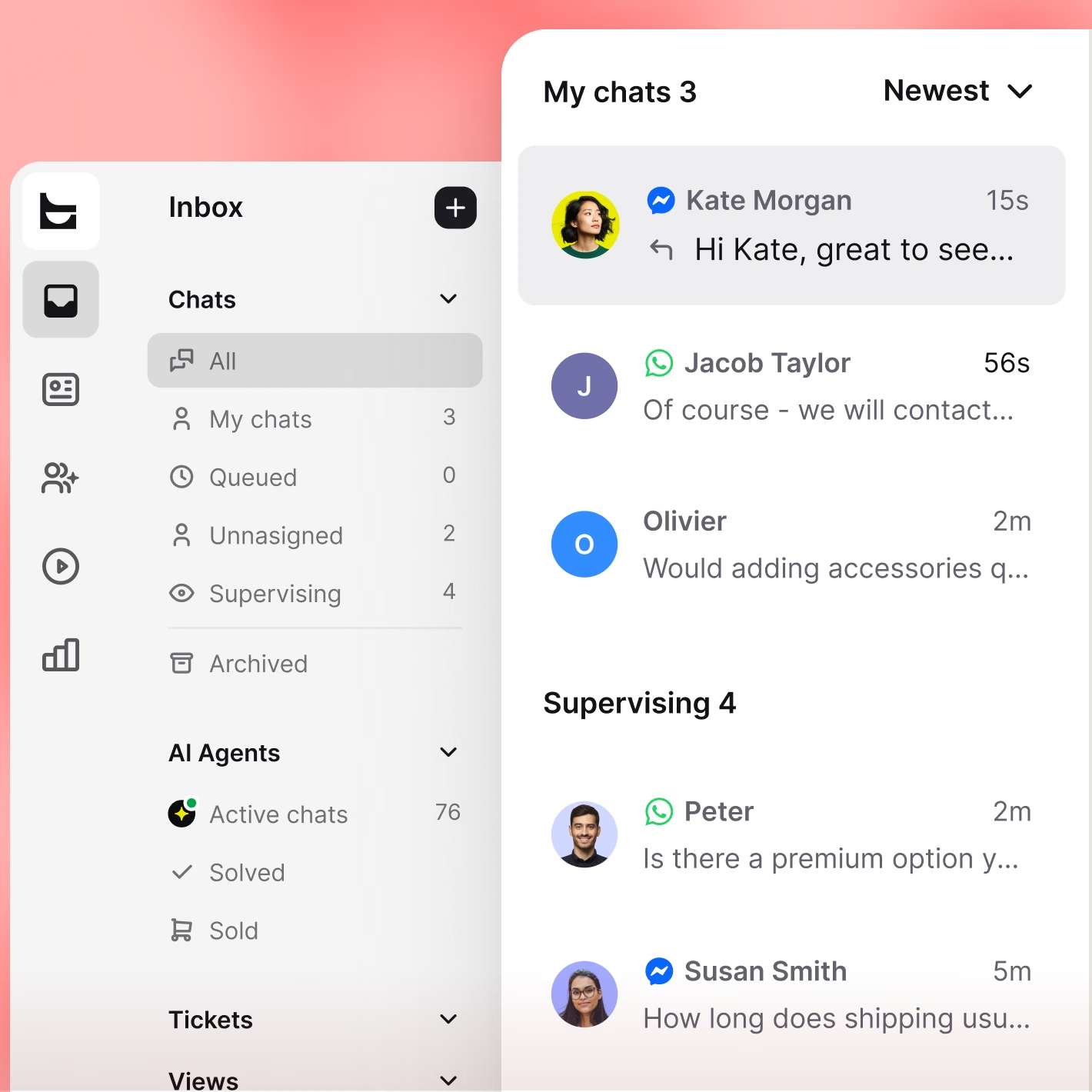
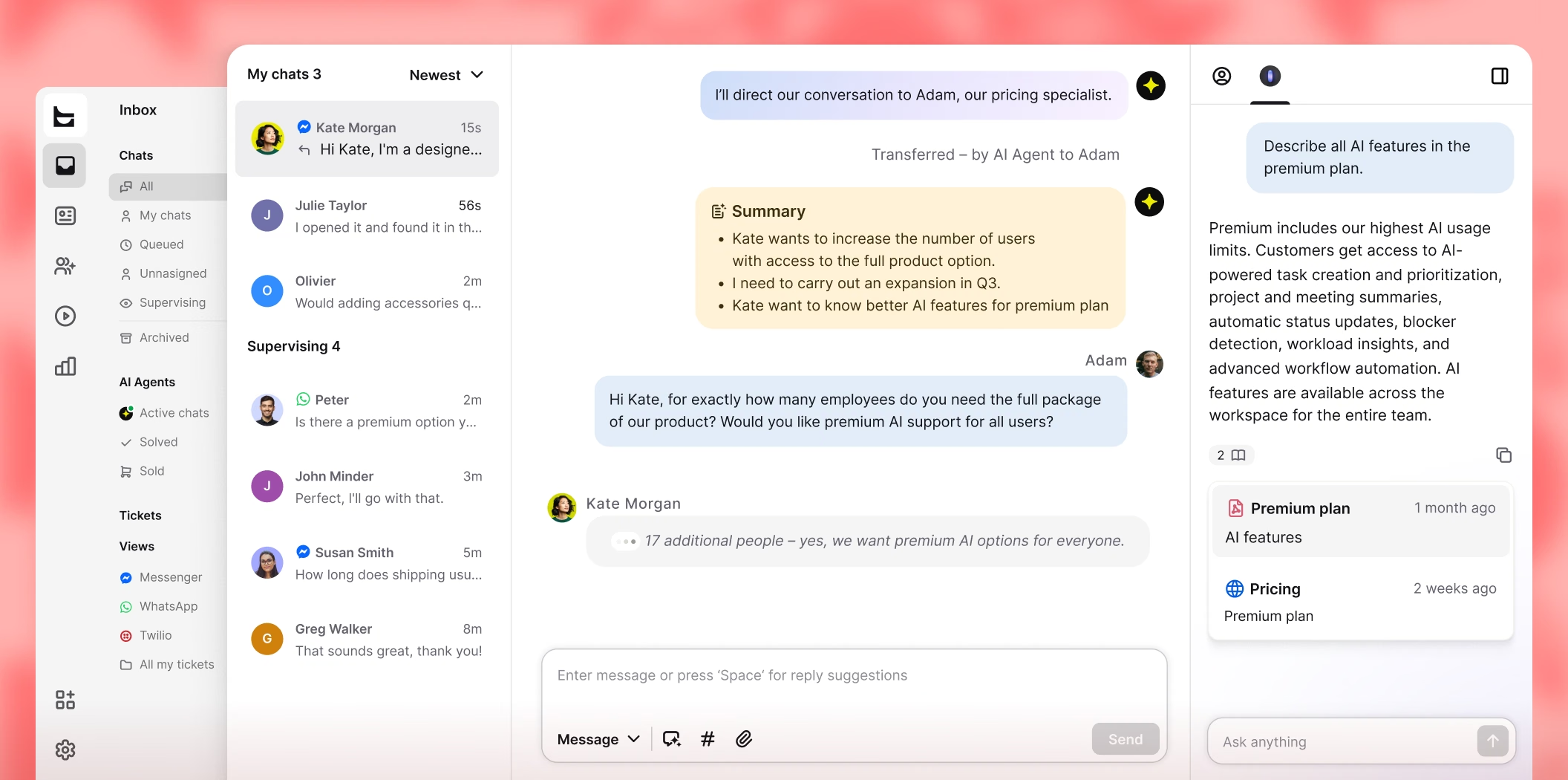
Chat, email, WhatsApp, Messenger, Instagram, and SMS end up in the same inbox, organized by contact, not by channel.
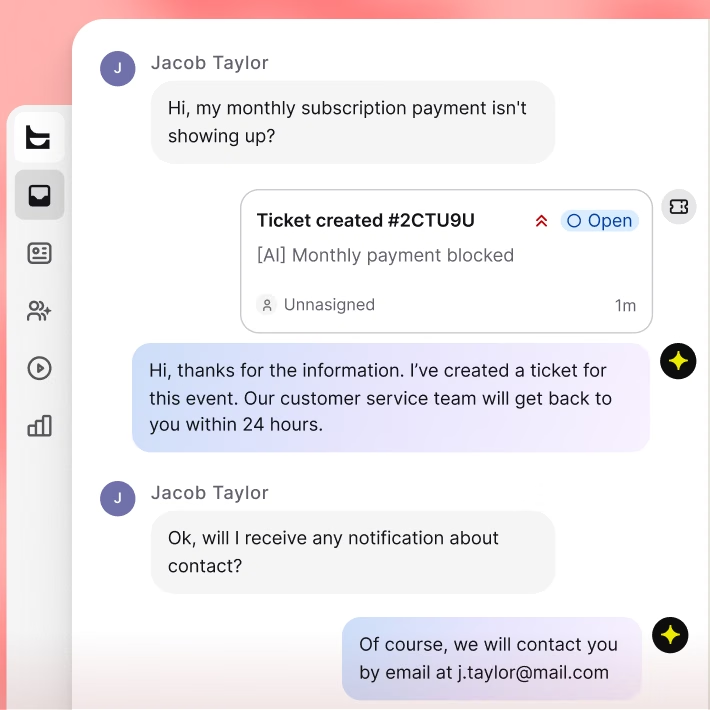
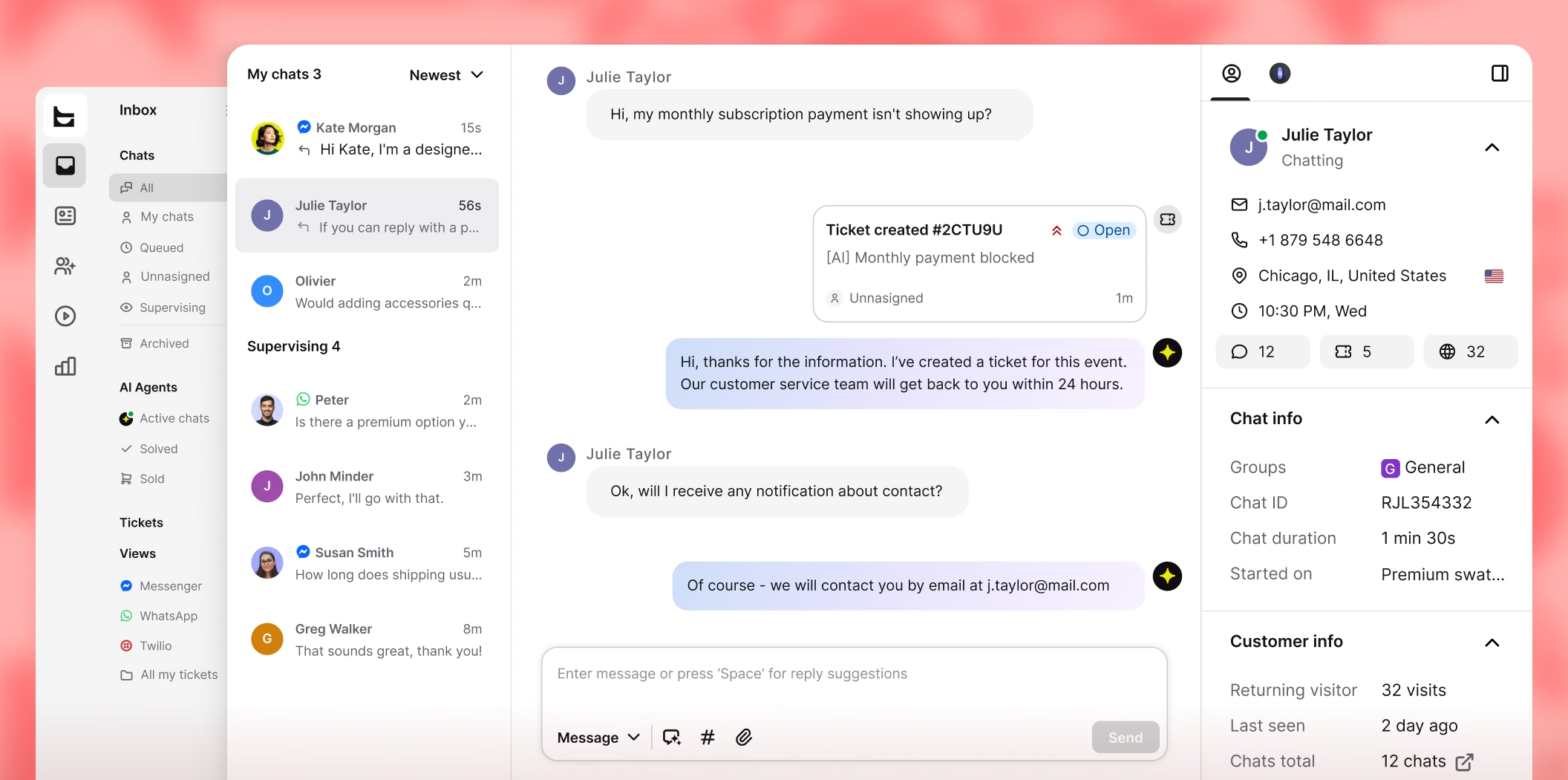
Anything needing more than a quick reply becomes a ticket on its own, still there waiting after the chat window closes.
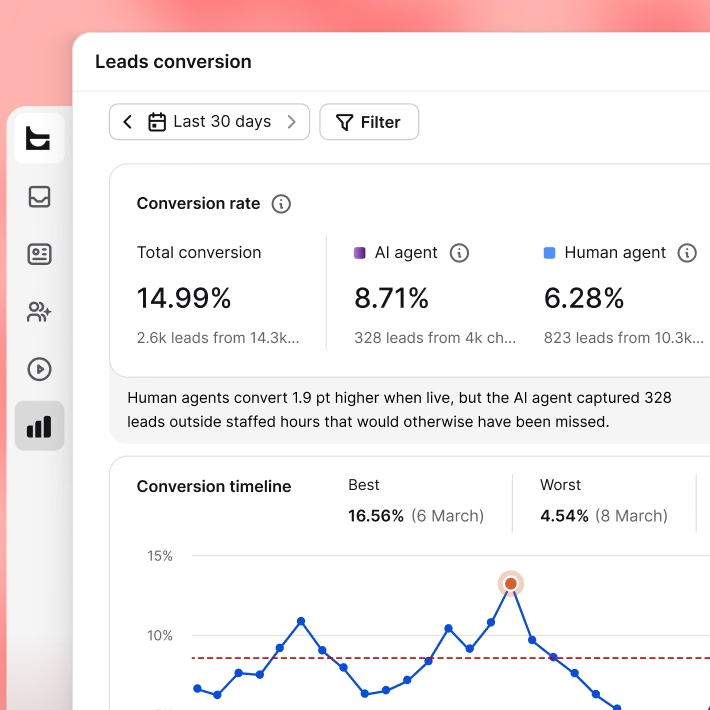
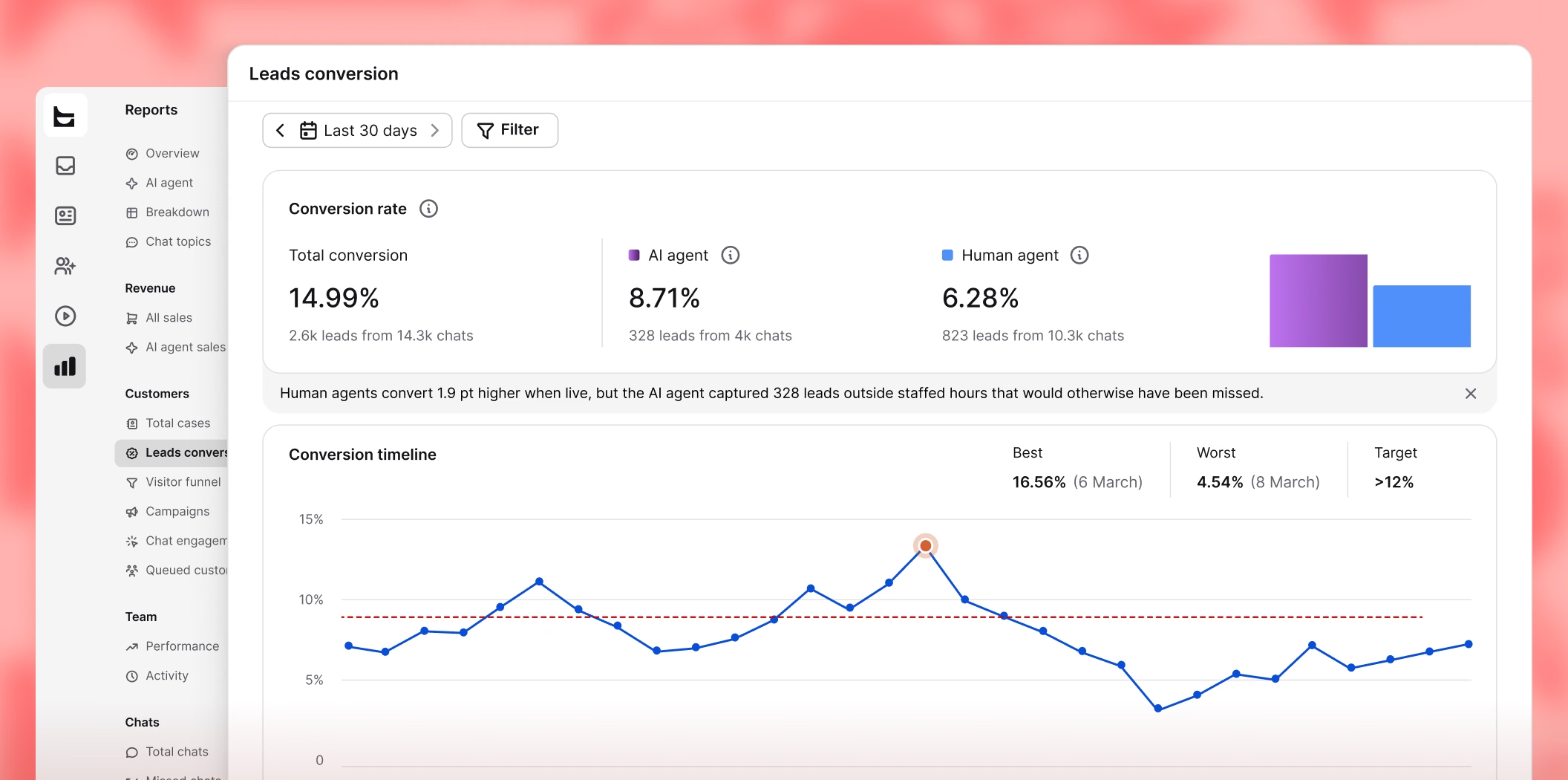
Reporting shows what a conversation turned into and ties it back to the chat that started it, cause and effect, not just totals.
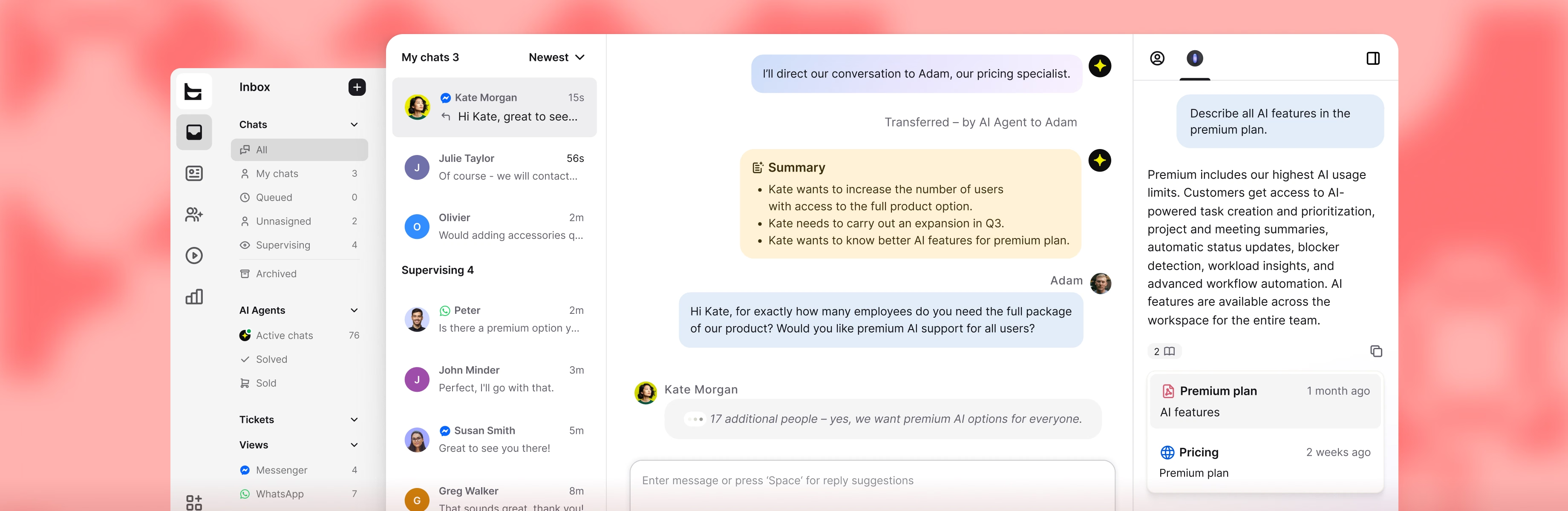
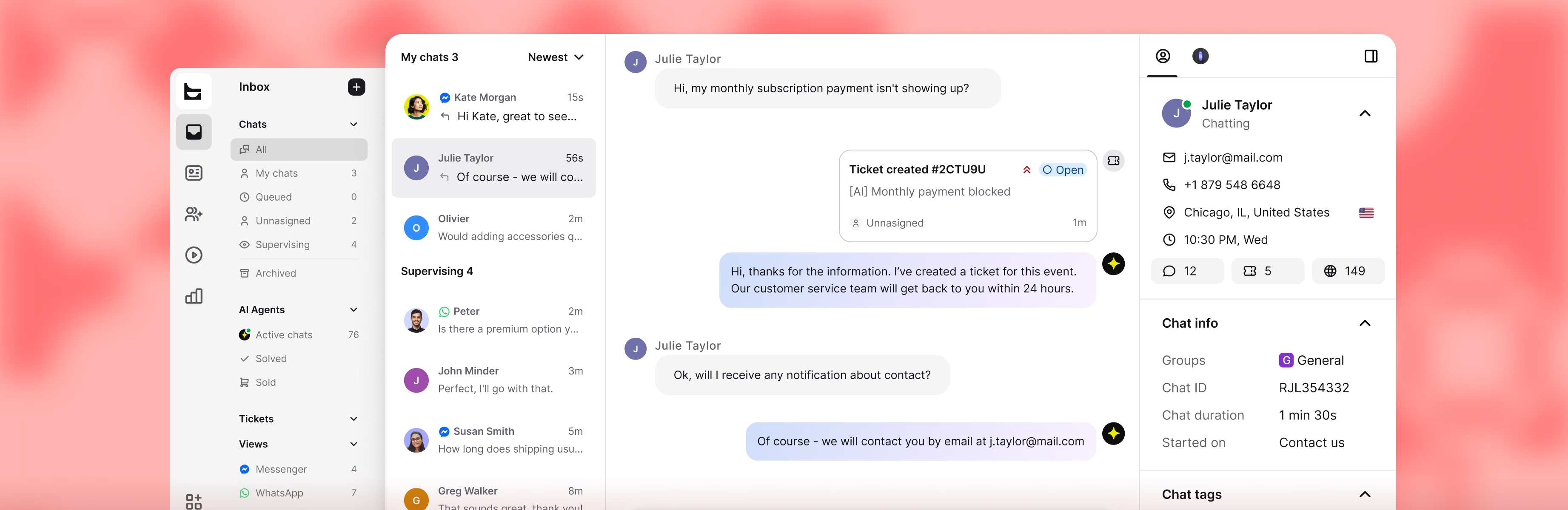
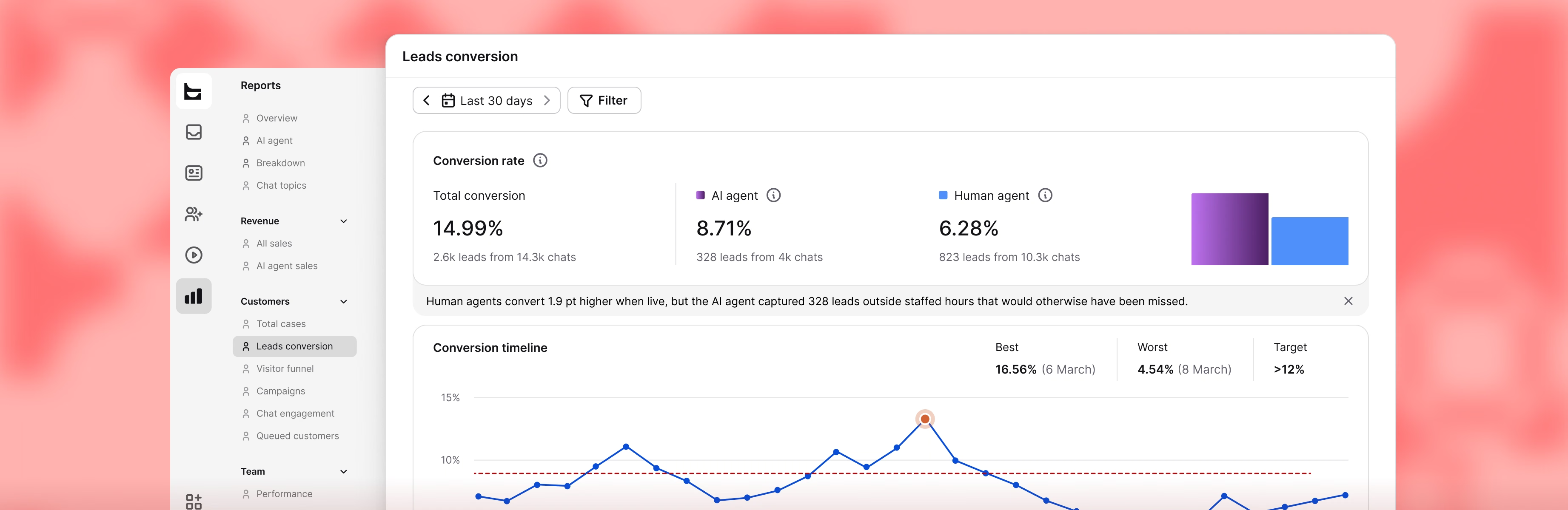
From a blank account to a running Salesforce connection, all in one sitting, no code required.
Create your account
Your business email starts the free 14-day trial. No card needed, and no commitment to stick around.
Connect Salesforce
Add a Salesforce action to an automation, then link your Salesforce account. You only do this once, ever.
Pick the trigger
Choose what starts it: a chat or a ticket, then add Salesforce actions like looking up or updating a record.
Let it run
From then on, every time the trigger fires, the automation reads from Salesforce or writes to it, automatically.

Extremely well made application for customer service & sales with nice price point.
Reliable, Intuitive, and Great Value
“Excellent value for money — a robust set of features without breaking the budget. Ticket management keeps everything organized so nothing slips through the cracks.”
Great solutions with strong potential
“Strong long-term value from Text's AI chatbot tools for ecommerce. You can test your AI bot settings on the fly and tailor it to your site or specific scenarios.”
The Ultimate Engine for High-Volume Client Support
“The message automation feature allowed our team to stay organized and ensure no lead fell through the cracks. It feels purpose-built for high-volume communication.”
Support team now contributes to sales
“Text changed how we think about support. The AI recommends products, spots upsell moments, and converts them without anyone on our team lifting a finger.”
Text App is great!
“You can see what the customer's typing before they hit send, so you can better anticipate what they need and get a solution faster.”
Great experience with Text
“So many apps are available in one place, and it’s so easy to use. When a customer is chatting with us, we can see what they’re typing and start forming a reply before they hit send.”
Connect your Salesforce account to Text, then build the automation in skills. There's no plugin panel to install. You'll need the right permissions on both sides, in Text and in Salesforce.
Once connected, skills can create, update and look up leads, contacts and accounts by record ID or email address. Cases can be created and updated too, just not looked up the same way. All of it works with standard fields as well as the custom fields you've already set up in your org, and you decide what data goes where directly inside the skill, no need to touch Salesforce Setup at all. Full setup guide: how to use Salesforce actions in skills.
There are templates for the common cases: showing a Salesforce profile to the agent when a chat starts, creating a contact after a first-time support chat, logging support tickets as Salesforce cases, opening an upsell case once a ticket is resolved, and flagging churn risk when a rating comes in low.
Go to Playbook. Next to the Create skill button, you'll find Browse templates. Search "Salesforce" in the search bar and every template with a Salesforce icon shows up, ready to use. Pick one, then adjust the steps and field mappings before publishing. You can always come back and change them later. More on how the steps fit together: advanced skills usage.
One template looks the visitor up in Salesforce by email when a chat starts and posts the matching contact or account details into the conversation as an internal message. Agents read the CRM context in the window they're already replying in.
A second version of that template runs mid-conversation rather than at chat start, which covers visitors who give their email halfway through. Related: contacts and real-time customers.
Salesforce's AI tools work inside your org, built and configured there, on your Salesforce data. Text's AI Agent sits on the conversation side instead: it answers from your own content, works across every channel in your inbox, not just Salesforce, and can act on what it reads. One template already does this end-to-end: the AI Agent reads the conversation, scores buying intent, extracts contact details, creates or updates the Salesforce lead, then notifies the sales team in Slack.
The two aren't competing for the same job. One manages what happens inside your CRM, the other manages the conversation that feeds it.
Your own material: your website and your help center, rather than a decision tree you maintain by hand. That is what lets it deal with phrasing you never predicted. Setup is covered in configuring your knowledge sources.
If you do not have a help center yet, you can build one with the knowledge base in Text and point the AI Agent at it.
Two mechanisms. For duplicates: put a Find contact by email or Find lead by email action ahead of any create action, then branch, update whatever came back, or create a record when nothing matches. That pattern is already wired into the lead capture template.
For volume: Queue actions add contacts, accounts, leads or cases to a pending batch, and a Run bulk import action submits that batch as a Salesforce Bulk API job, instead of firing off individual record writes one at a time.
Yes. Chats route by department, language, or what the visitor is asking about, and supervisors can monitor and tag new chats without joining them, which is built for training new agents and keeping quality consistent at scale. Tickets escalate to a manager automatically when priority calls for it, and after-hours chats route and tag themselves so nothing waits until the next shift.
All of it runs on the same Salesforce records: a chat handled by one agent and a follow-up ticket handled by another still point at the same lead, contact, or case.
Salesforce switched off legacy Chat on February 14, 2026, which covered Live Agent, Salesforce Chat, Embedded Chat and Service Chat. Its own replacement is Messaging for In-App and Web, built and maintained inside your org.
Text takes the other route. The live chat widget, the help desk and the AI Agent sit outside Salesforce, while the Skills integration keeps your records current. Salesforce stays the system of record.
An active Salesforce account connected to Text, plus permission to configure skills on the Text side and to create records on the Salesforce side.
Plan details are on the pricing page, where plans start at $19/month.
Website chat, email, WhatsApp, Messenger and SMS through Twilio all land in one omnichannel inbox with shared conversation history.
Skills start from general, chat or ticket triggers, so the Salesforce side of the automation works the same way whichever channel brought the conversation in.