


Reliable, Intuitive, and Great Value
“Excellent value for money — a robust set of features without breaking the budget. Ticket management keeps everything organized so nothing slips through the cracks.”
C
Claudia C.Customer Experience Manager

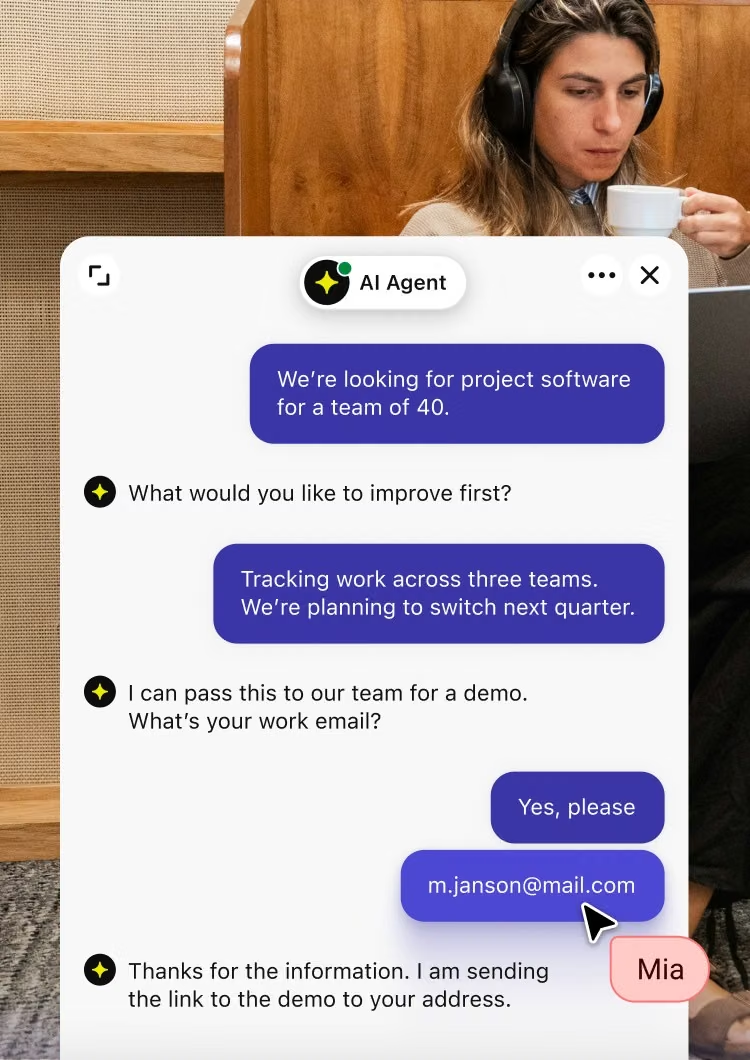
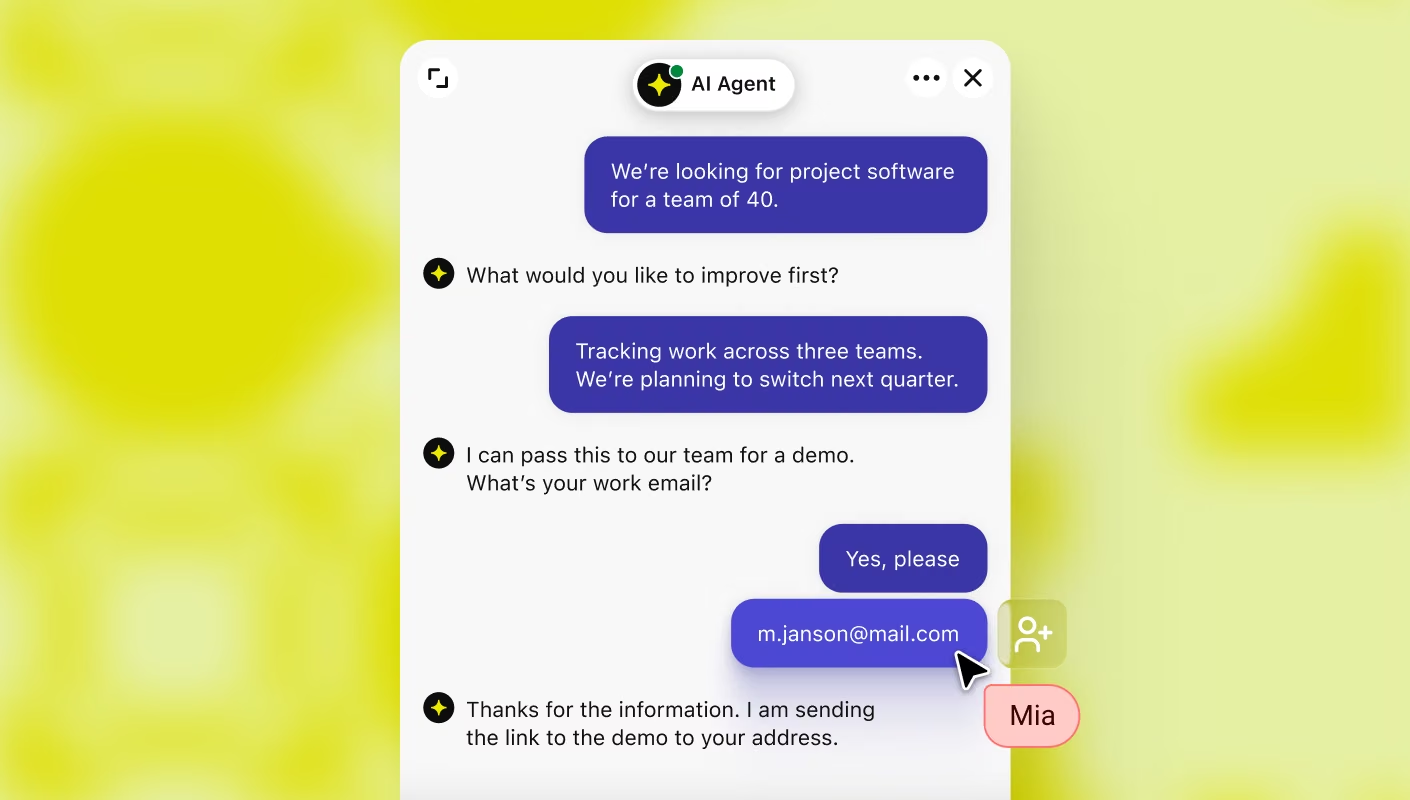
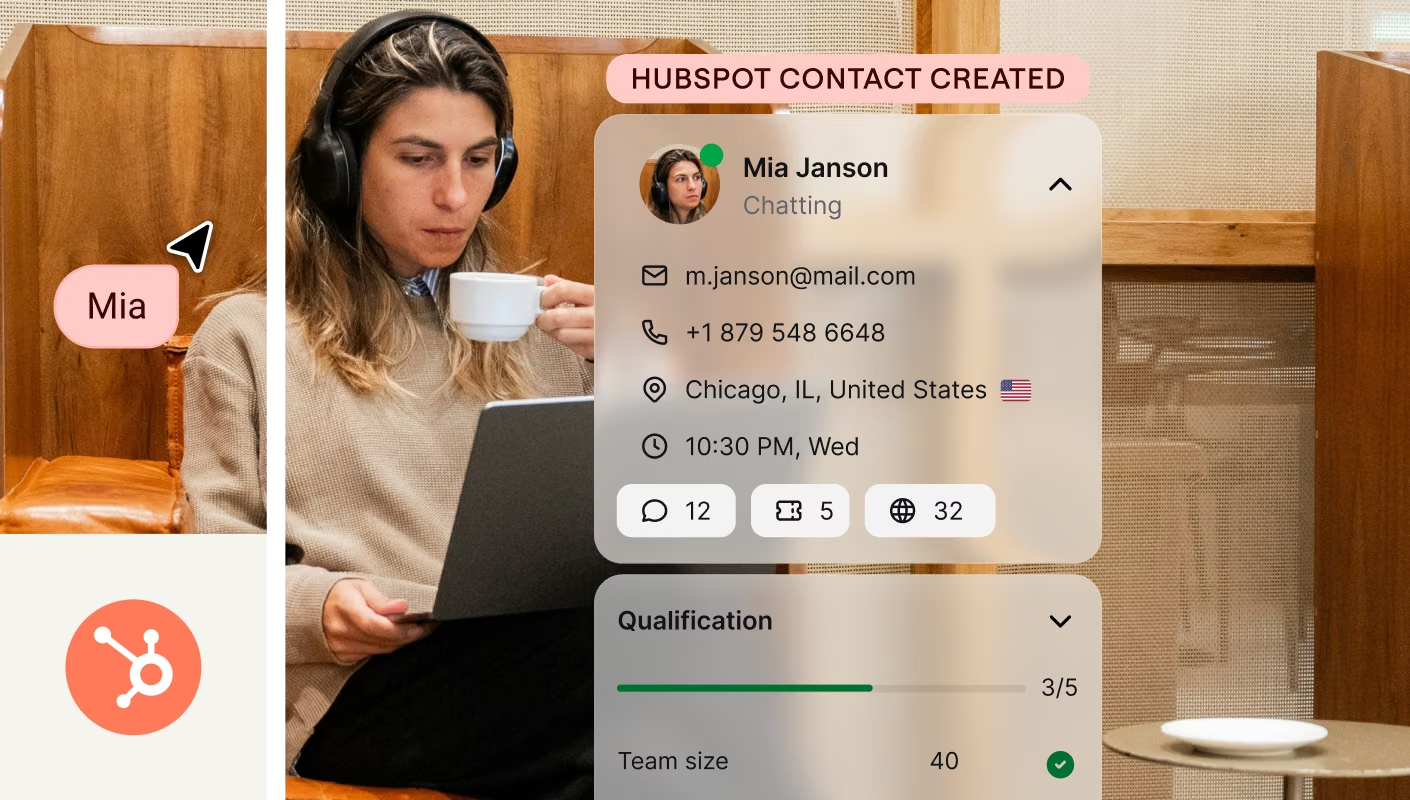
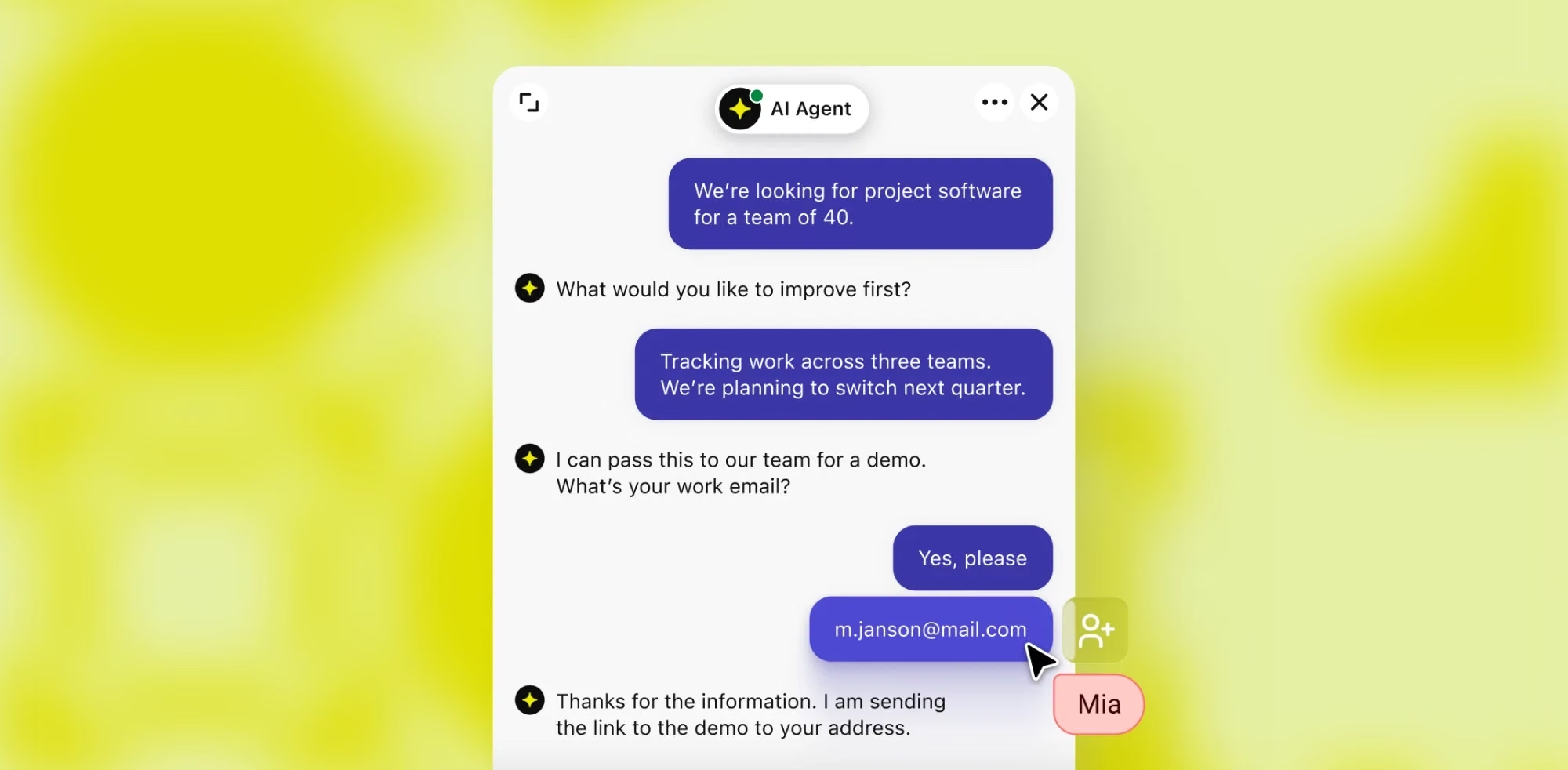
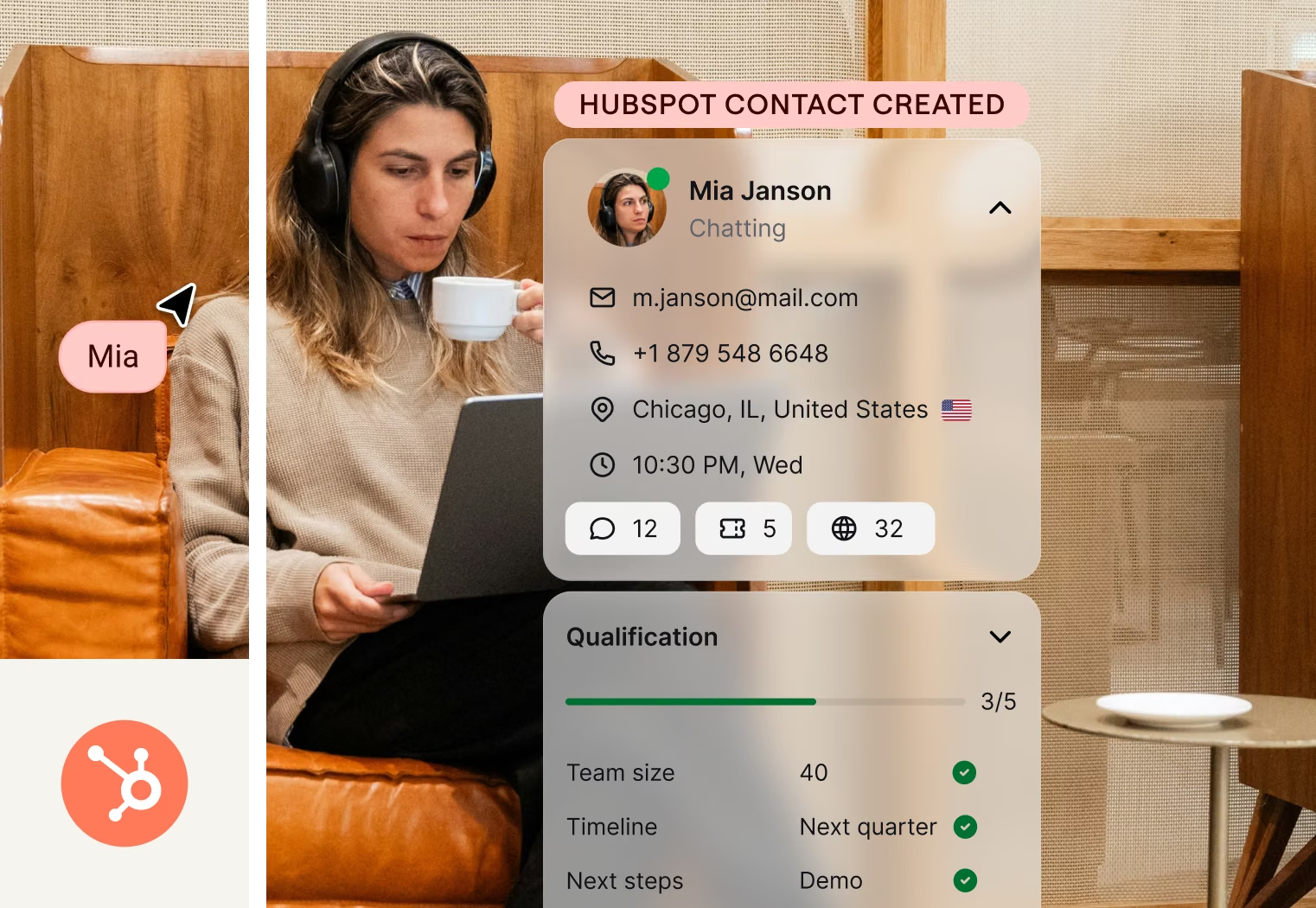
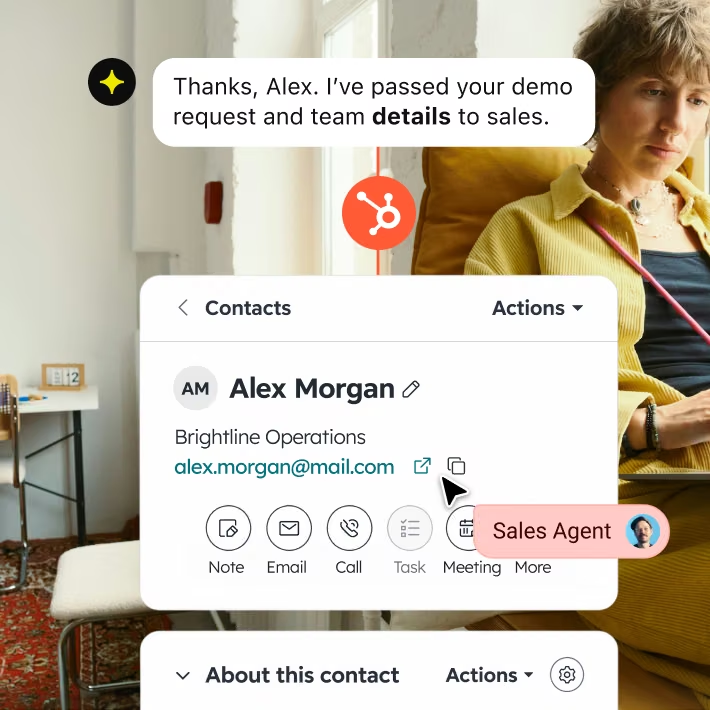
Every chat lands in HubSpot as a contact, not just a name. The AI Agent manages the back and forth, your team steps in only when it counts.
Teams like yours
are already seeing it work.
150%
more inbound leads for Logical Position
+30%
conversion boost for Luxury Estates International
$1.5M
in sales in 8 months for Wembley Stadium
Campaigns
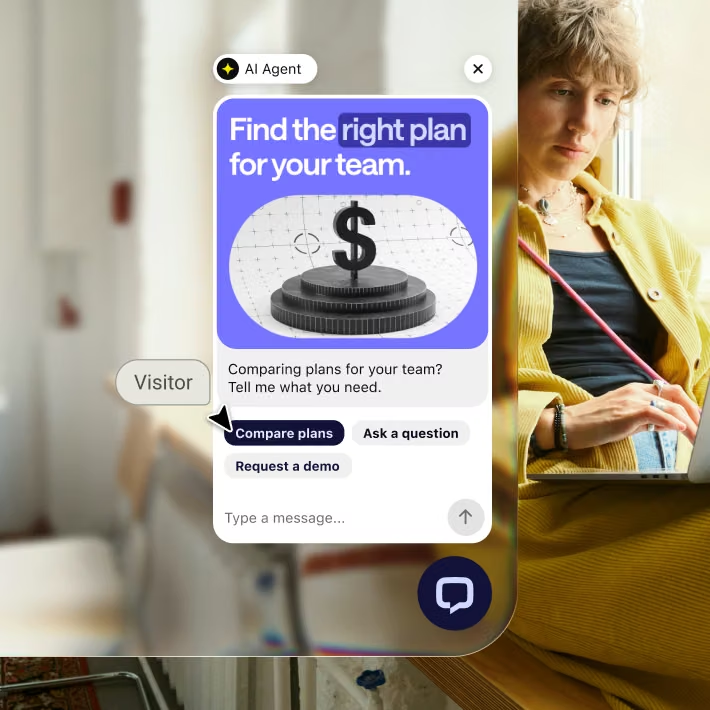
A visitor lands on your site and starts to hesitate. Text opens the chat before they lose interest and click away.
AI agent
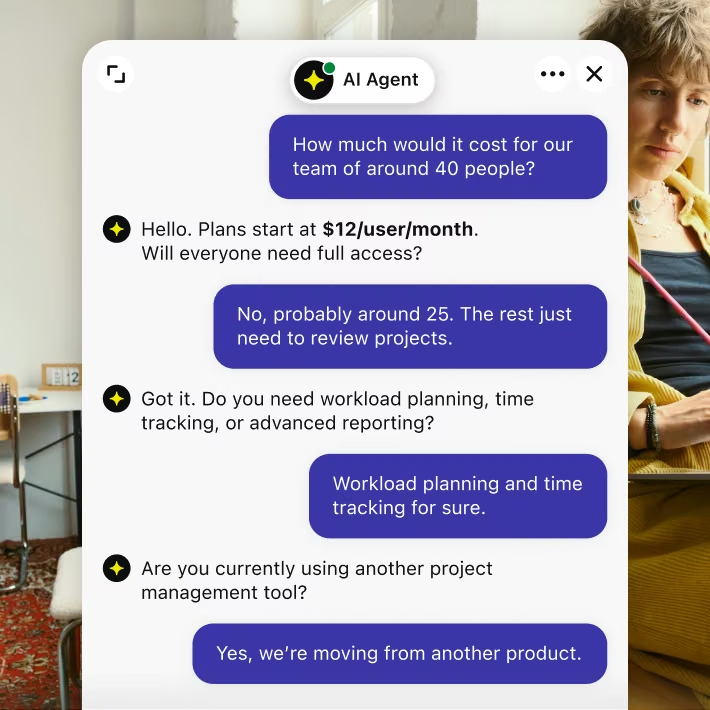
A visitor asks about pricing, setup, or fit, and the AI Agent answers straight from your content. Your reps stay focused on the leads that are actually ready to close.
Lead qualification
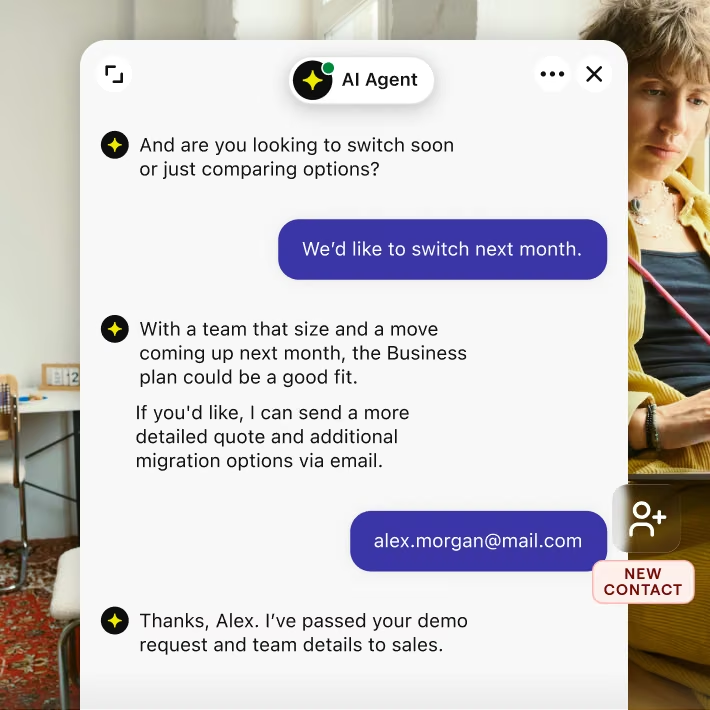
The AI Agent asks what your reps would ask, team size, timeline, budget, so only real leads make it through.
Custom skills
They book a call or leave their details right there, and it's already a HubSpot contact your team can act on.
Turn HubSpot into a step in your process, one you build your way, not a separate task.
Turn HubSpot into a step in your process, one you build your way, not a separate task.
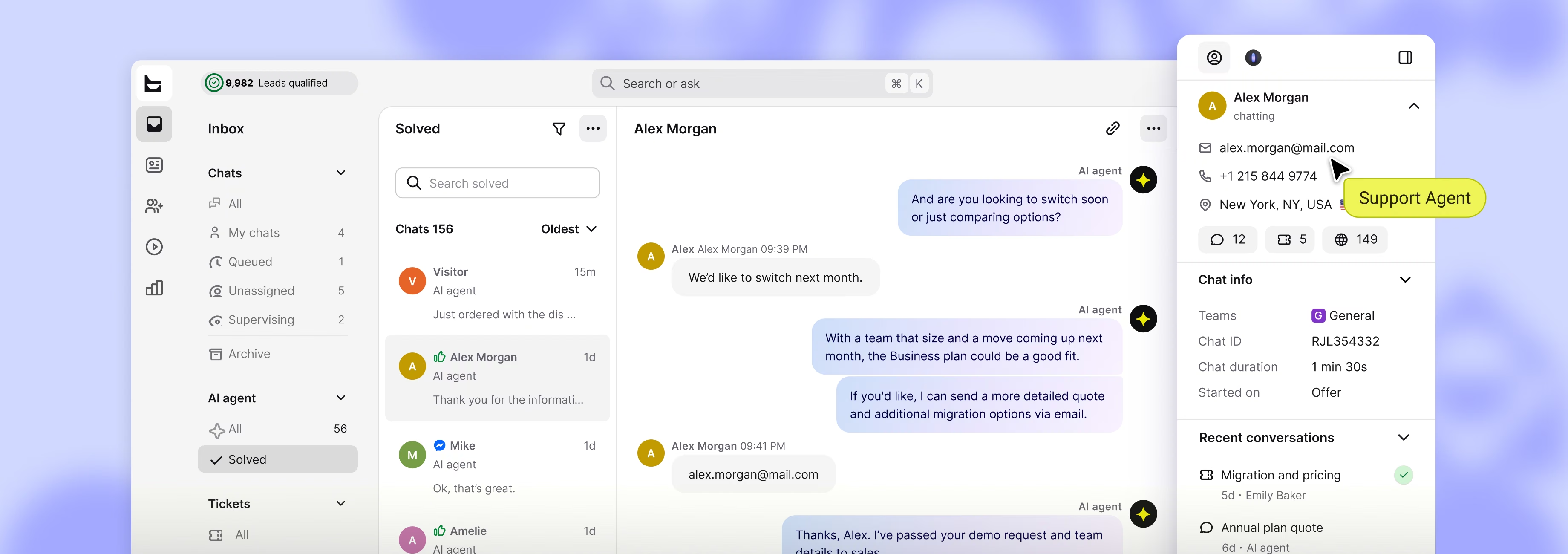
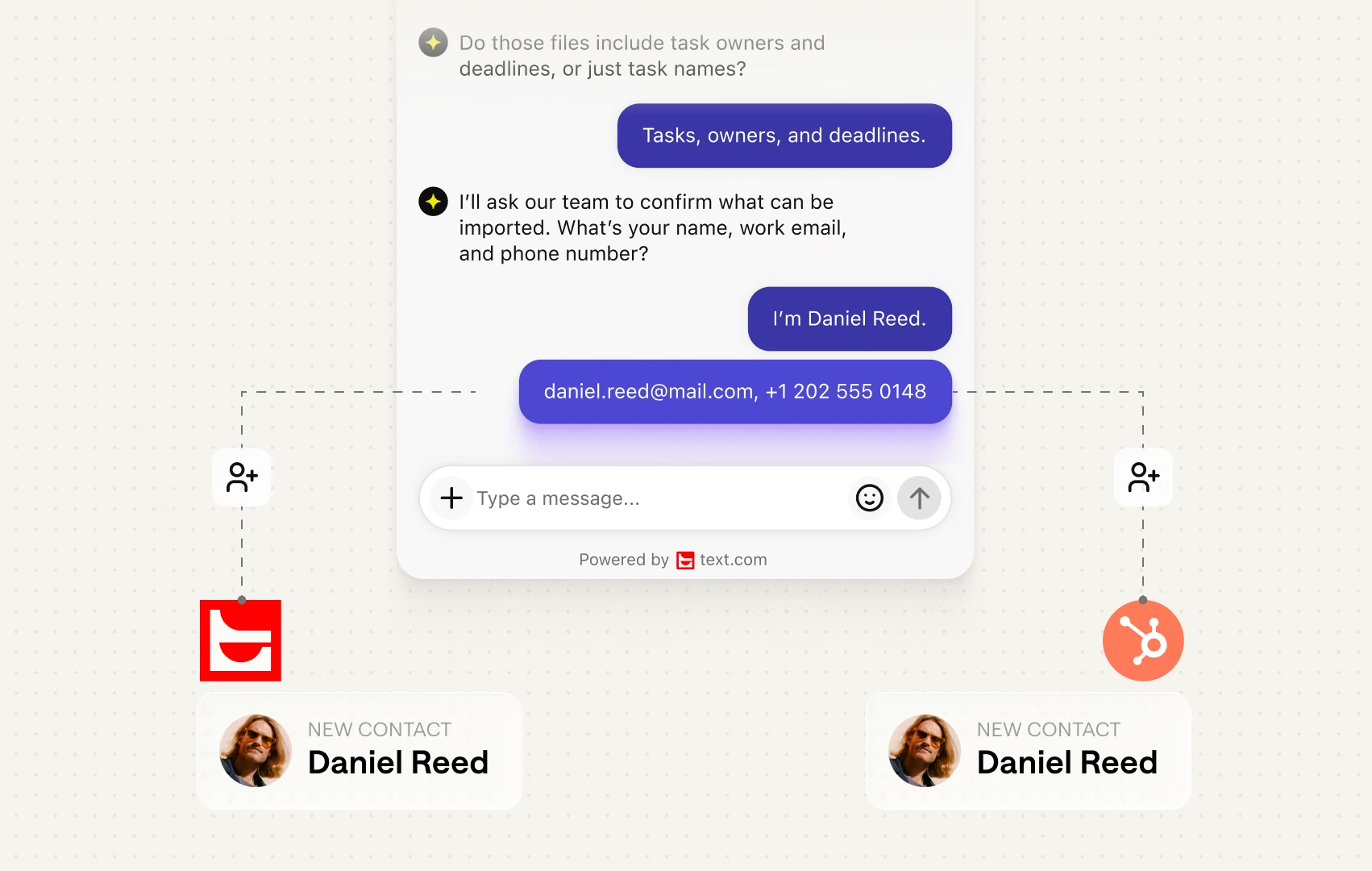
Every new conversation becomes a HubSpot contact the moment it starts, nothing to copy between tabs, and nothing for anyone to remember adding later.
When a contact is created or deleted in HubSpot, Text knows instantly. Whatever happens in a chat reaches HubSpot just as fast, both tools updated, automatically.
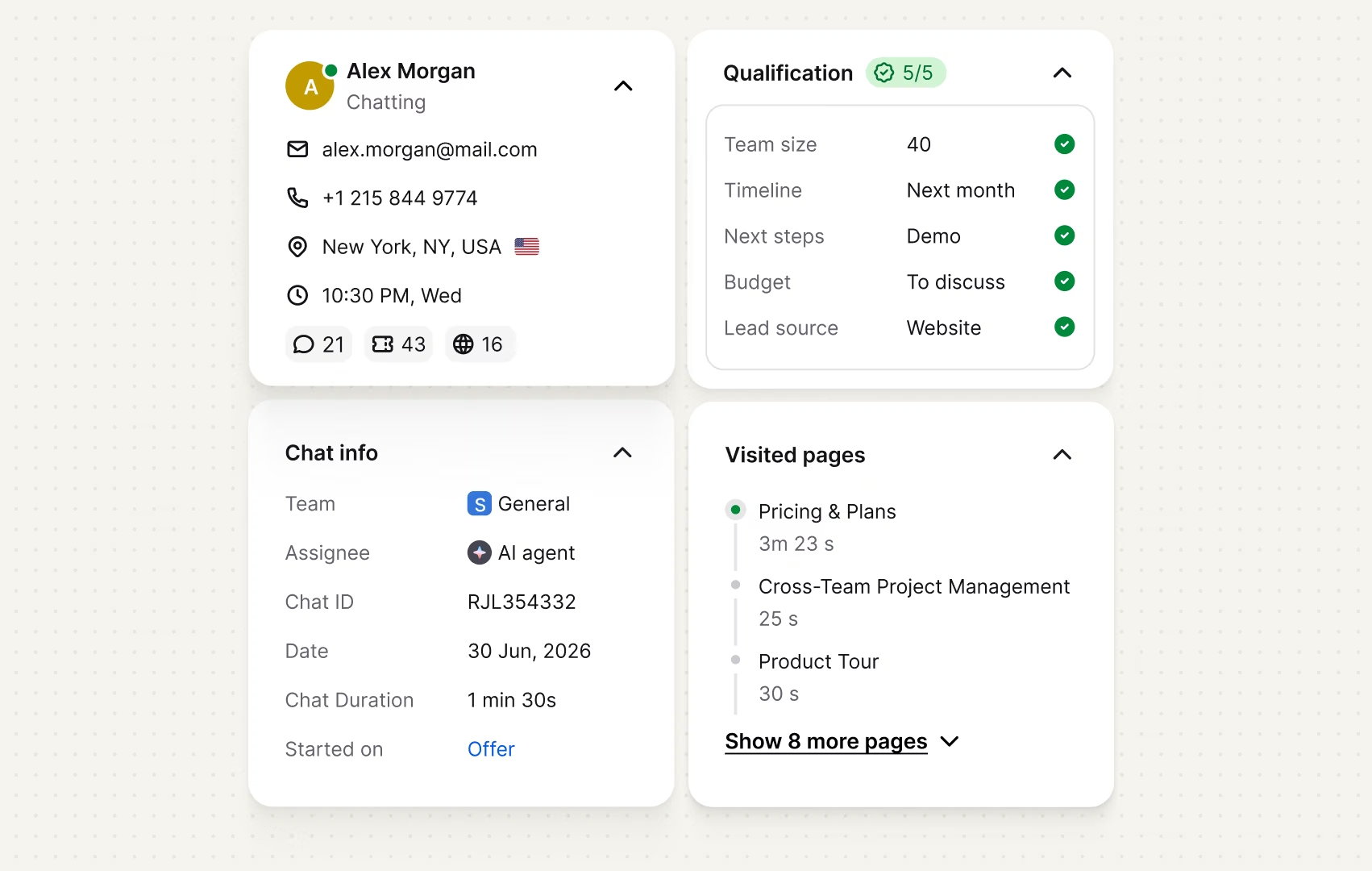
Text matches the visitor to their HubSpot record on the first message, so your agent opens the chat already knowing the account.
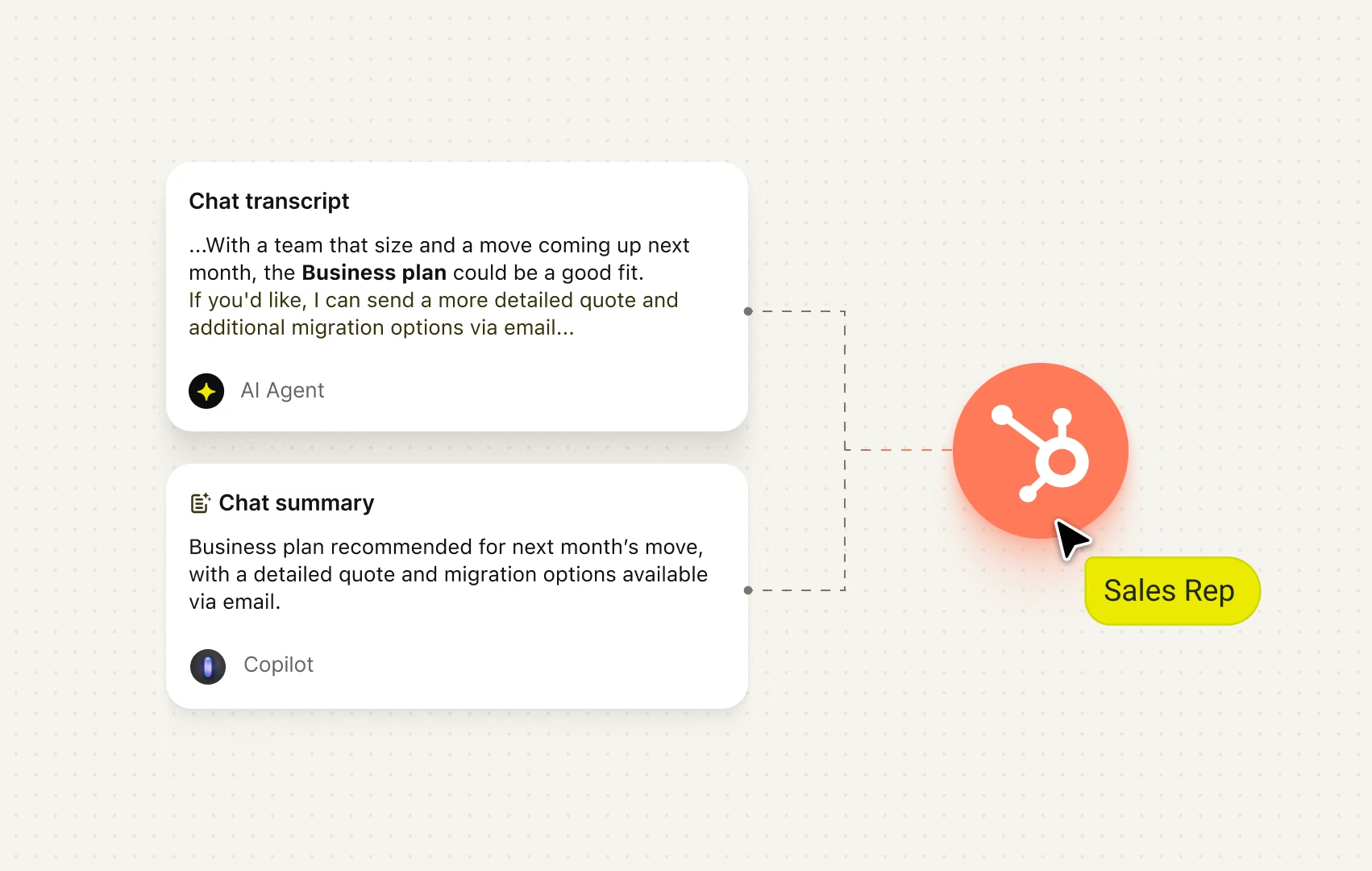
Chat transcripts and notes land right on the HubSpot timeline, next to every call, email, and meeting already logged there, not in a separate tool your team has to check too.
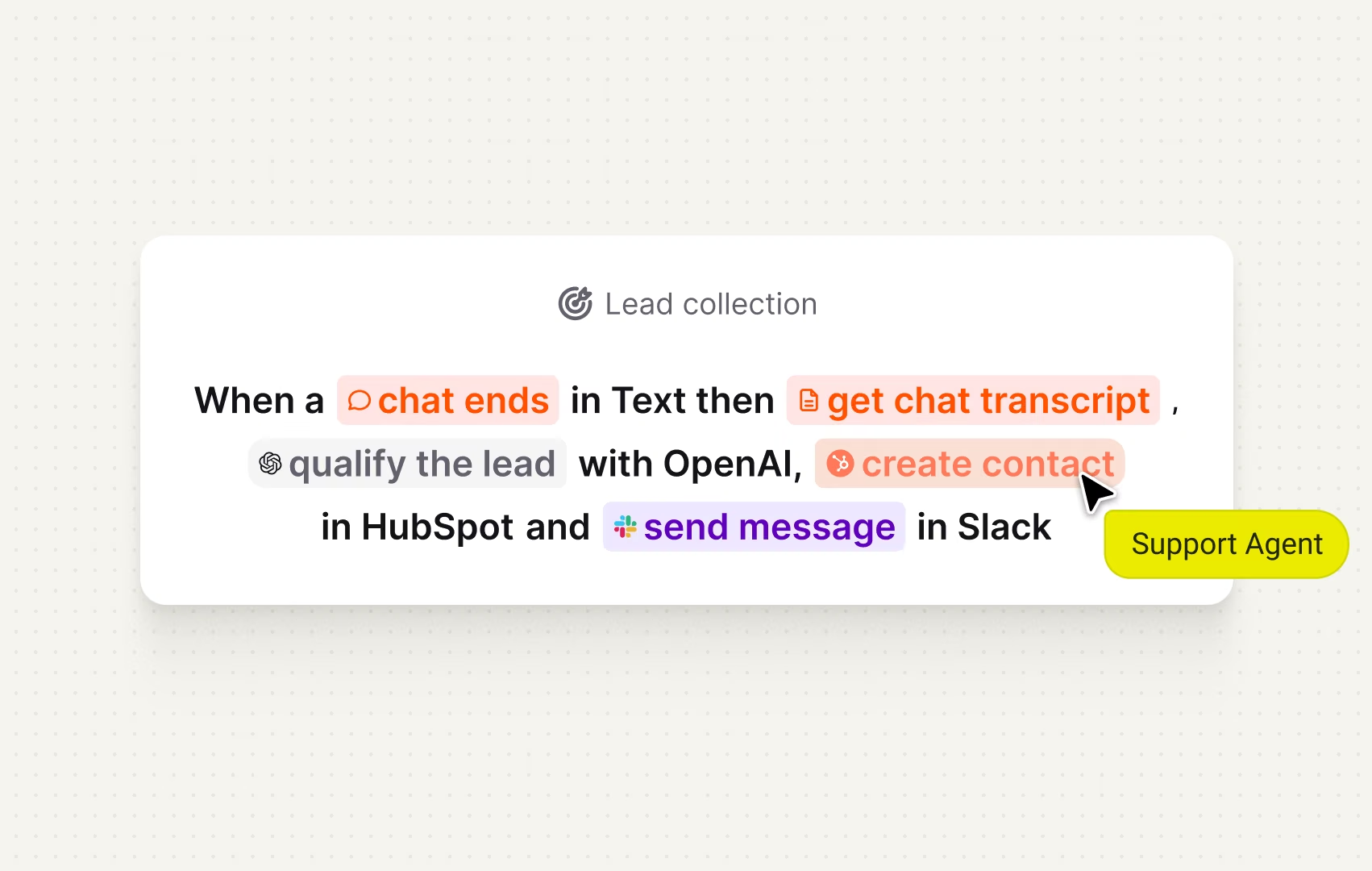
The same skill that creates the HubSpot contact can send a message to your sales team in Slack in the same run, no separate steps to trigger.
When a contact is created or deleted in HubSpot, Text knows instantly. Whatever happens in a chat reaches HubSpot just as fast, both tools updated, automatically.
Text matches the visitor to their HubSpot record on the first message, so your agent opens the chat already knowing the account.
Chat transcripts and notes land right on the HubSpot timeline, next to every call, email, and meeting already logged there, not in a separate tool your team has to check too.
The same skill that creates the HubSpot contact can send a message to your sales team in Slack in the same run, no separate steps to trigger.
Text automates what used to take your team's time. Start from a ready-made template or build your own, with every action editable.
See more templates
The AI Agent reads the chat, scores the lead, and sends the qualified ones straight to your tools.
Agents see the CRM contact record the moment a chat starts, already pulled up and ready to read.
First-time ticket senders become HubSpot contacts automatically, no manual entry.
When a visitor asks to talk to someone, the skill checks availability and locks in a time on the spot.
Open a follow-up opportunity the moment a ticket closes, while the customer's still engaged.
The moment a customer starts a cancellation, the skill offers a retention deal before they click confirm.

We thought Text would slightly increase the number of leads we get but didn’t expect it to revolutionize how we capture leads.
A full customer service platform, where channels, follow-ups, and results all trace back to one place.
A full customer service platform, where channels, follow-ups, and results all trace back to one place.
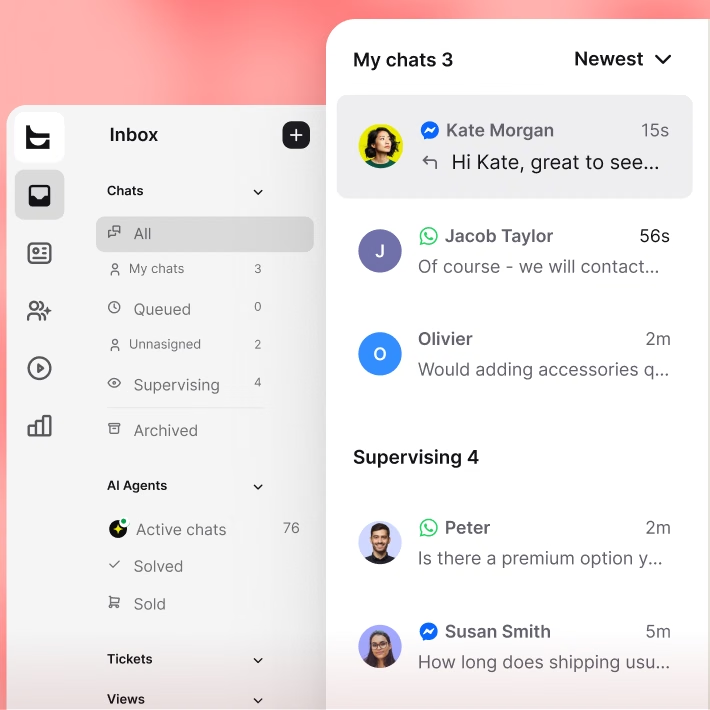
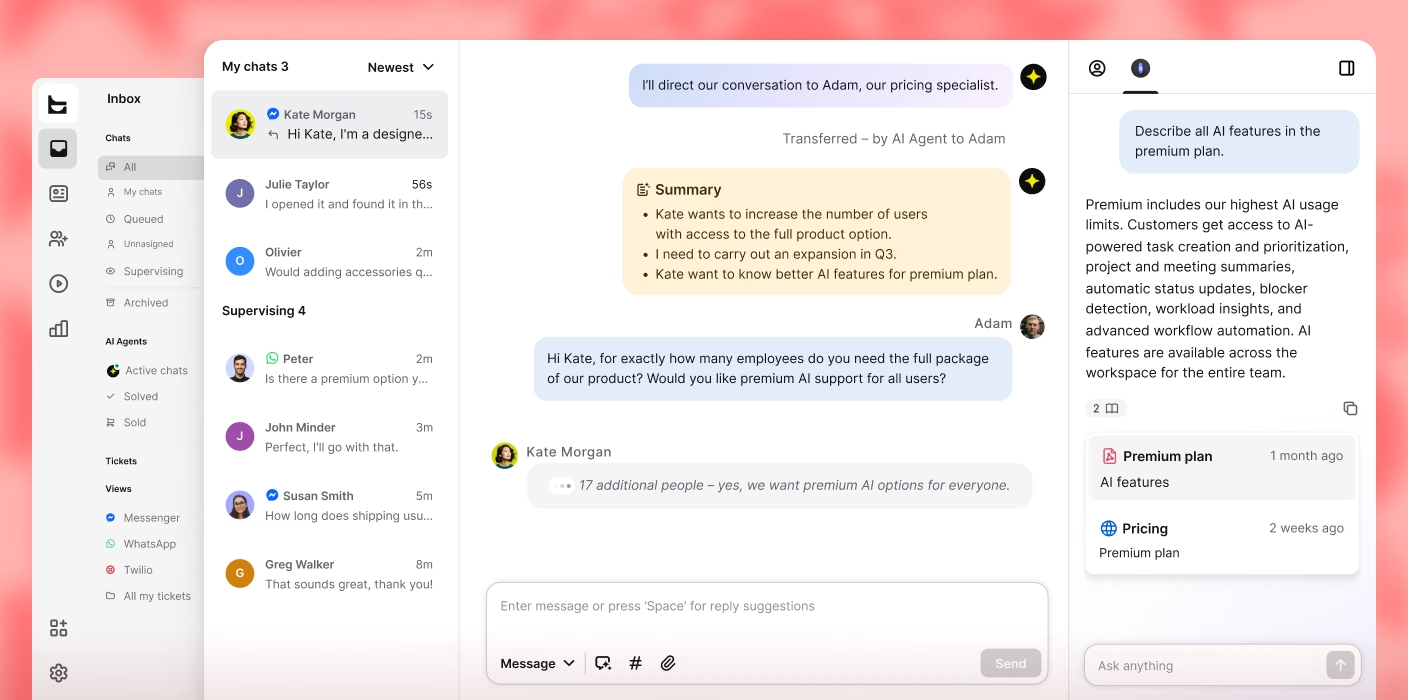
Website chat, email, WhatsApp, Messenger, Instagram, and SMS all land in one inbox, threaded by contact.
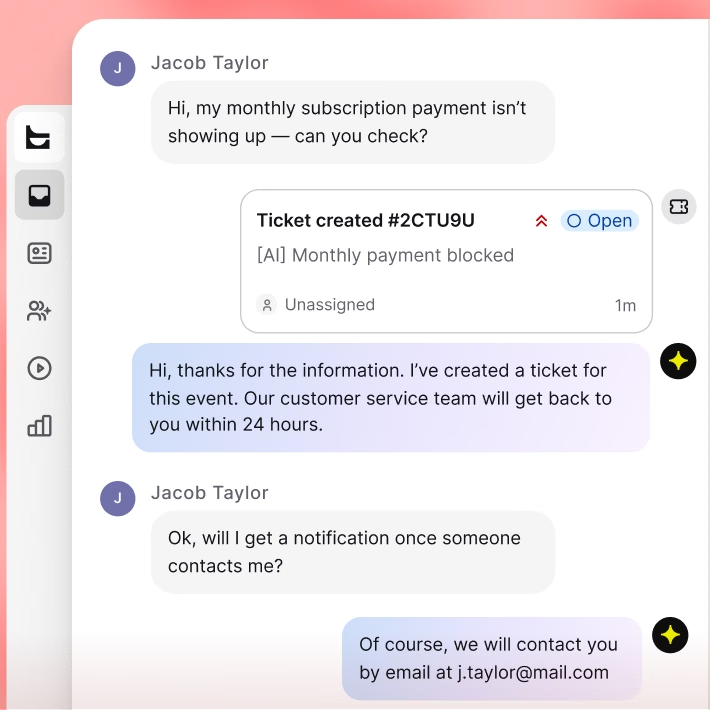
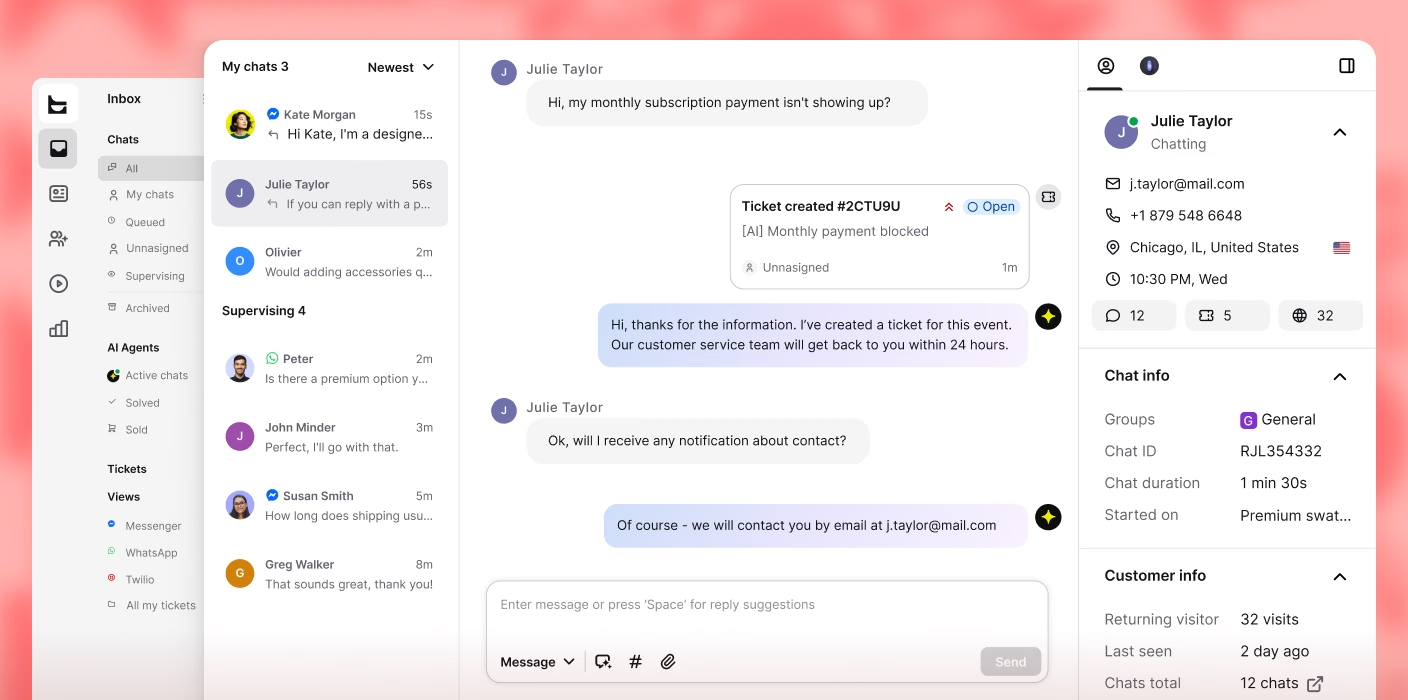
The AI Agent opens a ticket for anything beyond a quick reply, so nothing’s lost once the chat closes.
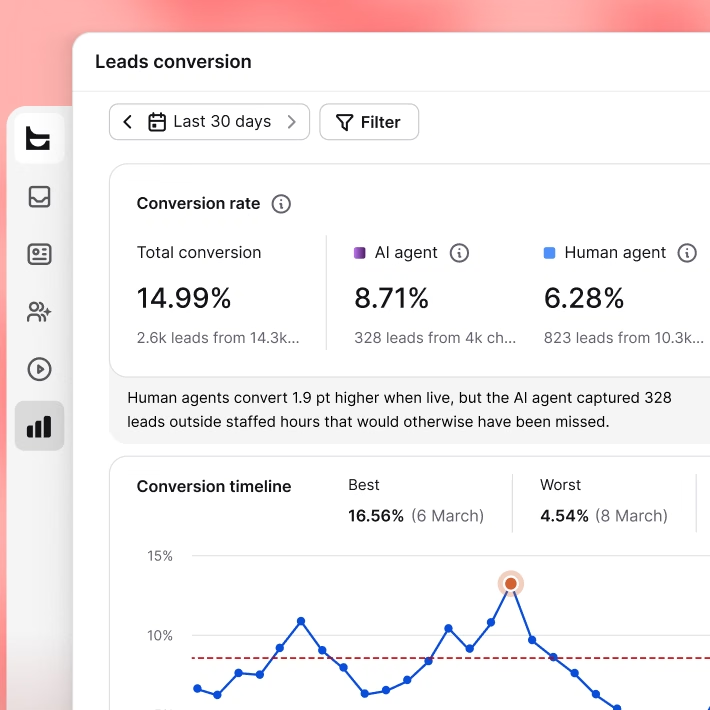
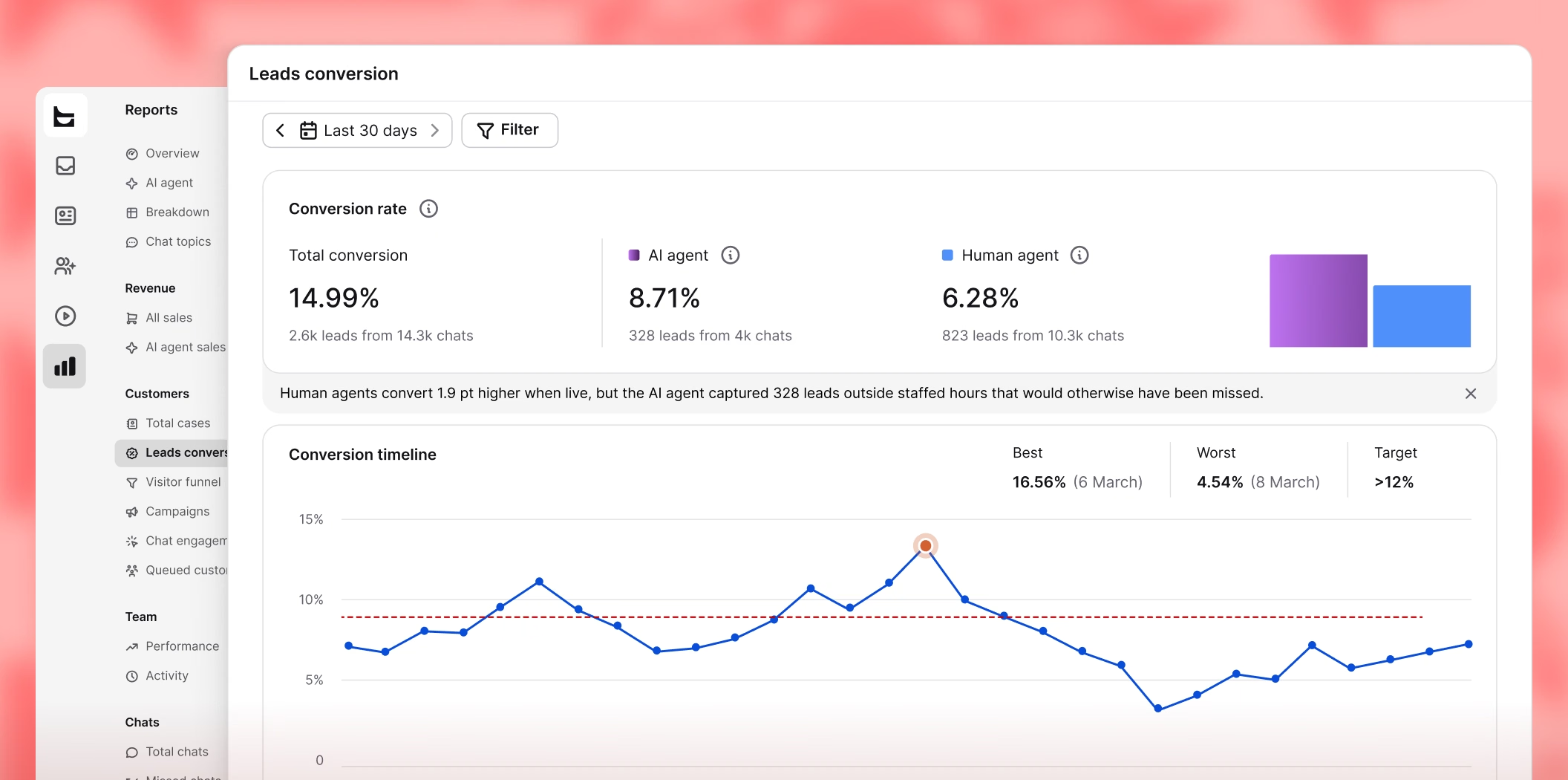
Reporting ties every lead, ticket, and deal to the chat that started it, so you know what that conversation was worth.
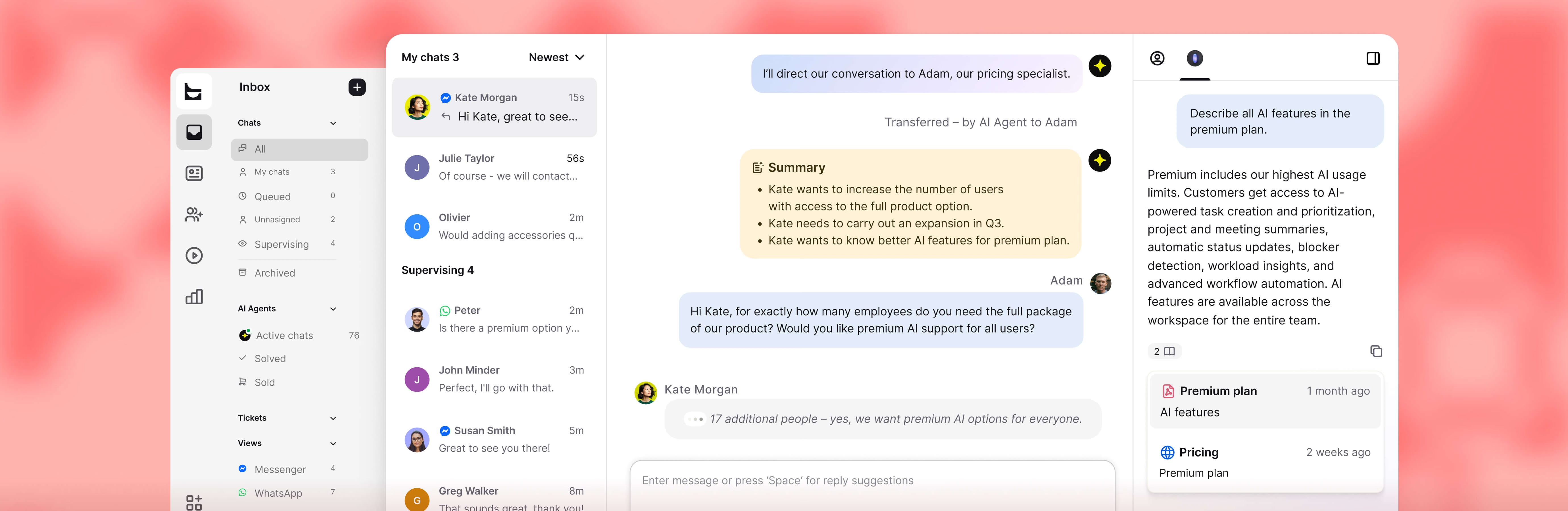
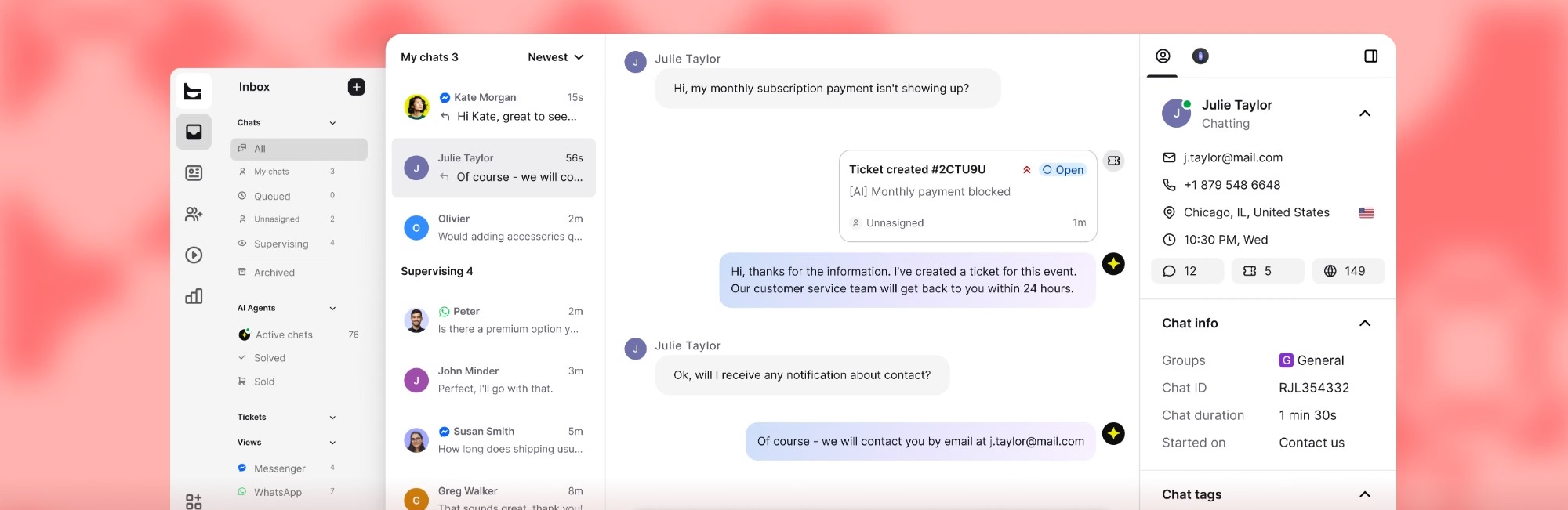
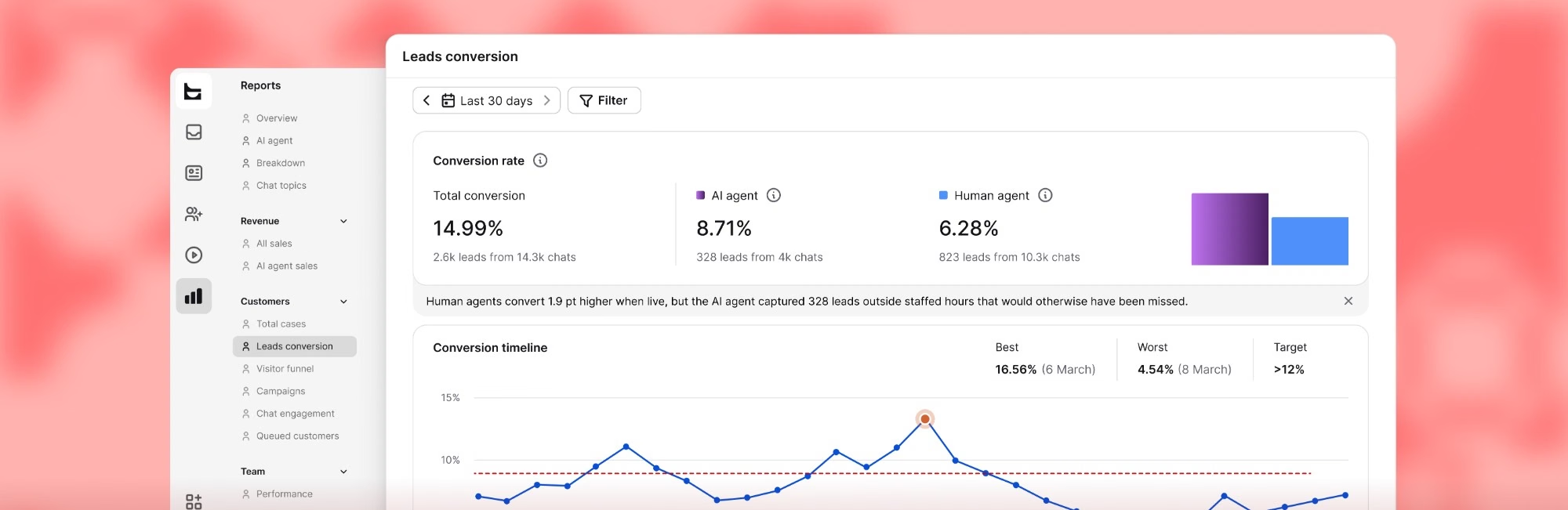
From a fresh account to a working chat-to-HubSpot pipeline in one sitting, no code involved.
Create account
Your business email starts the free 14-day trial. No card, no commitment.
Connect HubSpot
Add a HubSpot action to an automation and link your HubSpot account once.
Pick the trigger
Choose what starts it, and where it runs, Text or HubSpot, either direction.
Let it run
From then on, your skills read from HubSpot or write to it, on their own.

Extremely well made application for customer service & sales with nice price point.
Reliable, Intuitive, and Great Value
“Excellent value for money — a robust set of features without breaking the budget. Ticket management keeps everything organized so nothing slips through the cracks.”
Great solutions with strong potential
“Strong long-term value from Text's AI chatbot tools for ecommerce. You can test your AI bot settings on the fly and tailor it to your site or specific scenarios.”
The Ultimate Engine for High-Volume Client Support
“The message automation feature allowed our team to stay organized and ensure no lead fell through the cracks. It feels purpose-built for high-volume communication.”
Support team now contributes to sales
“Text changed how we think about support. The AI recommends products, spots upsell moments, and converts them without anyone on our team lifting a finger.”
Text App is great!
“You can see what the customer's typing before they hit send, so you can better anticipate what they need and get a solution faster.”
Great experience with Text
“So many apps are available in one place, and it’s so easy to use. When a customer is chatting with us, we can see what they’re typing and start forming a reply before they hit send.”
HubSpot's free CRM does include a chat widget and a chatbot builder. Teams add Text when they want conversations resolved without a human picking them up. Text brings its own live chat to the conversation, plus an AI Agent that answers from your own content, so it handles questions nobody wrote a flow for.
The other reason is scope. Chat in HubSpot is one channel inside a CRM. Text is a help desk and an inbox covering every channel your customers use, while HubSpot stays the place where that customer data lives permanently.
Connecting the two takes a simple authorization, no developer needed. From there, it runs through skills. Every skill starts with a trigger, then you add actions, conditional logic and internal notifications in the order they should run. Which data goes into which HubSpot field is set right when you configure that action.
Two things decide whether it works. The skill has to be published, and any customer detail a step depends on has to be collected earlier in the skill than the step that uses it. More on building them: advanced skills usage.
Yes. HubSpot is available as an app trigger in skills, alongside the built-in general, chat and ticket triggers. A skill can begin when a contact is created or deleted in HubSpot, and then run whatever steps you put after it.
HubSpot can also sit mid-skill next to other connected apps, so a single automation can reach across your CRM, your conversations and the tools around them.
A chatbot runs the flows you built and answers what you anticipated. An AI Agent reads your content and works out the answer itself, automating up to 80% of conversations end to end. The moment it detects that a conversation needs a person, it hands it off to your sales team with full context.
Both live in the same widget, which is why the choice only starts to matter once your visitors go off script. We go deeper in chatbots vs conversational AI.
Your own material: your website, your help center, and any files or docs you upload, rather than a decision tree you maintain by hand. That is what lets it deal with phrasing you never predicted. Setup is covered in configuring your knowledge sources.
If you do not have a help center yet, you can build one with the knowledge base in Text and point the agent at it.
Yes. It can qualify a lead, recommend the right plan, product, or next step based on what it reads in the conversation, not just answer what's asked. Skills give it actions it can take mid-conversation too, so a visitor never has to navigate a menu to reach the right outcome.
Website chat, email, WhatsApp, Messenger and SMS through Twilio, all in one omnichannel inbox with shared conversation history.
Someone who opens a chat on WhatsApp and follows up by email stays a single thread, so the history your team reads matches the history the customer remembers.
An active HubSpot account, plus permission on the HubSpot side to connect an app to it.
On the Text side, plan details are on the pricing page, where plans start at $19/month. Want to see the AI Agent in action first? Try it on your own site, it's ready to test in seconds.