Customer service management that turns conversations into revenue.
AI runs the queue. Automation runs the work. Your team handles the human part. Omnichannel customer service, working as one engine.
30,000+ teams already turning conversations into revenue








































The setup your team needs to win the customer.
Customer service tools built to resolve cases and catch the buying signals other platforms miss.
Workflows that run the boring parts
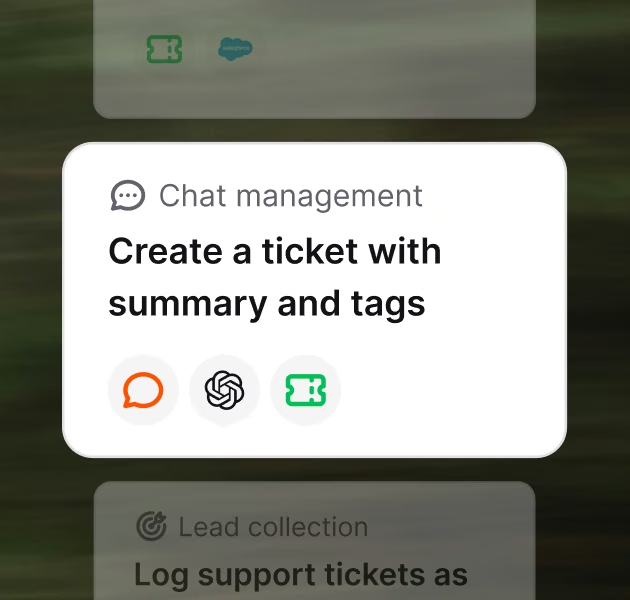
Route by topic, escalate before SLA break, assign by availability, or trigger follow-ups when a case sits idle. Build workflows that connect Text to your customer service tools, no code required.
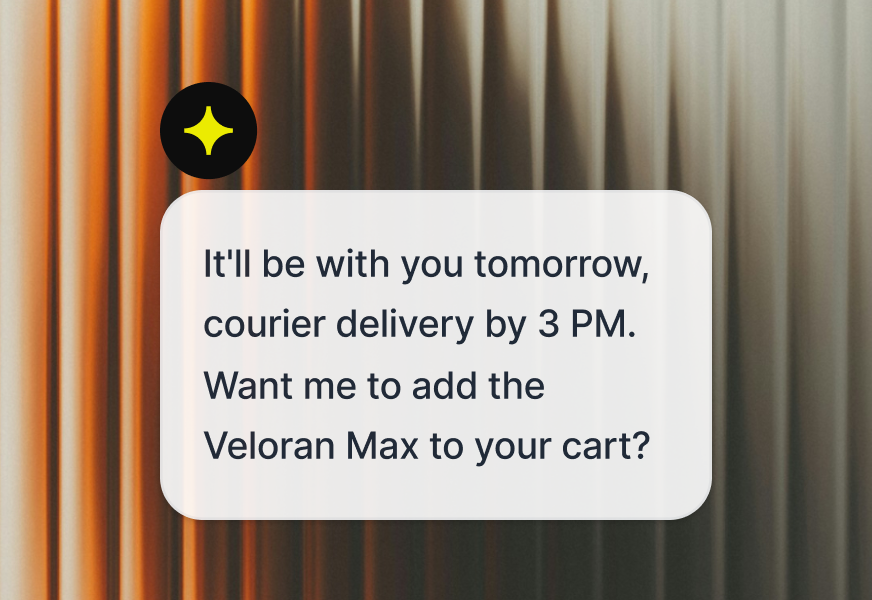
AI that answers from your business
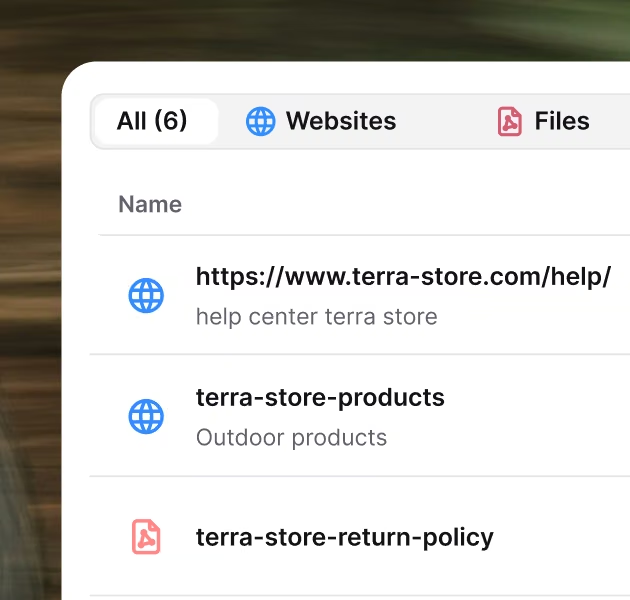
Connect your help center, docs, and PDFs. Customers self-serve, your AI agent answers from real content, your team stops repeating itself.
AI that doesn't wait to be asked
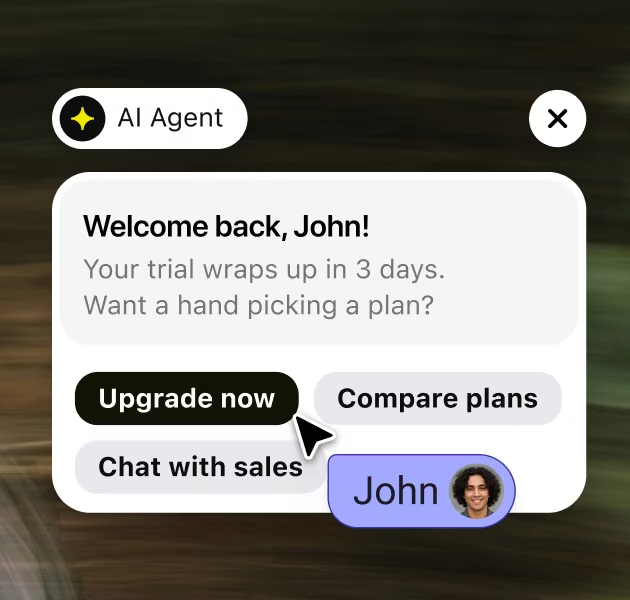
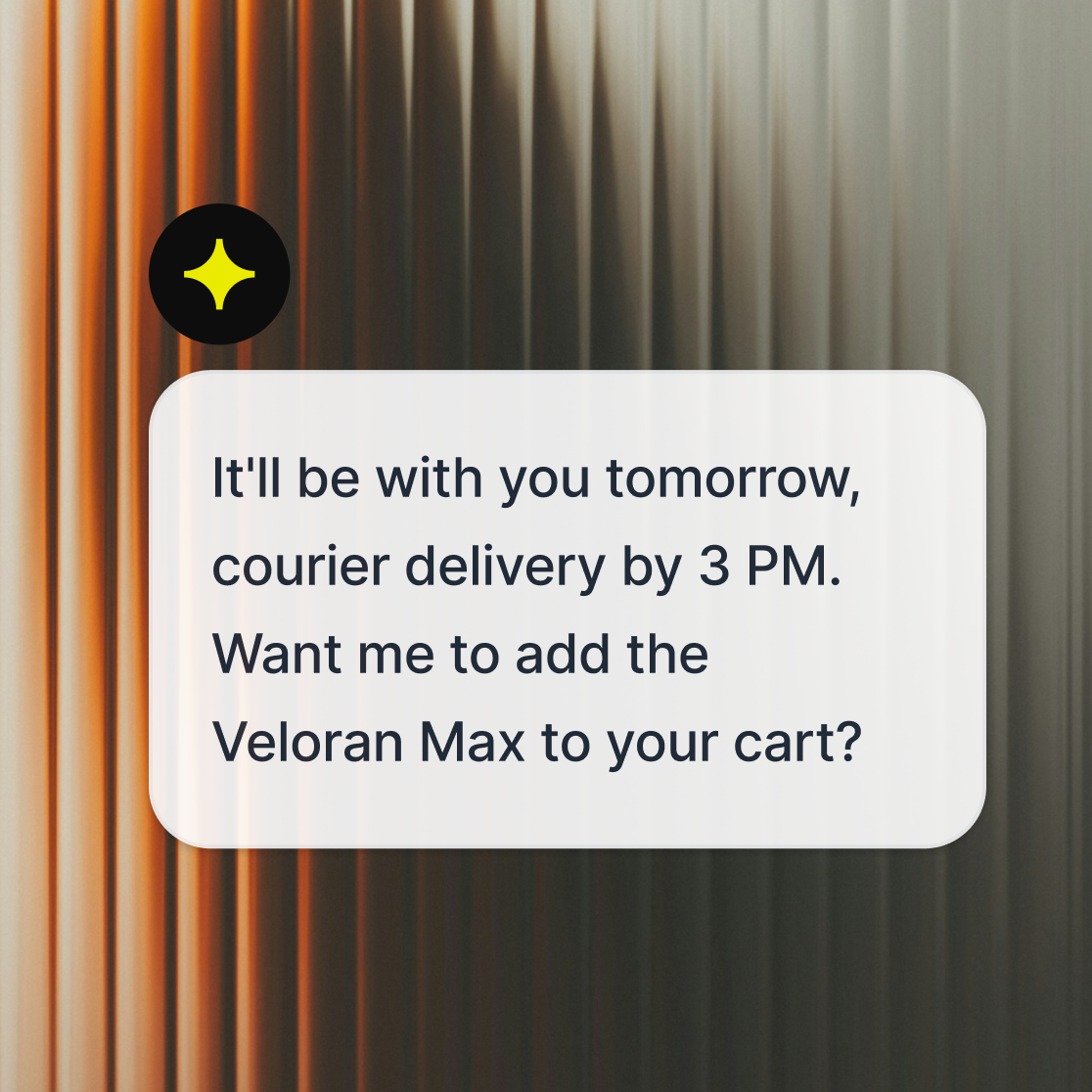
AI Agent spots intent in every chat, recommends the right plan, and surfaces upgrade or compare options before the ticket closes. Based on context, not scripts.
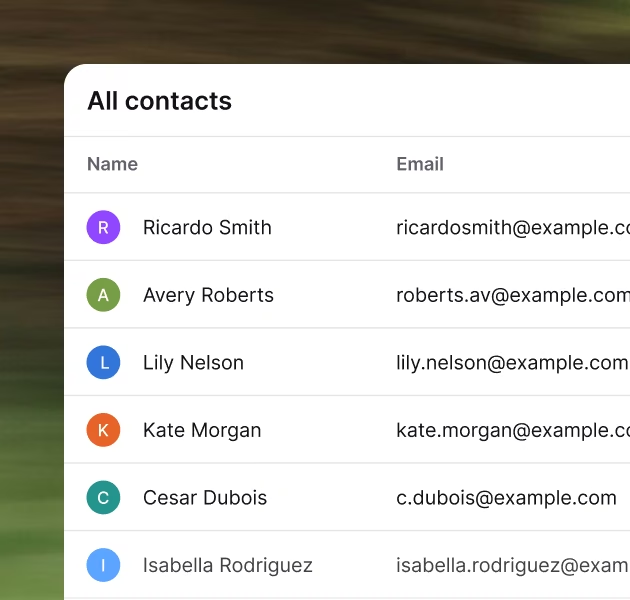
One profile, every interaction
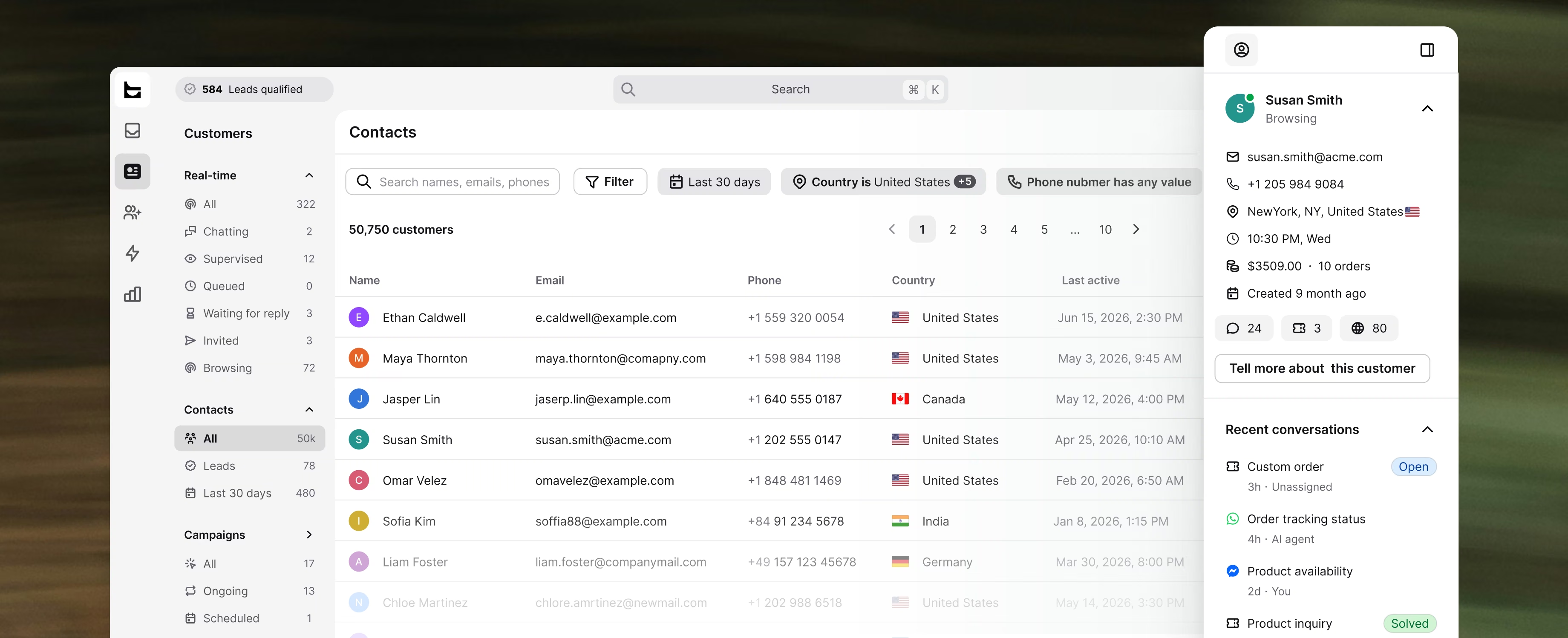
Chat history, tickets, visits, purchase data. All attached to one customer record. Agents see the full picture before they reply. AI Agent gets the context to recommend the right next purchase.
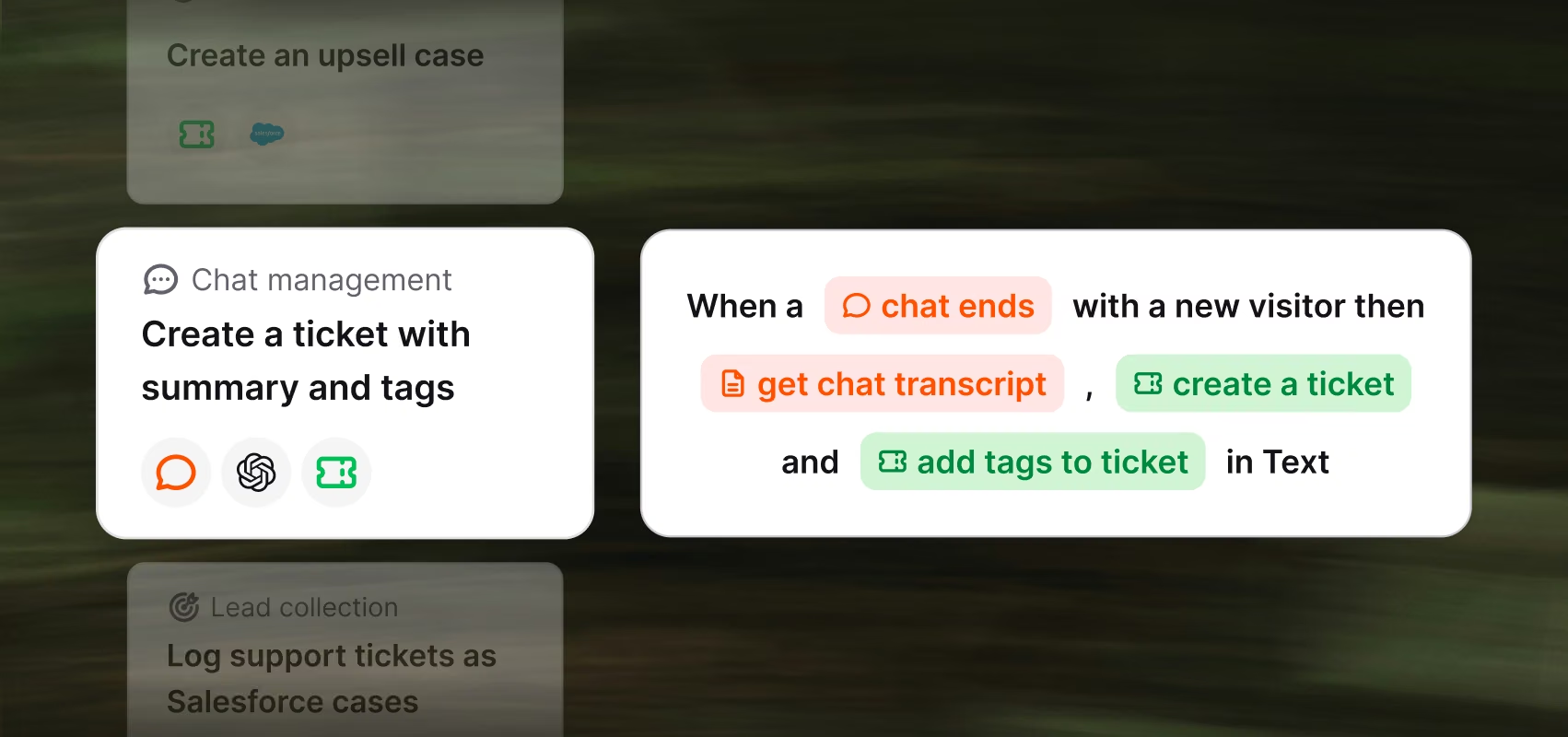
Workflows that run the boring parts
Route by topic, escalate before SLA break, assign by availability, or trigger follow-ups when a case sits idle. Build workflows that connect Text to your customer service tools, no code required.
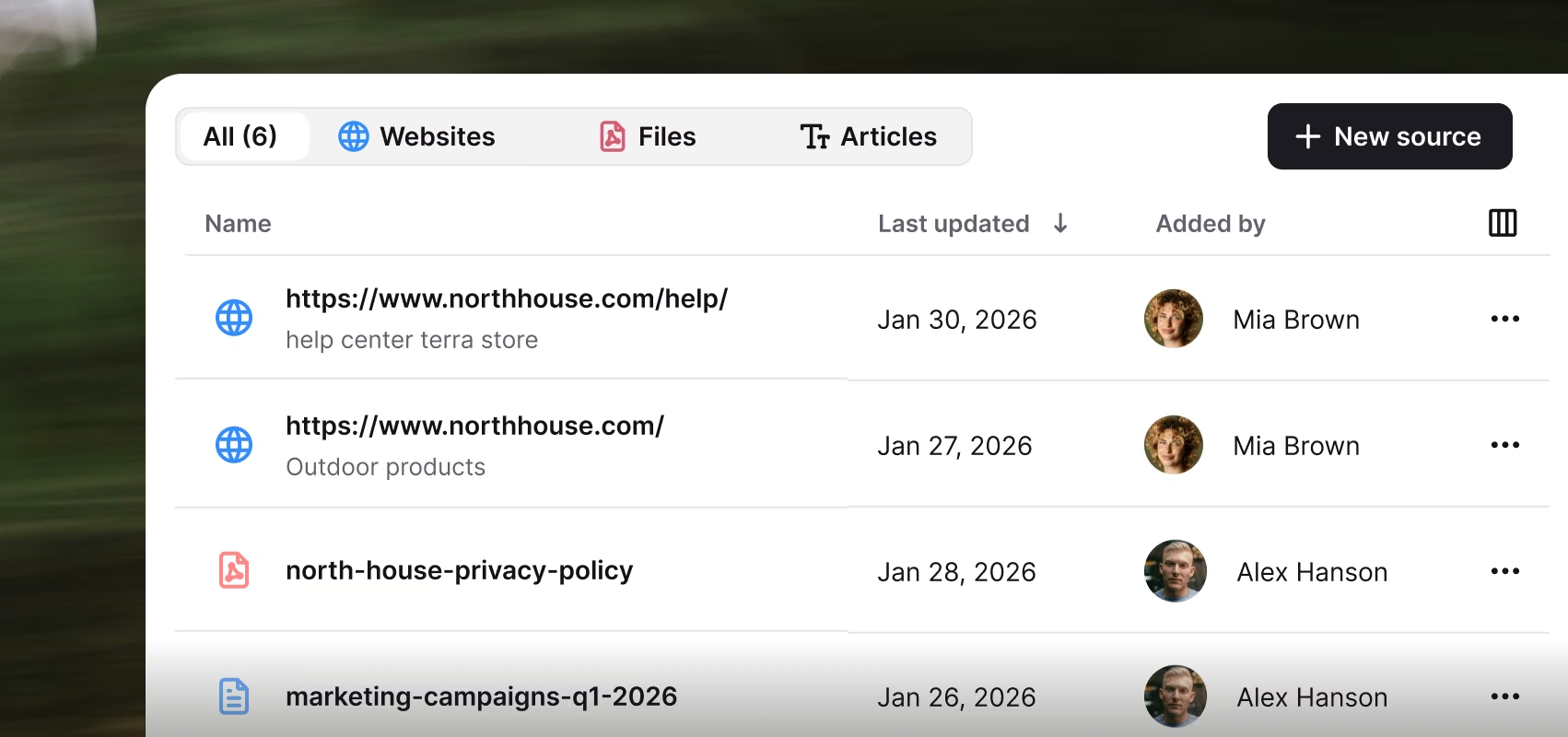
AI that answers from your business
Connect your help center, docs, and PDFs. Customers self-serve, your AI agent answers from real content, your team stops repeating itself.
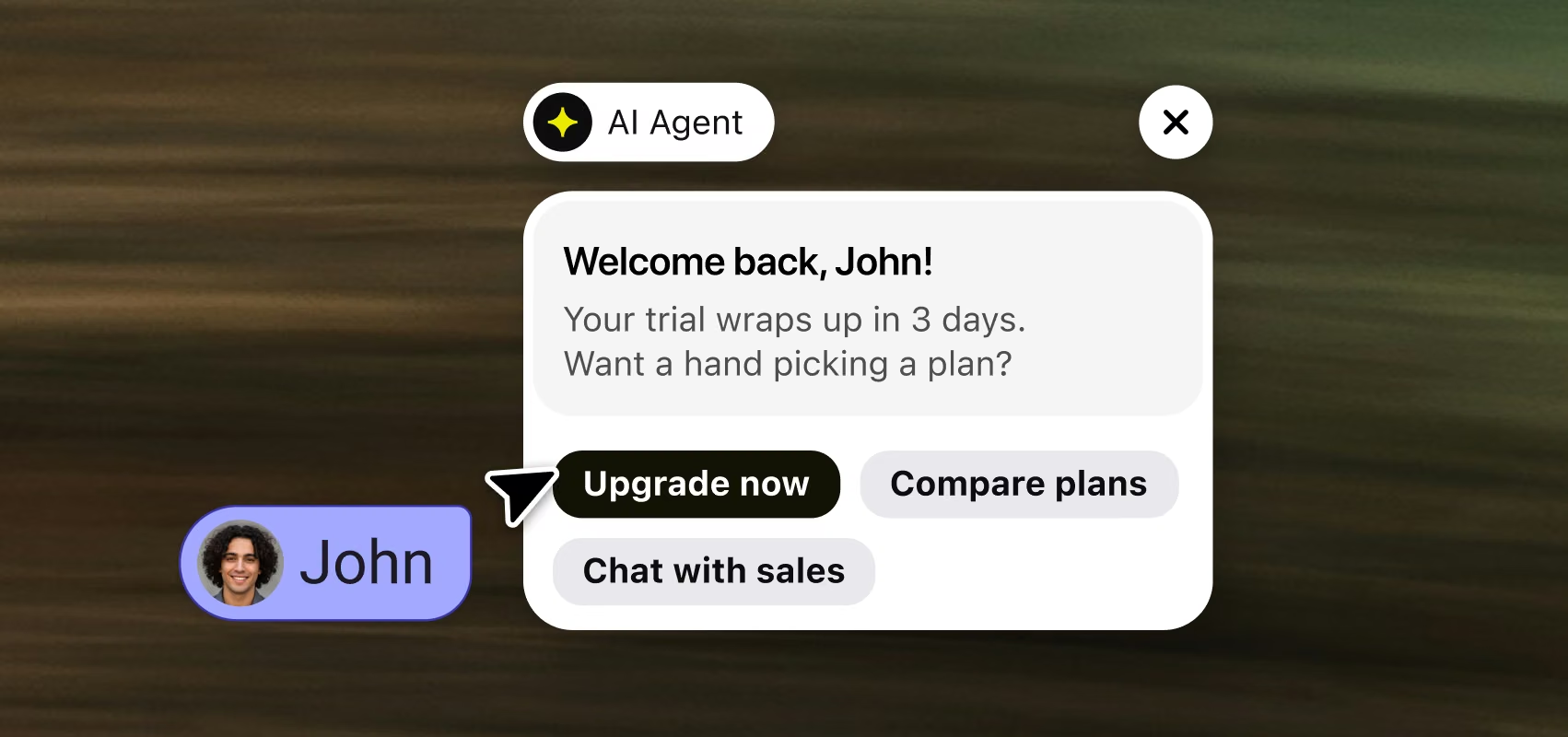
AI that doesn't wait to be asked
AI Agent spots intent in every chat, recommends the right plan, and surfaces upgrade or compare options before the ticket closes. Based on context, not scripts.
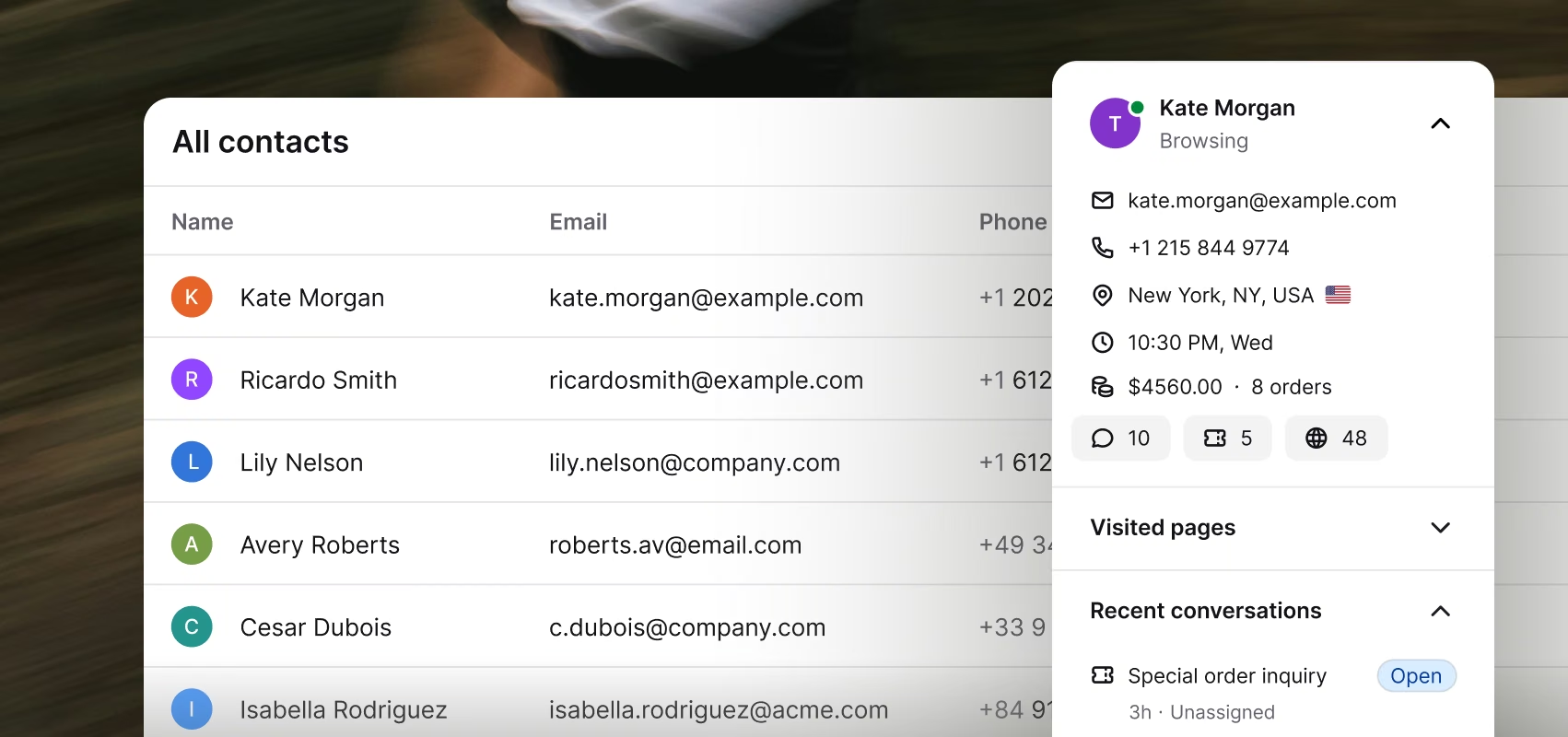
One profile, every interaction
Chat history, tickets, visits, purchase data. All attached to one customer record. Agents see the full picture before they reply. AI Agent gets the context to recommend the right next purchase.

Text's AI Agent has helped us save our 5-star reputation during a major industry-wide disruption when we had to resolve 15x more chats overnight.
125K
Chats annually
93%
CSAT rating
18%
Workload reduction
Operations that pull their weight.
Customer service operations that go live in a day, scale with AI you can trust, and show you which conversations pay.
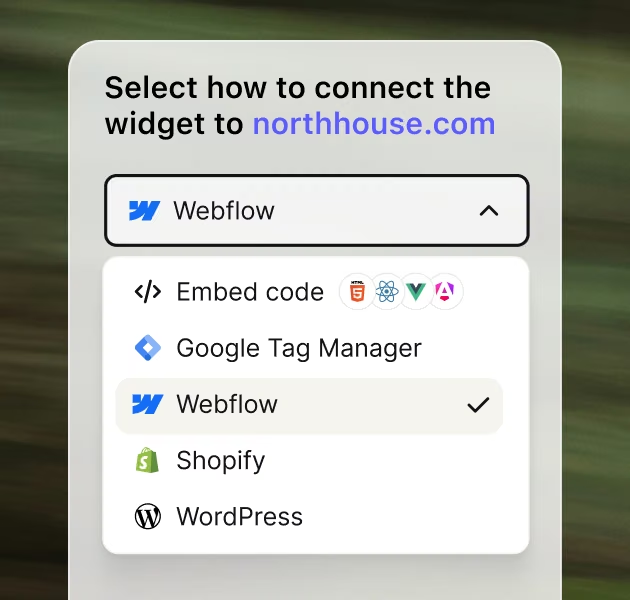
Start closing before lunch
Connect your channels, point the AI at your content, go live the same day. No implementation team, no consultants, no quarter-long rollout. The things enterprise tools make you wait for.
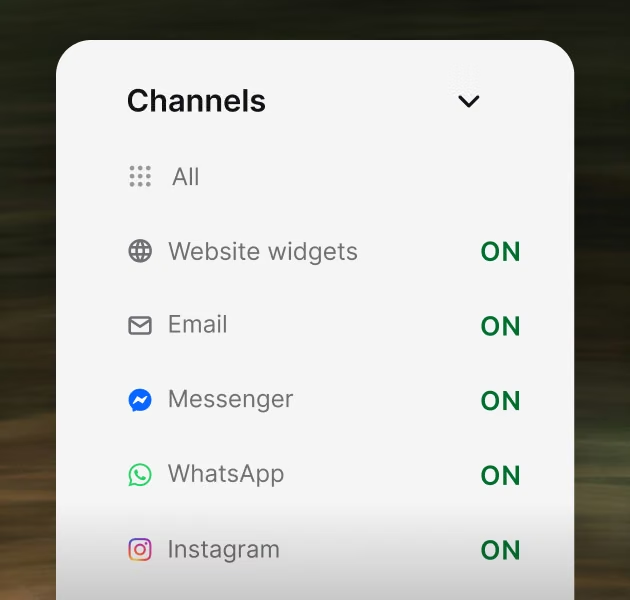
One shared queue
Chat, email, form, social: every request becomes a tracked ticket. Nothing sits forgotten in an inbox, and no buying signal lands in the wrong queue.

Every conversation, measured in revenue
See which conversations convert, what customers ask right before they buy. Support stops being a cost line and starts showing what it's worth.
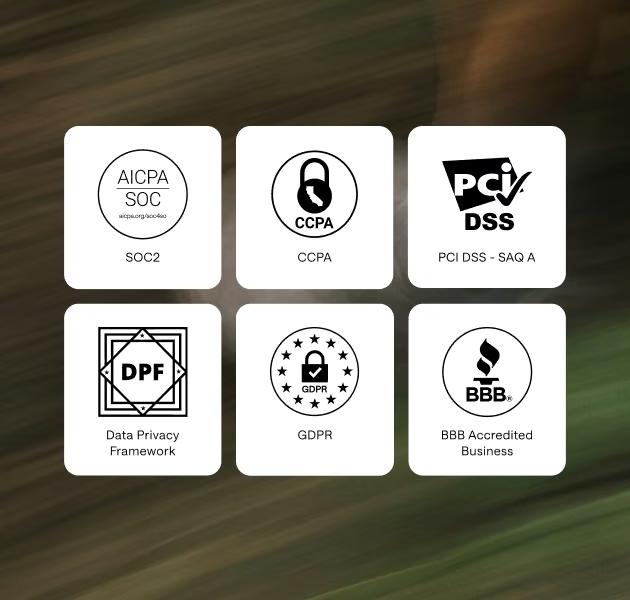
AI you can actually trust with customers
Guardrails keep it on-topic and on-brand, permissions decide what it can see, spam filtering keeps the queue clean. Text is SOC2-compliant, so customer data stays protected.
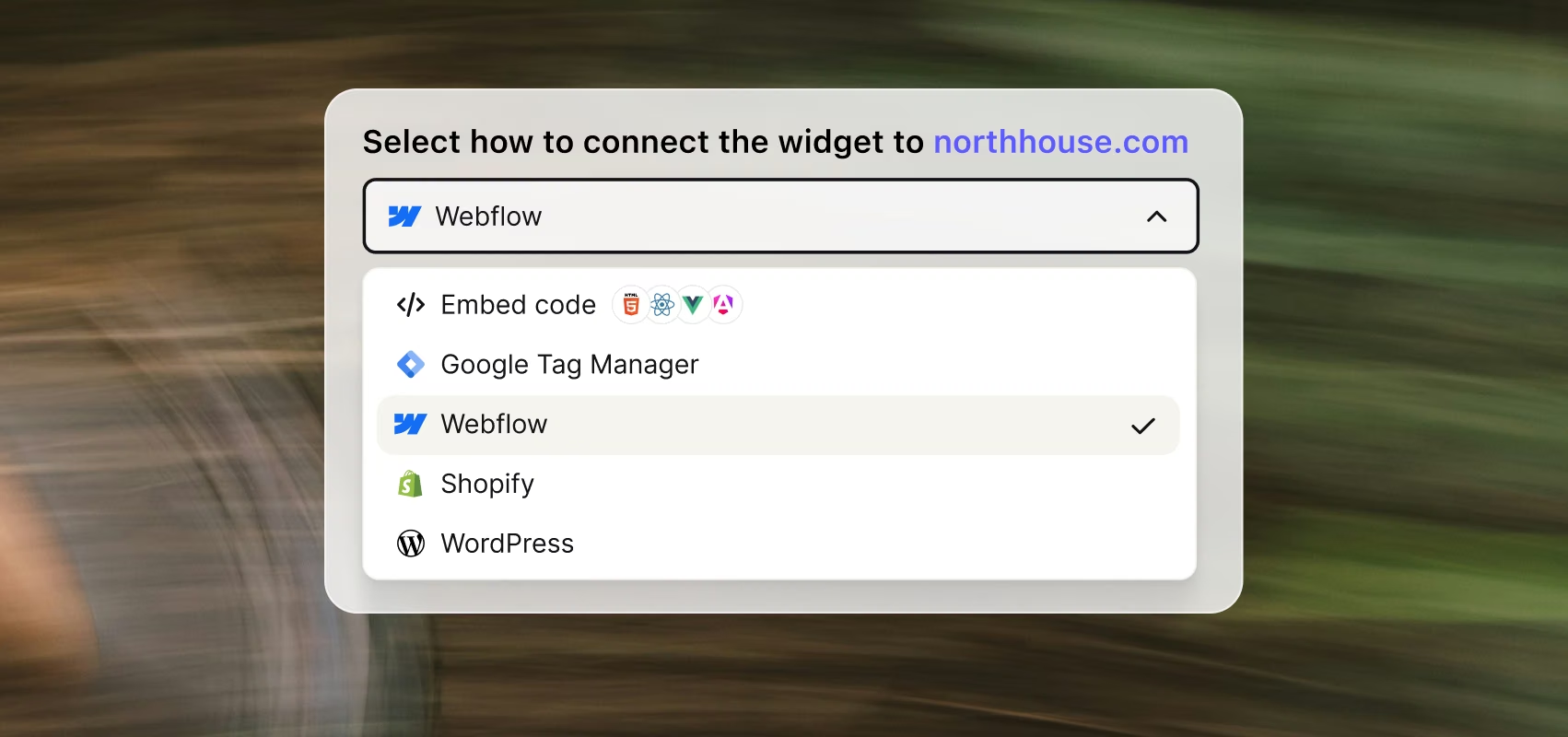
Start closing before lunch
Connect your channels, point the AI at your content, go live the same day. No implementation team, no consultants, no quarter-long rollout. The things enterprise tools make you wait for.

One shared queue
Chat, email, form, social: every request becomes a tracked ticket. Nothing sits forgotten in an inbox, and no buying signal lands in the wrong queue.

Every conversation, measured in revenue
See which conversations convert, what customers ask right before they buy. Support stops being a cost line and starts showing what it's worth.
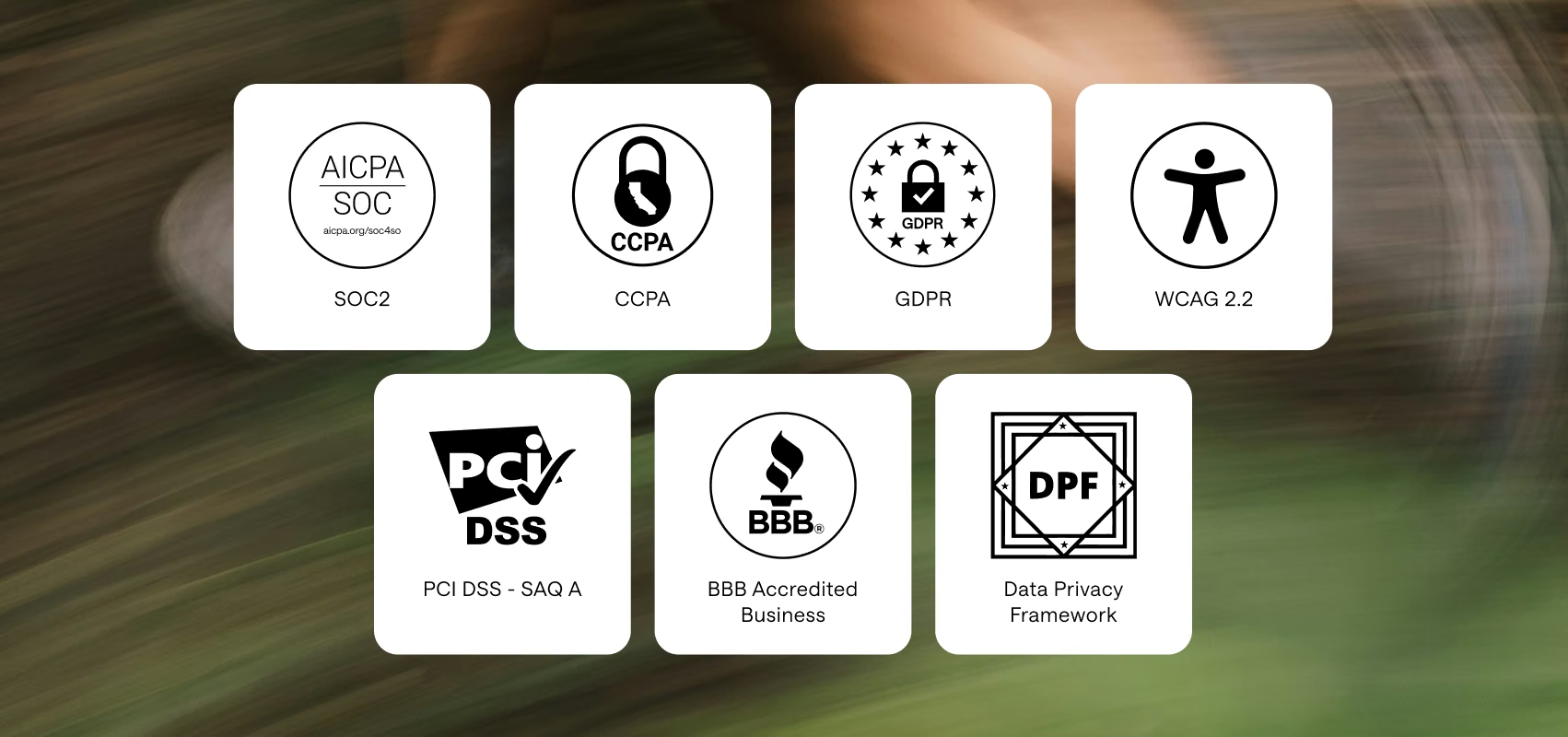
AI you can actually trust with customers
Guardrails keep it on-topic and on-brand, permissions decide what it can see, spam filtering keeps the queue clean. Text is SOC2-compliant, so customer data stays protected.
Start free for 14 days. Continue with transparent pricing.
Every feature CSM needs. Built to sell.
AI Agent
AI AgentLive chat
Live chatHelp desk
Help deskInbox
InboxCopilot
CopilotTicketing system
Ticketing systemChat widget
Chat widgetCustomer list
Customer listKnowledge base
Knowledge baseService desk
Service deskCustomer analytics
Customer analyticsMCP
MCP
AI Agent
AI Agent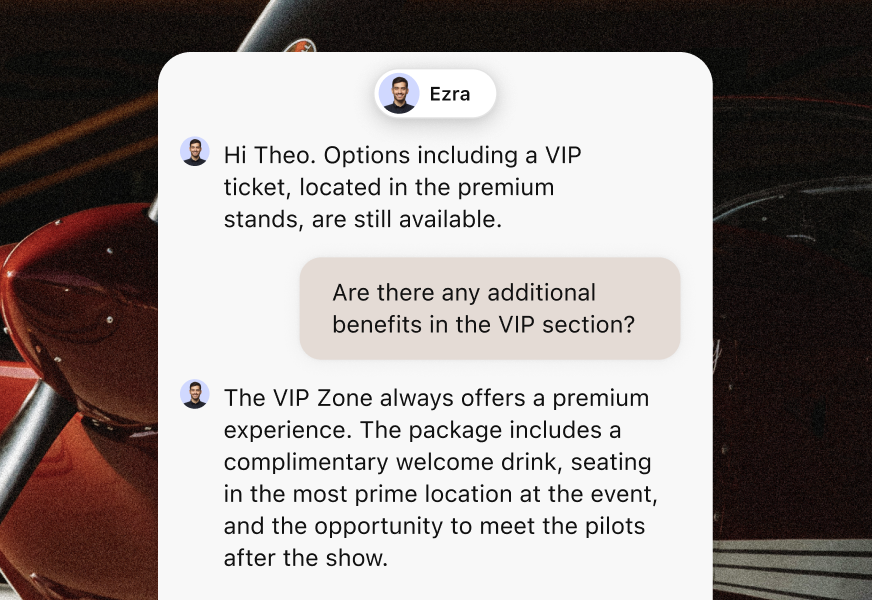
Live chat
Live chat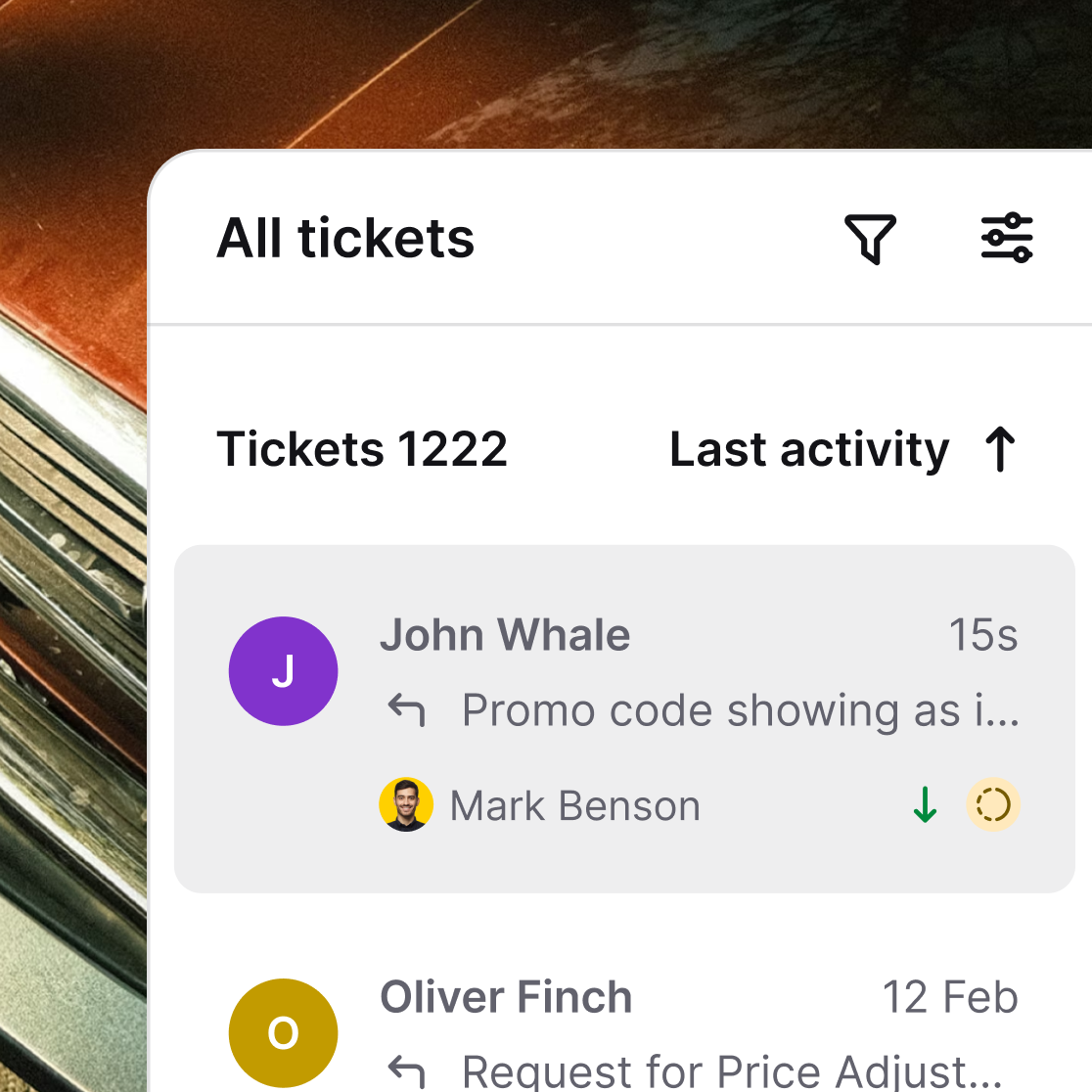
Help desk
Help desk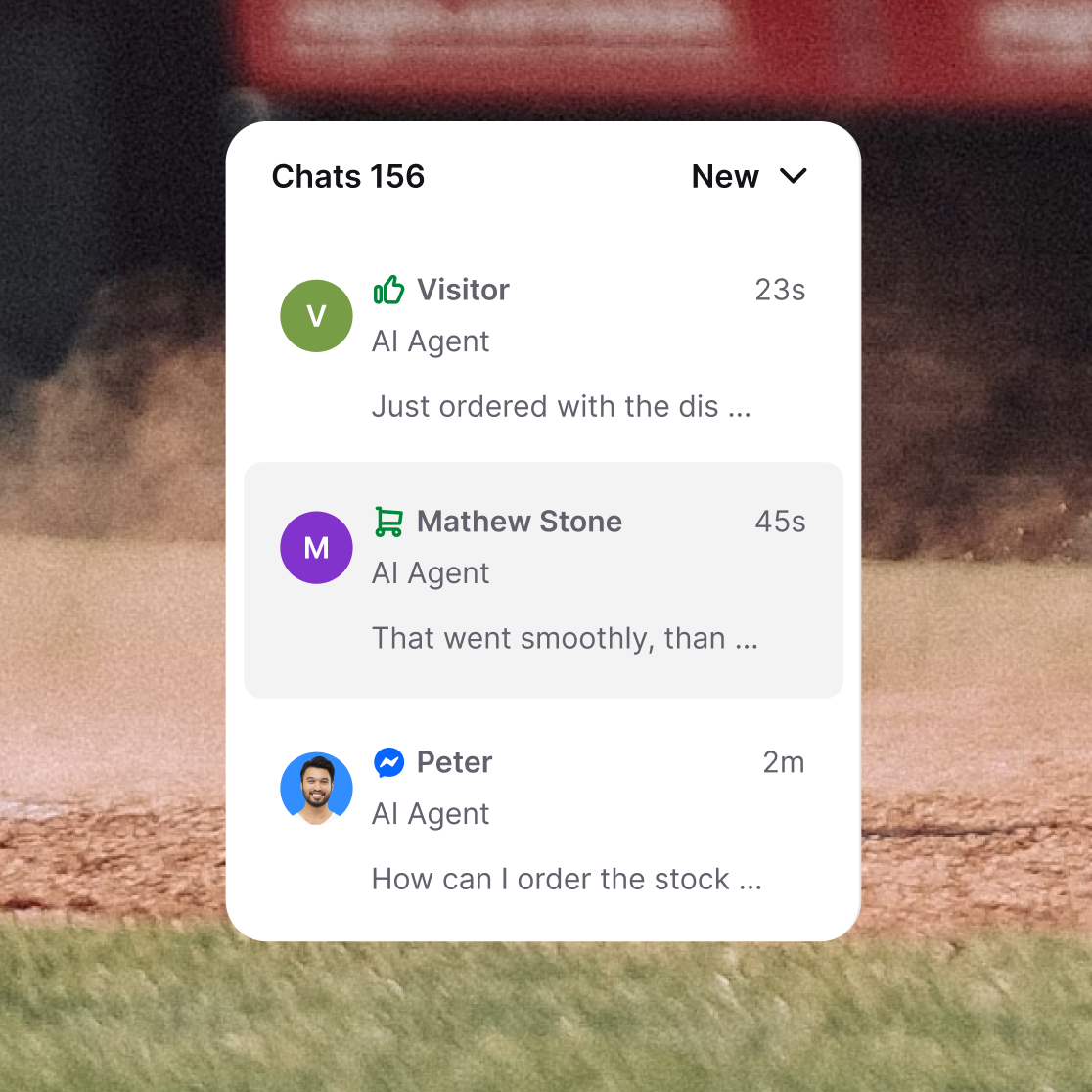
Inbox
Inbox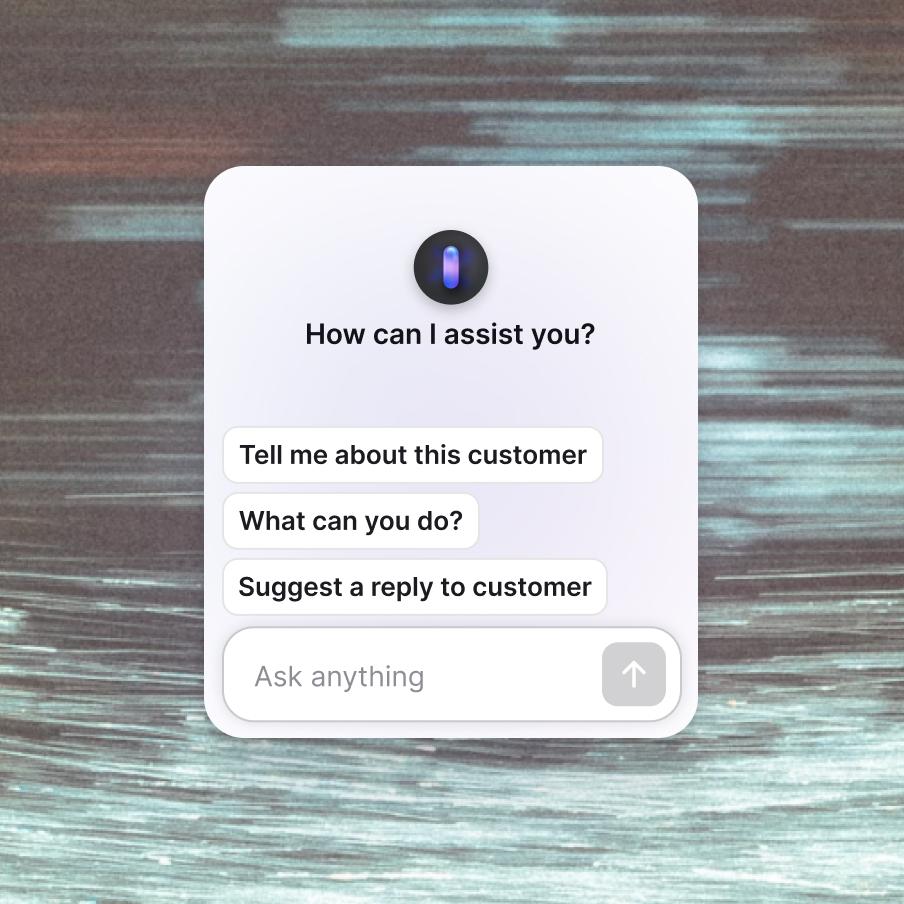
Copilot
Copilot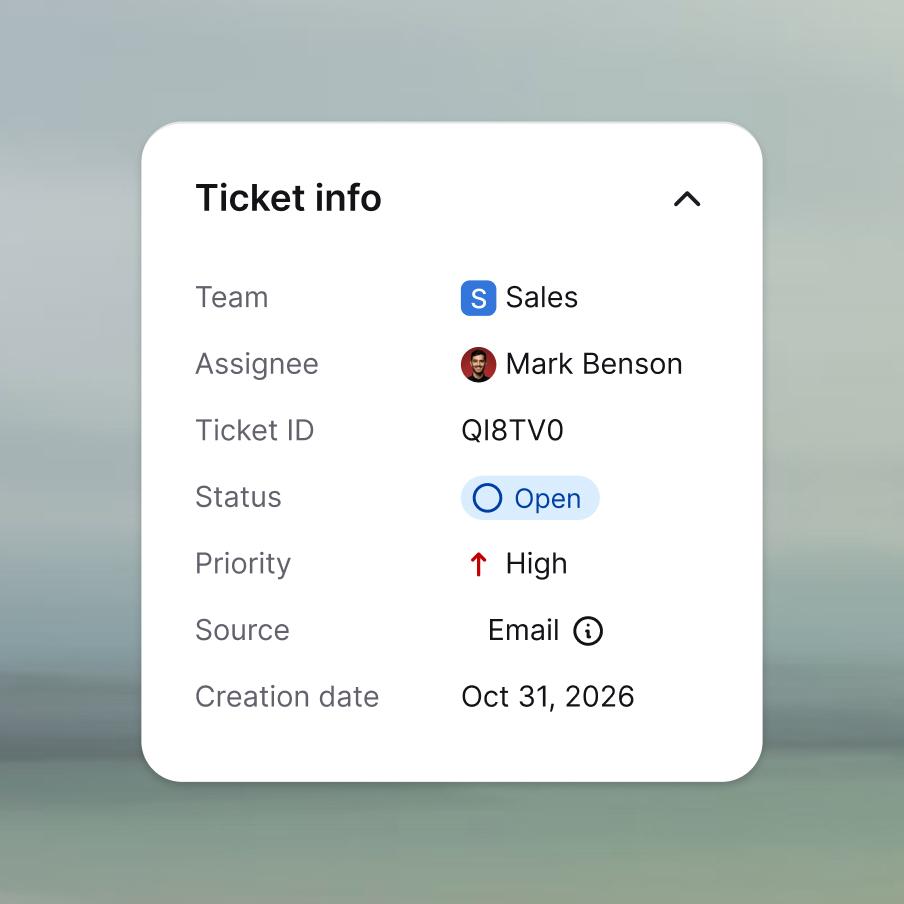
Ticketing system
Ticketing system
Chat widget
Chat widget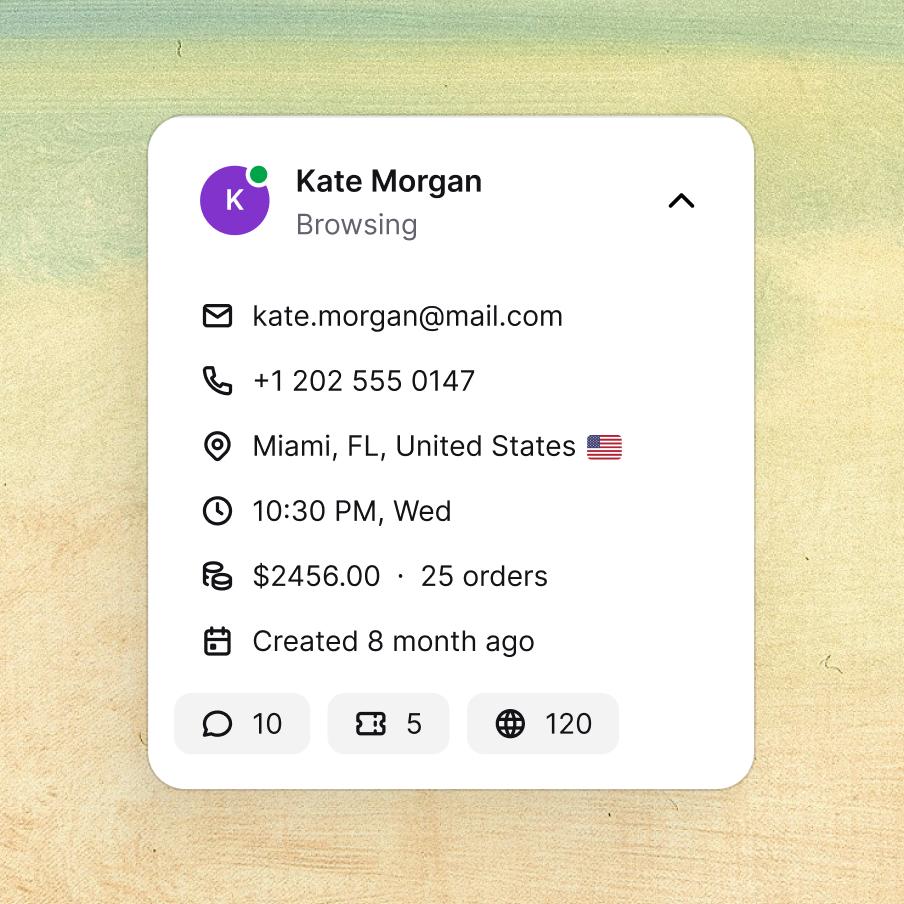
Customer list
Customer list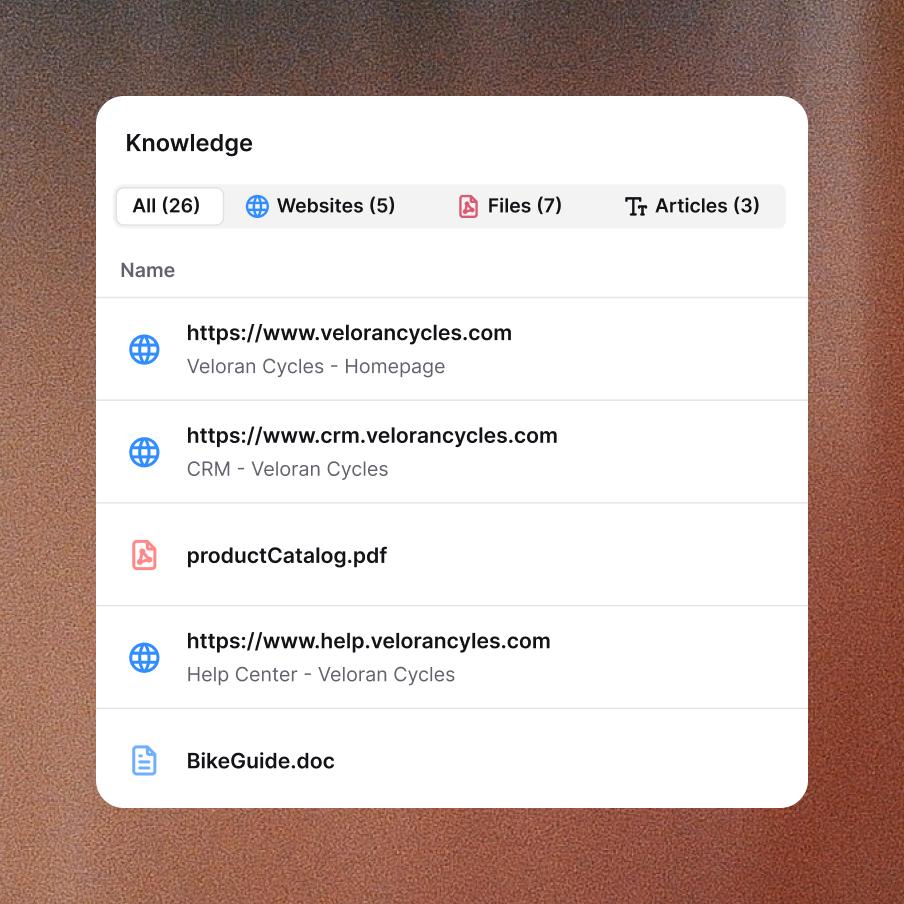
Knowledge base
Knowledge base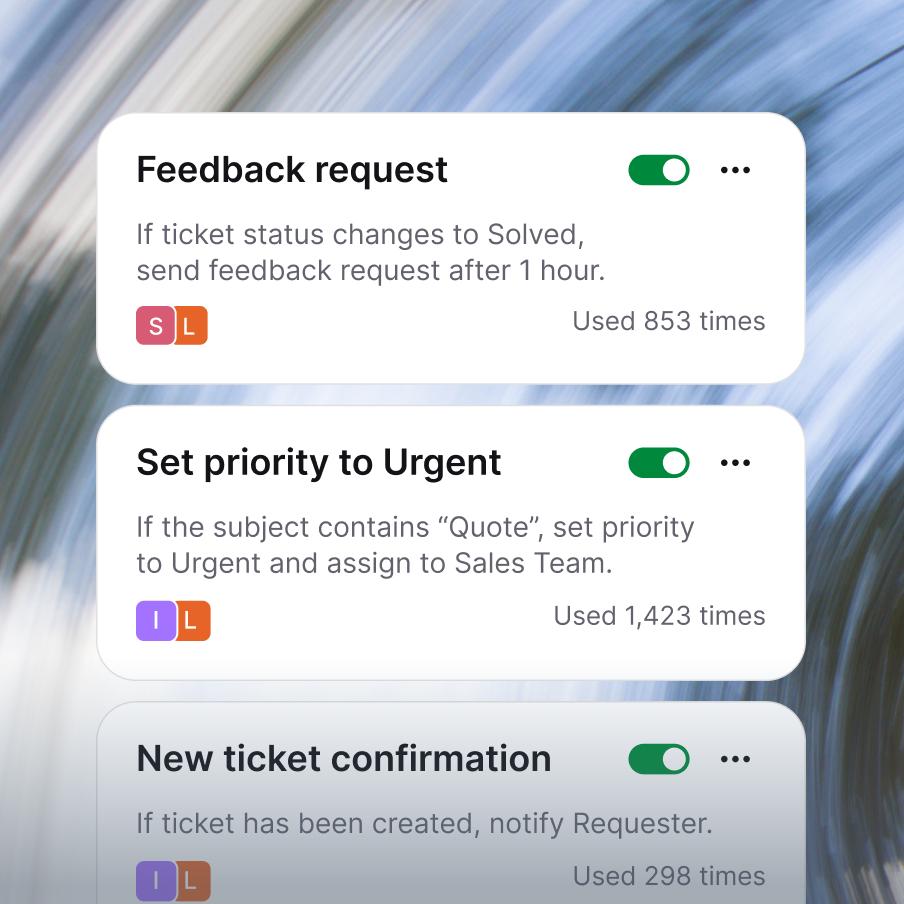
Service desk
Service desk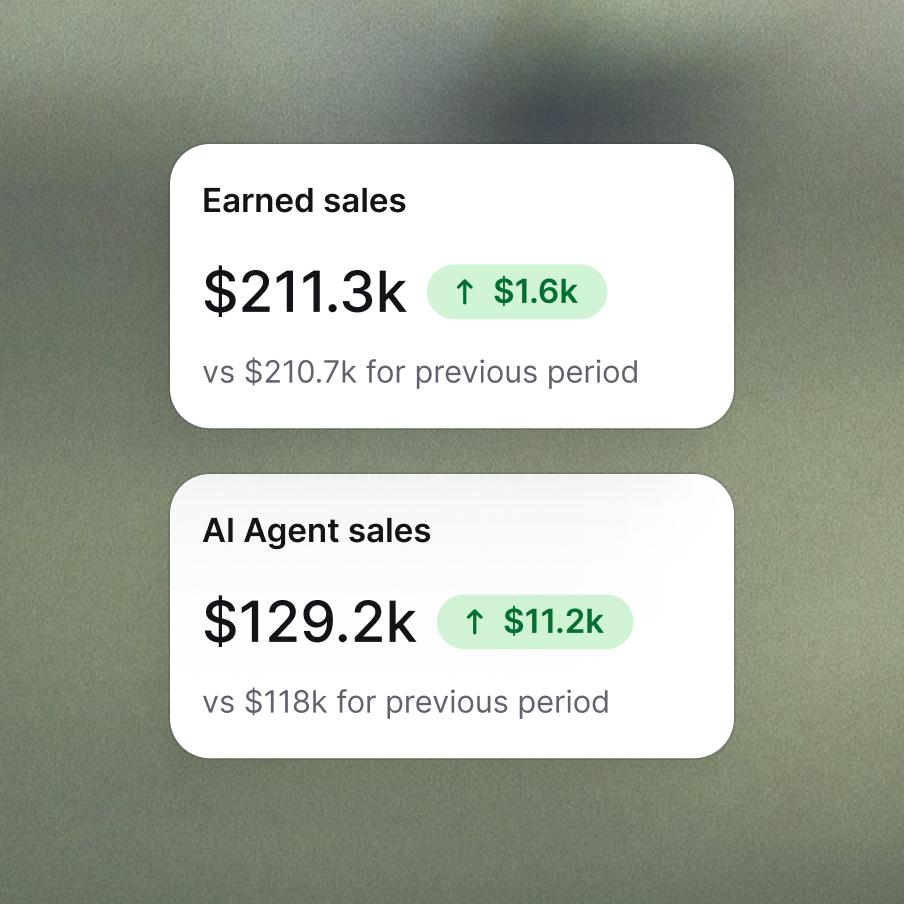
Customer analytics
Customer analytics
MCP
MCP
Enterprise-grade security & compliance



Customer service management, working at a profit.
Frequently asked questions
What is customer service management?
Customer service management is the practice of organizing, running, and improving how your team handles customer interactions, from the first message a customer sends to the moment their issue is resolved. It covers people (agents, managers, structure), processes (how requests are received, routed, and closed), and tools (the software your team works in). Sometimes called customer support management, it's what turns ad-hoc support work into a repeatable operation that scales. Text is built to be the operational backbone of customer service management: one platform where conversations come in, agents work, and managers measure what's happening.
What is customer service management software?
Customer service management software is the platform your team works in every day. It captures customer requests from every channel, organizes them into a queue, gives agents the tools to respond, and gives managers visibility into how the team is performing. Good customer service management software combines a ticketing system, live chat, knowledge base, automation, and reporting in one connected workspace, instead of stitching together five separate tools. Text is customer service management software designed for teams whose customers expect fast, conversational support across chat, email, and social.
How is customer service management different from customer experience management?
The two overlap, but the scope and ownership differ:
- Customer service management is operational. It covers how your support team handles incoming requests, manages tickets, runs shifts, and resolves issues. It's owned by the support function.
- Customer experience management is strategic and cross-functional. It covers every touchpoint a customer has with your brand, from marketing to product to support to billing. It's owned across the company.
Strong customer service management is one of the biggest inputs into good customer experience management, but they aren't the same job. Customer experience management asks "what does the whole journey feel like?"; customer service management asks "how well are we running the conversations we own?".
What is a customer service management system?
A customer service management system is the unified platform that runs your support operation, the system of record for every customer conversation, ticket, agent action, and performance metric. Where individual customer service tools handle one slice (a chat widget, an email inbox, a help center), a customer service management system pulls those slices into one workspace so nothing lives in isolation. The benefit is operational: agents stop tab-switching, managers stop reconciling reports from four tools, and customers stop repeating themselves when their conversation moves channels.
What customer service tools belong in your stack?
The core customer service tools (and customer support management tools) most teams need are:
- A ticketing system, the shared queue where every request lives, gets assigned, and gets resolved. See ticketing system for what to look for.
- Live chat, for real-time conversations on your website or app.
- A knowledge base, so customers can self-serve and agents can stop answering the same question twice.
- Workflow automation, to handle the predictable parts of ticket management (routing, tagging, follow-ups).
- Reporting: first response time, resolution time, CSAT, agent load, backlog.
- Channel integrations: email, social, forms, all landing in one place.
Text bundles these into one platform, so a small or mid-size team can run a full support operation without integrating five vendors.
What is omnichannel customer service?
Omnichannel customer service means a customer can reach you on any channel (chat, email, social, SMS, forms) and the conversation is treated as one continuous thread, with shared context, shared history, and a single record of who's helping them. It's different from "multichannel," where each channel works but in isolation: a customer who emails after a chat has to re-explain themselves because the email team can't see the chat. Text was built omnichannel-first. Chat-originated, email-originated, and social-originated conversations all land in the same workspace, with full history attached, so agents pick up where the customer left off.
How do you build a customer service strategy?
A customer service strategy (sometimes more formally called a customer service management strategy) sets the direction for how your team will deliver support: which channels you'll cover, what response and resolution targets you'll commit to, how you'll measure quality, and how you'll scale as volume grows. A workable strategy usually has four parts:
- Service standards: response time, resolution time, CSAT targets, tone of voice.
- Channel strategy: which channels you offer, which you prioritize, where you push self-service.
- Team structure: tiers, specialties, shifts, escalation paths.
- Tooling and automation: what the team works in, and which repetitive work the software handles for them.
The strategy should be a living document. Revisit it quarterly as volume, channel mix, and customer expectations change.
What does the customer service management process look like?
The customer service management process is the end-to-end flow from a customer reaching out to the team closing the loop. Typical steps:
- Intake: a customer contacts you on chat, email, social, or a form.
- Triage: the request is categorized, prioritized, and routed to the right agent or team.
- Resolution: the agent works the ticket, gathers context, replies, escalates if needed, resolves the issue.
- Closure and follow-up: the ticket is closed, the customer is informed, and a CSAT survey may go out.
- Review and improvement: managers look at what happened, spot patterns, and adjust strategy, staffing, or tooling.
Each step is an opportunity for automation. Triage and routing are particularly high-leverage, since they happen on every single ticket.
How do you automate customer service operations?
Most customer service operations have a long tail of repetitive work: routing tickets, tagging by topic, sending acknowledgements, escalating when an SLA is at risk, following up after a bad rating. Automating these doesn't replace agents; it gives them their time back for the conversations that actually need judgment. In Text, you build these automations with Workflows: pick a trigger (a new ticket, a chat rated badly, a tag added), chain actions (create a ticket, wait, send a message, fetch chat details), and let the system run. No code, no engineering ticket.
How does Text support customer service management?
Text is a connected customer service management platform: chat, ticketing, workflows, and AI in one workspace, instead of four separate tools you have to integrate. For day-to-day support work, agents handle every conversation in AI Help desk, Text's ticketing and help desk system. For automation, Workflows handles the repetitive parts of ticket management. For full deflection on common categories, AI Agent resolves entire ticket types end-to-end. Together, that's the operational stack a small or mid-size support team needs to run customer service management as a real, measurable function, not a shared inbox with good intentions.