
Until today, lead capture in Text mostly meant whatever the AI agent caught. If a human took the chat, or if the AI missed a detail, the email or name often ended up in a message thread that nobody searches. And editing the customer record meant leaving the conversation, which in a busy queue is the same as not doing it.
Fixed now.
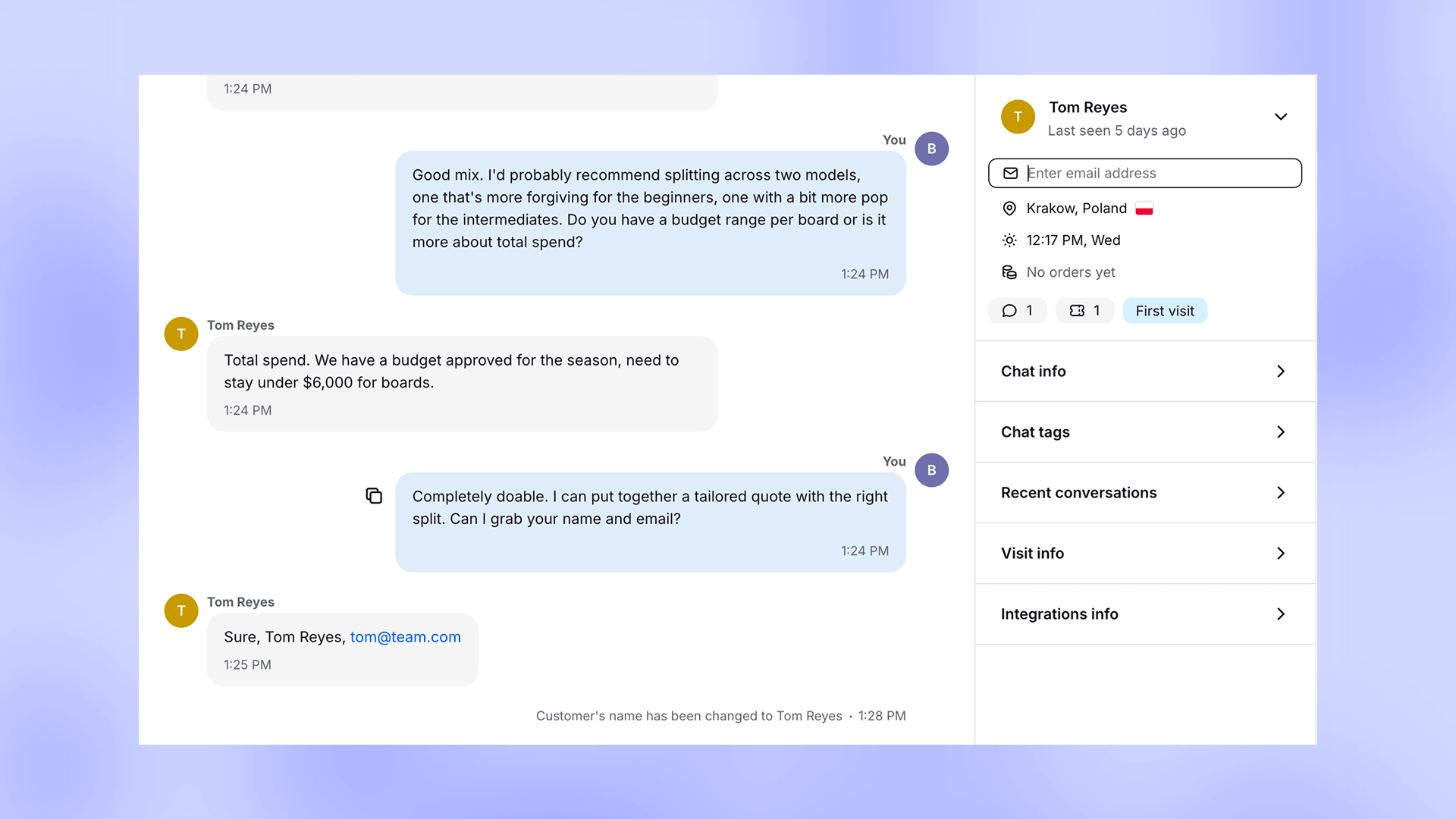
What's live
Name and email are editable straight from the customer panel in Inbox and Archives. The agent stays in the chat and updates the record without tabbing out. No more notes-to-self that never get done.
Tickets got the same treatment. The customer side panel inside Tickets now looks and works the same way as in Inbox and Archives, so an agent doesn't have to relearn the screen depending on which channel a conversation arrived on.
The ticket requester email moved out of the customer panel and into its own field above the message input. That fixes two situations that used to be a mess.
Take routing. When a ticket goes to a different contact, an admin or a finance lead, the requester email lives on that ticket. The customer record stays put. They're two different things now, and the product treats them that way.
Take edits made mid-conversation. Before today, an agent updating the customer's email could silently overwrite the ticket's requester. You'd find out three weeks later in a reporting meeting, which is the worst time to find out anything. Now, if the two start to diverge, the product surfaces the discrepancy and lets the agent decide whether to update the requester or leave it alone.
Available now
All of it ships today. Nothing to turn on. Open any conversation in Inbox, Archives, or a ticket and the editing UI is right there in the side panel.