

Shopify comes to Text App, you get a single view of every customer you've ever talked to, Workflows get smarter, and your AI agent learns faster with a new kind of knowledge source.
Shopify integration: see carts, orders, and sales inside your conversations
If you run a Shopify store, your support conversations just gained a lot more context. Text App now connects directly to Shopify, bringing e-commerce data into the place where your team already works.
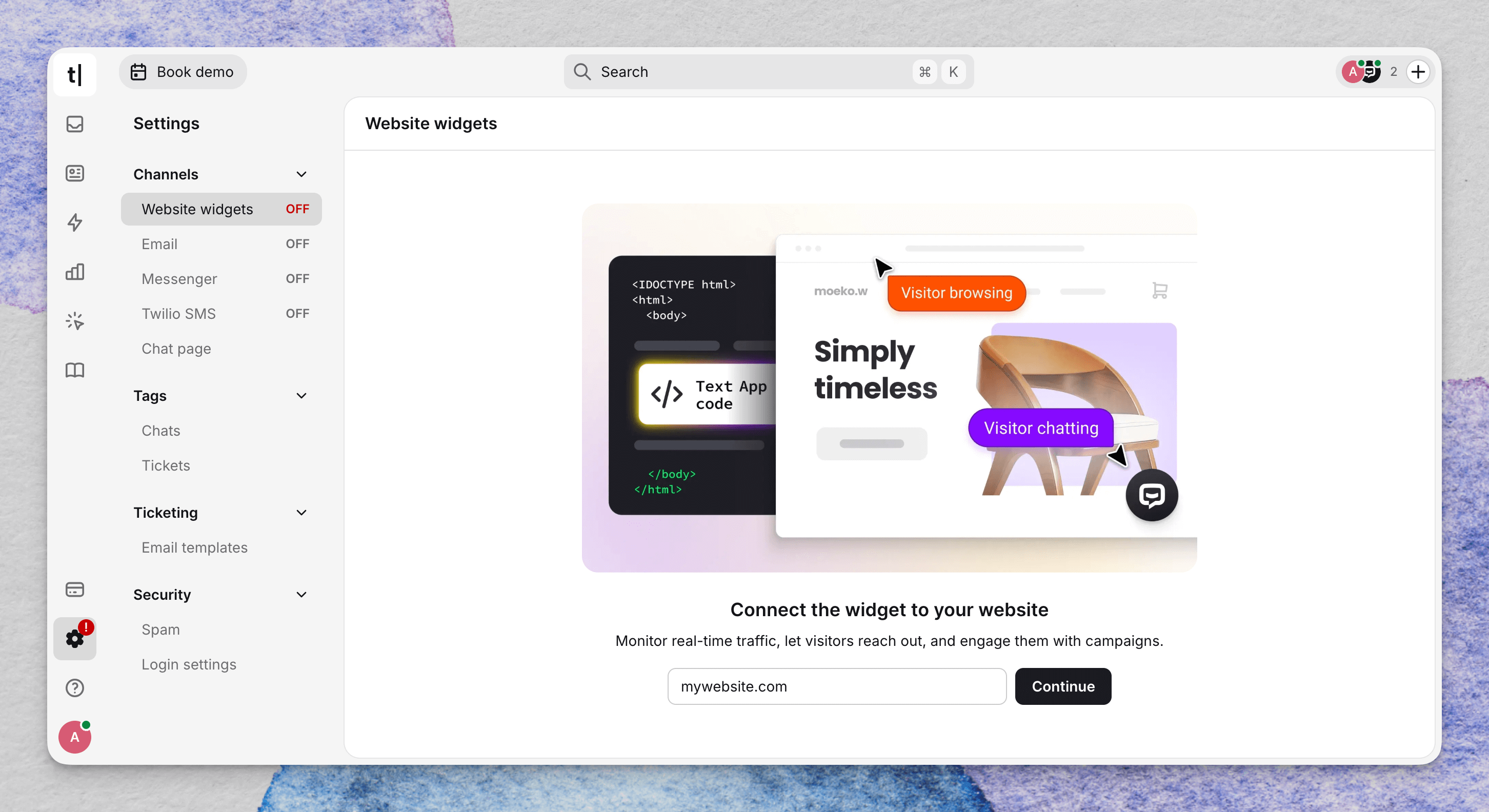 Once connected, you get:
- Live cart updates — see exactly what a customer has in their cart while you're chatting with them
- Order details — pull up order history without switching to the Shopify admin
- In-chat notifications — know the moment a purchase happens during a conversation
- Earned sales report — track the revenue your conversations help generate
Setting it up takes minutes. Text App detects that your site runs on Shopify and recommends the integration during setup — from there, it's a one-click install in your Shopify admin panel.
This is the first step in a bigger e-commerce push. More data, more actions, and deeper AI agent integration with Shopify are on the way.
→ Connect your Shopify store | Set up in Settings → Integrations → Shopify
Returning customers get instant context
Building on last month's Auto Chat Summary, we've added a feature agents will feel immediately: when a returning customer starts a new chat, a summary of their last conversation appears at the top of the feed.
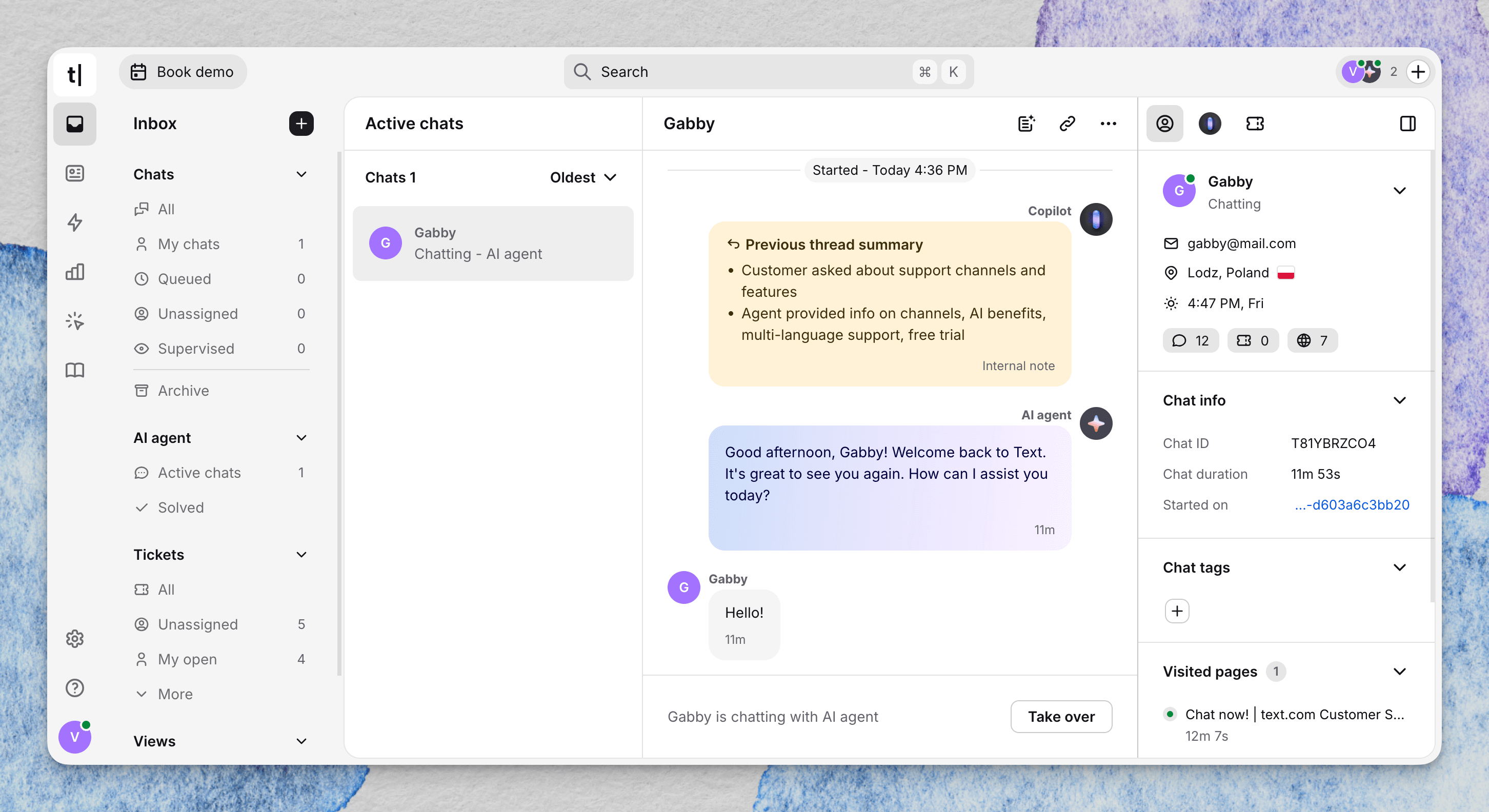 No more asking "can you remind me what this was about?" or searching through archives. The context is there before the customer types their first message.
We've also added summary previews in the Archive list — the first line of each chat summary is now visible directly in the list, replacing the less useful first-message preview. It makes scanning past conversations significantly faster.
Available on Growth and Enterprise plans.
→ Learn more about AI agent features
Workflows: connect more tools, build smarter automation
Workflows received upgrades that make automation both more powerful and easier to set up:
Less manual wiring. Chat, thread, and ticket IDs now auto-populate from triggers and previous steps. Technical fields stay hidden by default so you can focus on the logic that matters — messages, tags, and routing.
Smarter conditions. Branching now supports better operators (including "is empty" and "value is in list"), and when you're configuring a condition like Tags, you see your actual tag list in a dropdown instead of typing strings from memory.
Slack actions. New actions let you send thread replies, ephemeral messages, and DMs from a workflow — plus a new Slack reaction trigger that starts a workflow from an emoji.
If you haven't explored Workflows yet, this is a good month to start. The learning curve just got a lot shorter.
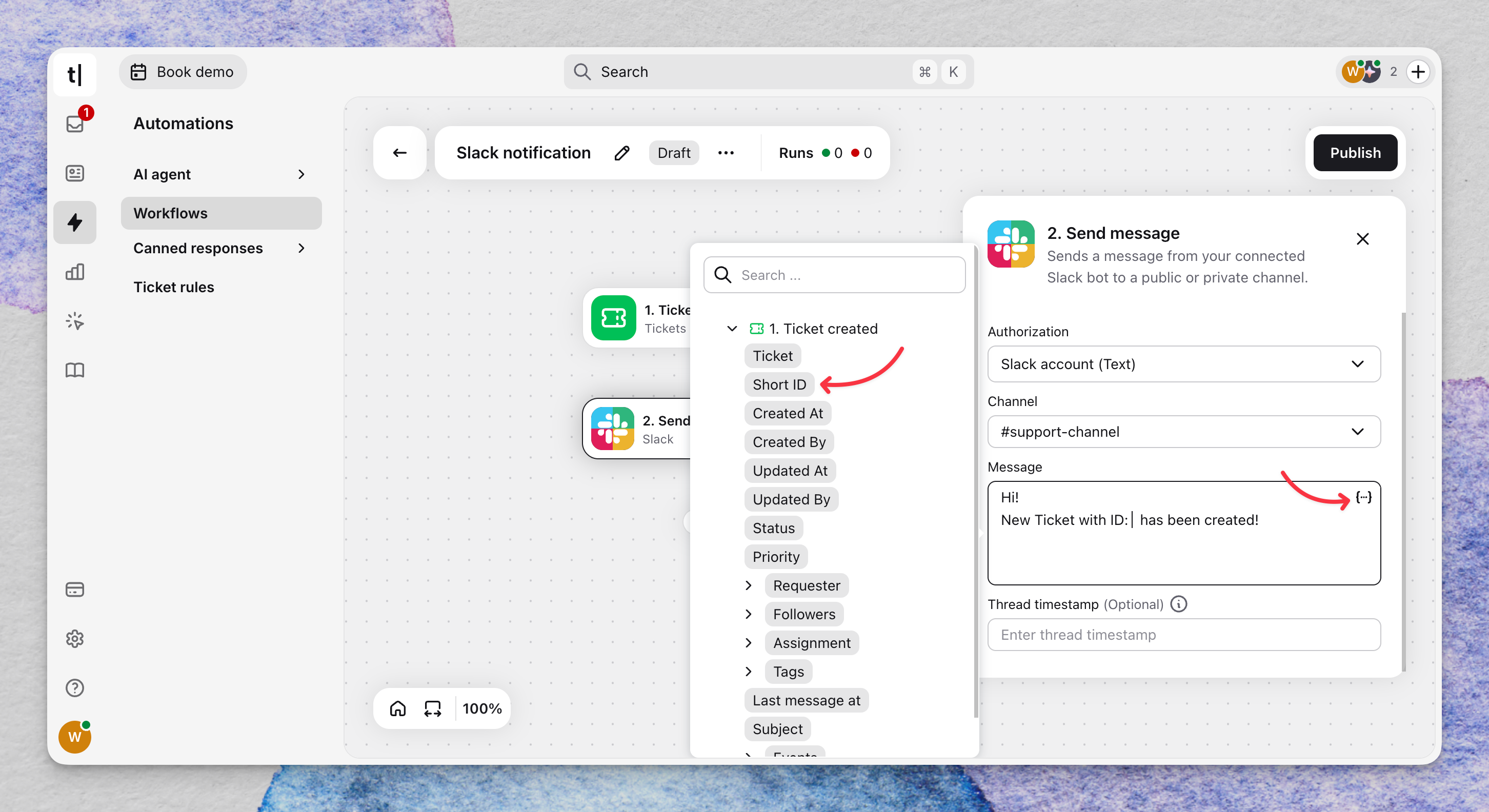
→ Get started with Workflows | Build your first flow in Automation → Workflows
Knowledge Hub: write and publish Articles directly in Text App
Your AI agent's quality depends on the knowledge behind it. Until now, that meant uploading documents or connecting external sources — and every update required re-uploading or re-syncing.
Articles are a new knowledge source type that lets you write, edit, and maintain knowledge directly inside Text App. Changes take effect immediately — no files to manage, no sync delays. When a customer question reveals a gap in your AI agent's knowledge, you can fill it in minutes.
Articles feed into everything AI-powered: the AI Agent, Copilot, and Reply Suggestions. Better-structured, easier-to-maintain knowledge means more accurate responses across the board.
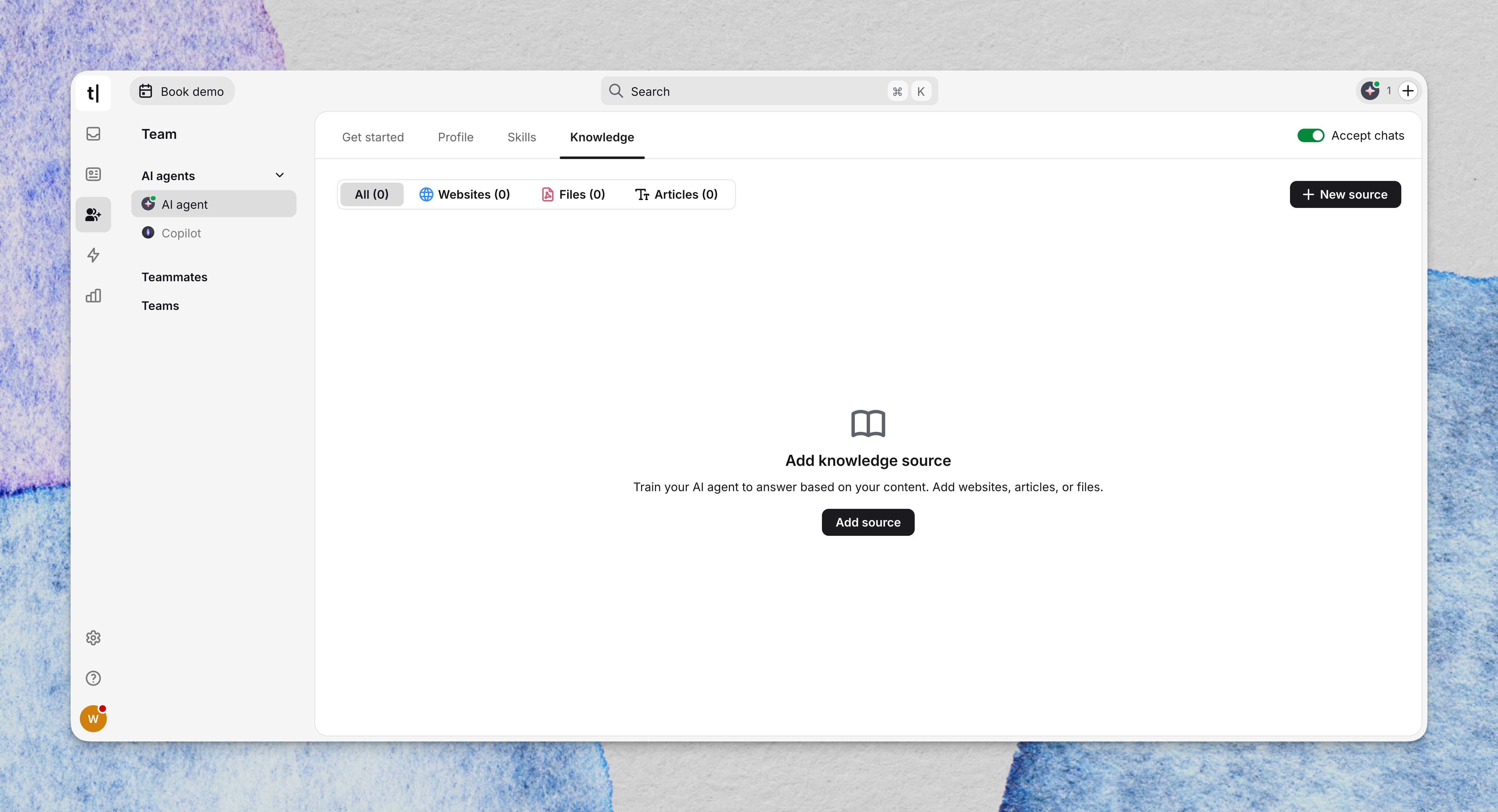
→ Set up your Knowledge Hub | Create your first article in Knowledge Hub → Sources → Articles
Get a summary with