

When to use personal access tokens
Use a personal access token whenever you want to connect your own scripts, tools, or services to the Text APIs. This applies to most API use cases, for example:- Automating tasks – run scripts that export reports, retrieve chats, or update settings automatically.
- Building internal tools – create dashboards or utilities that help your team work with Text data.
- Integrating with other systems – send data to spreadsheets, analytics platforms, databases, or internal applications.
- Testing and development – quickly authenticate requests while exploring APIs in tools like Postman or curl.
- Agent Chat API (Web)
- Configuration API
- Reports API
- Global Accounts API
- Ticketing API
- Customer Data Platform API
- Language detection API
- Product Directory API
How personal access tokens work
A personal access token always represents the account that created it. All API requests made with that token run using that account’s permissions. For example, if a token was created by an admin account, requests made with that token will run with that account’s permissions, even if multiple users interact with the integration. If your application needs to access the API on behalf of multiple users, use OAuth authorization instead. OAuth allows each user to authorize your application with their own account, so requests are executed using their identity and permissions.Creating a personal access token
1
Open Personal access tokens
Open Text and go to Settings → API access → Personal access tokens. There, select + New token.
2
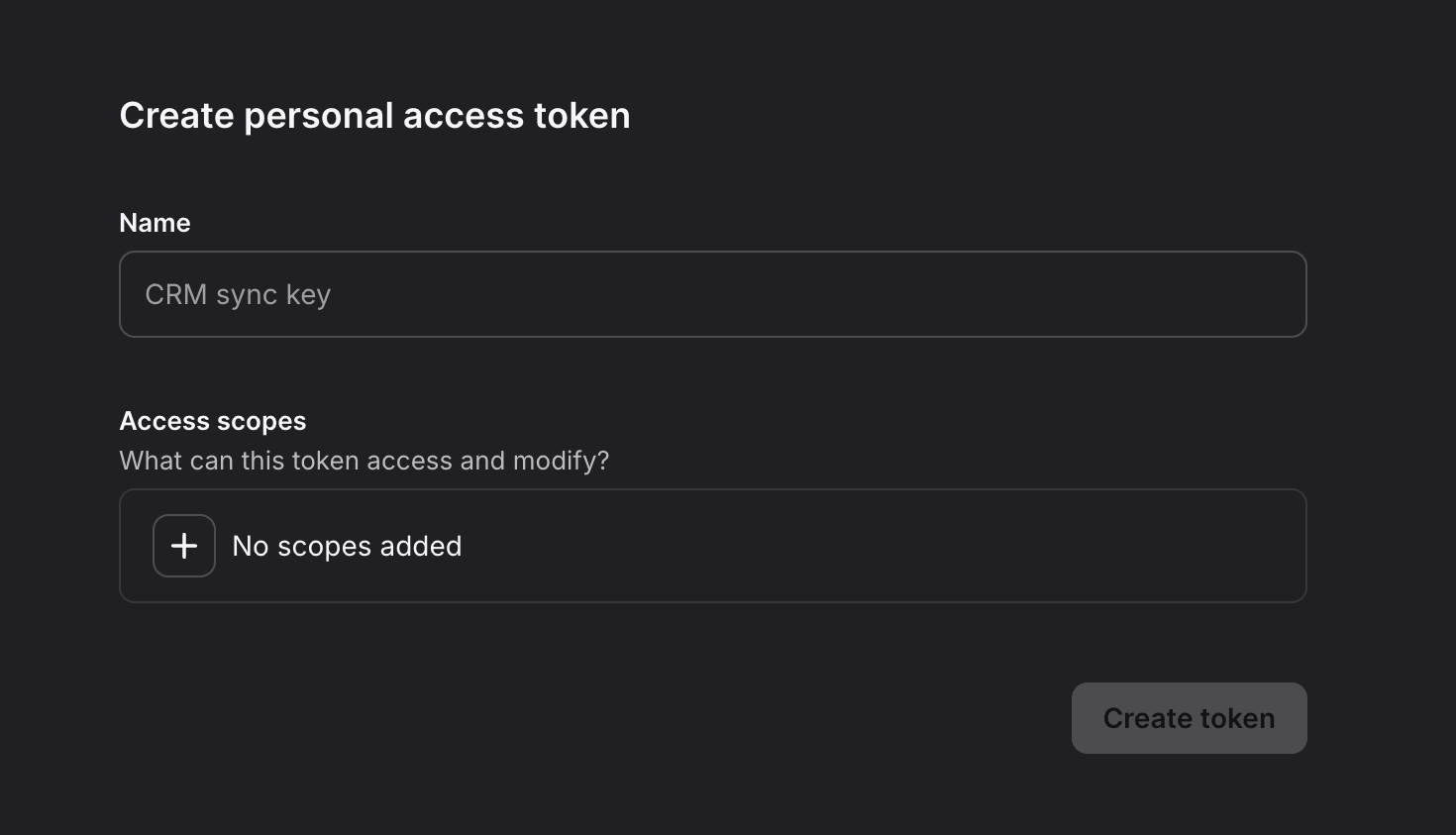
Add the necessary scopes for your use case
Each API method requires specific scopes. You can find the required scopes in the method description for each API. Note that you won’t be able to change those scopes after you create the token.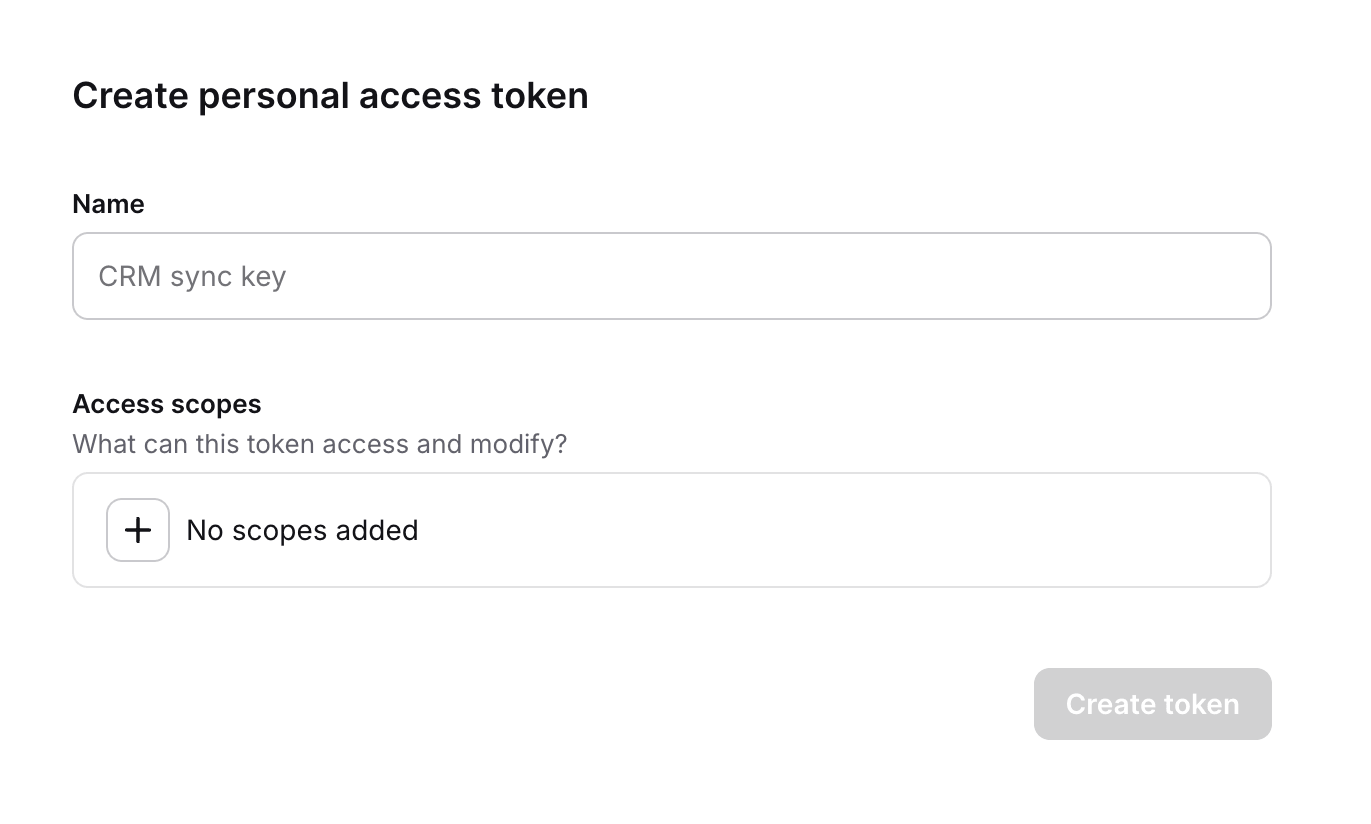
3
Create your token
After creating the token, copy the following values:
- the personal access token
- your Account ID
- the Base64 encoded token
Using the token in API requests
Personal access tokens use the Basic authentication scheme. Basic authentication requires a username and password. When using a personal access token:- Username is your Account ID
- Password is your personal access token