

Add Text to your Webflow site straight from the App Marketplace — no code, no manual widget install. The integration gives you Text's core tools: Live Chat, AI Agent, and Inbox, connected to whatever your site is built to do: sell, qualify, book, convert.
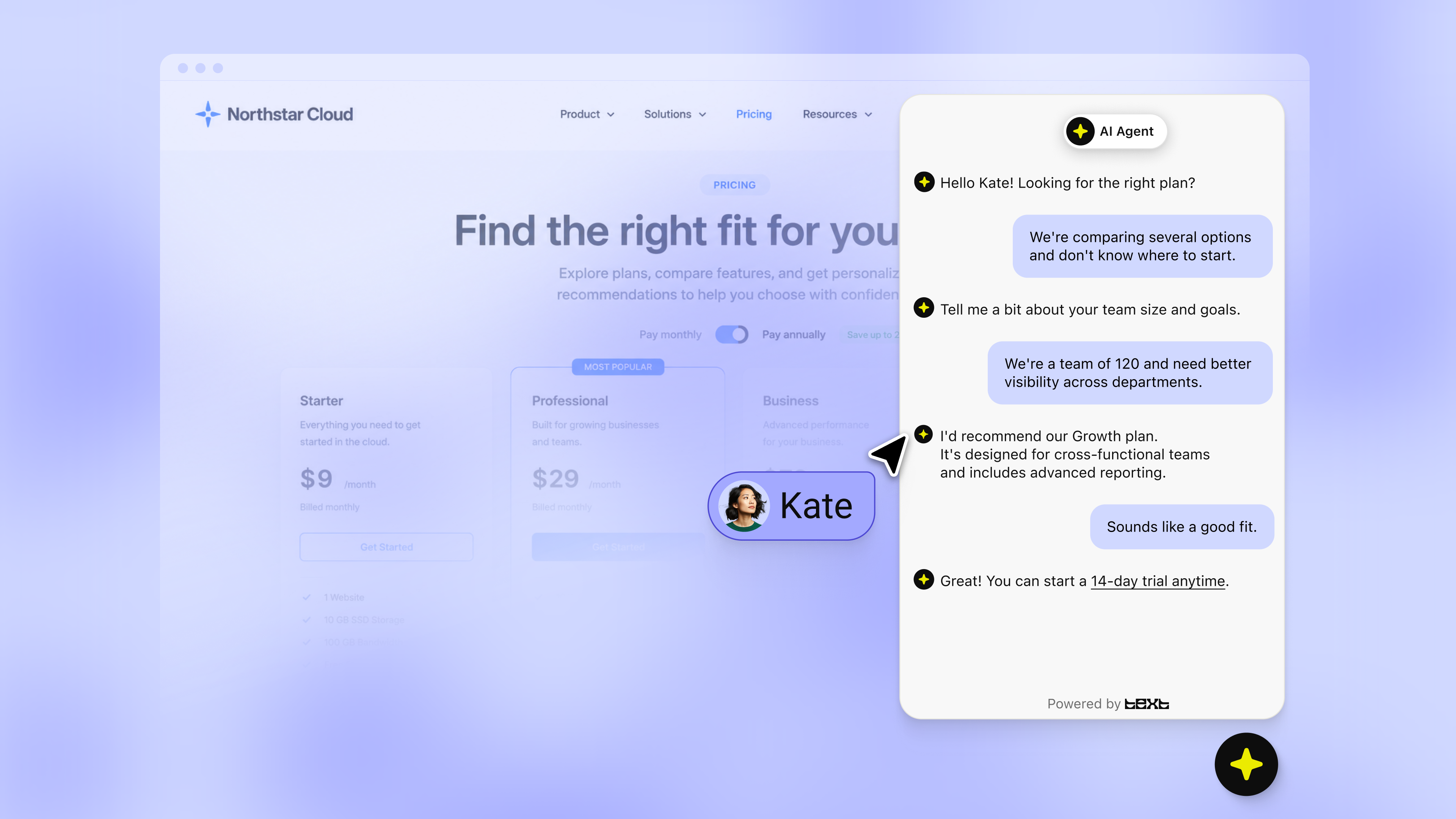
How Text works on Webflow
Once you install Text from the Webflow App Marketplace, add the chat widget, connect your channels, configure AI Agent using your knowledge base. Most teams are live in under an hour.
The Text chat widget connects to your Webflow site and starts reading visitor behavior in real time: pages visited, time on site, browsing patterns, and past interactions.
That context feeds every conversation, so when someone reaches out, your team or your AI Agent already knows what they've been looking at and what they likely need.
A few things that change once it's running:
- When a visitor hesitates, Text triggers a relevant message based on what they're actually viewing. Not a generic pop-up, but a response tied to their specific behavior.
- When someone asks a question, AI Agent answers instantly. Product specs, shipping, return policy are handled end to end, 24/7, trained on your knowledge base and aligned with your brand voice.
- When intent is high, Text routes the conversation to the right person with full context: what the visitor viewed, what they asked, what they're likely to do next.
- When you're offline, the AI captures and qualifies leads. Your team follows up with a warm conversation, not a cold form submission.
Customer service isn’t a cost center. It’s your closest channel to the sale.
Support conversations are full of sales signals. Whether it’s product questions, shipping inquiries, or first-time visitors sizing up to buy, the standard response is to handle them and move on.
That's leaving money in the queue.
A visitor asking about your return policy is one question away from checking out. They're looking for a reason to trust you enough to complete the purchase. A shipping question from someone who's been on your product page for four minutes isn't logistics, it's a buying signal. The support team fields these moments all day. Most businesses just aren't set up to act on them.
Text changes what those conversations become.
High-intent visitors get a proactive message before they leave. Questions get answered instantly, 24/7, without a human in the loop. When someone is ready to buy, they get routed to the right person — with context, not a cold handoff. After the purchase, the conversation continues: order questions become upsell moments, and support interactions become reasons to come back.
How to set it up
- Get Text app from the Webflow App Marketplace here.
- To connect Text with your Webflow site, follow this guide.
Get a summary with