
AI reply suggestions arrive in Tickets, Workflows can now talk to any external system, live cart data gives agents commercial context in real time, and Teams management is now native to Text.
AI reply suggestions, now in Tickets
Reply suggestions have been helping agents respond faster in chats for a while. This month, they come to Tickets, where resolution times tend to be longer and the knowledge needed is often more specific.
Press spacebar in a ticket reply, and the AI searches your knowledge sources to draft a structured response: an introduction, the core answer, and follow-up questions if relevant. You can accept the full suggestion, edit it, or just use it as a starting point.
Many tickets involve questions your team has answered dozens of times before. Instead of writing the same response from scratch, agents get a solid draft in seconds and spend their energy on the cases that actually need human judgment.
Try it now: open any ticket and press spacebar in the reply field.
Workflows can now connect to anything
Workflows got two capabilities this month that dramatically expand what you can automate.
Shopify actions. If you've connected Shopify, you can now use customer and order data directly inside workflows. The first batch of actions includes: Create Customer, Get Customer, Update Customer, Get Customer Orders, Get Product, and Update Order. More are on the way.
Webhook action. Workflows can now send HTTP requests to any external API, whether that's your CRM, your ERP, Google Calendar, or a custom internal tool. You configure credentials inline, test the call in the builder, see the response, and pick individual fields to pass into the next step.
Here's a real example of what this enables: a customer reports an order issue in chat → a workflow pulls their Shopify profile and order history → creates a ticket → calls Google Calendar via webhook to schedule a follow-up → replies in chat with the case number. All triggered by a single tag — zero manual work.
If you've been using Workflows for simple automations, this is the month they become a serious integration layer.
Live cart value and spending history in real time
When a customer starts a chat while browsing your store, your agents can now see two things immediately: what's currently in their cart and how much they've spent historically.
 This is about turning support into a revenue opportunity. An agent who can see a $400 cart and a loyal spending history handles that conversation differently than one flying blind. They can prioritize faster, offer more relevant help, and recognize when a high-value customer needs extra attention.
The data updates live — if the customer adds or removes items during the conversation, the agent sees it in real time.
→ Learn about customer data in Text | Cart and spend data appear in the Customer details panel for Shopify-connected stores
Teams management: no more switching apps
Until now, managing your chatting and ticketing team structure required leaving Text and using a legacy product interface for migrated customers. If you were a Text only customer, this was one of the most frustrating gaps.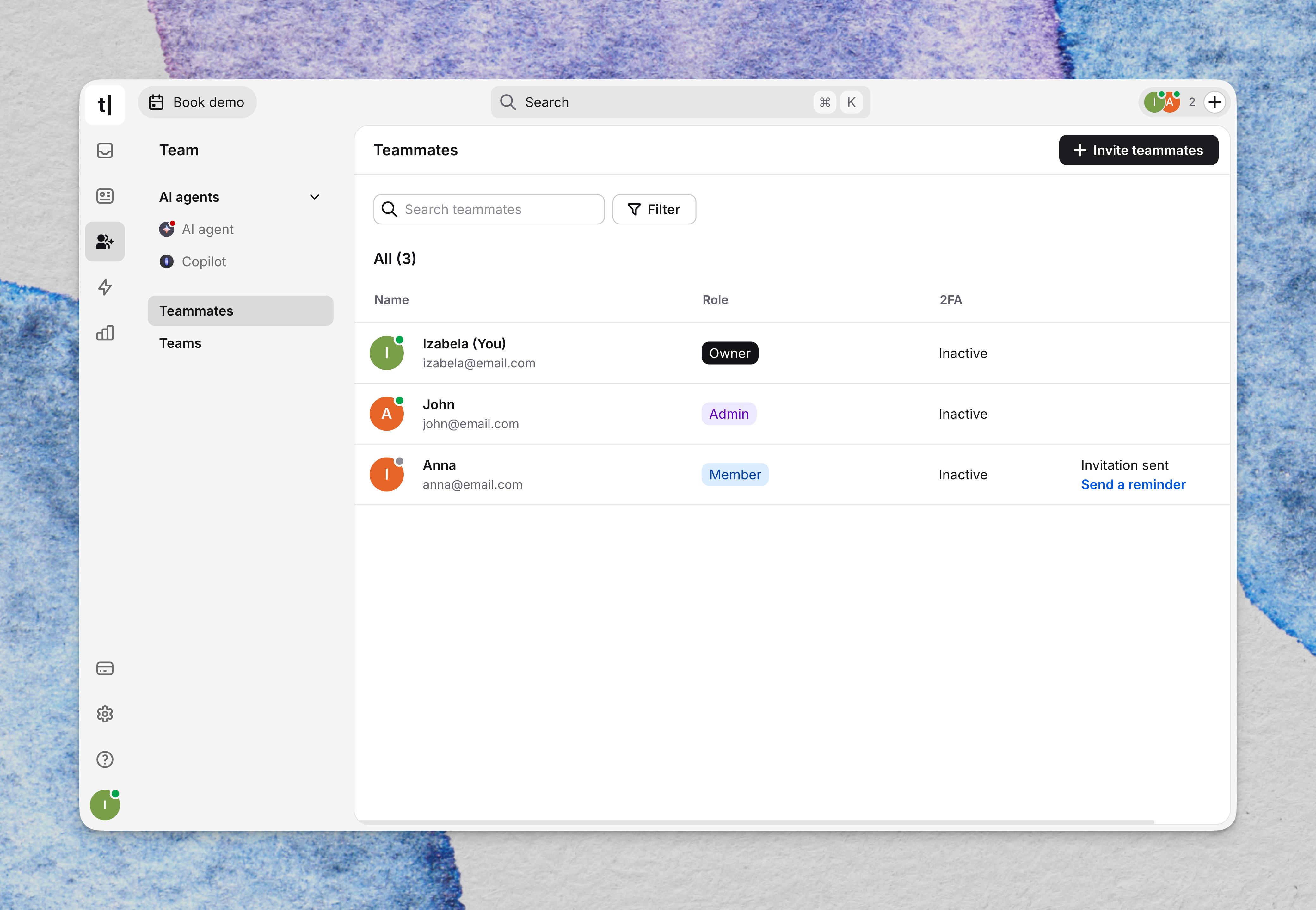 It's now closed. Teams management is fully native inside Text. You can create, edit, and manage both chatting and ticketing teams directly from the Organization settings — including member assignment, routing preferences, and team-specific configurations.
→ Set up your teams | Find it under Organization and Subscription → Teams
February's updates make Text significantly more capable as an all-in-one platform. The combination of webhook-powered Workflows, live e-commerce context, and native Teams management means there are fewer reasons than ever to leave the app during your workday.