
Michał Włosik
Writer
I turn complex topics around customer service, AI, and communication technology into clear, actionable content — from blog posts and whitepapers to case studies and automated content workflows.
TL;DR: There’s no single best customer service software — only the best one for your team. We compare the 12 strongest options for 2026, from lightweight shared inboxes to full omnichannel platforms — including our top overall pick, Text. The right choice comes down to your channel mix, your budget, and how much you want AI to handle for you!
Bad support is expensive. Customers who can’t get a quick, clear answer don’t complain — they leave, and they tell other people why. Choosing the right customer service software is one of the highest-leverage decisions a support team makes, because it shapes response times, agent workload, and whether customers feel looked after or processed. This guide compares the 12 best customer service software tools for 2026 — what each one does well, who it’s genuinely built for, and what it costs.
Finding the best customer service software isn’t just about picking the platform with the longest feature list. The best customer service software for your team is the one that fits your channel mix, your budget, and the way your support agents actually work.
We’ve focused on tools that real support teams actually run on, across every size from a two-person startup desk to an enterprise contact center. Whether you need AI live chat, ticketing, an AI chatbot, a knowledge base, or all of the above in one place, there’s an option here for you.
What is customer service software?
Customer service software is a tool — or a connected suite of tools — that helps a team receive, organize, and respond to customer inquiries across channels like email, live chat, phone, social media, and self-service, all from one shared workspace. It replaces scattered inboxes with a single system for tracking, routing, and resolving requests.
In practice, most platforms combine a few core building blocks: a ticketing or shared-inbox system to capture and assign conversations, live chat for real-time help on your site or app, automation and AI to deflect repetitive questions, a knowledge base for self-service, and reporting so managers can see what’s working. The best customer service software ties these together so a customer’s history follows them from one channel to the next, and customer support agents never have to ask people to repeat themselves.
When evaluating customer service software, it helps to understand that these tools exist on a spectrum. At one end, you have lightweight shared-inbox tools built for small teams handling modest customer inquiries. At the other end, you have full omnichannel platforms that unify voice, chat, email, social media, and messaging into one service software layer — complete with workflow automation, AI agents, advanced reporting, and deep CRM integration. Most teams land somewhere in the middle, and the best customer service platform for you is the one that matches where you are today and where you’ll be in 18 months.
Why the right service software matters
Poor support has a measurable cost. Research shows that a 5% increase in customer retention can boost profits by 25–95%. Fast, helpful support drives repeat purchases and customer loyalty. Slow or impersonal responses push existing customers toward competitors. Effective customer service software reduces that risk by consolidating customer communication, automating repetitive tasks, and giving customer support agents the context they need to resolve issues on first contact.
Beyond retention, the right service software also drives customer engagement and agent productivity. Customer service automation can reduce ticket volume by up to 80%, and effective automation improves agent efficiency by 30–50%. That means your support team spends less time on routine customer inquiries and more time on the complex problems that actually require human judgment. When teams track customer interactions systematically, they can also spot patterns, improve customer feedback loops, and make better decisions about staffing and training. Check our comparison of the best AI customer service software to learn how to match those goals to the right tools.
How we evaluated these tools
We didn’t rank these tools by feature count alone. A long spec sheet means little if the product is painful to use day to day. For each customer service platform we looked at the channels it supports (email, chat, voice, social, messaging), the depth and price of its AI and automation, how well it integrates with the rest of a typical stack, ease of setup and daily use, transparency of pricing, and how gracefully it scales as a support team grows.
To find the best customer service software across these categories, we evaluated each platform against real-world support workflows — not just marketing materials.
We also weighted honesty heavily. Almost every vendor claims to be the best at everything, so we’ve tried to be specific about who each tool is — and isn’t — for. If you want to go deeper on strategy and implementation, read our blog post on customer support and AI agents.
Pricing was verified in June 2026; because SaaS pricing and packaging change often, always confirm the current numbers on each vendor’s site before you buy.
Best customer service software at a glance
Tool | Best for | Standout feature | Starting price | Free option |
|---|---|---|---|---|
Text | Best overall / AI-first all-in-one platform | Live chat, AI agent, ticketing, and self-service in one product | From $20/agent/mo | 14-day trial |
Zendesk | Scaling enterprises | Mature, extensible omnichannel platform | From $19/agent/mo | Free trial |
Freshdesk | Growing SMBs on a budget | Strong free tier and gentle pricing curve | Free; paid from ~$15/agent/mo | Yes |
Intercom | AI-first support | Fin AI agent with outcome-based pricing | From $29/seat/mo + $0.99/resolution | 14-day trial |
Help Scout | Small teams / shared inbox | Email-style simplicity, unlimited users | Free; paid from $50/mo | Yes |
Zoho Desk | Budget pick / Zoho users | Deep value, especially inside Zoho’s ecosystem | Free; paid from $7/agent/mo | Yes |
Gorgias | Unlimited-agent support teams | Order actions handled inside the inbox | From $10/mo (ticket-based) | Free trial |
HubSpot Service Hub | CRM-integrated support | Service tied directly to HubSpot’s CRM | Free; paid from ~$20/seat/mo | Yes |
Front | Collaborative shared inbox | Email feel with real team collaboration | From $25/seat/mo | Free trial |
Tidio | SMB live chat + bots | Easy chat plus the Lyro AI agent | Free; paid from $29/mo | Yes |
Gladly | People-centered / voice | Customer-centric model instead of tickets | Custom (~$150–210/agent/mo) | Demo |
Salesforce Service Cloud | Large enterprise | Endless customization on the Salesforce platform | From $25/user/mo | Free trial |
Pricing reflects entry paid tiers (or free plans) verified June 2026 and is billed annually unless noted. Confirm current pricing with each vendor. |
The 12 best customer service software tools
1. Text
 Best for: Teams that want live chat, ticketing, an AI agent, and self-service in one AI-first platform — rather than stitching together a stack of separate tools.
Text is an AI-first customer service platform that brings live chat, ticketing, an AI agent, and a self-service help center together in a single product. A question that starts in chat can become a tracked ticket, get resolved by the AI agent, or point a customer to a help article — all without anyone leaving the workspace.
What makes Text stand out as the best customer service software for most teams is how complete it feels as a single product. Built on more than 20 years of customer-conversation experience, each capability — chat, tickets, AI, self-service — is deep rather than a thin add-on, and they share one workspace and one customer record by design. Customer history tracks across every interaction, so customer support agents always have full context when a customer conversation escalates or changes channels.
Key features
Real-time live chat with a customizable widget, canned responses, and an AI Copilot assistant on every plan
Shared inbox and ticket management for email and asynchronous requests
A no-code AI agent that resolves common customer inquiries and hands off to agents cleanly
A standalone, SEO-friendly knowledge base for both customer and agent self-service
Hundreds of native integrations including Shopify, Salesforce, HubSpot, Slack, and more
Workflow automation to route, tag, and prioritize incoming customer inquiries automatically
Internal notes so multiple team members can collaborate on tickets without the customer seeing
Pros
Text delivers strong live chat, a clean and fast agent experience, and an AI agent that’s built in rather than bolted on. Because it’s one platform, customer context follows the conversation everywhere, and the collaboration tools — internal notes, ticket routing rules, and a unified customer inbox for chats and tickets — all work without friction.
Cons
There’s no permanent free plan — only a 14-day trial, and pricing is per agent, so costs scale with team size. And because Text is AI-first, you’ll get the most from its AI agent when your help-center content is solid enough to ground it.
Pricing
Text starts at $19/agent/month and scales through higher per-agent tiers, with custom Enterprise pricing and a 14-day free trial (no permanent free plan). (Confirm current tiers and numbers on text.com — pricing changes.)
Want to try it?* Start a free 14-day trial of Text and switch it on for whichever channels you run today.*
2. Zendesk
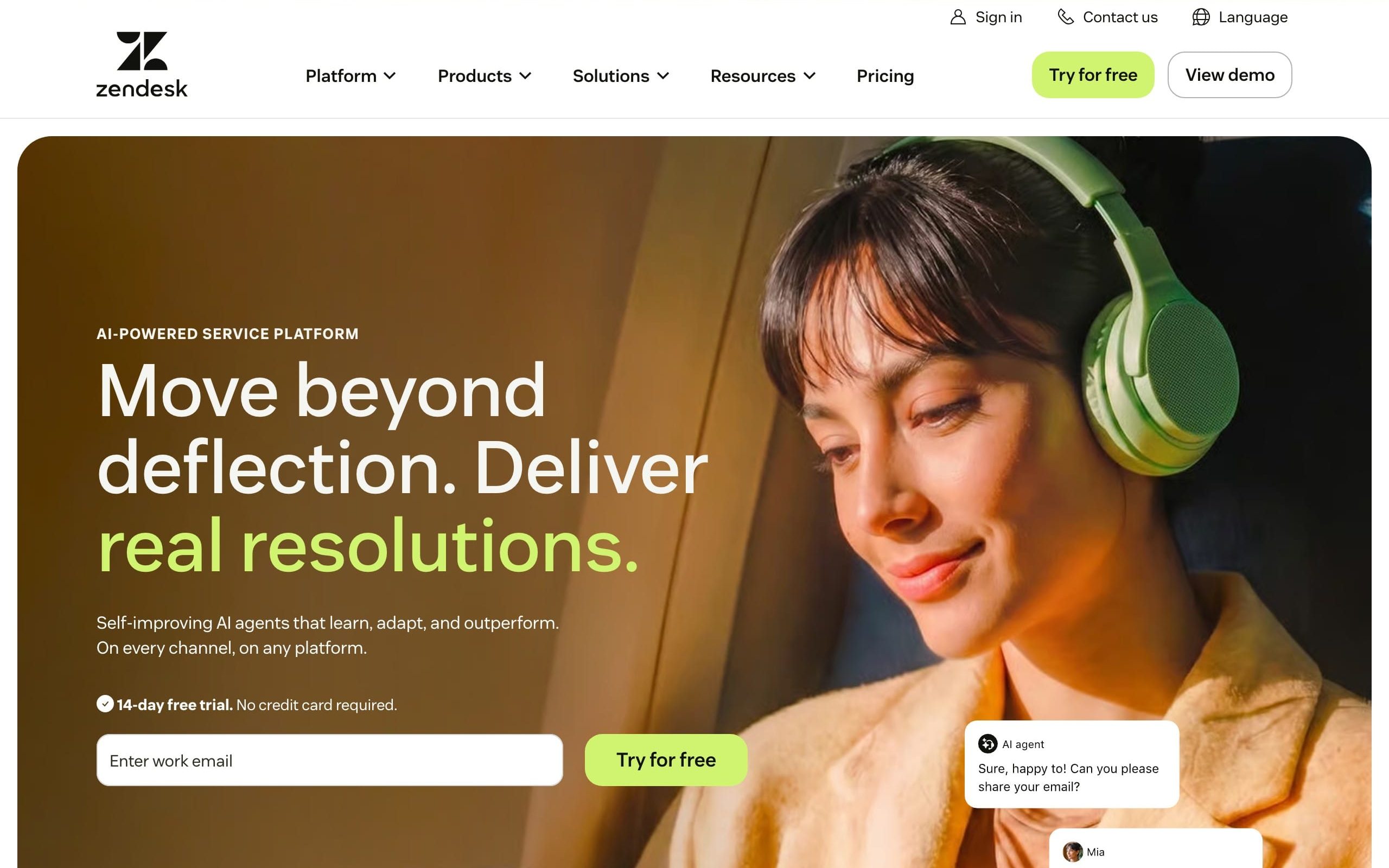 Best for: Larger or fast-growing teams that need a mature, highly extensible omnichannel customer service platform and have the budget (and admin time) to configure it.
Zendesk is the category’s most established name. The Suite unifies email, chat, social, messaging, and voice into a single service software layer, with a deep marketplace of apps and one of the most flexible workflow and automation engines in the industry. Zendesk supports over 1,700 integrations with various applications, making it one of the most connected help desk software platforms available.
For enterprise support teams managing high volumes of customer interactions across multiple communication channels, Zendesk’s omnichannel support capabilities are hard to match. Unified customer data, robust ticket routing, and deep advanced reporting give managers full visibility into agent performance and customer satisfaction metrics, though some teams will find a better fit among modern Zendesk alternatives that trade depth for simplicity or cost savings.
Key features
Omnichannel agent workspace with unified customer context and customer history across channels
Powerful triggers, automations, SLAs, and ticket routing rules
Large app marketplace and robust APIs for CRM integration and beyond
Built-in AI agent on Suite tiers, with an Advanced AI add-on for deeper automation features
Advanced reporting and analytics dashboards that track customer interactions over time
Pros
Scales to very large support operations, mature advanced reporting, and an ecosystem that can adapt to almost any workflow. The unified ticketing system covers all channels elegantly, and the workflow automation capabilities are among the deepest available. Strong omnichannel support ensures consistent customer experience whether contacts arrive via email, chat, or social.
Cons
Pricing climbs quickly once you add tiers and AI; the interface can feel heavy; and getting the most out of it usually requires dedicated admin resources. Advanced AI features carry both per-seat and per-resolution fees that can significantly increase total cost. It’s more service software than most small teams need.
Pricing
Support Team $19, Suite Team $55, Suite Professional $115, Suite Enterprise $169 per agent/month (annual). The Advanced AI add-on is about $50/agent/month on top, plus per-resolution fees for automated conversations.
3. Freshdesk
 Best for: Small and growing support teams that want capable help desk software with a generous free tier and a gentle upgrade path.
Freshdesk, from Freshworks, has long been the friendly, affordable alternative to heavier customer service platforms. Its free plan is one of the stronger ones in the market, and paid tiers stay reasonable for small teams managing modest volumes of customer inquiries. Freshdesk offers 150+ integrations with essential business tools, covering the core CRM integration and ecommerce connections most growing businesses need.
Key features
Email ticketing, knowledge base, and pre-built reports on the free plan
Workflow automation, SLAs, and a self-service portal on paid tiers
Freddy AI agent for assistance and autonomous resolution (usage-based)
Freshdesk Omni for unified multichannel support with omnichannel support across email, chat, voice, and social
Collaboration tools including internal notes, team collaboration features, and agent collision detection
Pros
Easy to start, clean intuitive interface, affordable. The knowledge base is solid, and the self-service options help reduce repetitive customer inquiries before they ever reach an agent. Advanced reporting is available at mid-tier, giving growing teams real visibility into customer satisfaction and agent performance trends.
Cons
Useful features — advanced automation, deeper advanced reporting, AI — are spread across higher tiers and add-ons, and the AI is sold in usage packs that can add up. The free plan’s agent limits have tightened over time. Teams that want robust omnichannel support from day one may need to step straight to Freshdesk Omni.
Pricing
Free plan available; paid plans run roughly $15–19 (Growth), ~$55 (Pro), and ~$79–89 (Enterprise) per agent/month annually. Freshdesk Omni for omnichannel starts around $29/agent/month.
4. Intercom
 Best for: Product-led and SaaS teams that want an AI agent handling the bulk of front-line customer inquiries from day one.
The customer service platform pairs a modern messenger and shared inbox with an AI layer designed to resolve customer conversations without a human — and with outcome-based pricing that only charges when Fin actually resolves something. If you like Intercom’s approach but are unsure it’s the right fit, a roundup of the best Intercom alternatives can help you compare similar tools. Intercom provides over 300 integrations with various platforms, making CRM integration and ecommerce connections straightforward.
For teams where customer engagement and fast response times are business-critical, Intercom’s proactive messaging capabilities add another dimension. Proactive engagement strategies can convert support interactions into revenue, and Intercom’s in-app messaging makes it easy to reach customers at the right moment based on behavioral signals.
Key features
Fin AI agent that resolves customer conversations across multiple support channels
In-app messenger, shared inbox, and ticket management
Help center and knowledge base for self-service options
Proactive messaging triggered by customer behavioral signals
Outcome-based AI pricing — you pay per resolution, not per seat for AI
Pros
Excellent in-app messaging, a polished product, and capable AI with per-resolution pricing. The personalized support experience Intercom enables — with full customer history and proactive engagement built in — is particularly strong for SaaS customer service platforms.
Cons
Costs are hard to predict because you pay seat fees and per-resolution AI fees; at high volume the AI bill can dwarf the seat cost. Many support teams report spending significantly more than budgeted. The platform is less suited to high-touch voice support or complex enterprise workflows.
Pricing
Essential $29, Advanced ~$85, and Expert ~$132–139 per seat/month (annual), plus $0.99 per Fin AI resolution on top of any plan.
5. Help Scout
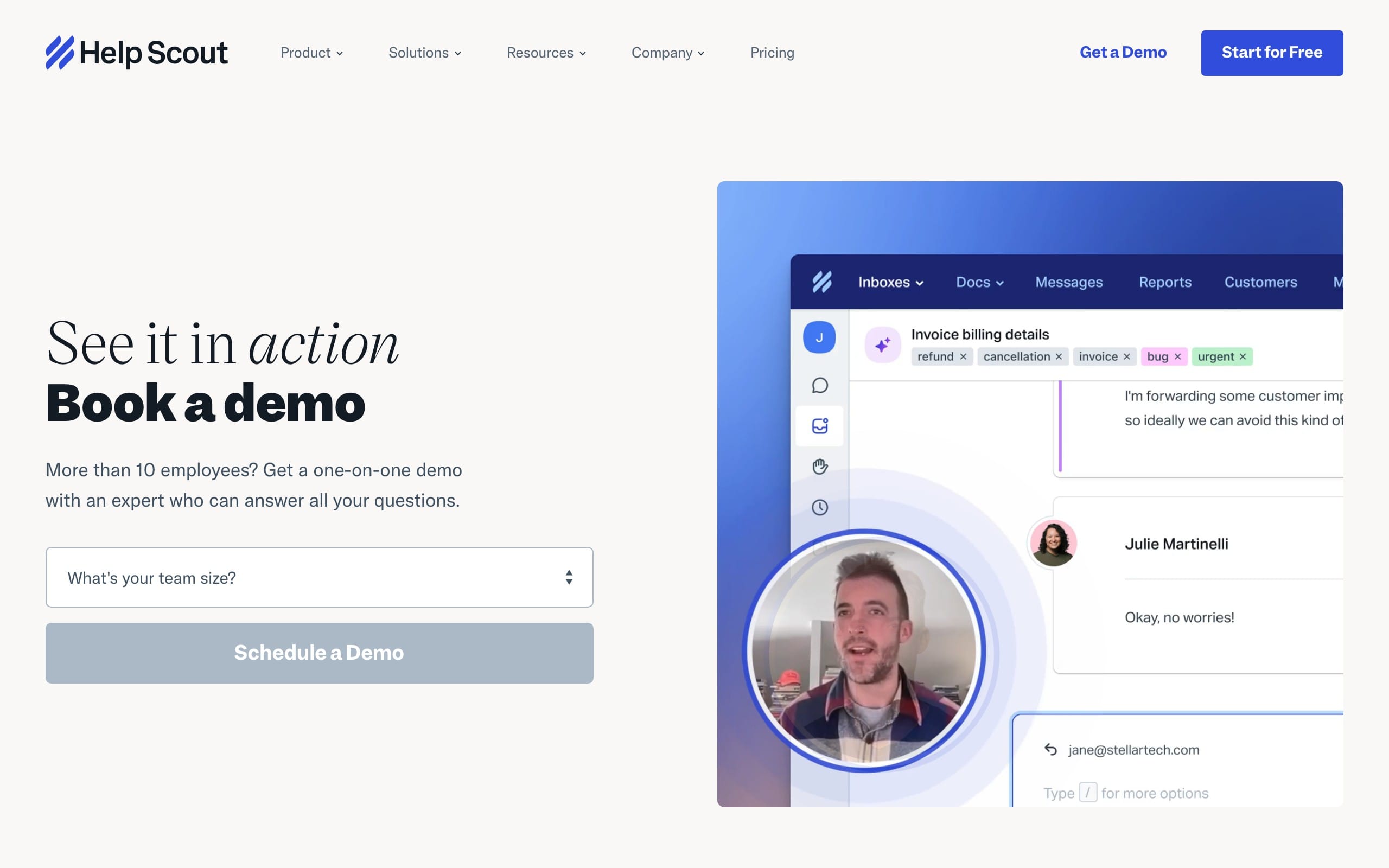 Best for: Small support teams that want email-style simplicity, a tidy shared inbox, and pricing that doesn’t punish you for adding people.
Help Scout feels less like a ticketing system and more like a beautifully organized shared inbox. It folds in live chat (Beacon), a knowledge base (Docs), and AI features, and it has moved toward contact-based pricing with unlimited users — a welcome change for support teams that add seasonal staff or cross-functional teams during busy periods, especially when paired with an AI-ready desktop app for agents on macOS and Windows.
Help Scout’s approach to customer communication prioritizes the human touch. The platform is built around the idea that exceptional customer service comes from personal, thoughtful replies, not automated responses. Features like collision detection, saved replies, and internal notes let multiple team members collaborate on customer conversations without any awkwardness reaching the customer.
Key features
Shared inbox with collision detection, saved replies, and internal notes
Beacon chat widget and Docs knowledge base for self-service
AI Answers for automated resolution (per-resolution pricing) and AI Drafts for support agents
Unlimited users on contact-based plans — great for cross-functional teams
Customer history tracking so agents always have full context on existing customers
Pros
Quick to learn, pleasant to use, and a strong fit for teams that value human, personal email replies. The collaboration tools are thoughtful without being overwhelming, and the knowledge base integrates naturally into customer conversations via the Beacon widget.
Cons
Advanced reporting, SLAs, and some workflow automation features sit behind higher tiers. AI resolutions and extra inboxes are billed on top. Less suited to complex, high-volume contact center setups or teams that need deep omnichannel support.
Pricing
Free plan for very low volume; contact-based plans start at $50/month (Standard), or per-user pricing at $25/$45/$75 per user/month (Standard/Plus/Pro, annual). AI Answers are $0.75 per resolution after a free trial period.
6. Zoho Desk
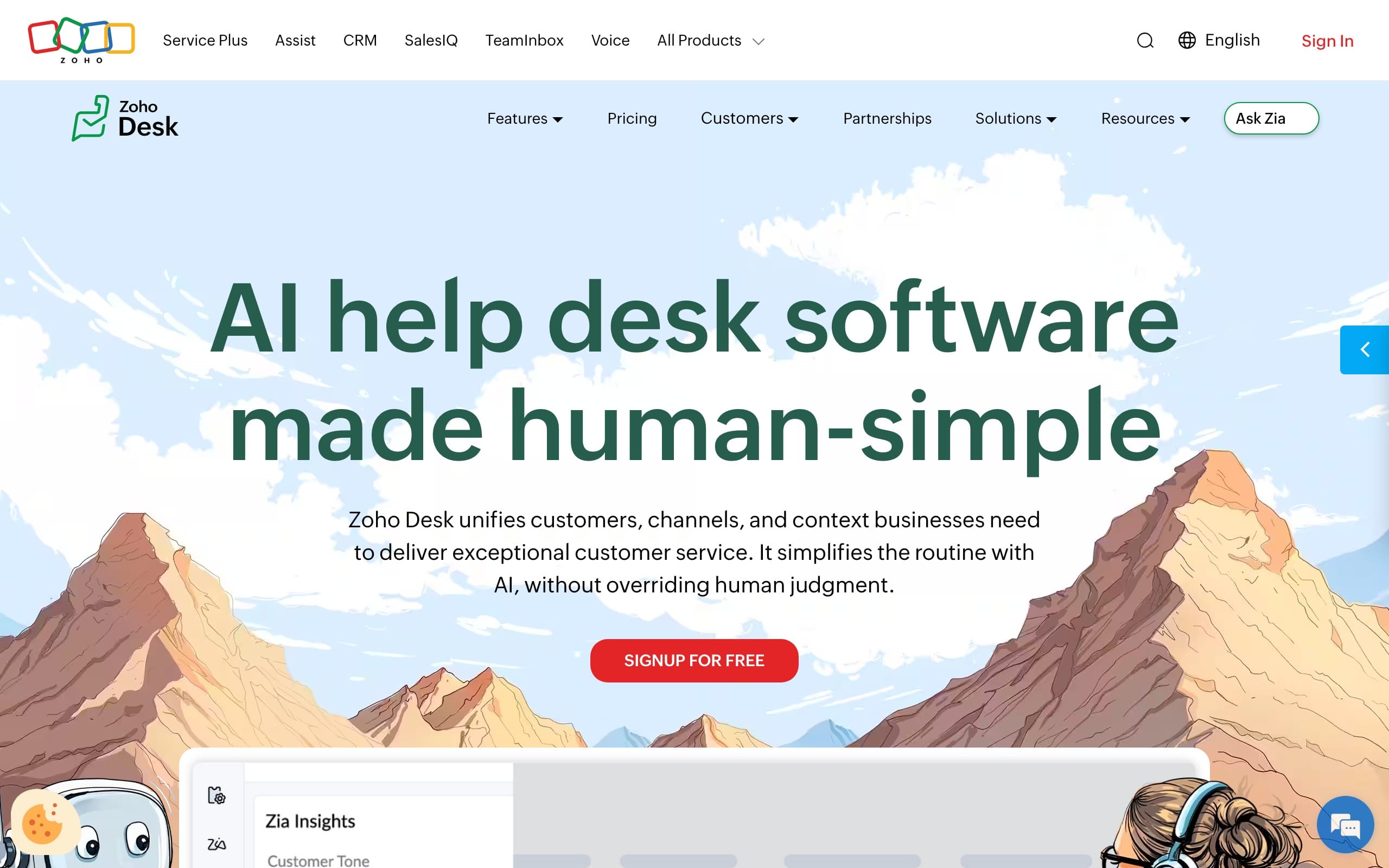 Best for: Cost-conscious support teams, and anyone already using Zoho’s other apps.
Zoho Desk delivers a surprising amount of help desk software capability for the money, with omnichannel support, workflow automation, SLAs, and the Zia AI agent built in. It’s especially compelling if you already run Zoho CRM, because the CRM integration is native and deep — customer data, customer history, and deal context flow between the two products without any manual setup.
For teams where customer satisfaction scores matter but budget is tight, Zoho Desk’s free plan for up to three agents is a genuine starting point — not a crippled teaser. Paid tiers add advanced reporting, ticket routing, and more sophisticated workflow automation at price points that remain competitive even against much larger rivals, especially if you don’t yet need a fully AI-powered help desk platform that turns support into revenue.
Key features
Multichannel ticket management with workflow automation and SLAs
Zia AI agent for sentiment analysis, reply suggestions, and automatic ticket routing
Deep CRM integration with Zoho CRM and the wider Zoho suite
Self-service portal and knowledge base to handle incoming customer inquiries before they reach agents
Advanced reporting across agent performance, customer satisfaction, and support operations
Pros
A real free tier, and excellent integration with the Zoho ecosystem. Intuitive interface keeps agent productivity high even during onboarding. Collaboration tools, internal notes, and team collaboration features are all included at lower price points than most rivals.
Cons
The interface and AI aren’t as polished as premium rivals, and the best value really shows up only if you’re invested in Zoho’s other products. Advanced features like the full self-service portal and deeper automation features require higher-tier plans.
Pricing
Free for up to 3 agents; Express $7, Standard $14, Professional $23, Enterprise $40 per agent/month (annual).
7. Gorgias
 Best for: Support teams that want unlimited agents and order data available directly inside the help desk.
Gorgias is built around order-data workflows. Support agents can see and act on order data — refunds, cancellations, subscription changes — without leaving the help desk, and integrations with CRM and other tools allow access to customer data and order history in a single view. Its ticket-based pricing means you can add unlimited support agents without seat costs scaling linearly.
Gorgias also includes outcome tracking, so support teams can connect customer conversations to business results and make the case for investment in support.
Key features
Integrations with Shopify, BigCommerce, and Magento, with native actions for order management
Shared inbox across email, live chat, social, SMS, and voice in one customer service platform
Outcome tracking to tie support operations to broader business results
AI agent automation as an add-on for handling repetitive customer inquiries
Unlimited customer support agents — cost scales with ticket volume, not headcount
Pros
Unlimited support agents on ticket-based pricing, and the ability to take order actions directly inside customer conversations eliminates tab-switching and speeds up resolution.
Cons
Ticket-based billing gets unpredictable during seasonal spikes, and overages add up. AI-resolved conversations are billed both as a ticket and an automation fee.
Pricing
Ticket-based and seat-unlimited: Starter $10/mo (50 tickets), Basic ~$50–60/mo (300 tickets), Pro $360/mo (2,000 tickets), Advanced $900/mo (5,000 tickets), Enterprise custom. AI Agent runs about $0.90–1.00 per automated resolution.
8. HubSpot Service Hub
 Best for: Teams that want support living in the same system as sales and marketing, with a unified customer record.
HubSpot Service Hub’s superpower is HubSpot’s CRM underneath it. Every ticket, customer conversation, and contact shares one timeline — which is uniquely powerful for businesses where sales teams, marketing, and support need shared visibility. HubSpot Service Hub integrates seamlessly with HubSpot CRM and other tools in the ecosystem, including the Breeze customer agent for AI-assisted support.
For teams that track customer interactions across the entire lifecycle, Service Hub eliminates the data silos that plague multi-tool stacks. Customer history, customer feedback, and support tickets are all visible in the same place as deal history and marketing activity, enabling genuinely personalized customer support across every touchpoint.
Key features
Ticket management, shared inbox, and live chat tied directly to HubSpot CRM
Knowledge base, self-service portal, and customer feedback surveys for customer satisfaction measurement
Workflow automation and reporting that span the whole customer lifecycle
Breeze customer agent AI for automated resolution of incoming customer inquiries
A free plan with core features for teams just getting started
Pros
Hard to beat if you already use HubSpot; one source of truth across customer support teams, sales teams, and marketing; strong advanced reporting. The ability to deliver personalized customer support based on full CRM context is a genuine differentiator. Customer feedback surveys are native, making it easy to track customer satisfaction alongside operational metrics.
Cons
Seat-based pricing rises fast at Professional and above. Professional-tier onboarding fees are steep, and the deepest value only materializes if you commit to the broader HubSpot platform. Teams that don’t need CRM integration may find better value elsewhere.
Pricing
Free for up to 2 users; Starter ~$15–20/seat/month; Professional ~$90–100/seat/month (plus a one-time ~$1,500 onboarding fee); Enterprise ~$150/seat/month (with higher onboarding).
9. Front
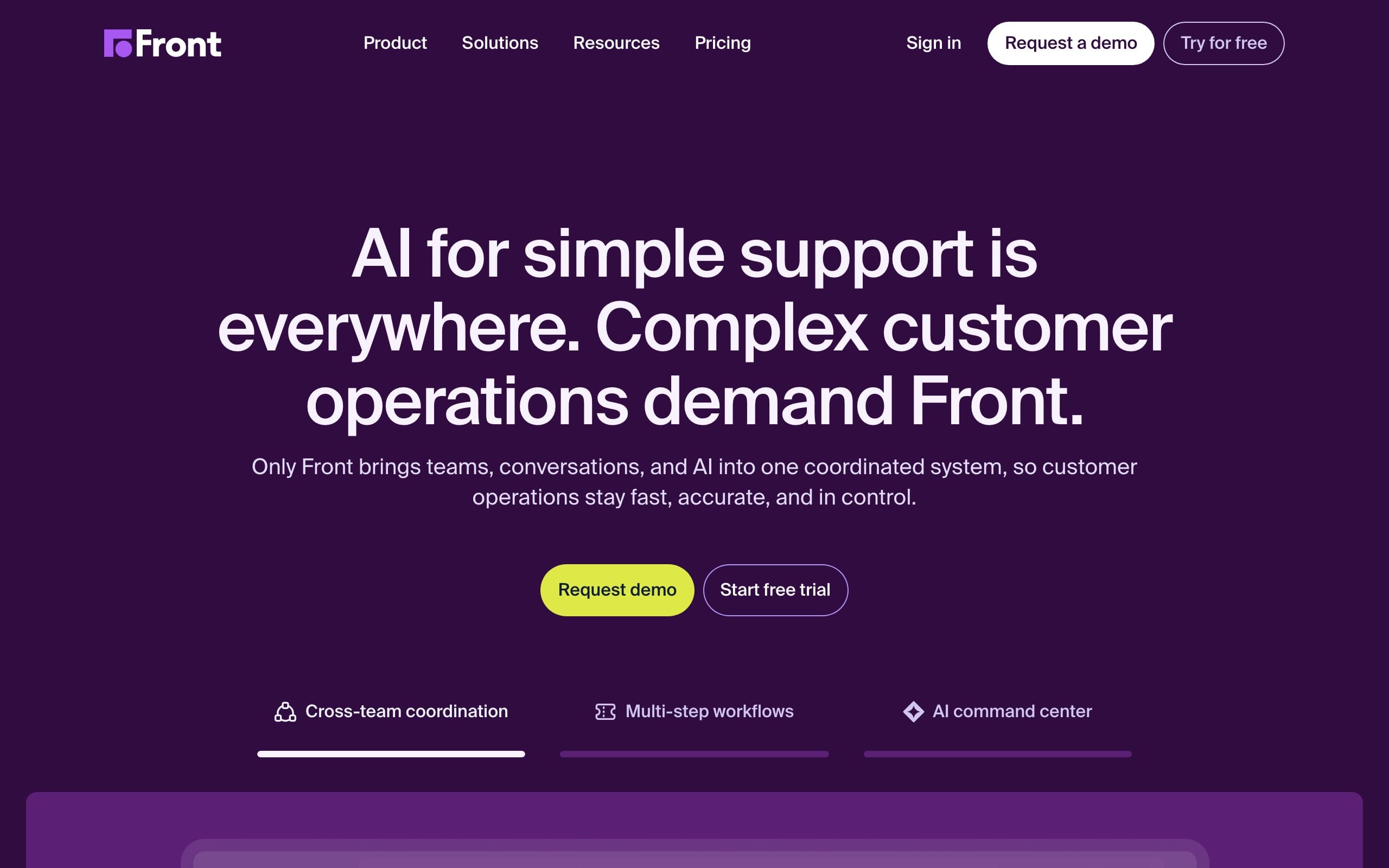 Best for: Teams that manage shared addresses (support@, info@) and want to collaborate on replies without forwarding emails around.
Front looks and feels like email but adds real collaboration: internal notes, assignments, shared drafts, and rules. It blurs the line between an inbox and a help desk, which suits teams that find traditional ticket management too rigid. The result is a customer service tool that feels familiar to any support agent who’s worked in email, while adding the structure that a shared inbox requires.
For support teams that value team collaboration above formal ticketing, Front allows multiple team members can work together on a single reply.
Key features
Shared inboxes across email, SMS, social, and live chat in one customer service platform
Internal notes, @mentions, and shared drafts for team collaboration on customer conversations
Rules-based ticket routing and analytics for tracking agent performance
AI add-ons (Copilot, Autopilot) for assistance and customer service automation
Pros
Familiar, collaborative, and great for personalized support at scale. The intuitive interface means onboarding is fast, and the collaboration tools make it easy for cross-functional teams to contribute to customer communication without disrupting the agent workflow. Solid for support teams that prioritize human customer engagement over automation.
Cons
Per-seat pricing scales quickly, AI features are paid add-ons, the Starter plan is limited to a single channel, and there’s no free plan.
Pricing
Starter $25, Professional $65, Enterprise $105 per seat/month (annual). AI add-ons are billed separately.
10. Tidio
 Best for: Small businesses and online stores that want easy live chat plus an approachable AI agent.
Tidio is a friendly, fast-to-deploy live chat and chatbot platform with its Lyro AI agent built in. It’s popular with small ecommerce stores that want to be responsive to incoming customer inquiries without building a large support operation. For teams that are just beginning to automate customer interactions, Tidio’s visual chatbot flow builder makes it accessible to non-technical team members.
Among customer service tools at this price point, Tidio’s combination of live chat, AI agent, and ecommerce integrations is hard to beat. Agents handle real-time conversations while Lyro takes the routine ones in parallel — useful capacity multiplier for small teams.
Key features
Live chat with a customizable widget for real-time customer conversations
Lyro AI agent for automated resolution of incoming customer inquiries
Visual chatbot flow builder for no-code customer service automation
Ecommerce integrations including Shopify for order-related customer inquiries
Basic ticket management and collaboration tools for small customer support teams
Pros
Simple setup, a usable free plan, and AI that’s accessible to non-technical teams. The intuitive interface keeps onboarding fast, and customer support agents are typically up and running with live chat within hours. Strong for SMBs that want to enhance customer experience without heavy IT involvement.
Cons
Multiple separate quotas — conversations, Lyro AI, chatbot flows — make billing confusing. There’s a large pricing gap between mid-tier and the top plan, and seat limits constrain bigger support teams. Advanced reporting and deeper automation features require higher tiers.
Pricing
Free for up to 50 conversations/month; Starter $29/mo; Growth $59/mo; Plus from $749/mo. The Lyro AI agent is a paid add-on on lower tiers.
11. Gladly
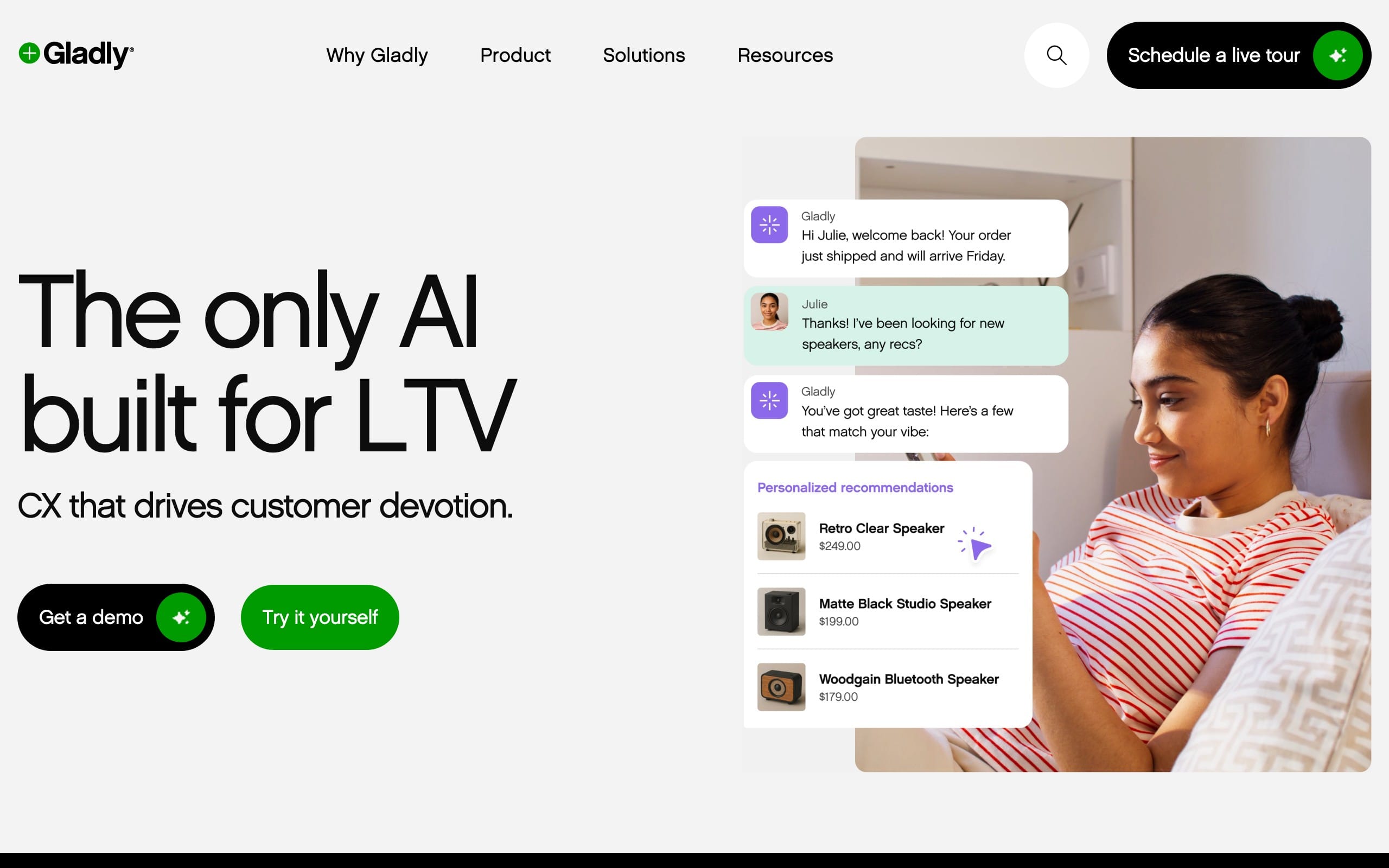 Best for: B2C brands with high-touch, relationship-driven support — particularly voice-heavy customer support teams in retail, travel, and hospitality.
Instead of a queue of cases, Gladly's customer support agents see a single, continuous conversation per customer across every channel. That model is quite unique: every customer interaction, past and present, is visible in a single timeline.
Gladly’s approach to customer service tools represents a different philosophy: support organized around the person, not around cases. This isn't just a UX preference: when agents see full cross-channel history in one timeline, response quality usually follows.
Key features
Customer-centered timeline instead of traditional ticket management
Native voice, plus live chat, email, SMS, and social all unified in one customer conversation thread
Sidekick AI agent for self-service and agent assistance with customer inquiries
Built-in collaboration tools and internal notes for customer support teams
Strong fit for consumer brands focused on personalized support and customer retention
Pros
Strong fit for repeat, relationship-based support. Channels unify around the person rather than the case, so agents keep context across every touchpoint. For brands where customer engagement and loyalty are the business model, Gladly’s approach is hard to replicate elsewhere.
Cons
Premium, quote-based pricing with seat minimums and annual contracts. Voice and SMS billed on top. Overkill for low-volume or purely transactional customer support operations.
Pricing
Custom and quote-based, reported at roughly $150–210 per agent/month (annual, with a seat minimum), plus usage-based charges for voice, SMS, and AI.
12. Salesforce Service Cloud
 Best for: Large organizations that need deep customization, complex processes, and tight integration with Salesforce CRM data.
Salesforce Service Cloud is the support arm of the Salesforce platform. Few tools match its configurability, breadth of advanced features, and ability to model intricate enterprise workflows. Salesforce Service Cloud integrates deeply with other Salesforce products — Sales Cloud, Marketing Cloud, Commerce Cloud — giving large organizations a unified view of customer data across every department.
For enterprise support teams that need to manage thousands of customer interactions per day across multiple communication channels, Service Cloud’s combination of omnichannel support, workflow automation, and Agentforce AI provides a enterprise-grade foundation. The vast ecosystem of apps and partner integrations means there’s almost no support workflow it can’t accommodate.
Key features
Case management, omnichannel routing, and a full service console for customer support agents
Knowledge base, self-service portal, and community forums for customer self-service
Agentforce and Einstein AI for automated resolution and agent assistance with customer inquiries
Vast ecosystem of apps and customization for bespoke support operations
Deep CRM integration with Salesforce CRM for unified customer data across sales teams and service
Pros
Practically unlimited customization, enterprise-grade scale, and a single platform if you already run Salesforce. You get a self-service portal, knowledge base, community forums, and AI agent. Advanced reporting capabilities for tracking agent performance and customer satisfaction.
Cons
Expensive, with add-ons (Digital Engagement, Voice, AI) that can double the effective per-seat cost. Implementation usually requires specialist help, and the learning curve for customer support agents is steeper than most other customer service tools. Far more than smaller support teams need.
Pricing
Starter $25, Pro $100, Enterprise $165, Unlimited $330, and Agentforce/Einstein-tier from $500 per user/month (annual). Add-ons and implementation are priced separately.
How to choose the right customer service software
Start with your support team size and where your customers actually reach you. A two-person team handling a shared Gmail account has very different needs from a 50-agent contact center. Map your real customer communication channels first — is most of your volume live chat, email, phone, or social? — and rule out any service software that doesn’t cover them well.
Consider your volume and growth trajectory
Budget and pricing model matter enormously. Per-agent pricing is predictable but scales with headcount; ticket- or resolution-based pricing rewards small support teams but spikes with volume. Project your busiest month, not your quietest. If you’re growing rapidly, also think about whether the customer service platform you choose can scale without forcing a painful migration in 18 months.
Evaluate AI readiness carefully
Decide whether you want an AI agent deflecting customer inquiries now or later. If now, look closely at how it’s priced — per resolution, per seat, or bundled — because that line item often becomes the biggest one. AI can reduce average resolution time significantly and enable 24/7 support for customer inquiries, but the ROI depends heavily on whether your knowledge base is solid enough to train on. Customer service automation can reduce ticket volume by up to 80% and enhance customer satisfaction scores by 20% — but only if the underlying content is there.
Match integrations to your existing stack
Your help desk software should connect to your ecommerce platform, CRM, and the apps your customer support teams live in. Integrations with CRM and e-commerce tools allow access to customer data and order history in a unified view, eliminating the context-switching that slows support agents down. A missing integration can quietly cost hours every week.
Don’t underestimate ease of use
A customer service tool your customer support agents resent won’t get used well. Trial it with the people who’ll actually work in it. Look for an intuitive interface that new customer service agents can learn quickly, and check whether collaboration tools like internal notes, shared inbox features, and team collaboration functionality are easy to access or buried in menus.
Think about self service from day one
Self service options allow customers to find answers independently, reducing incoming customer inquiries before they ever reach an agent. Knowledge base software enables customers to access FAQs and support content 24/7, and a well-built self service portal can dramatically reduce repetitive customer inquiries. A self service knowledge base also improves customer experience by giving customers instant answers at any hour. Over 70% of businesses use help desk software with self service capabilities to improve customer satisfaction — yet many teams treat the knowledge base as an afterthought. It shouldn’t be. Zoho Desk, for example, includes a solid self service portal even at its entry paid tier, making it a strong model for what self service in affordable customer service software can look like.
The honest shortcut: trial two or three tools on your real customer conversations for a couple of weeks. Pricing pages can’t tell you how a customer service tool feels at 4 p.m. on your busiest day.
Key features to look for in customer service software
Whatever you choose, the strongest customer service software tends to share the same core capabilities. Understanding what to look for helps you evaluate any platform quickly and avoid buying something that looks complete until you actually need it.
Ticket management and shared inbox
Solid ticket management or a shared inbox is the foundation. You need a single place to capture every customer inquiry, assign it to the right agent, and track it to resolution. Look for collision detection (to prevent two support agents from replying simultaneously), internal notes for team collaboration, and clear ticket routing rules that send incoming customer inquiries to the right person automatically.
Live chat for real-time conversations
Live chat software enables real-time customer communication on your website or in your app. For most businesses, live chat is the fastest way to increase customer satisfaction because it eliminates the wait. Look for customizable widgets, canned responses, and proactive chat triggers that let support agents reach out to customers showing signs of confusion or intent to leave.
Workflow automation and AI agents
Customer service automation handles repetitive tasks that don’t need a human — password resets, order status checks, FAQ responses — and routes everything else intelligently. AI agents can provide 24/7 support for customer inquiries, and AI-powered tools can analyze customer sentiment in real-time to prioritize the most urgent cases. AI can automate ticket routing based on customer intent, and it can enhance agent productivity by up to 60% when properly configured.
Knowledge base and self service
A knowledge base gives customers the ability to help themselves, which reduces incoming customer inquiries and improves customer satisfaction simultaneously. AI-powered knowledge bases can suggest relevant articles to users during live chat conversations, and effective knowledge base software integrates with other customer service tools to surface content in context. Self service portals reduce repetitive customer inquiries significantly — for many teams, this is where the ROI on customer service software is highest. The best customer service software treats self service as a core feature, not a bolt-on.
Advanced reporting and analytics
You can’t improve what you don’t measure. Advanced reporting lets managers track agent performance, monitor customer satisfaction scores, identify bottlenecks in support operations, and spot trends in customer feedback. Look for dashboards that surface the metrics that matter to your team — resolution times, first-contact resolution rates, CSAT scores — without requiring a data analyst to interpret.
CRM integration and customer data
CRM integration ties your help desk software to your broader customer record, giving support agents full context on existing customers before they type a single word. When you track customer interactions across sales, marketing, and service in one place, you enable personalized support and make customer communication more effective.
Collaboration tools for support teams
Built-in collaboration tools matter more than most teams realize until they’re missing them. Internal notes, @mentions, shared drafts, and cross-functional team access to tickets let support operations run smoothly without constant back-channel communication on Slack or email. Look for customer service software that treats team collaboration as a first-class feature, not a checkbox.
Frequently asked questions
What is the best software for customer service?
The best customer service software depends on your team size, channel mix, and budget. For most teams that want live chat, ticket management, AI automation, and a knowledge base in one place, Text is the best overall pick — an AI-first platform that handles all of it as a single product. For enterprise teams, Zendesk and Salesforce Service Cloud lead. For tight budgets, Freshdesk and Zoho Desk offer exceptional value. The best customer service software for your team is ultimately the one that matches how your customers reach you and how your support agents work.
What is the 10/5/3 rule in customer service?
The 10/5/3 rule is an internal response-time benchmark used by some support teams: acknowledge within 10 minutes, provide a substantive update within 5 hours, and resolve within 3 business days. The specific numbers vary by company and channel, but the underlying principle — that each customer inquiry should have clear expected timelines — is universally sound. Good customer service software enforces these standards through SLA settings and automated escalation when response windows are approaching.
What is the best CRM for small business?
For small businesses, HubSpot CRM is the most popular choice because of its generous free tier and strong integration with HubSpot Service Hub for customer support. Zoho CRM is the strongest budget alternative, especially inside the broader Zoho ecosystem. Freshdesk integrates natively with Freshsales for teams that want CRM and help desk software in one vendor relationship. The best CRM for small business is the one that connects easily to your existing customer service tools and doesn’t require a dedicated admin to maintain.
Which CRM is best for beginners?
HubSpot CRM is consistently the top recommendation for beginners. It’s free to start, has an intuitive interface that requires minimal training, and connects directly to HubSpot Service Hub for customer support. Zoho CRM is a close second for beginners on a budget. Both platforms offer guided onboarding and strong documentation. Salesforce, despite being the most powerful CRM, has a steeper learning curve and higher implementation costs that make it a poor fit for beginners without dedicated resources.
Do you really need a CRM in 2026?
Yes — for most growing businesses. Without a CRM, customer data lives in scattered spreadsheets, inboxes, and individual reps’ memories. That leads to duplicate outreach, lost context, and poor customer experience. In 2026, the question isn’t whether to use a CRM but which one, because the tools have become more accessible and affordable than ever. If you have more than a handful of customers and any sales or support function, a CRM that integrates with your customer service software is worth the investment.
What are the CRM trends for 2026?
The dominant CRM trends in 2026 center on AI and automation. AI agents that autonomously handle customer interactions, AI-powered tools that analyze customer sentiment in real-time, and predictive analytics that surface at-risk customers before they churn are all becoming standard features rather than premium add-ons. Deep integration between CRM and customer service software — so customer data flows seamlessly between sales teams and support teams — is another major trend. Vendors are also investing in personalized customer support features that use historical customer data to tailor every interaction automatically.
What is the customer service strategy in 2026?
The dominant customer service strategy in 2026 combines AI-first deflection with high-touch human escalation. AI agents handle routine customer inquiries 24/7, freeing customer support agents for complex cases where human judgment and personalized support genuinely matter. Proactive engagement — reaching out to customers based on behavioral signals before they submit a ticket — is increasingly standard, because proactive support reduces ticket volume by addressing issues early. Omnichannel support ensures consistent customer experience regardless of which communication channels a customer chooses, and knowledge base software powers self-service that reduces incoming customer inquiries at scale.
What’s the difference between CCM and CRM?
CCM (Customer Communication Management) refers to tools and strategies focused on outbound communication: generating and delivering personalized customer communications like invoices, statements, contracts, and marketing materials across multiple channels. CRM (Customer Relationship Management) is a broader category focused on tracking the full customer relationship — contacts, deals, customer history, and customer interactions — to inform sales and service decisions. CRM includes inbound customer conversations and tracks customer data over time, while CCM is primarily about managing outbound customer communication at scale. Most businesses need both, though they typically use separate specialized tools for each.
What is the most popular CRM software?
Salesforce is the most widely used CRM by market share, followed by HubSpot and Microsoft Dynamics 365. By volume of small and mid-sized business users, HubSpot may be the most popular CRM globally. The popularity varies significantly by segment: HubSpot dominates SMBs, while Salesforce Service Cloud and its related products lead at enterprise scale.
What software do most call centers use?
Most modern call centers run a cloud contact-center or omnichannel platform that combines voice with chat, email, and social. Common customer service software choices include Zendesk, Salesforce Service Cloud, and specialist voice platforms like Five9 or Genesys for voice-heavy support operations, while consumer brands often favor people-centered customer service tools like Gladly. The right pick depends on call volume, channel mix, and whether you need workforce management built in. Key features for call centers include intelligent ticket routing, real-time agent performance dashboards, and integration with CRM for unified customer data.
What is the best CRM for customer service?
For customer service specifically, the best CRM depends on what you mean by “CRM.” If you want a tool that combines CRM and help desk software in one place, HubSpot Service Hub is the strongest integrated option. If you need deep customization and enterprise-grade scale, Salesforce Service Cloud leads the field. If budget is the primary concern, Zoho Desk with Zoho CRM integration offers exceptional value. The best CRM for customer service is whichever one gives your support agents the cleanest view of customer history and customer data without requiring them to switch between multiple tools.
Is Zendesk better than Salesforce?
Neither is universally better — they target different needs. Zendesk is faster to deploy and more support-focused, making it a strong choice for teams that want robust omnichannel support without heavy configuration. Salesforce Service Cloud offers deeper customization and tighter CRM integration, which suits large enterprises already on the Salesforce platform. For most mid-sized support teams, Zendesk is simpler and faster to value; for complex, sales-integrated customer support operations, Salesforce wins on customization and customer data depth.
The bottom line
The best customer service software is the one that matches how your support team actually works. Good customer service tools don’t just reduce resolution times — they shape the entire customer experience, from the first customer inquiry to the final resolution. When you invest in the best customer service software for your specific use case, you’re investing in customer experience at scale. The right platform gives your customer support agents the context, automation features, and collaboration tools they need to deliver exceptional customer service consistently, whether they’re handling 50 tickets a day or 50,000 customer interactions a week.
To recap our top picks by use case:
Best overall / AI-first all-in-one platform: Text
Best for scaling enterprises: Zendesk
Best value for growing SMBs: Freshdesk
Best AI-first support: Intercom
Best for small teams: Help Scout
Best budget pick: Zoho Desk
Best for unlimited-agent support teams: Gorgias
Best for CRM-integrated support: HubSpot Service Hub
Best collaborative inbox: Front
Best for SMB chat + bots: Tidio
Best people-centered / voice: Gladly
Best for large enterprise: Salesforce Service Cloud
If you want one platform that handles real-time chat, tickets, AI deflection, and self-service without stitching separate tools together, the fastest way to feel the difference is to start a free trial of Text. Whatever new customer service software you choose, trial it on your real conversations first — that’s where the right customer service tool reveals itself.