
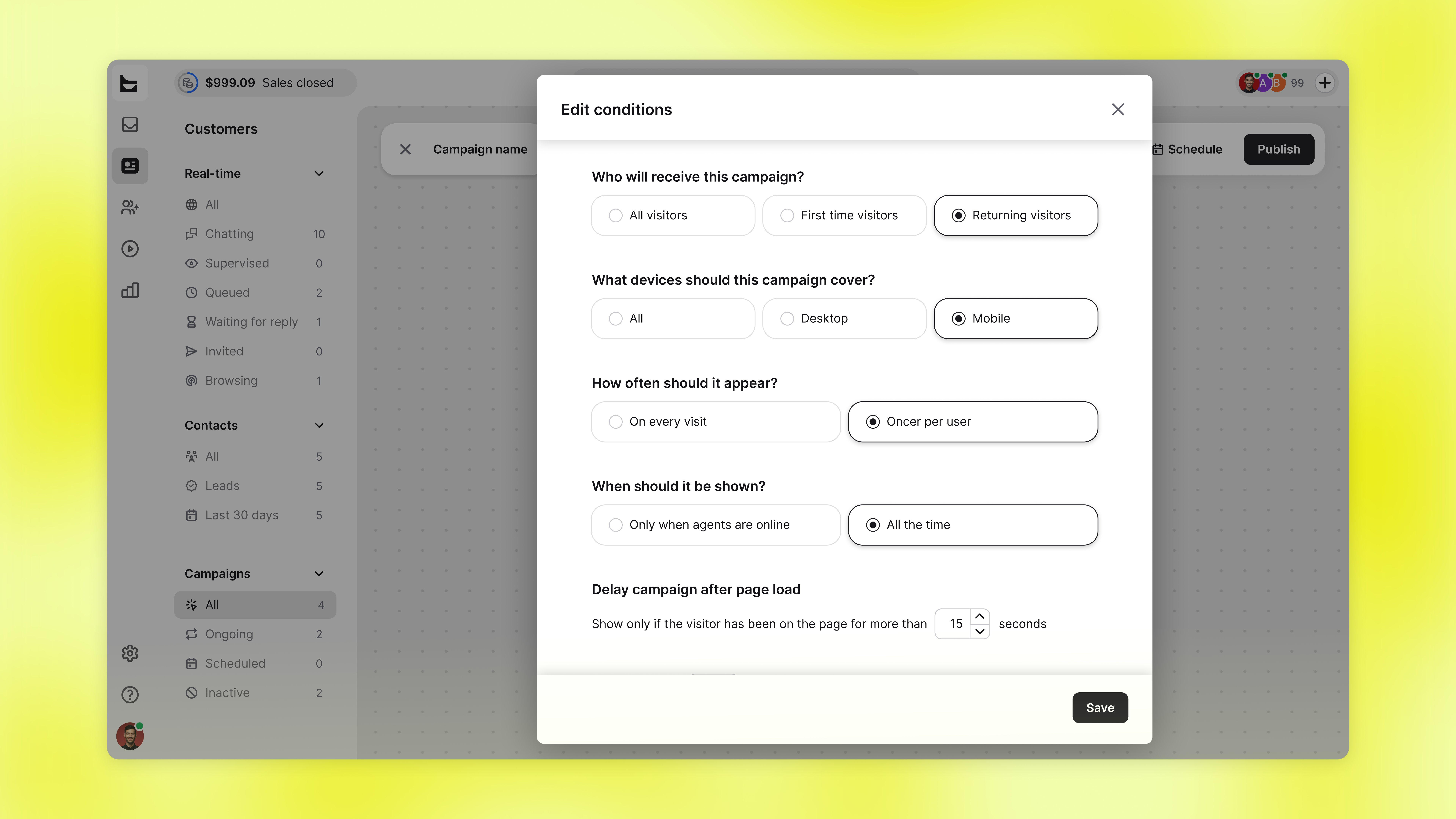
Now you can target campaigns by device. Choose if you like to use it on mobile, desktop, or both.
 Proactive messages that start the conversation
Campaigns are automated messages, from a pop-up to a chat greeting, that reach visitors at a moment you choose. Instead of waiting for someone to start a chat, the campaign opens it based on conditions you set.
Pick the screens each campaign runs on
Set any campaign to show on:
Desktop only
Mobile only
All devices
A desktop-sized pop-up takes over a phone screen, and that's often the difference between a visitor who starts a chat and one who closes the tab. Run a lighter version on mobile, keep the full one on desktop, and the same campaign stops costing you the traffic it was meant to convert.
Available now
Open a campaign under Customers → Campaigns, then use Add or edit conditions to set device targeting. Live now for every account.