
Tomasz Ziętek
Content Creator
Experienced content and SEO specialist working with SaaS businesses since 2016. After hours, he's cycling, cooking, traveling, or digging through record crates.
Pre-chat forms exist for a reason. A human agent needs context before picking up a chat, and someone has to collect it. So a shopper with a sizing question gets a name field and an email field first. Some of them fill it in. Some close the window.
Your AI Agent doesn't need the form. It answers immediately and asks for an email address only when there's a real reason, like an order to look up or a shipping update to send. The data arrives either way. One version costs you the shoppers who weren't willing to fill anything in.
That's why new accounts start with pre-chat off. Post-chat stays on.
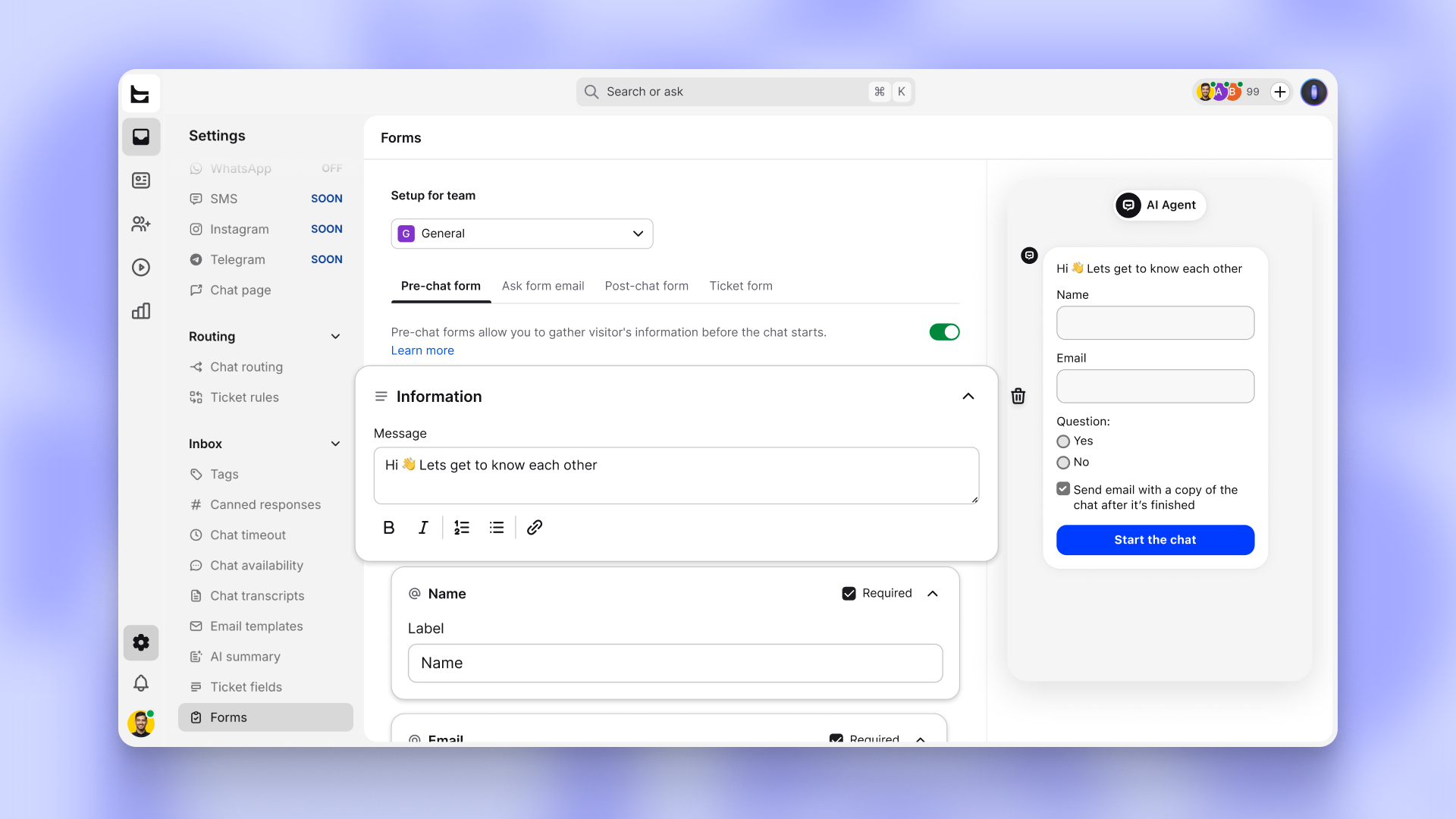
Still there when you want them
Some conversations should start with a form, and you decide which. Both forms now live in one editor. Each question is its own block with its own label, so changing one doesn't mean digging through the rest.
Available now
Settings > Inbox > Forms. Turn pre-chat back on whenever you want it.