October 6, 2026
Answer Instagram direct messages and story replies in your chats
Instagram DMs and story replies now land in the Inbox, where your AI agent and teammates answer them like any other chat.
Connect Instagram to Text, and all your Instagram direct messages and story replies will land in the Inbox, where your AI Agent and teammates can reply to them just like any other chat.
Connect Instagram
Go to Settings > Channels > Instagram and select Connect Instagram. Log in with your Instagram credentials and select Allow.
You don't need a Facebook Page to connect Instagram. To connect another account, select New account. You can connect as many Instagram accounts as you need to one license.
Each connected account also gets its own QR code and chat link.
Handle Instagram messages like any other chat
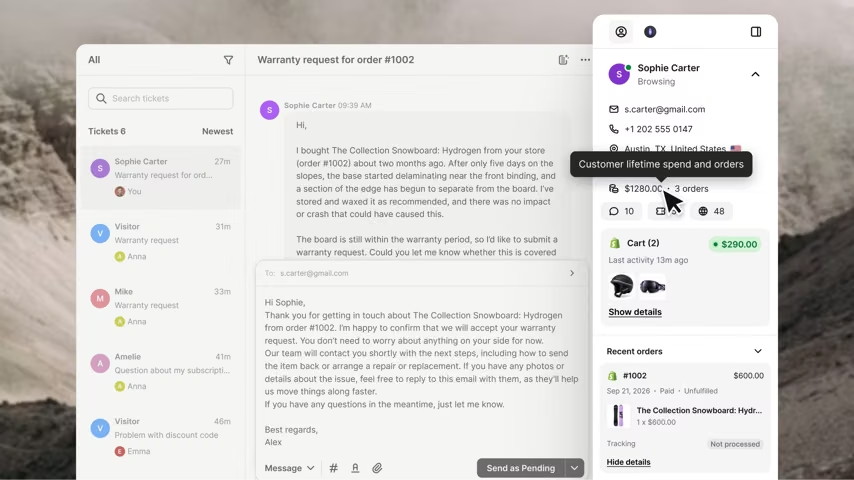
When someone sends you a direct message or replies to your story, their message appears in the Inbox. The Instagram icon lets you know where it came from. Your AI Agent can handle the conversation, and when it needs a human, hand it off to a teammate who can pick it up right from the Inbox.
Available now