Business texting in Text
SMS that sells, run from one inbox
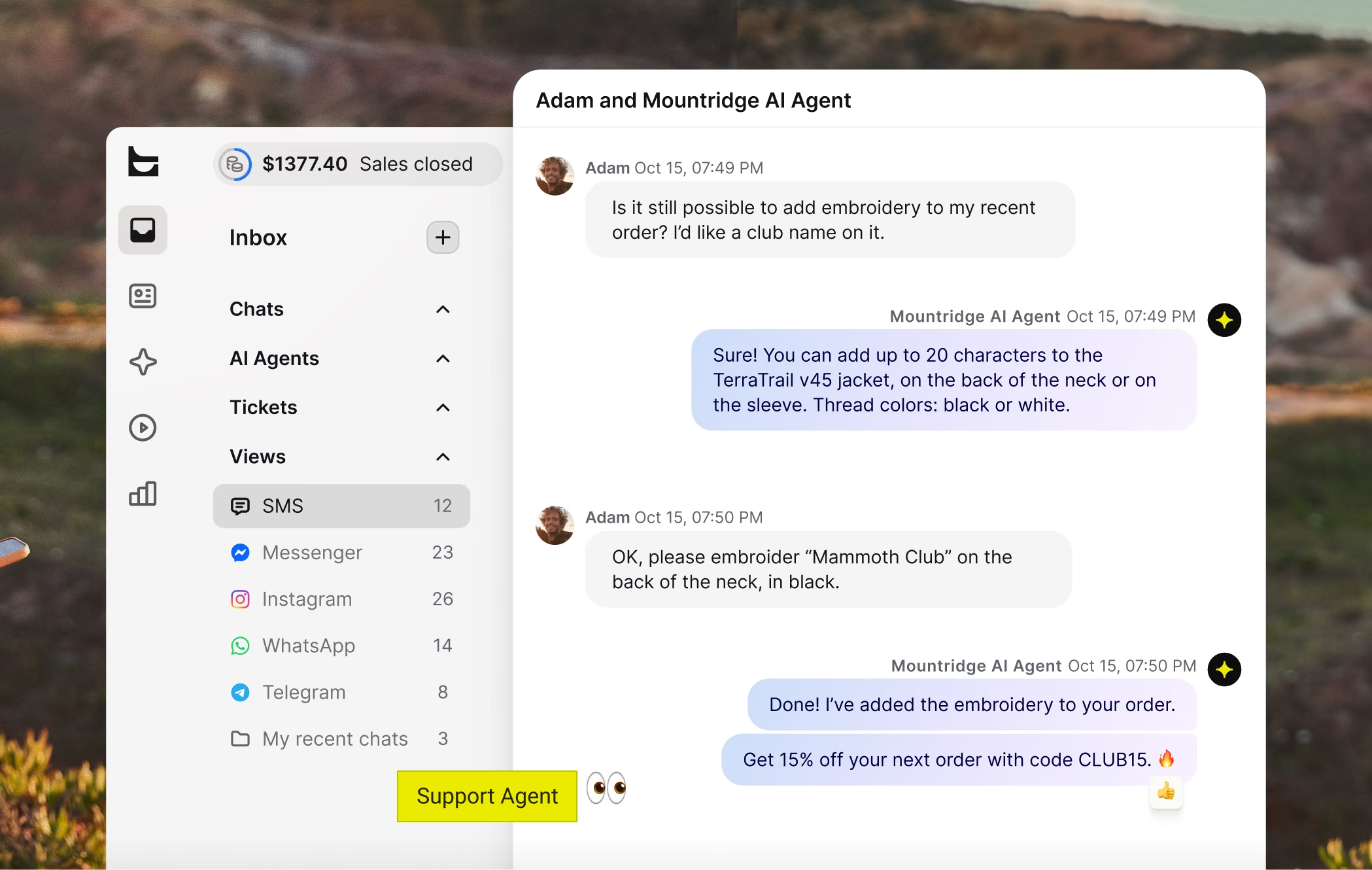
Send offers, order updates and reminders from a business number. AI Agent handles replies and your team can step in anytime, all in one inbox with chats and tickets.
Try Text for free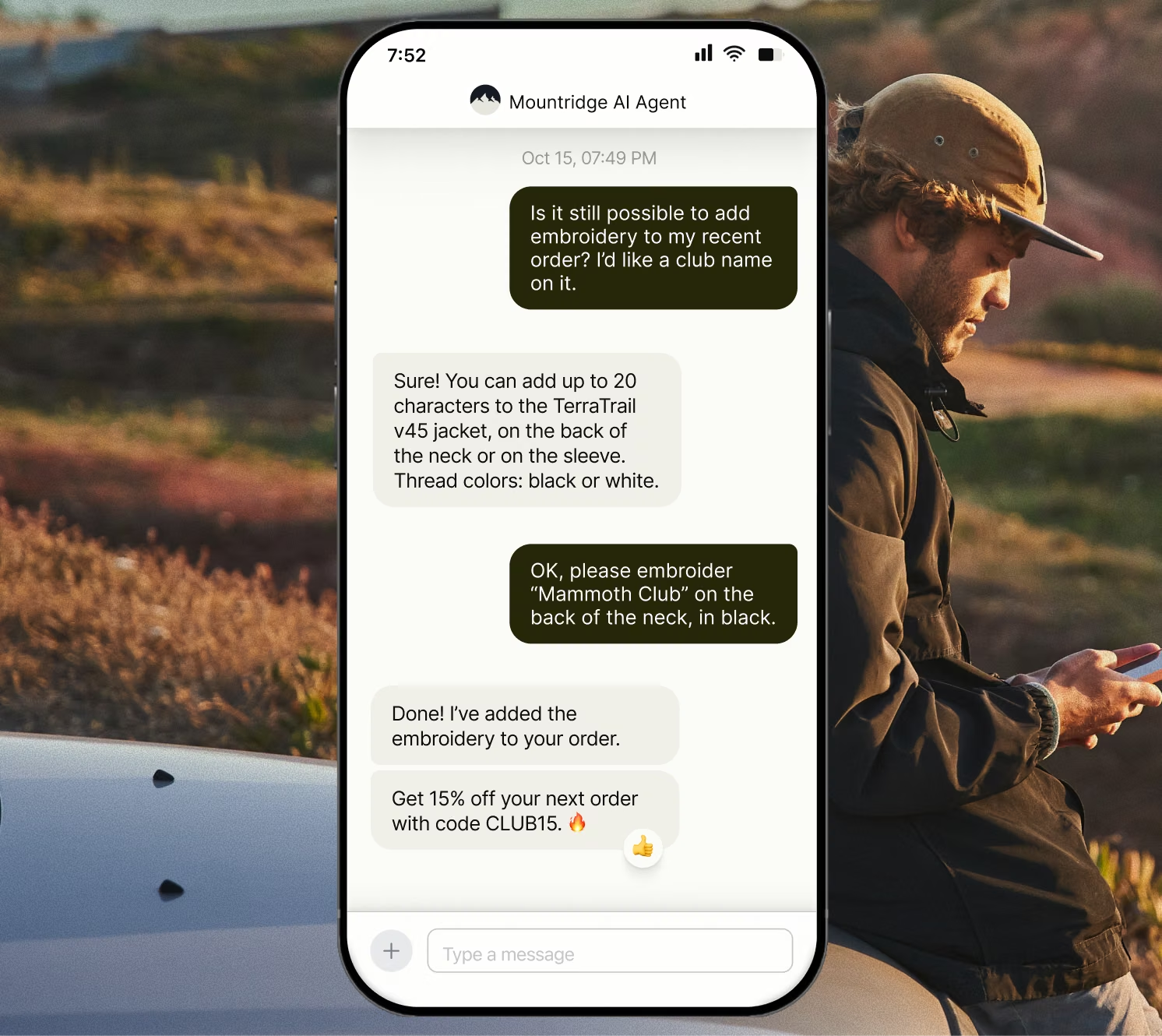
The customer service growth platform powering 30,000+ brands.






Easy setup in Text
Get a new number or transfer the one you have. We handle the rest, so you never need a separate SMS provider.
- Add local and toll-free numbers
- Bring your current numbers
- Leave registration to us
Clear pricing
See what you’ll pay for each phone number and message, and plan your budget before you hit send.
- SMS is billed with your Text plan
- Activation + monthly fee per number
- Pay-as-you-go SMS credits
Built-in consent and security
Customers choose what they receive, and conversations stored in Text stay protected by audited security.
- Let customers opt in and out by text
- See consent history in one place
- GDPR
- SOC 2
- CCPA
From offers to support questions, all by Text
SMS for proactive messages
Turn a customer’s next move into a sale
Send timely offers based on what a customer just did, straight to their phone.

Keep customers in the loop
Confirm bookings and send reminders customers can reply to. They’ll always know what’s next.

SMS for customer support
Make support just a text away
Give customers direct support on the channel that’s always within reach. Reply from one inbox with their profile and conversation history at hand.

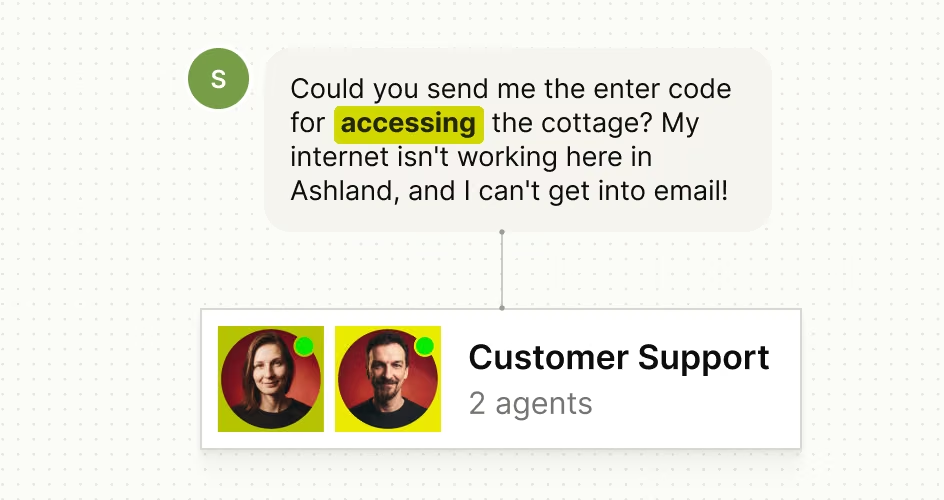
Route texts to the right team
Set routing rules for each number, so support cases reach your support team and sales questions go straight to sales.
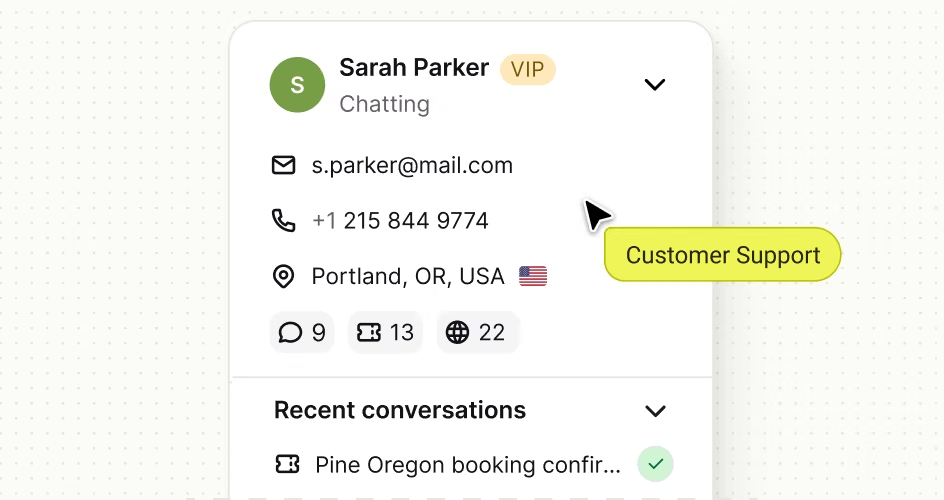
See who you’re talking to
Each message is tied to the customer profile, where agents see past chats and tickets before they reply.
Text for mass SMS campaigns
Engage customers over SMS, at scale
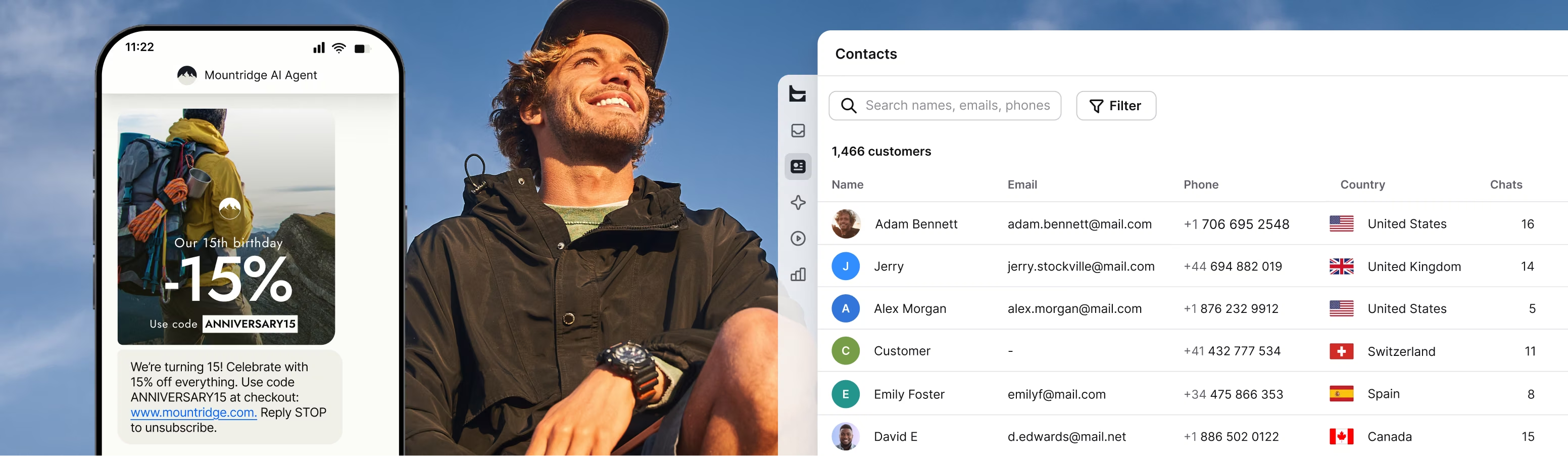
Send SMS campaigns to subscribers during seasonal sales to drive orders or win back inactive customers.
AI Automation
Take repetitive work off your team’s plate
AI Agent answers customer questions and automations handle the tasks that follow, so your team focuses on cases that need a human.




SMS is the one channel every customer already has, and over 90% of texts get opened within minutes. No other channel reaches your customers like that.
Start with Texting
Pick your numbers and leave the carrier paperwork to us.Every text then lands in the same inbox as your other channels.
FAQ
How does SMS work in Text?
SMS in Text is business texting inside a customer service platform, so texts and your other channels sit in one place. You get a phone number customers can text, and every message lands in a shared SMS inbox. Two-way SMS means customers can reply to anything you send, and your team answers from the same place. Each text is tied to the customer profile, so agents see past conversations before they reply.What do I need to start using SMS in Text?
You need a Text account with a payment method on file. You don’t need a separate SMS provider, because you buy and manage numbers directly in Text. Pick your numbers, share the details carriers ask for, and we take care of the registration. Once your number is active, texts show up in the inbox with no extra setup on your side.What is an AI SMS agent, and what does it learn from?
An AI SMS agent is AI that reads and answers customer text messages on its own. In Text, AI Agent replies to incoming texts and to messages from your other channels, day and night. The SMS AI agent learns only from the sources you add, like your website or policies, and follows the instructions you give it. You can watch its conversations live and step in whenever a customer needs a person.Can I offer SMS customer service and live chat together?
Yes. Texts and live chats arrive in the same inbox, so one team handles both without switching tools. SMS customer service suits customers who would rather text than call or keep a chat window open. Your team can reply without a time limit, and every conversation keeps the full customer history.Can I keep my current number?
Yes. If you already text customers from another number, contact our support team and we’ll help you move it into Text. You can also add new local or toll-free numbers, as many as your business needs. All of them work from the same inbox.How soon can I start texting?
It depends on the number type. Some number types don’t need carrier registration and are ready right after checkout, while others need registration, which usually takes from a few days to about two weeks. We handle the registration for you, and you can follow its status in your SMS settings. Customers can text you as soon as your number is active.Who can I send messages to?
Customers can always text you first and get a reply. To send proactive messages, such as offers or discount codes, you need the customer’s opt-in. Customers opt in by texting START and can opt out anytime with STOP. Text records every opt-in and opt-out, so your team always knows who it can message.