November 5, 2026
Get more context with Profile cards
See teammate, customer and AI agent details with new hover cards in Inbox, including shortcuts to profiles, reports, and settings.
Just hover over names or avatars in chats and tickets to open their Profile cards.
The right details, right where you need them
Cards show relevant details and shortcuts for everyone involved in the conversation:
Teammates: Check their status and role, copy their email, or open their profile. Admins can also jump to performance reports filtered to that teammate.
AI agents: See their resolution rate and the number of knowledge sources and active skills, with shortcuts to their profile, performance reports, and settings.
Copilot: Check its knowledge source count or select Ask Copilot to open a conversation in the sidebar.
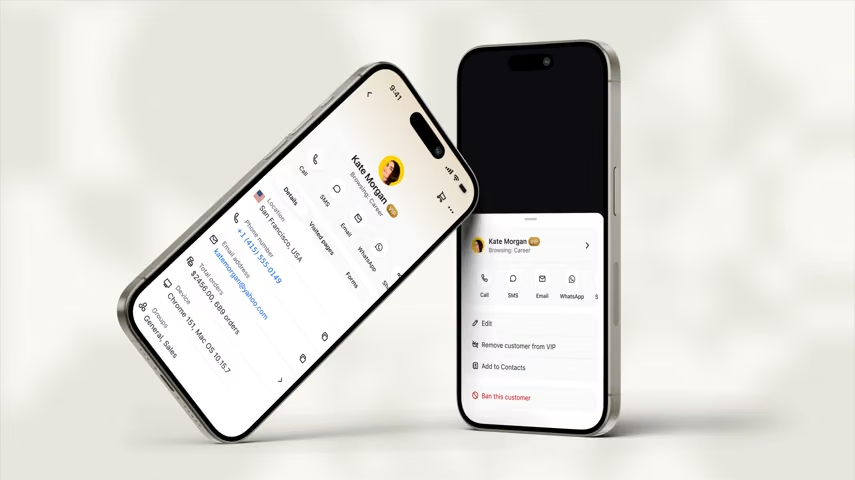
Customers: Their cards now also appear in the conversation feed, just like in your chat and ticket lists.
Available now
Try in Inbox > Chats or Tickets - hover over a name or avatar in the conversation feed.
Related articles
Inbox overview