
Tomasz Ziętek
Content Creator
Experienced content and SEO specialist working with SaaS businesses since 2016. After hours, he's cycling, cooking, traveling, or digging through record crates.
I asked a store one question before I bought anything. I wanted to know if I can change the width of the handlebars in a road bike. Their help desk software gave me a ticket number and closed it two days later with a link to an article that didn't answer it. I never placed the order, and nobody there will ever know why.
That's how most teams shop for help desk software: the cheapest queue that catches tickets, plugged in and forgotten. It's also how support stays a cost center forever. A closed ticket looks like a win in the reporting; mine was a lost order. Every ticket is a customer telling you what they're about to buy, cancel, or upgrade, and this list is about which desk platform reads them that way. We compared the best help desk software on pricing, features, and fit, from a two-person crew to support running across multiple departments.
What is help desk software?
Help desk software centralizes support requests into a single system. Instead of answers scattered across inboxes, chat threads, and sticky notes, every request lands in one place, becomes a trackable ticket, and gets an owner. The good tools go further.
A modern help desk solution converts requests into trackable tickets, then layers automation, reporting, and AI on top. It handles ticket tracking from first contact to resolution, applies ticket routing, and gives managers the analytics to spot what's slow. Help desk software focuses on consolidating support channels such as email, chat, phone, social, so nothing slips.
It's the operating system for customer support: the queue on the surface, with workflows, a knowledge base, SLA timers, and integrations underneath.
Help desk vs. service desk
People use the terms loosely, so let's be precise. A help desk solves individual problems fast — password resets, billing questions, broken features. A service desk is broader: it manages IT services end to end, covering incident management, change management, release management, and a service catalog. Service management frameworks like ITIL sit behind most of these tools.
For many buyers the line blurs, and plenty of desk systems do both. If you mostly answer customer support questions, that's enough. If you run internal IT for internal employees with assets and approvals, you're shopping for service management.
How to choose the right help desk software
Get honest about what you need first: the right help desk solution for a five-person startup is the wrong one for a 500-agent operation.
Channels and ticket management
Start with ticket management. Can it capture support requests from every channel your customers use, then unify them? Pulling email, chat, phone, and social into one queue means agents work a single view instead of five. If your customers live in more than one place, omnichannel support isn't a luxury. It's the baseline.
Automation and AI features
Automation features improve response times and reduce manual work. Look for automation rules that handle ticket assignment, tagging, and escalation on their own. Help desk software can automate repetitive tasks like ticket categorization, and the best desk tools now bake in AI features that draft replies, summarize threads, and triage by intent.
Deflection and the knowledge base
Self-service cuts load and lifts satisfaction. Salesforce's State of Service report, based on 6,500 service professionals worldwide, found 89% saying conversational AI increases self-service resolution rates, and 85% saying it cuts costs. Those are resolutions that never reached a human. The article that closed my ticket would have counted. A strong knowledge base lets customers find answers independently, any hour. Prioritize a self-service portal that's easy to publish to and search.
Reporting and scalability
Good reporting tools help identify bottlenecks and improve support processes. You want SLA tracking, customer support analytics, and a live read on ticket volume. And scalability is crucial for growing teams and changing needs. The desk management setup that fits today should stretch to next year without a migration.
Integrations and pricing
Most help desk software integrates with CRM systems, so your customer data isn't stranded. Check integration capabilities against your existing tools: billing, project management tools, marketing tools, and analytics. Then weigh cost: most vendors offer free trials, some ship a genuine free plan, and paid plans start low but climb with seats and features.
The 10 best help desk software tools
1. Text — help desk built to close, not just resolve
Text is the help desk solution for teams that treat support as a revenue engine. It centralizes customer conversations across chat, email, and social into one Help Desk, then puts AI to work spotting buying signals inside everyday tickets. The AI Agent drafts replies, handles routine tickets around the clock, and hands off to humans with full context.
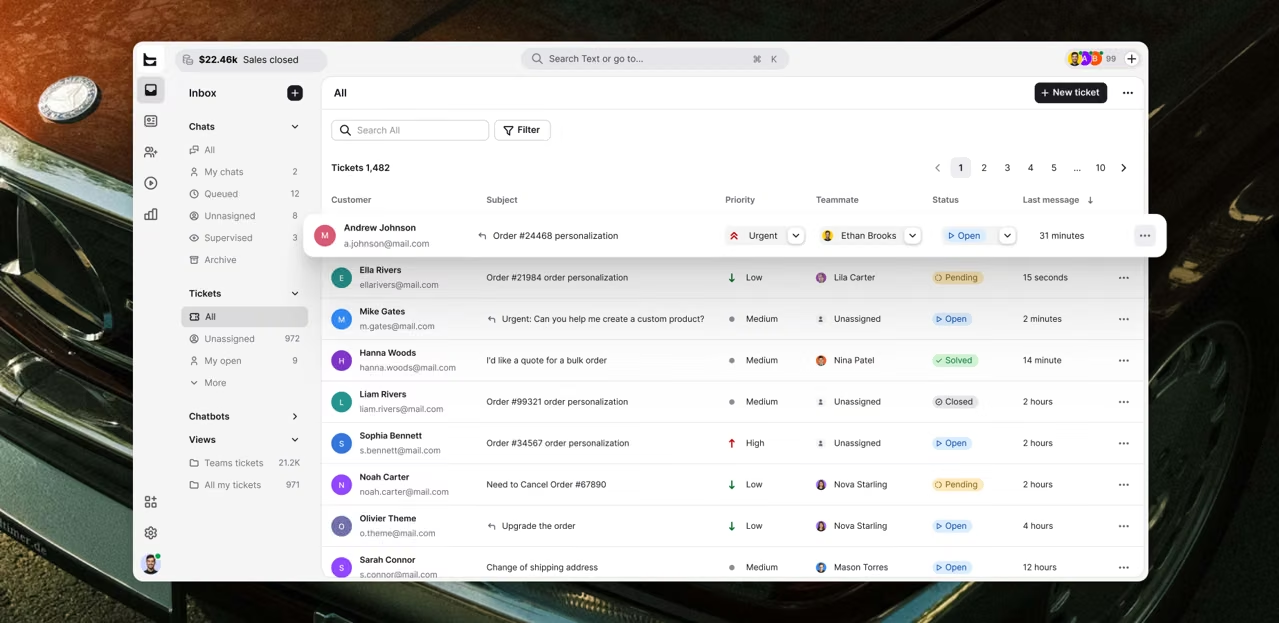 Where most tools stop at ticket tracking, Text keeps going. Omnichannel customer communication connects support with sales outcomes, so the same conversation that fixes a bug can flag an upgrade. Text aims to turn customer conversations into revenue opportunities, and it positions customer service as a growth engine, not a queue to empty.
Best for: support teams that want service to sell.
Standout: buying-signal detection, live chat and inbox in one platform, and a reported 40% boost to team efficiency. Full disclosure, Text is ours, and that 40% is our own number. Measure your own.
Pricing: starts at $19 per user per month, billed annually; 14-day free trial, no credit card required.
2. Freshdesk — scalable help desk for growing support teams
Freshdesk is a help desk platform that scales from a solo inbox to a 500-agent operation without a re-platform. It offers strong ticket management, an intuitive interface, and solid automation features out of the box. Multi-channel support, a self service portal, and a knowledge base come standard, and the AI features have matured fast.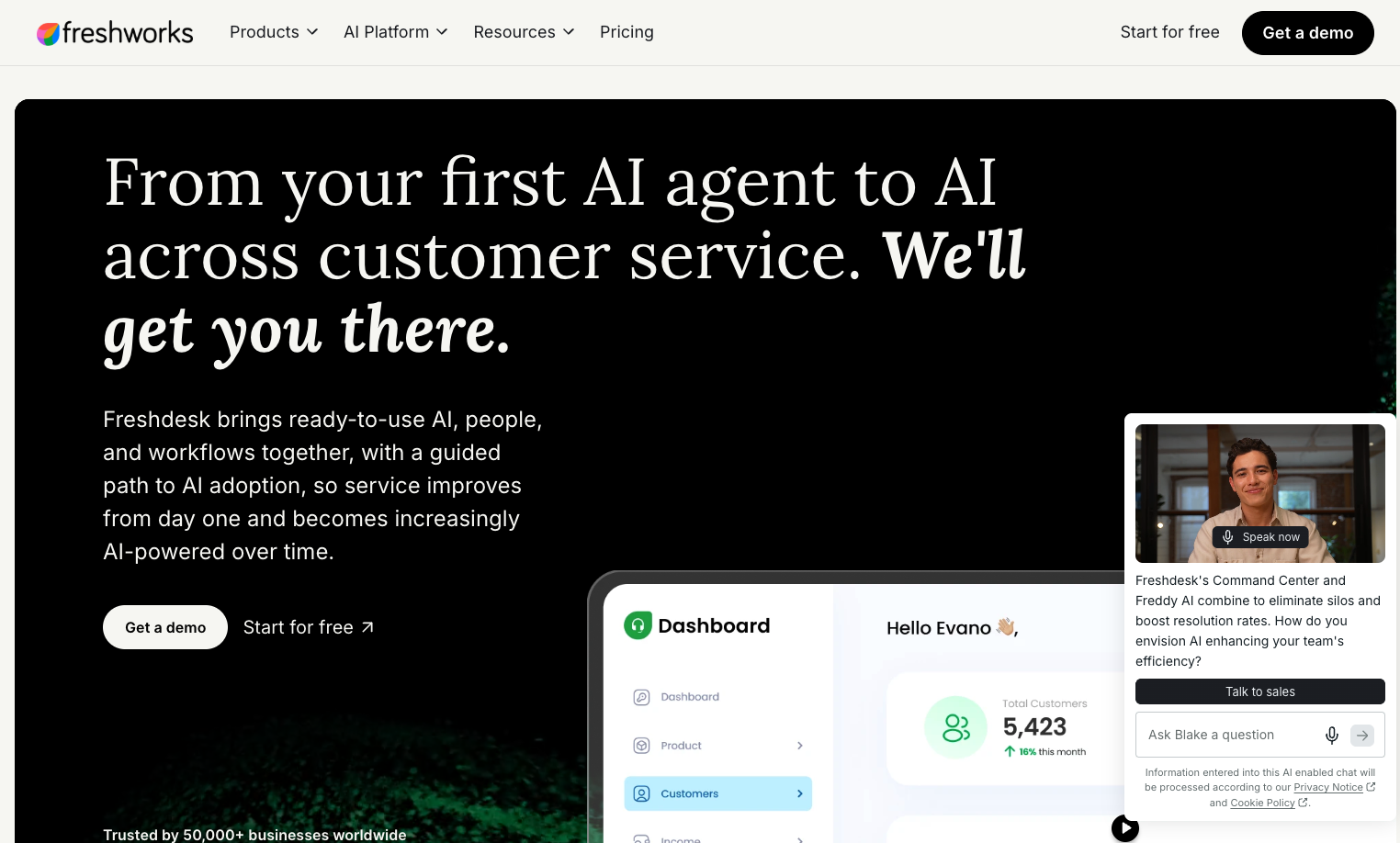 Freshdesk starts at $19 per agent per month, with a free tier for 1-2 agents (limited to six months) and a Growth plan that unlocks more automation.
Best for: growing support teams that want room to scale.
Watch for: advanced ai features and deeper reporting live in higher paid plans.
3. Zendesk — the omnichannel heavyweight
Zendesk is the category's 800-pound gorilla: a mature desk platform with comprehensive features, deep customization, and an ecosystem to match. Its omnichannel support, routing, and reporting are best-in-class, and its integration capabilities are unmatched. Zendesk's marketplace lists 1,200+ pre-built apps and integrations, so it slots into almost any stack.
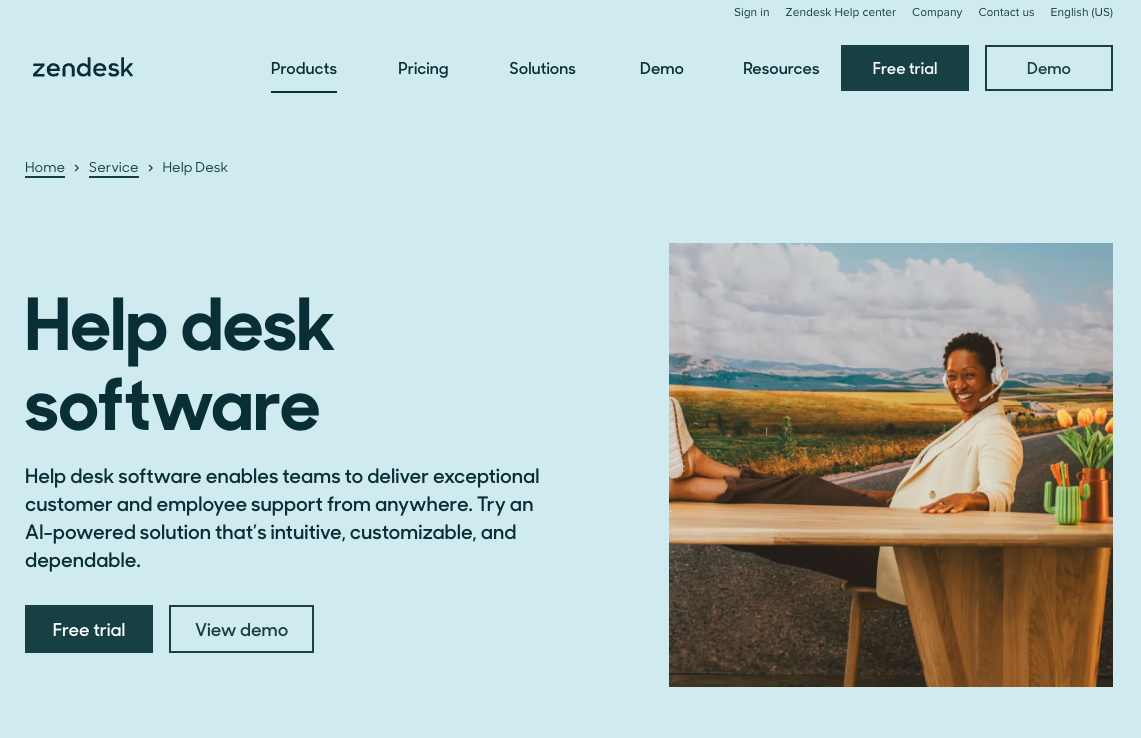 Zendesk pricing begins at $55 per agent per month (Suite Team, billed annually). There's no permanent free plan and the seat cost adds up, but for enterprise buyers who need scale, it's the safe pick.
Best for: enterprises needing scale.
Watch for: cost and complexity for small teams.
4. Zoho Desk — the value play
Zoho Desk delivers serious help desk capability at a price that's hard to argue with, especially if you live in the Zoho ecosystem. You get ticketing, a customer portal, self service options, and Zia, Zoho's AI for ticket assignment and sentiment. The user interface is clean, and its Blueprint builder maps multi-stage workflows visually.
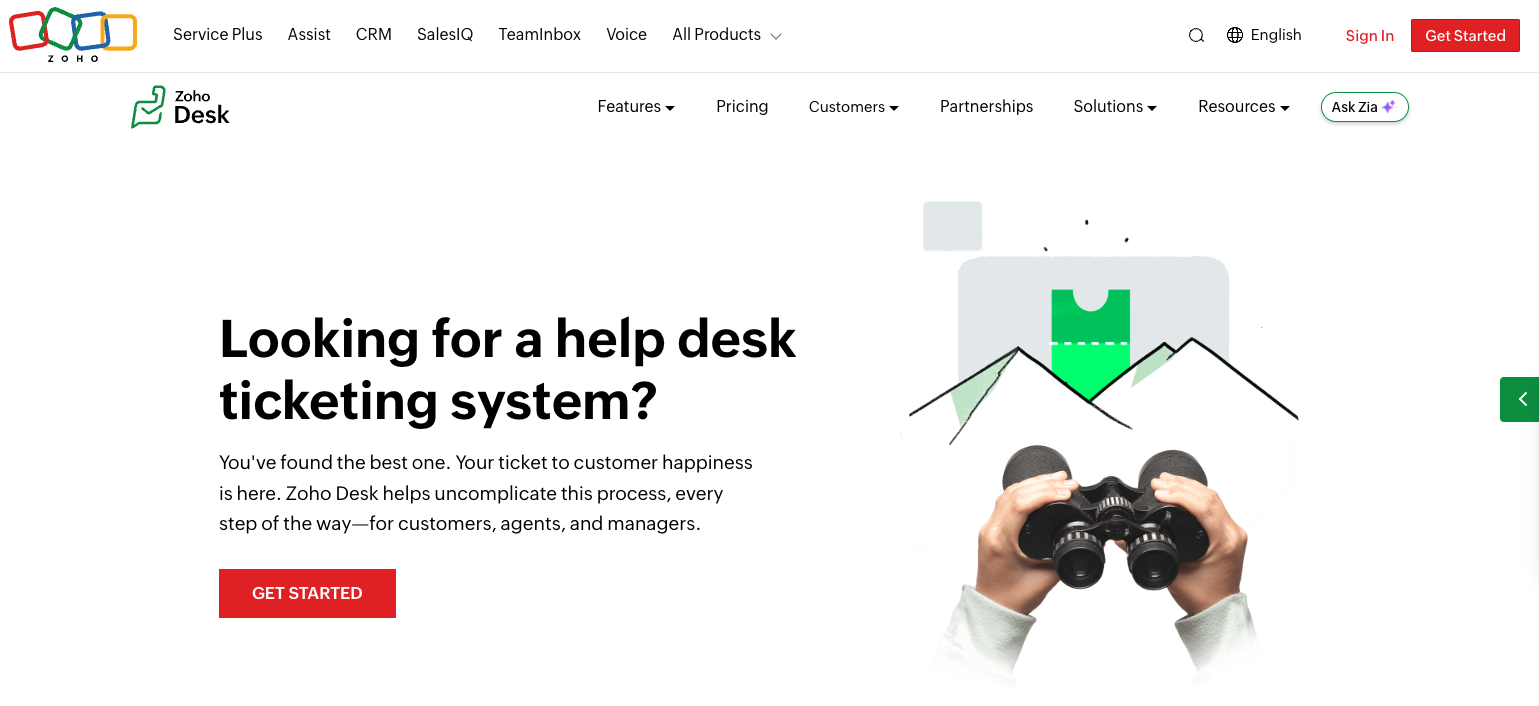 Zoho Desk offers plans starting at $14 per agent per month, with a free-forever plan for up to 3 agents. For value per dollar, few help desk tools beat it.
Best for: value-conscious teams and Zoho users.
Watch for: best experience assumes you buy into the wider Zoho suite.
5. HubSpot Service Hub — CRM-native support
For teams that want support glued to sales and marketing, HubSpot Service Hub is the obvious help desk solution. Because it sits on HubSpot's CRM, every ticket carries full customer data, and the same platform runs your marketing tools. That makes it powerful business software for revenue-minded teams.
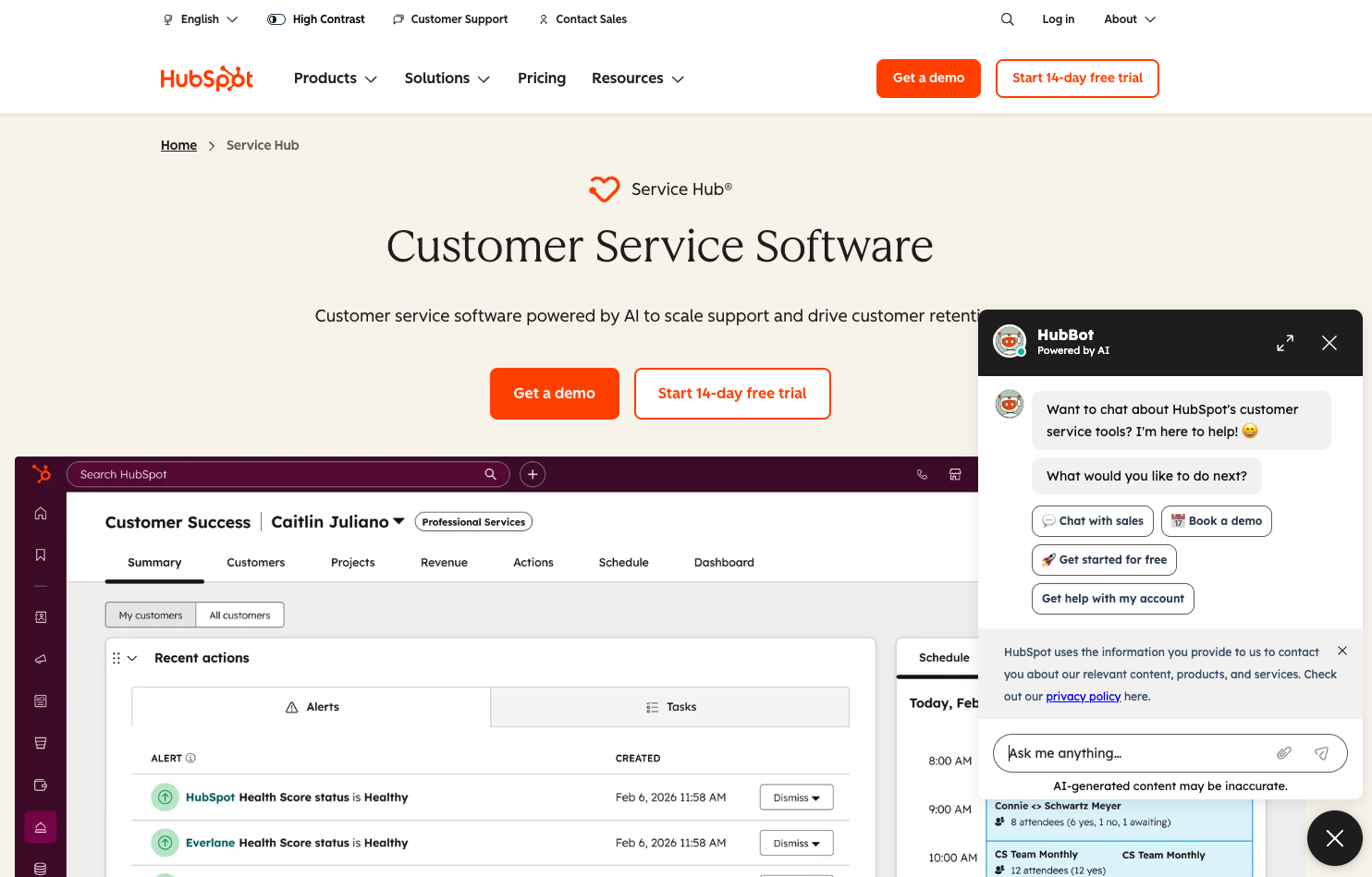 It starts at $15 per seat per month list price (promotional rates as low as $9 sometimes apply for new customers), with a free-forever plan for up to 2 users. Ticket management, a knowledge base, and automation features scale as you move up the paid plans.
Best for: teams that want customer support and CRM in one.
Watch for: costs climb as you add HubSpot's other hubs.
6. Help Scout — human support, email-first
Help Scout is built for teams that want support to feel personal, not robotic. Its shared inbox reads like email, so there's almost no learning curve, and the intuitive interface keeps small teams fast. You still get a knowledge base, workflows, and reporting.
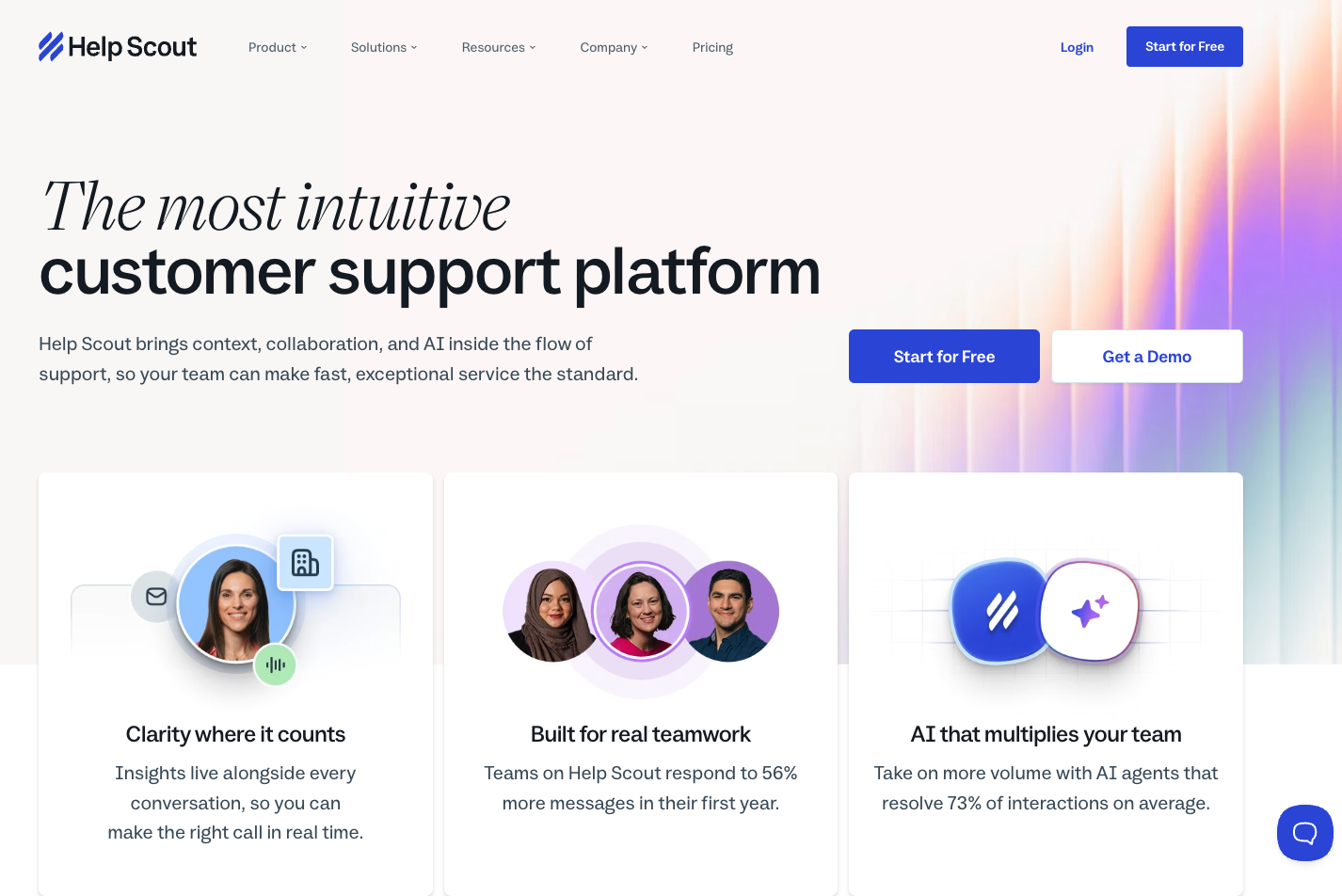 Help Scout's pricing begins at $25 per user per month (Standard). A free plan is available for up to 5 users and 1 inbox, and free trials let you test paid tiers before committing.
Best for: small teams and mid sized businesses that prize a human tone.
Watch for: lighter on heavy ITSM and asset management features.
7. Jira Service Management — ITSM done right
Jira Service Management (formerly Jira Service Desk) is Atlassian's answer to IT service management, and few tools match it for engineering-led IT teams. Its edge is proximity to code: tickets link straight to Jira issues and sprints, so incident management, change management, and release management share one backlog with the developers who fix them. If your developers already live in Jira, the seamless integration is a real advantage.
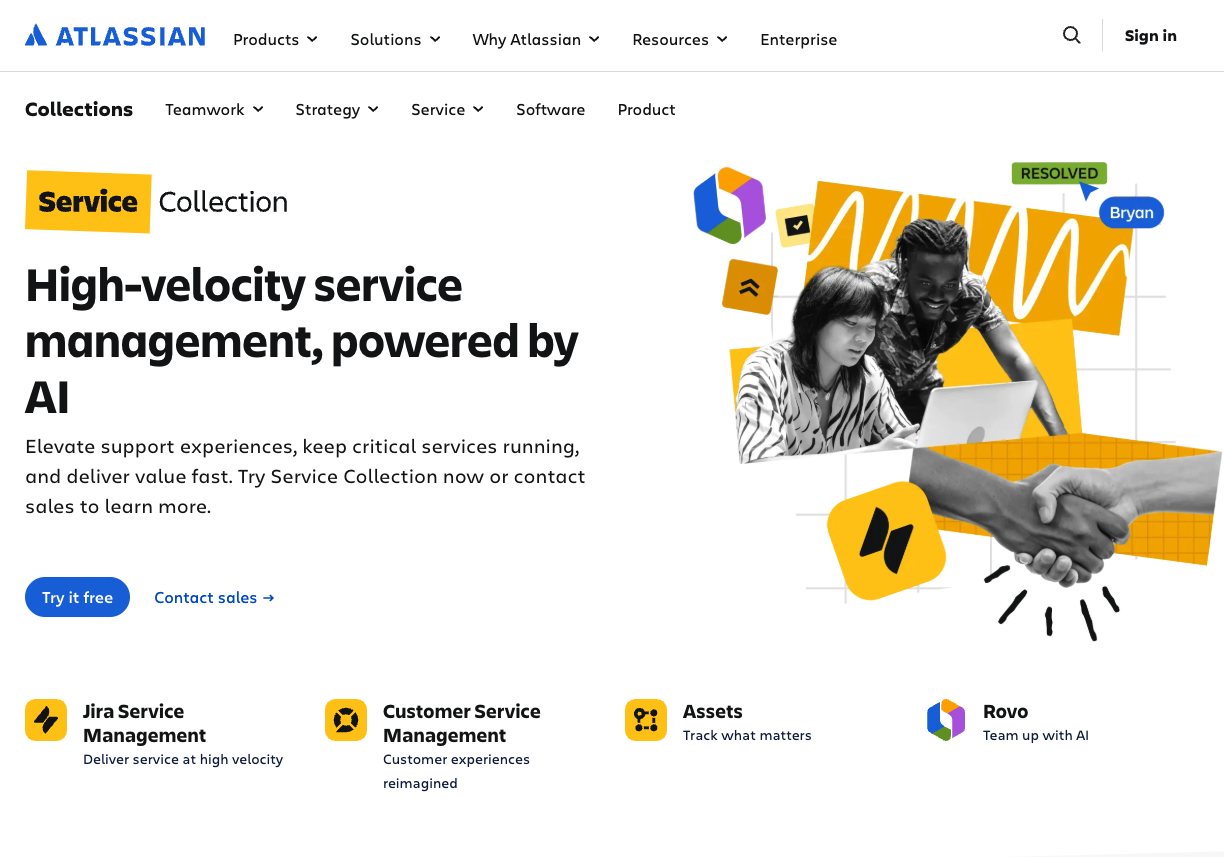 Jira Service Management brings request queues, a self service portal, and asset management into one platform. The old Jira Service Desk name still floats around, but the platform is now firmly ITSM-grade. Jira service pricing starts around $20 per agent per month (Standard, billed annually), with a free plan for up to 3 agents.
Best for: IT teams and dev-adjacent service management.
Watch for: setup depth — Jira service power comes with a learning curve.
8. SolarWinds Service Desk — mid-market ITSM
SolarWinds Service Desk is built around something rivals bolt on later: a native CMDB. Every ticket links to the asset it concerns, and asset lifecycle management tracks each device from purchase to retirement. AI-driven categorization and smart routing use that context to reach the right technician.
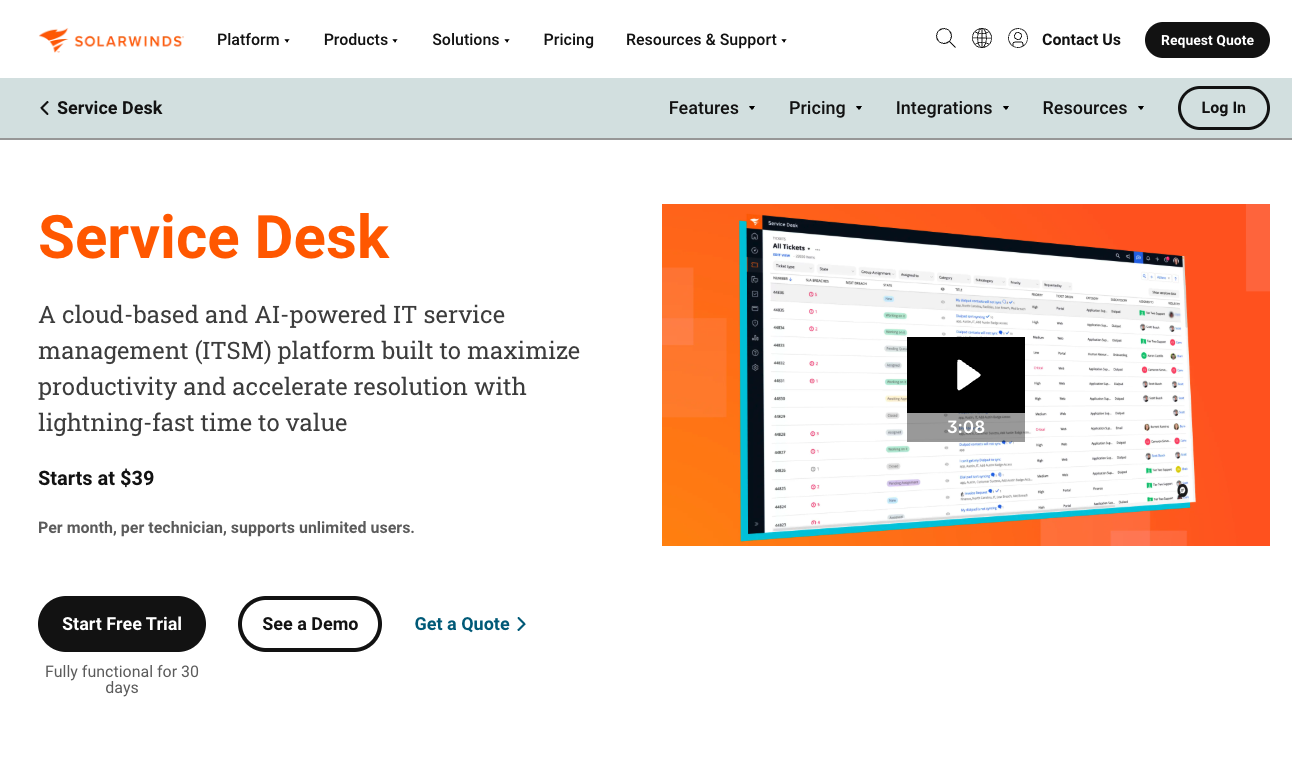 It leans into service management fundamentals without Jira's complexity. Pricing starts at $39 per technician per month (Essentials), scaling to $79-$99 for higher tiers; Enterprise is custom-quoted.
Best for: mid-market IT teams wanting ITSM plus assets.
Watch for: fewer customer-support-facing features than a classic help desk.
9. ManageEngine ServiceDesk Plus — flexible deployment
ManageEngine ServiceDesk Plus earns its place on one capability few cloud rivals offer: you can run it on your own servers. That on-prem option makes it the pick for banks, hospitals, and anyone whose data security rules forbid the cloud. Underneath sits full ITSM: change management, a service catalog, and deep asset management for internal IT.
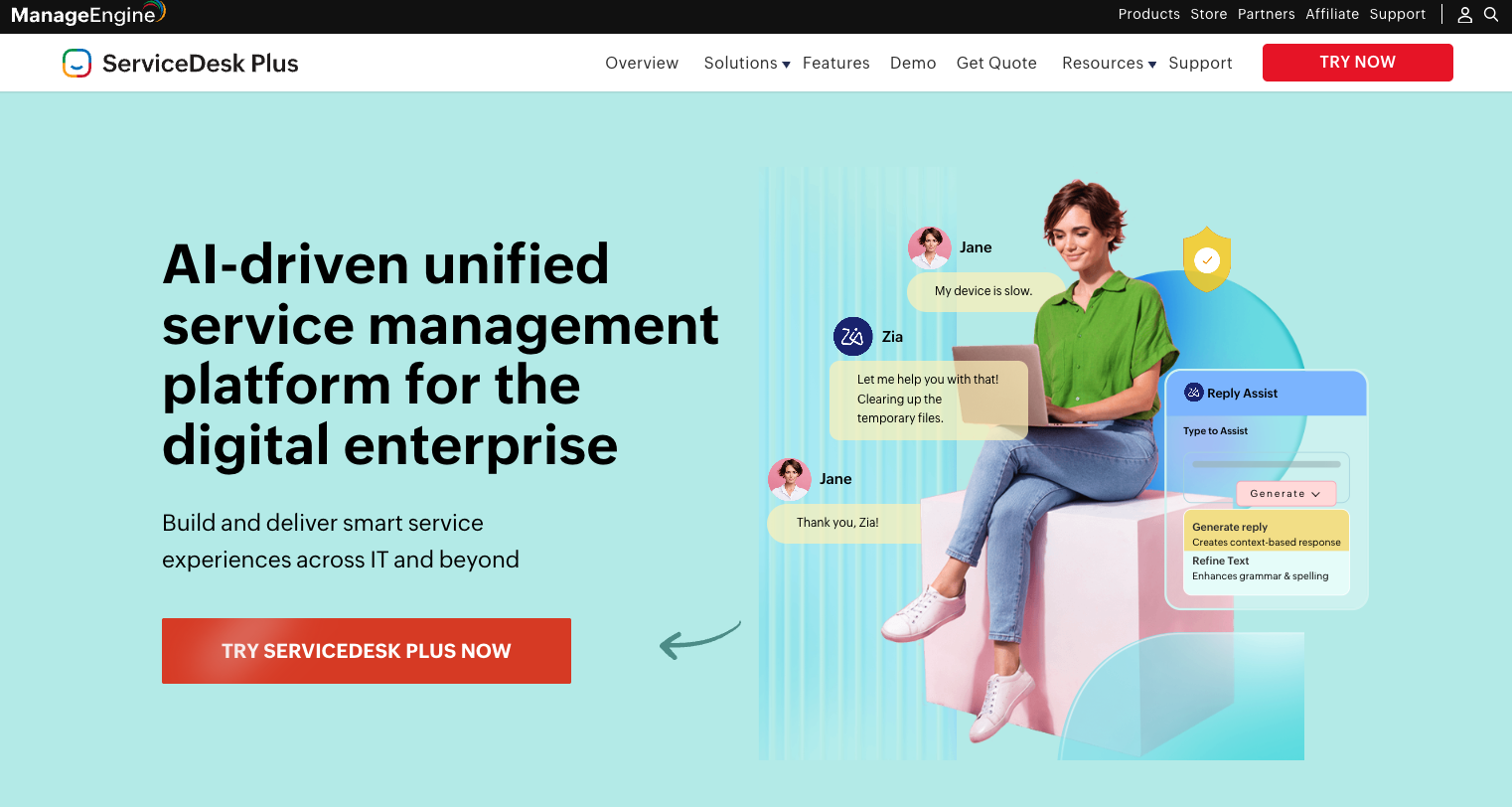 Pricing starts at $13 per technician per month (Standard), with a free edition for up to 5 technicians. Asset management tracks lifecycle of IT hardware and software from requisition through disposal.
Best for: IT teams needing on-prem control.
Watch for: the interface feels dated next to newer desk platforms.
10. Freshservice — IT service management, simplified
Freshservice is Freshworks' ITSM sibling to Freshdesk, and its pitch is speed to value. A no-code workflow builder and Freddy AI let a lean team stand up incident management, change management, and asset management in days, not months. The AI features help IT teams automate repetitive tasks fast.
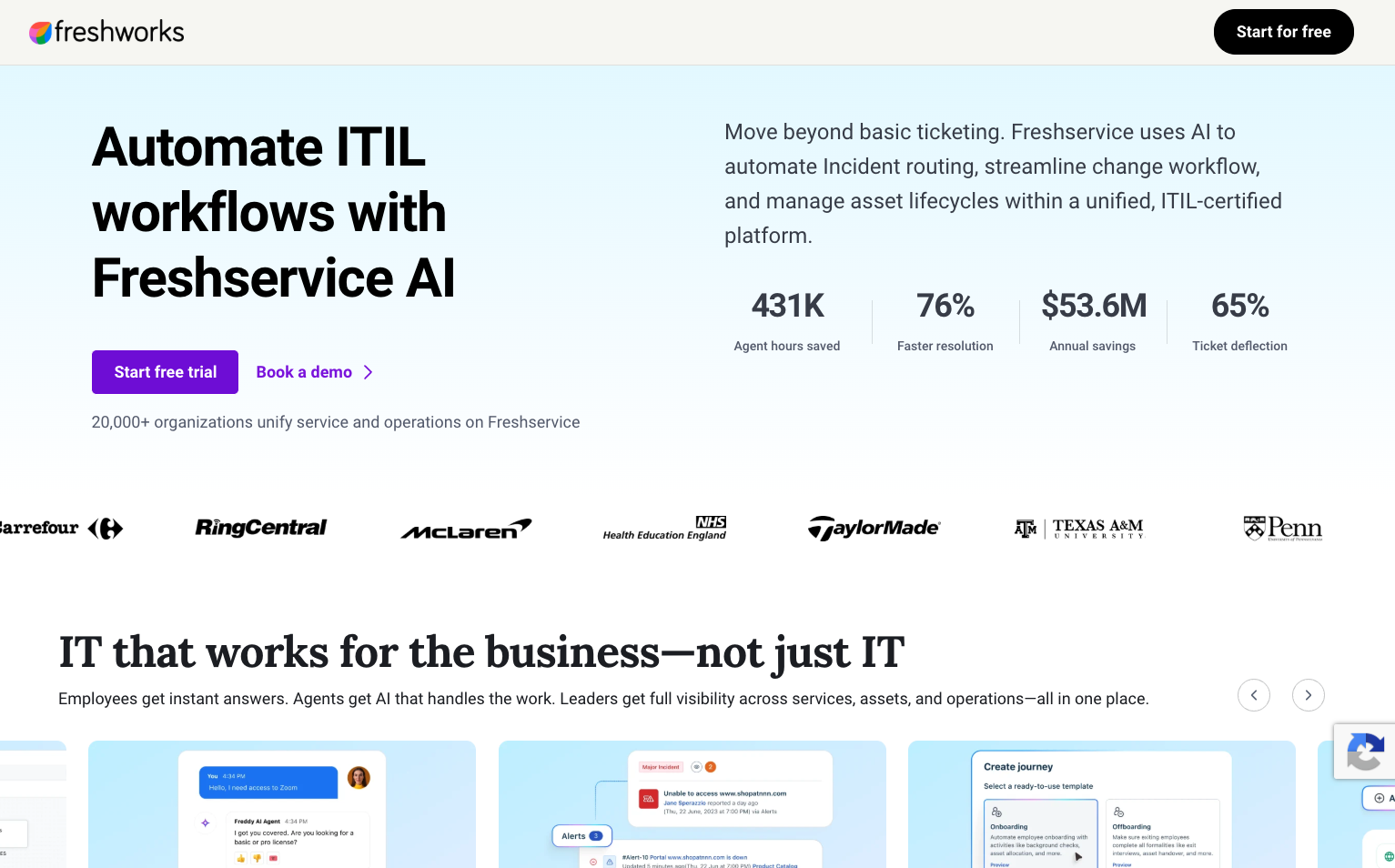 Freshservice offers a 14-day free trial (no permanent free plan); paid plans start at $19 per agent per month and scale by tier.
Best for: IT teams that want ITSM without ServiceNow-level overhead.
Watch for: heavy customization needs may push you toward larger platforms.
Key features to look for in a help desk solution
Help desk solutions bundle far more ticket management features than most teams use. Weigh these against each other.
Ticketing and ticket management
At the core, help desk software converts requests into trackable tickets. Strong ticket management means clear ownership, status, priority, and history on every issue. The best platforms automate routing and prioritization, so assignment follows rules you set once instead of a person triaging every request by hand.
Multi-channel and omnichannel support
Multi-channel support integrates email, chat, and social media communications. Omnichannel support goes further, keeping context intact as a customer moves between channels.
Automation and workflows
Automation streamlines that same routing and prioritization work, cutting the manual load on support teams and freeing agents for conversations that actually need a human. Well-built automation rules are quietly the highest-ROI feature in any help desk platform.
Knowledge base and self service
A knowledge base gives customers ready answers they can find independently, any time, without waiting on an agent — which shows up directly in faster response times. Pair it with a self-service portal and a customer portal, and you deflect a big slice of repeatable tickets. Management should stay simple enough that agents actually keep articles fresh.
Reporting, SLAs, and analytics
Modern help desk solutions offer robust reporting and analytics. SLA tracking monitors response and resolution times, while customer support analytics measure performance and satisfaction. Watch ticket volume trends to staff correctly and protect service quality.
Integrations
Help desk tools connect with project management software, email platforms, and — for most platforms — asset management systems too. The software is only as useful as the data it can reach, so check integrations against your stack before you buy.
How AI is changing help desk software
This is the fastest-moving part of the category, and the gap between AI-native tools and legacy desks widens every quarter.
What AI actually does now
AI cuts down repetitive manual work and streamlines how requests get handled. In practice:
AI chatbots respond to support requests 24/7, so customers get answers overnight.
AI routes tickets automatically based on issue type and agent availability.
AI-driven summarization condenses long conversations into quick overviews.
AI assists agents with context-aware response suggestions in real time.
AI tools can generate knowledge base articles automatically from resolved tickets.
The gains compound as automation handles more of the routine load — the Forrester research cited above found this can mean a large share of inquiries never need a human at all.
AI as a revenue lever
Proactive, AI-powered engagement doesn't just improve support outcomes — it can lift revenue by catching the question that lands right before a purchase. My question was a buying signal wearing a support ticket's clothes. When AI reads intent, it flags that customer for someone who can sell. That's the reframe Text is built around.
Benefits of using help desk software
If you're still building the business case, here's the shortlist.
Faster resolution. Forrester found AI-assisted support automatically resolving up to 35% of inquiries without agent involvement, cutting overall wait times.
Less busywork. Automation and AI enhance help desk efficiency, cutting the repetitive tasks that burn agents out.
Happier customers. That same self-service lift shows up in loyalty, not just deflected tickets — and faster response times keep people coming back.
Better decisions. Reporting turns raw ticket volume into patterns you can act on.
Scale without chaos. A single system holds up as tickets, channels, and multiple departments multiply.
Common help desk software challenges
No desk platform is perfect; even the best help desk solution has trade-offs. The usual snags:
Poor integration with legacy tools can strand customer data — check the integrations before you buy.
Over-automation frustrates customers when rules replace judgment; keep a human path open.
Adoption drag if the user interface is clunky; an intuitive interface pays for itself.
Cost creep as free plans give way to paid plans and seats add up.
The bottom line
The best help desk software isn't the one with the longest feature list. It's the one that fits how your team works and where it's headed. If you're running IT, weigh Jira Service Management or SolarWinds Service Desk for their depth in ITSM. If you're serving customers, Freshdesk, Zendesk, Zoho Desk, and HubSpot each earn their spot.
But if you're done treating support as a cost center, look harder at Text. Great service sells. When your desk platform reads every conversation for intent and flags the moments that move revenue, customer support stops draining the P&L and starts feeding it.
I did buy the bike eventually, from a different store. The first one still shows a ticket resolved inside SLA. So shortlist three, run free trials, route one real pre-purchase question through each, and pick the help desk solution that treats it like a sale.
Frequently asked questions
What is the best helpdesk software?
There's no single winner. The best help desk software depends on your team. For revenue-minded support, Text leads; for scaling teams, Freshdesk; for enterprise scale, Zendesk; for value, Zoho. Match the tool to your channels, budget, and whether you're doing customer support or IT service management.
What software is used in help desks?
Help desks run on dedicated desk software like Text, Freshdesk, Zendesk, Zoho, and HubSpot, plus ITSM platforms like Jira Service Management. Most pair these helpdesk tools with a knowledge base, a CRM, and automation to handle ticket management end to end.
Is there a free online ticketing system?
Yes. Zoho Desk, HubSpot Service Hub, and Jira Service Management all offer a genuine free-forever plan for small teams (Freshdesk's free tier is capped at six months). Nearly every paid ticketing system also offers free trials, so you can test the full feature set first.
Does Microsoft have a help desk ticketing system?
Microsoft doesn't sell a standalone help desk, but it delivers ticketing through Dynamics 365 Customer Service and apps built on Microsoft Teams and Power Platform. For a dedicated tool, though, a purpose-built desk solution usually wins.
What is 24-7 technical support?
24/7 technical support means help is available every hour of every day. Modern desk platforms deliver it with a mix of AI and humans: AI chatbots handle routine issues around the clock, while urgent cases escalate to on-call agents. A knowledge base provides immediate assistance to users anytime, too.
Is AI replacing IT's help desk?
No. It's reshaping it. AI automation helps reduce repetitive manual support work and handles tier-one tickets, but complex incidents and judgment calls still need people. The realistic picture is hybrid: AI takes volume off IT teams, and humans focus on the high-value problems.